

What's new at Envoy: October 2026 product releases



An emergency rarely stays inside one building. A storm warning, a protest, or criminal activity nearby can affect several sites at once. The people responsible for safety have to answer three questions fast: what is affected, who is there, and have they been told?
Employees feel the gap. In Envoy's July 2026 survey of 1,000 U.S. workers, 74% said they have avoided going to work because of a threat, and only 40% said they hear about disruptions from official employer or HR communication.
Envoy Response is built for these moments, and these October 2026 product updates improve how you scale emergency readiness across your footprint.
Global settings, local preparedness
Global admins can standardize Response settings for every location from the Global overview, while location admins keep control of their own sites.
- Set location-specific emergency notification settings from the Global overview: Select locations one at a time, by location group or all at once. This closes gaps before an incident: a location needs emergency notifications turned on before its admins can use two-way chat, safe and need-help responses, and roll call, and employees need a phone number in their profile to receive SMS alerts.
Learn more about global settings for emergency notifications →
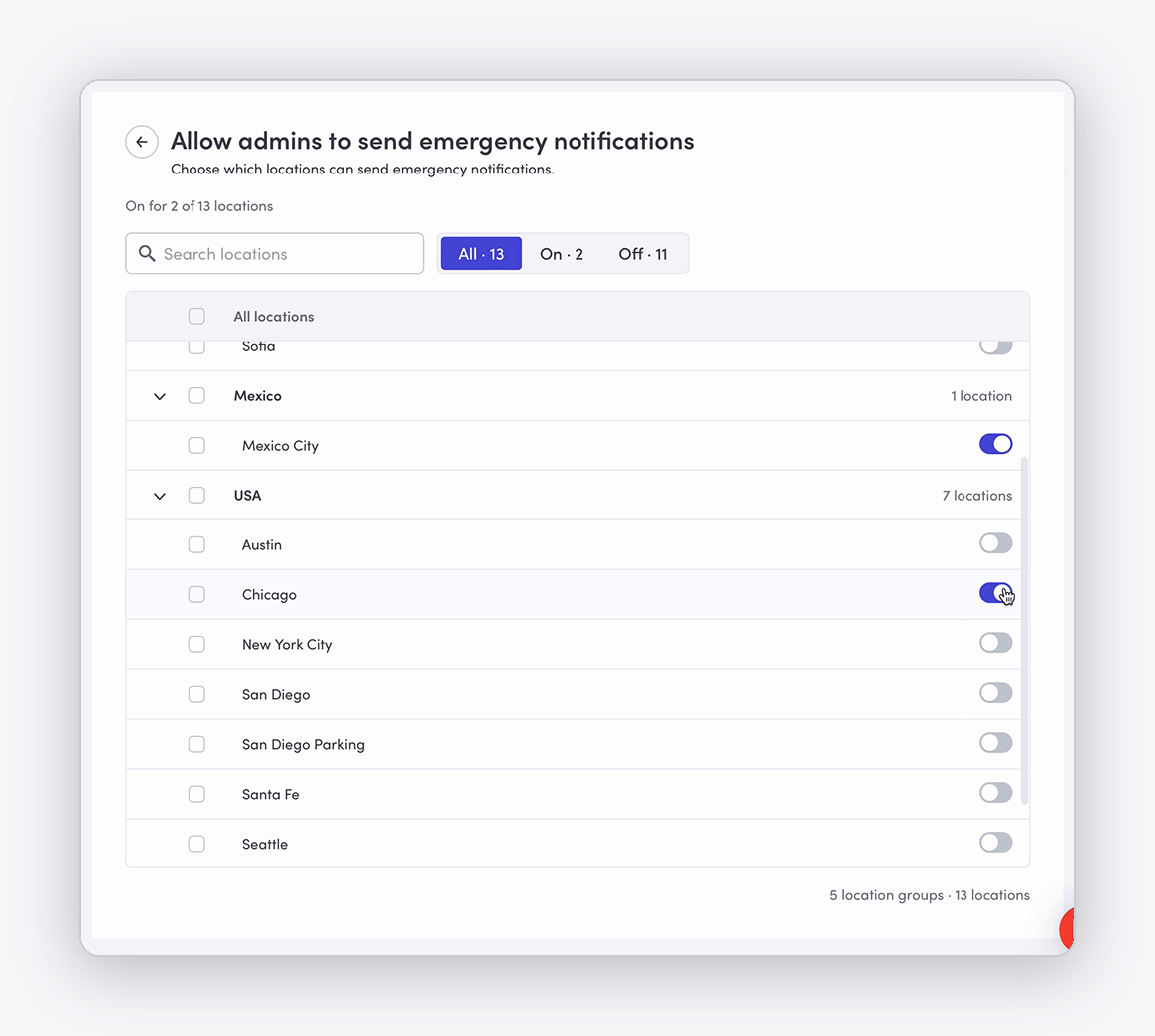
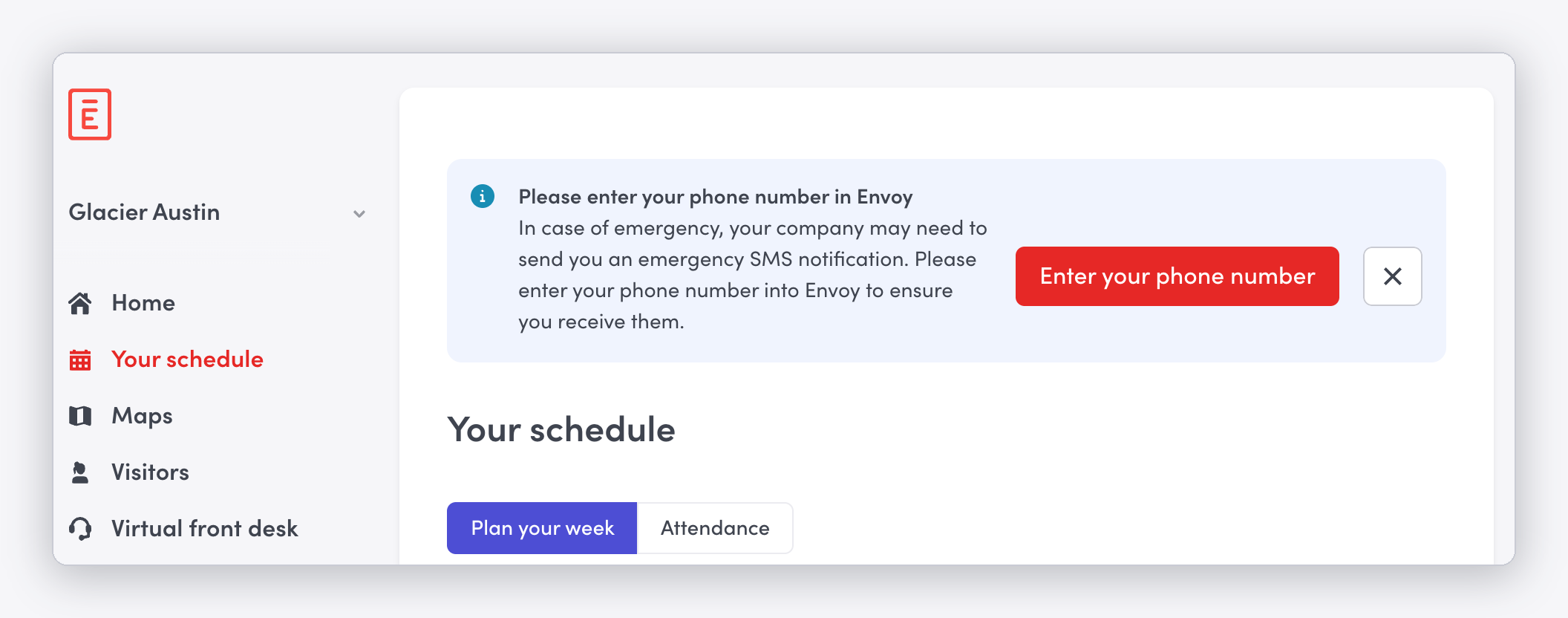
- Manage employee phone number collection: Employees need a phone number in their Envoy profile to receive SMS emergency notifications. Admins can prompt employees to add a phone number, for many locations at once from Global overview. When this setting is on, employees without a phone number see a banner on the dashboard and the mobile app homepage prompting them to add one. Each setting shows how many locations it is on for, so you can see where coverage is missing.
Learn more about how to prompt employees to enter their phone numbers →
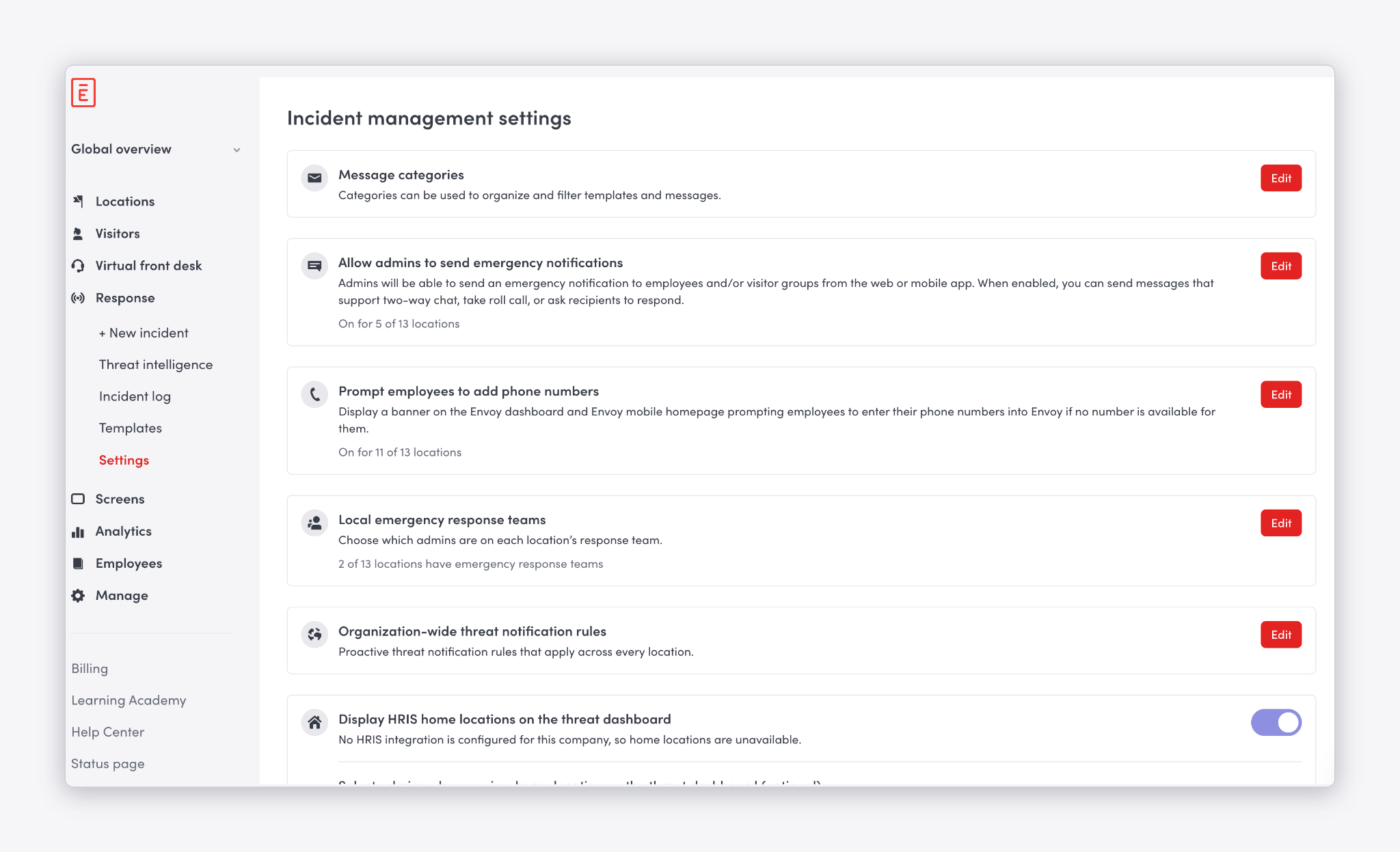
- Assign local emergency response team members to multiple locations:
Admins can set emergency response team (ERT) members by location, all from the centralized Global overview. That way the right people are kept informed and emergency response stays local: two-way replies and requests for help go to the people closest to the incident, not to every admin in the organization.
Learn more about setting emergency response teams →
{{protip-1}}
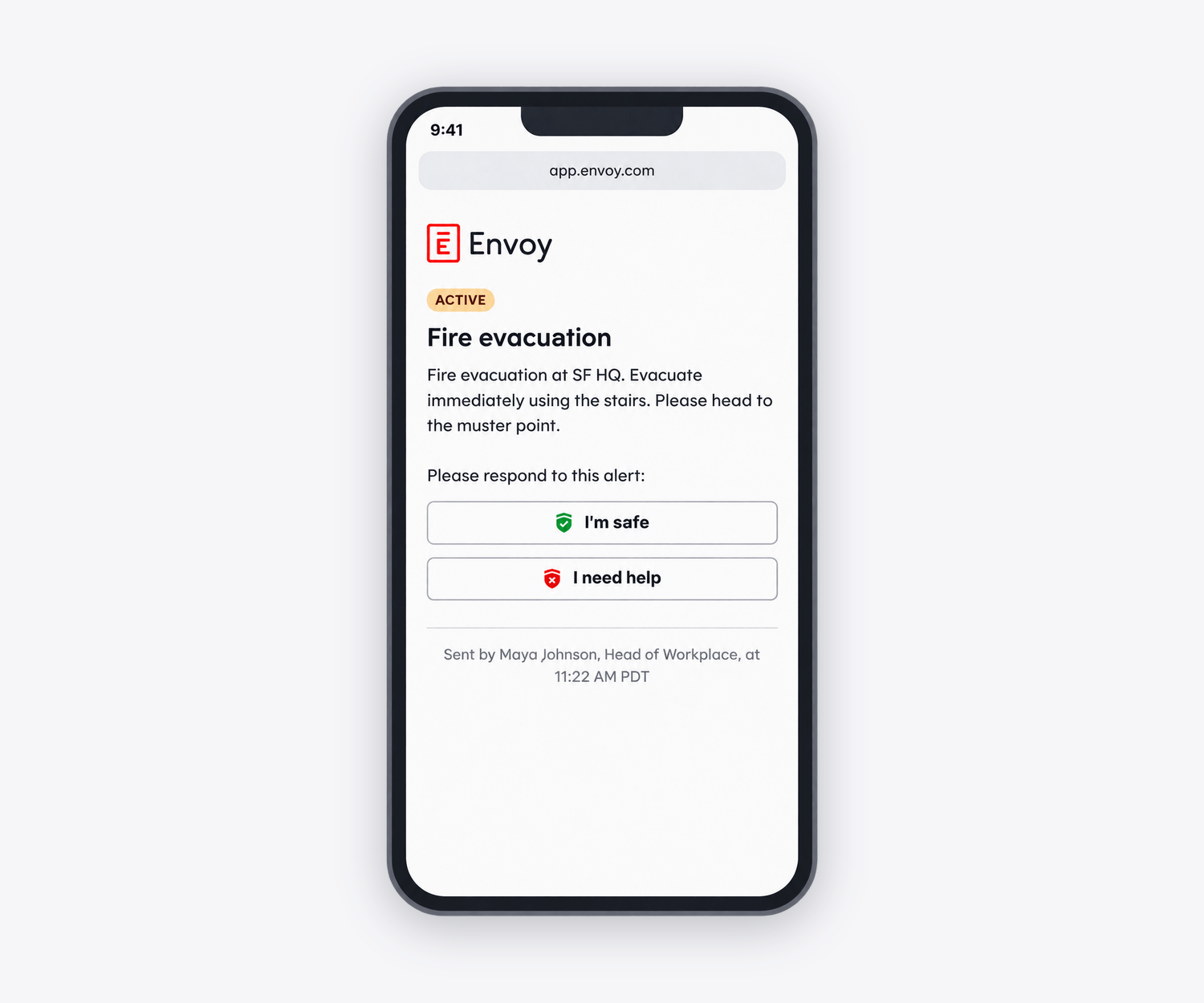
- Timestamps on emergency notifications: Recipients can clearly see when an emergency notification was sent so that directions are up to date. This UI update applies across all channels through which emergency notifications can be sent: SMS, Slack, push, email, and Teams.
Real-world readiness: How one security team used Envoy Response
About 40 minutes before Target Field opened for a Minnesota Twins game this past September, someone opened fire nine blocks away in downtown Minneapolis. Read the Fast Company article about how the Director of Security used Envoy Response to alert roughly 500 employees and 78 others who might be nearby, and sent an all-clear 25 minutes later.
Book a demo to see Envoy Response in action.
Building your ERT teams follows the same approach as our guide to emergency response roles at work: keep the core roles consistent, assign coverage by location or shift, and make sure local teams know what they own and when to escalate to a central response team.
Read more
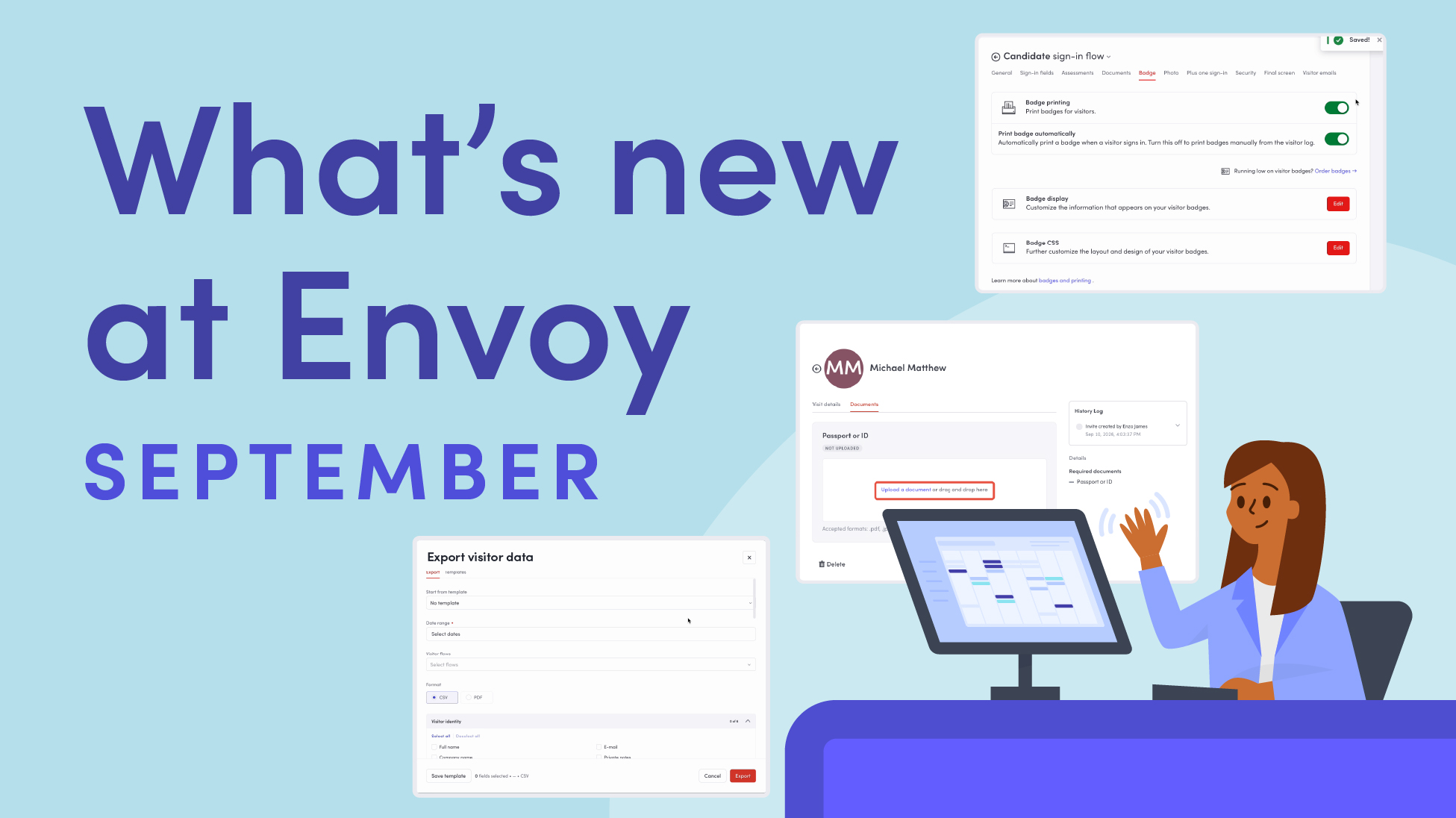
Envoy’s September 2026 releases help teams manage visitors with less manual work, streamline compliance reporting, and keep access systems in sync.
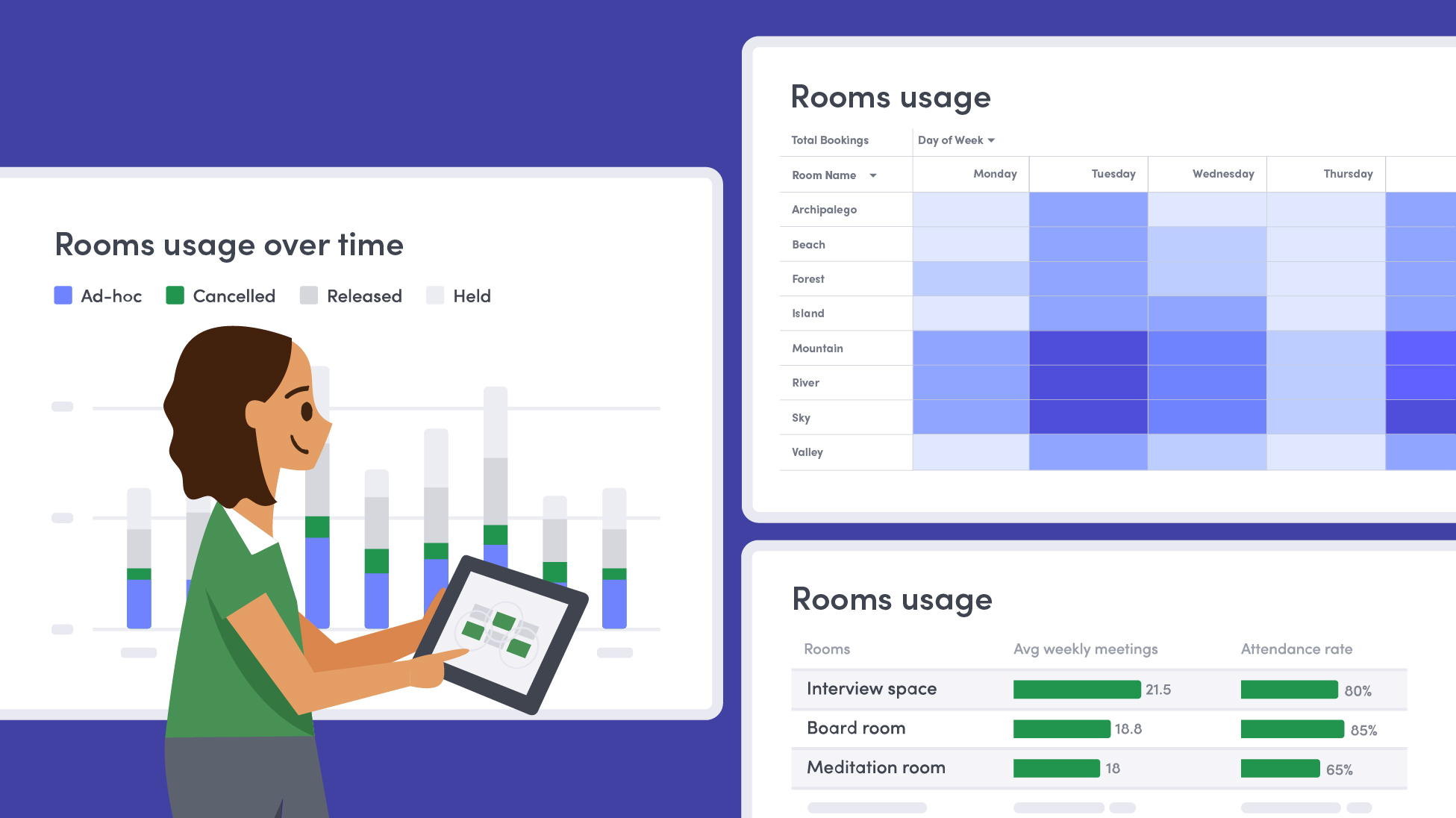
Learn how to measure conference room utilization, occupancy, no-shows, booking density, and more, and use the data to make smarter space decisions.
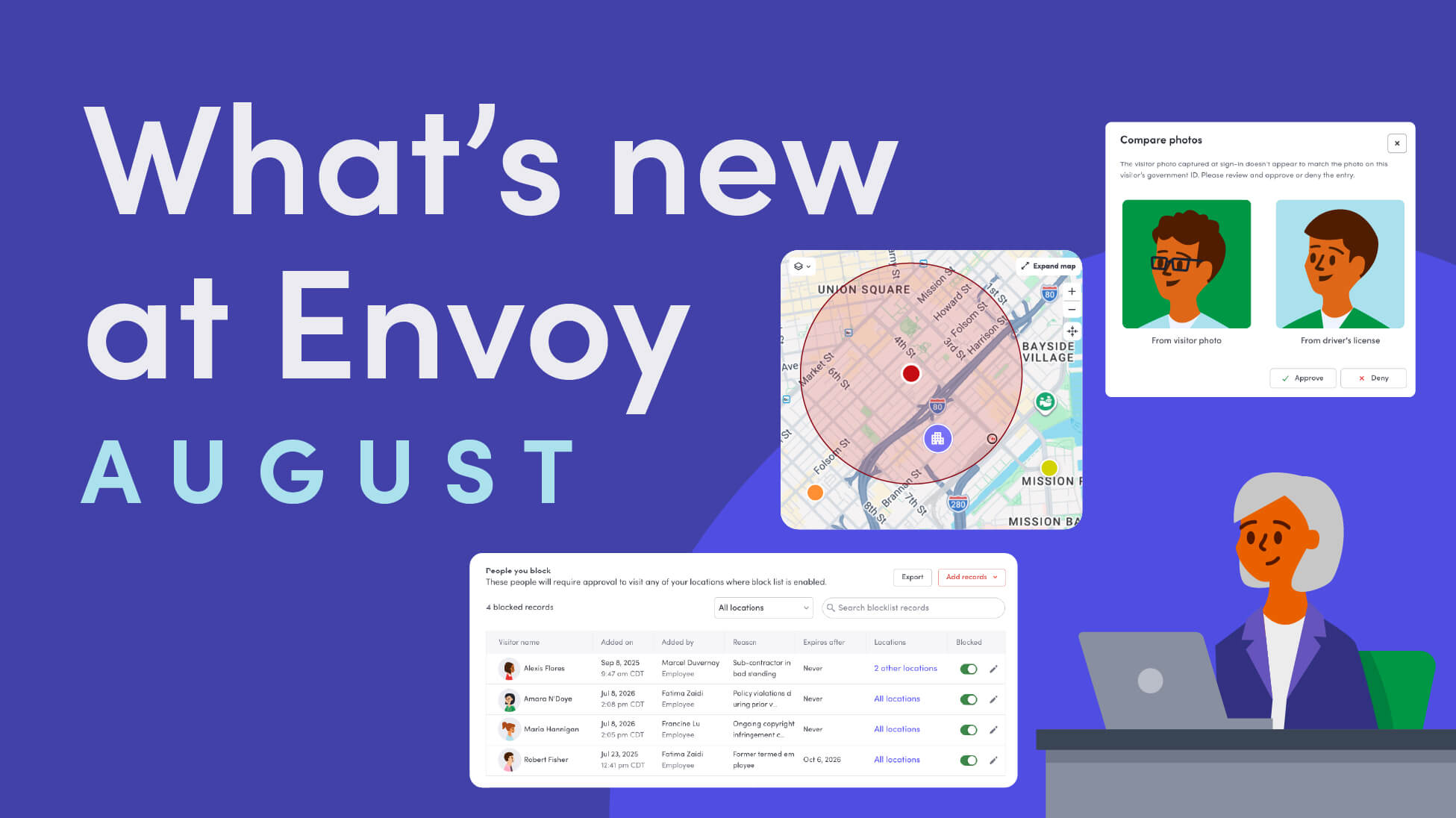
Envoy’s August 2026 releases introduce Envoy Response for emergency management, bringing emergency response into the same platform you already use for visitor and workplace management.

Envoy's July 2026 releases focus on workplace intelligence features like HRIS directory sync, workplace map file exports, and mailroom management improvements through the Developer API.

Envoy data across 300+ U.S. metros reveals the one morning the World Cup actually emptied the office, and it wasn't when you'd think.

Envoy Academy is back with a full refresh. Still free, still on-demand, and organized by role so admins get fluent in Envoy fast.