VISITOR MANAGEMENT FOR LOGISTICS
Prevent fake pickups at the dock door
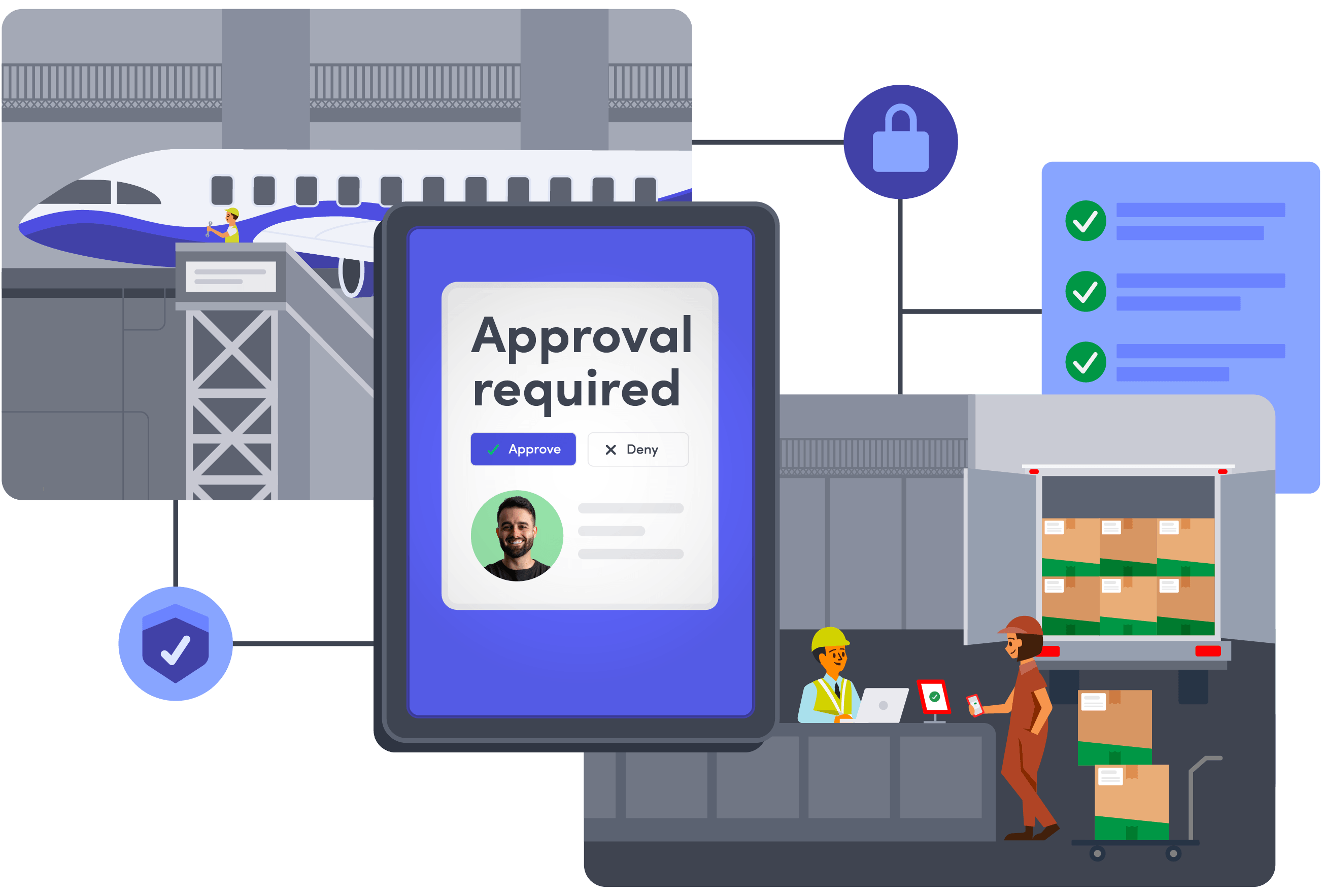
Criminals posing as pickup drivers can turn routine appointments into stolen loads. Envoy verifies driver identity, flags known risks, and requires the right approvals before entry, helping your team catch impersonation attempts before they reach the dock.
Trusted by teams protecting high-value cargo and critical operations







$304M in cargo theft losses in a single quarter
Estimated cargo theft losses across the U.S. and Canada more than doubled year over year in Q2 2026. One global logistics provider felt it firsthand before expanding security protections with Envoy. Unverified drivers drove off with entire trailers, and a single incident cost $50M. Now every driver and contractor shows a government-issued ID at check-in, and one blocklist flag stops a known bad actor at every site.
Source: Verisk CargoNet
Protect your people and freight from unauthorized entry
Give security teams the checks and oversight to catch suspicious arrivals before they reach the dock. Envoy brings identity verification, screening, and approvals into a consistent process across facilities, with visibility into who’s onsite and records of who was cleared to enter.

Verify drivers and flag risks across sites
Check each driver’s ID against their pickup invitation and compare the ID photo with the person at the door. A shared company blocklist flags people barred at other locations, while approval workflows require the sign-offs your policy calls for.

See who’s onsite across facilities
Give security and operations one shared view of checked-in drivers, contractors, and visitors. Pull current logs across locations to review arrivals and support roll call during an incident.

Document decisions for audits and investigations
Keep visitor details, signed documents, approval decisions, and timestamps ready for review. Pull records to support C-TPAT visitor procedures and investigate suspected theft, unauthorized entry, or product tampering.

Reach people when security is at risk
Send targeted alerts across phones and workplace screens during security incidents and other disruptions. Track safety confirmations, follow up with people who need help, and retain a record of notifications and responses.
Connect the controls that protect your people and freight
Control who enters, account for workplace deliveries, and reach people when an incident threatens safety or operations. Envoy connects visitor management with the tools your teams need to support secure operations across your facilities.
Require verified identity before granting entry
Pre-register drivers for pickup appointments, then check their IDs against those invitations at the gate. Visitors Critical matches each driver's face and ID to the pickup invite, flags blocklist matches on name and document number, and requires designated reviewers to approve visits in the order your policy sets. Sensitive visitor information stays restricted by role.
Explore Visitors Critical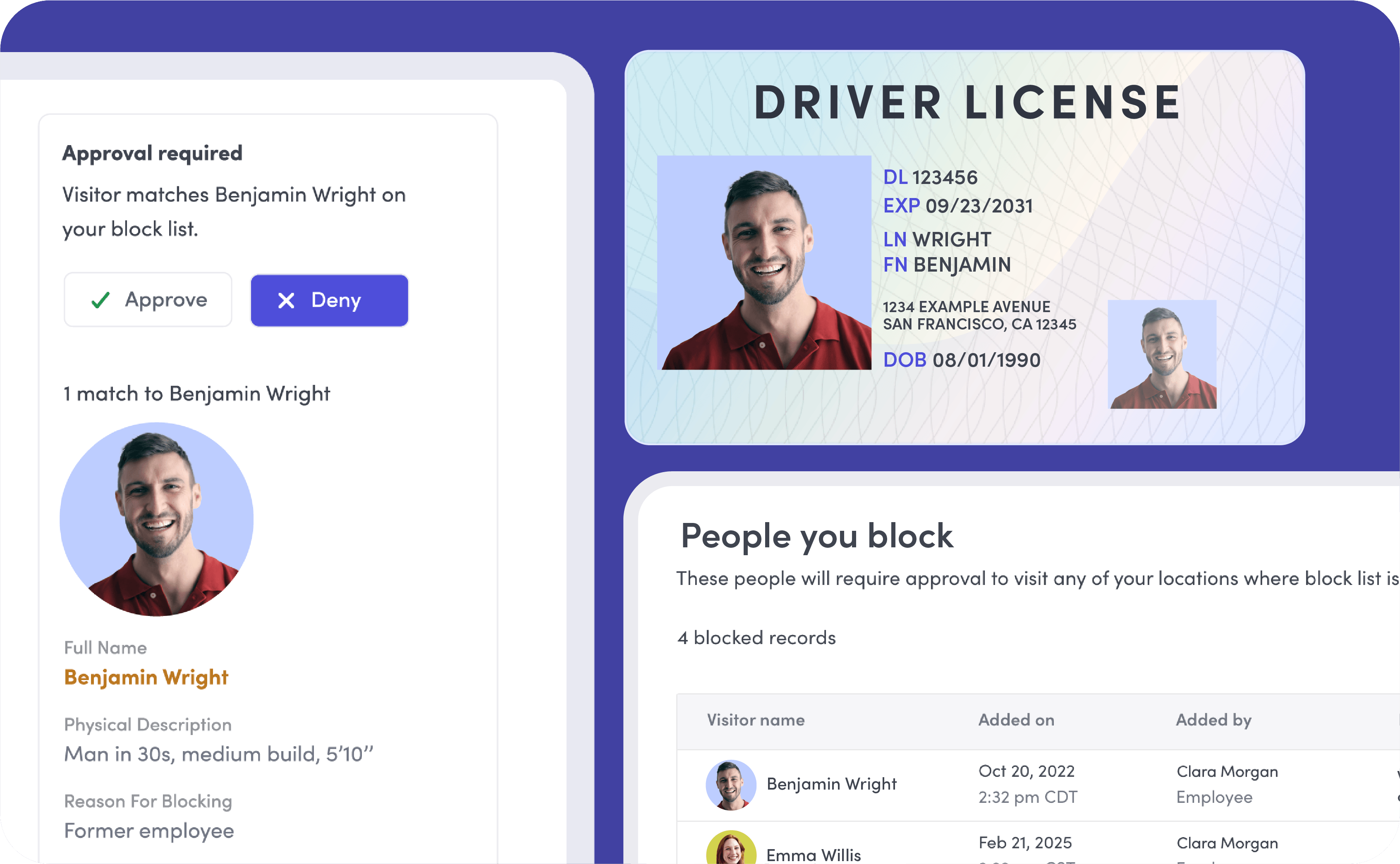
Coordinate the response when security is disrupted
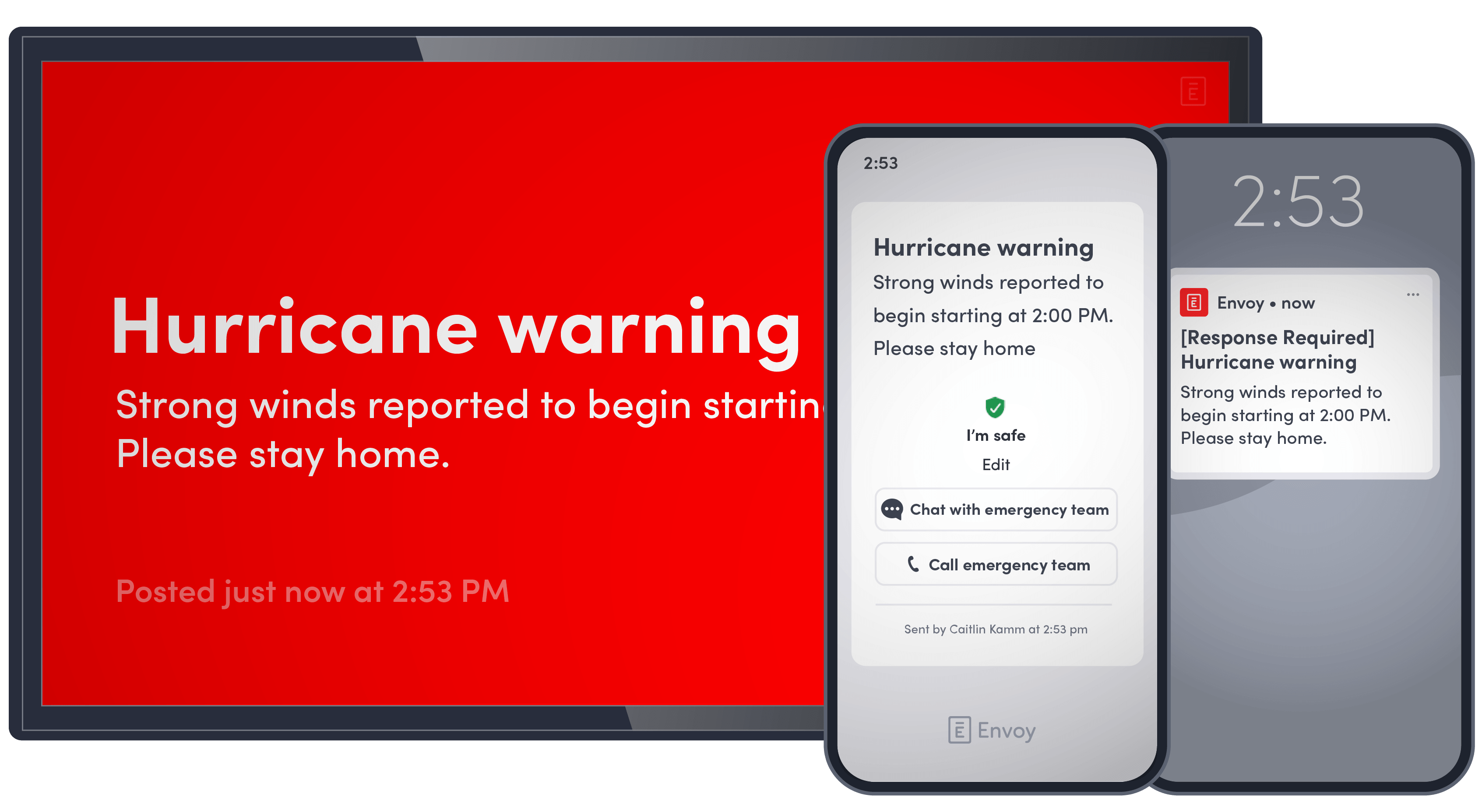
Reach employees, contractors, and visitors with targeted alerts during security incidents, fires, or severe weather. Track safety confirmations and requests for help, coordinate follow-up, and retain a record of the response.
Explore threat detection and responseKnow who collected each workplace package
Log incoming workplace packages, notify recipients, and require a signature or photo at pickup. Give your team a record of arrival and collection to investigate missing packages and resolve handoff questions.
Learn about deliveries
Make security updates and emergency alerts hard to miss
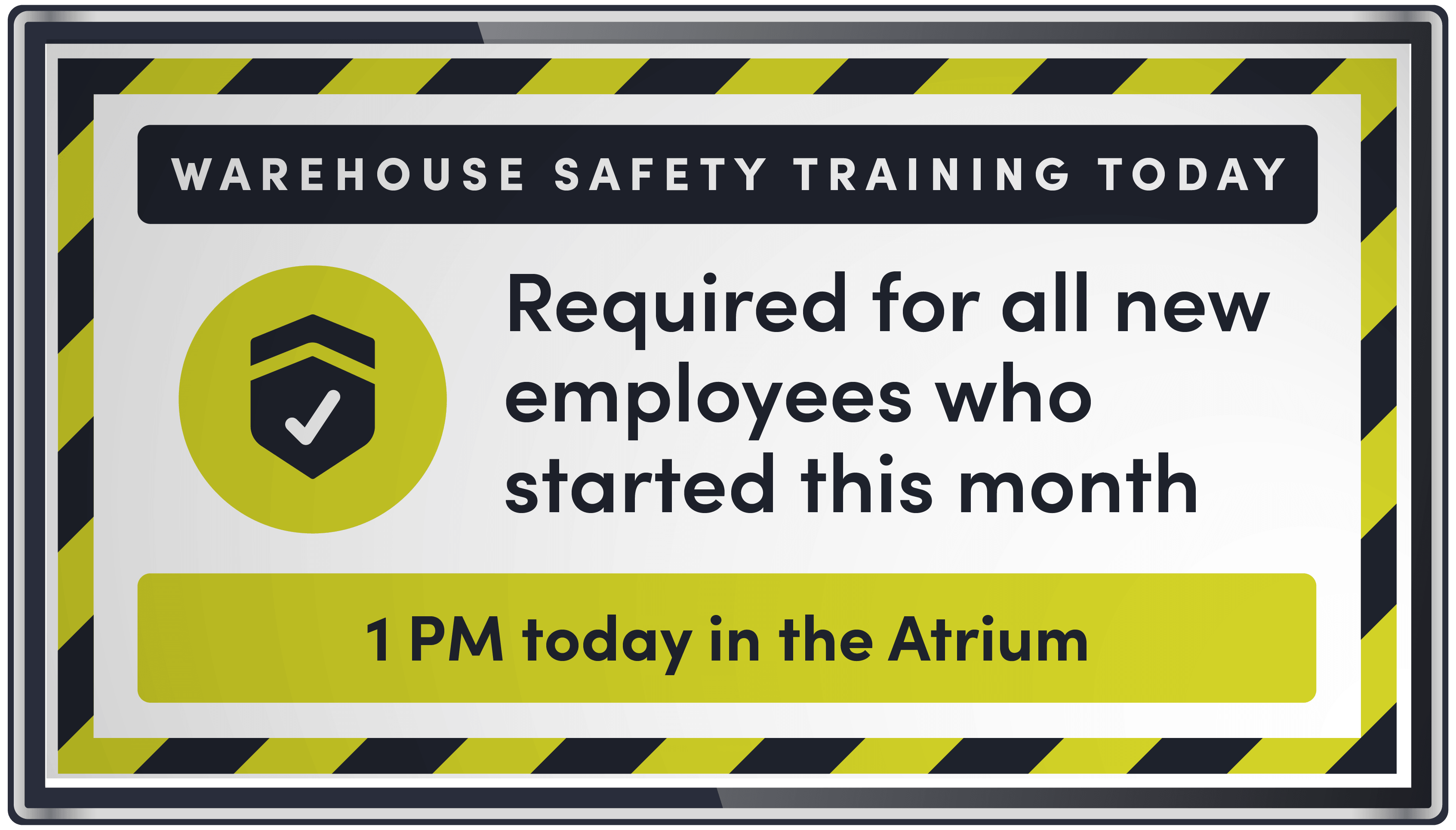
Display safety instructions and security notices in driver waiting areas, reception, and employee spaces. Push emergency alerts to workplace screens to reach people who aren’t checking their phones.
Explore our digital signage software71% of enterprises don’t give contractors a single identity that follows them across all their locations.
With drivers, carriers, and contractors moving between docks and warehouses, a gap at one site becomes a gap at every site. Envoy gives each person one verified identity and one blocklist across your whole network.
Source: The State of Physical Security & Compliance, Envoy 2026
Connect visitor controls to your existing security systems
Connect Envoy with your access control, identity, and communication tools to coordinate visitor credentials, employee information, and arrival alerts across sites.