

DIGITAL SIGNAGE SOFTWARE
Keep your teams connected, safe, and informed
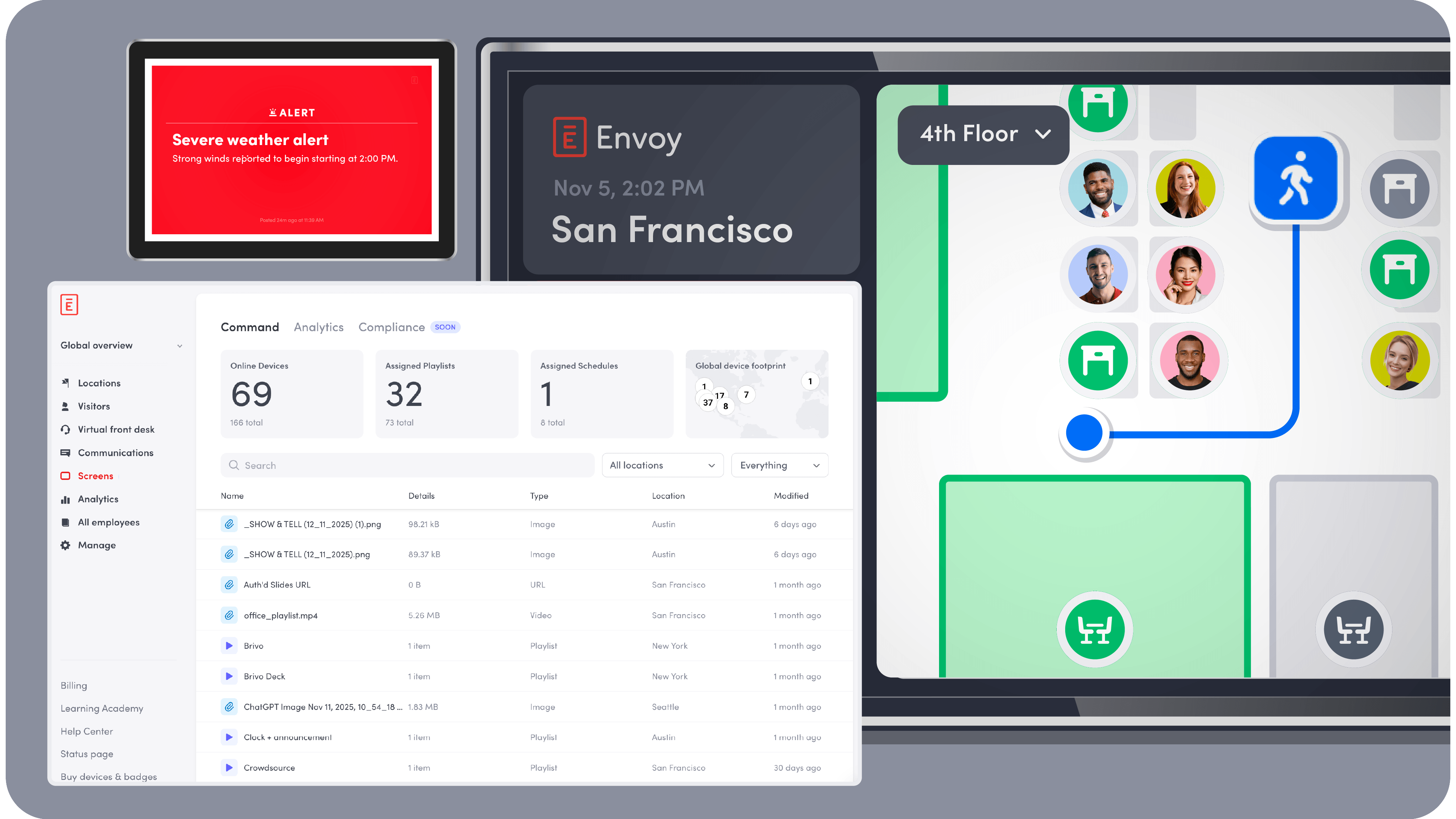
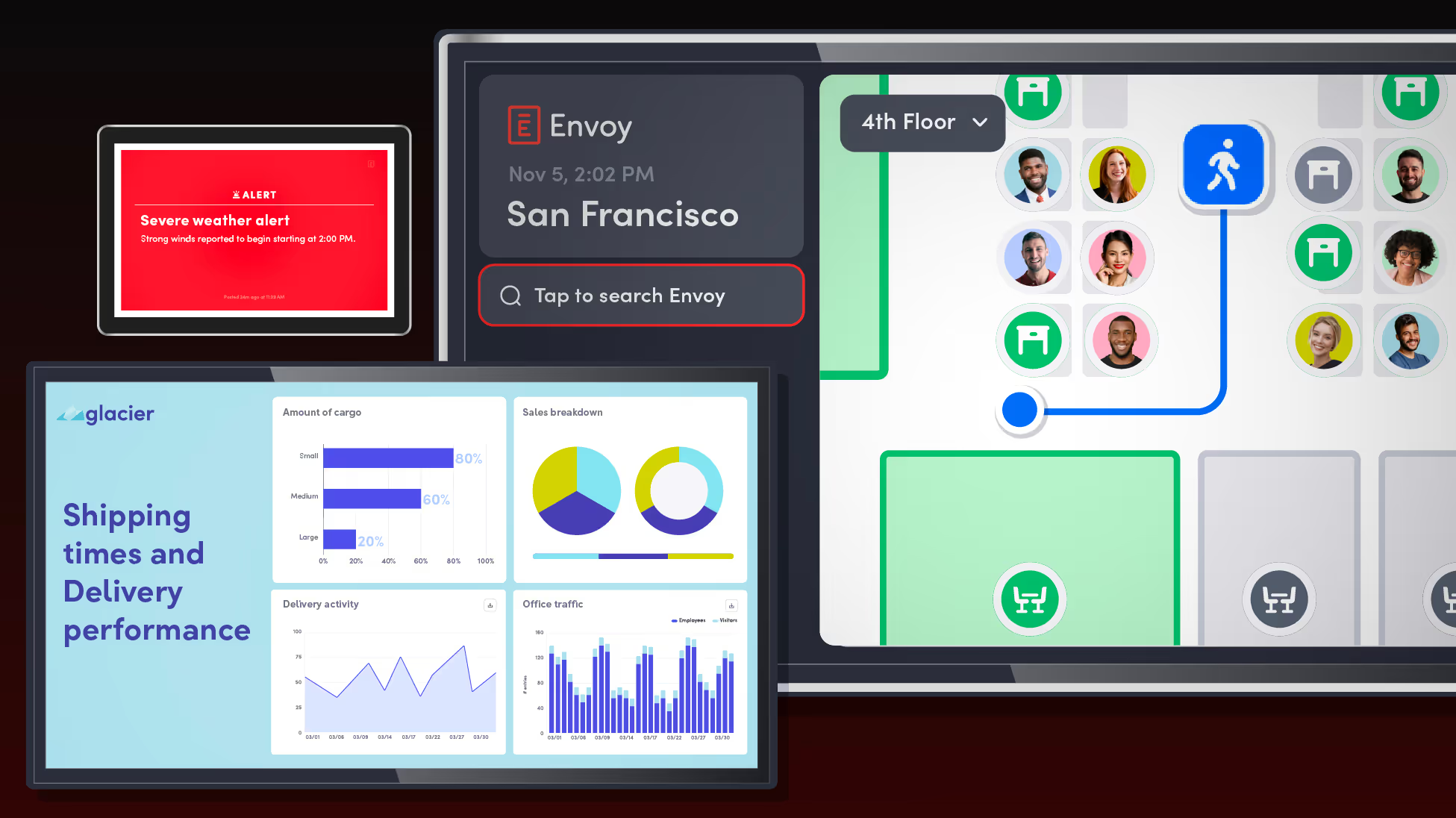
Share updates, alerts, and key information at every location with Envoy’s digital signage solution.












Manage your device network without friction
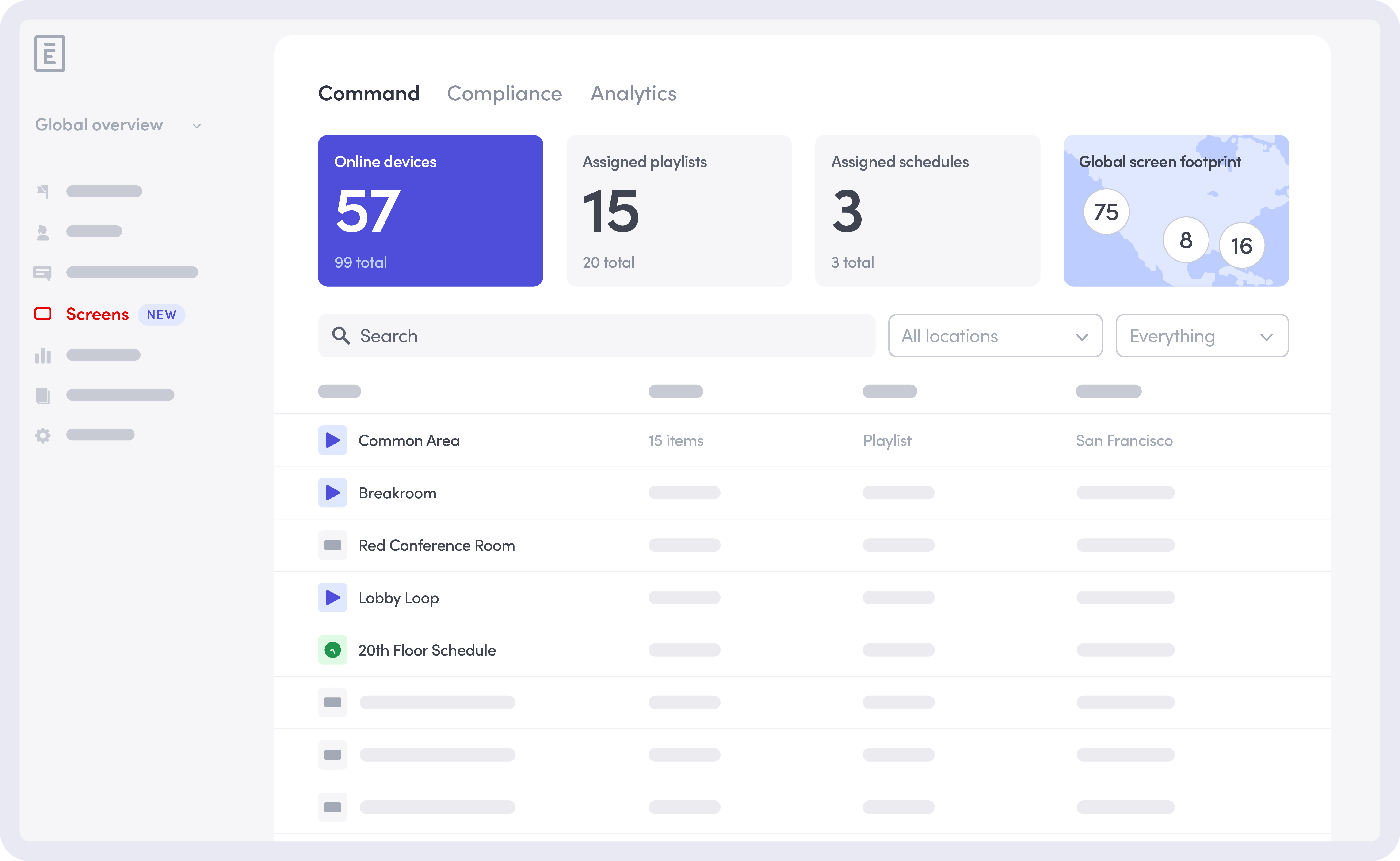
Simplify digital signage management for distributed teams with the Global Command Center. Remotely pair devices, update displays, monitor uptime, and troubleshoot issues from anywhere.
Pull detailed reports fast
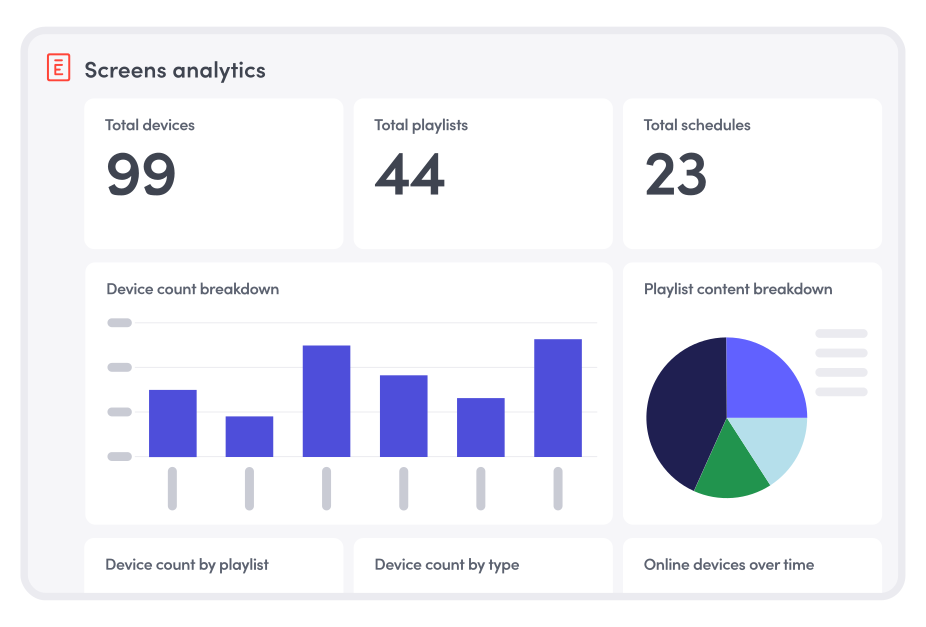
See exactly how your screens are being used. Pull quick reports by content type, device, location, or duration to support compliance needs and understand how your digital signage solution is performing.
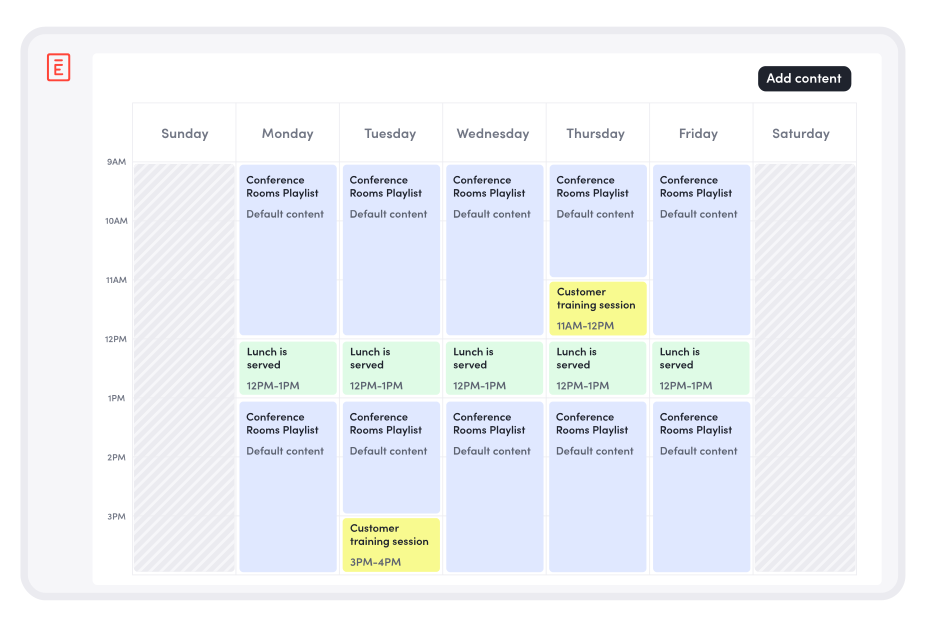
Create content playlists and schedules that match your needs
Build playlists and sub-playlists that keep content fresh and relevant across every screen. Schedule messaging for daily updates, seasonal campaigns, or critical one-off alerts—all from a single digital signage system.
Turn every device into a communication point
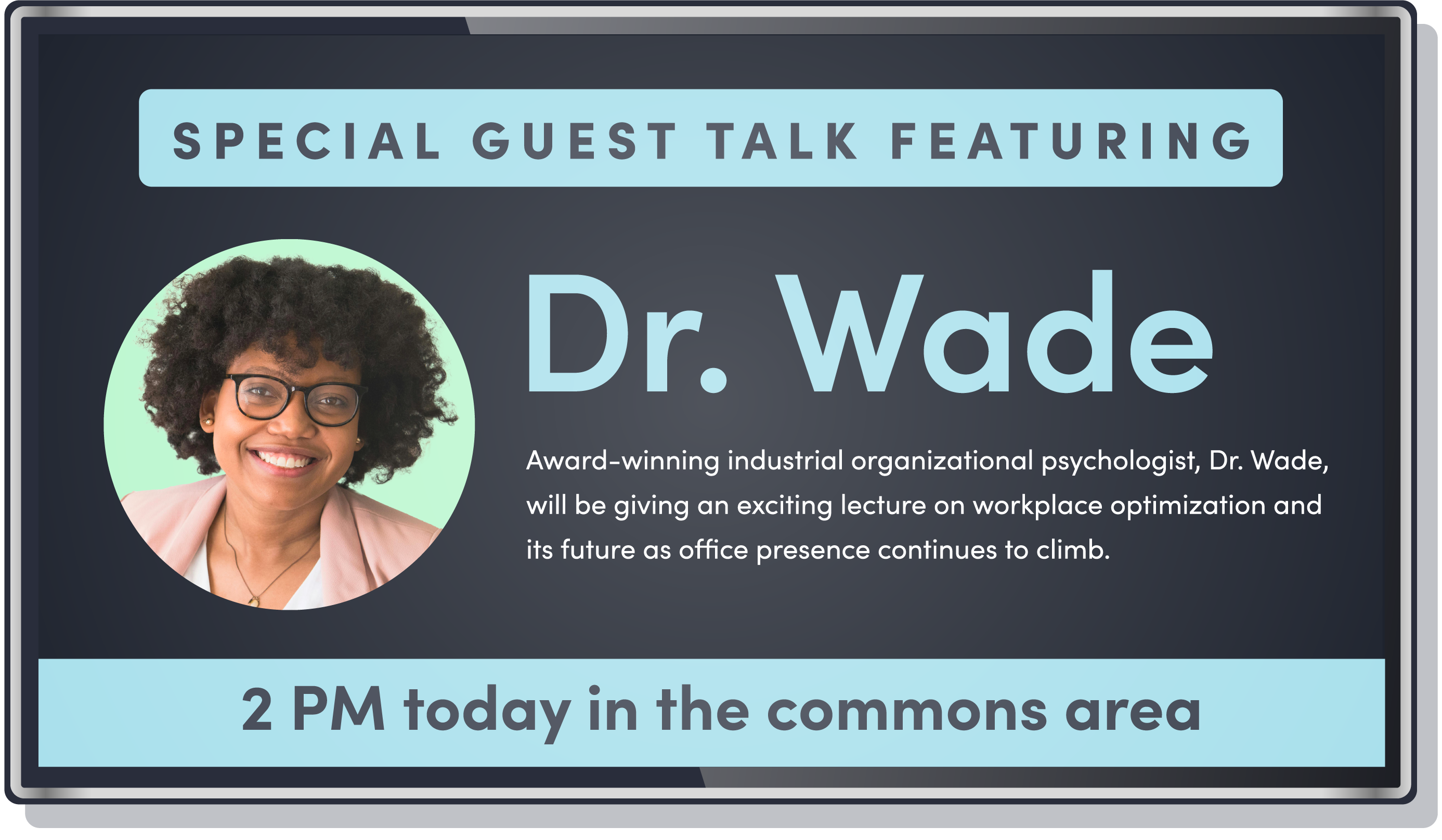
Repurpose meeting room displays and devices during downtime to surface important updates, announcements, or reminders using the same cloud-based digital signage platform.
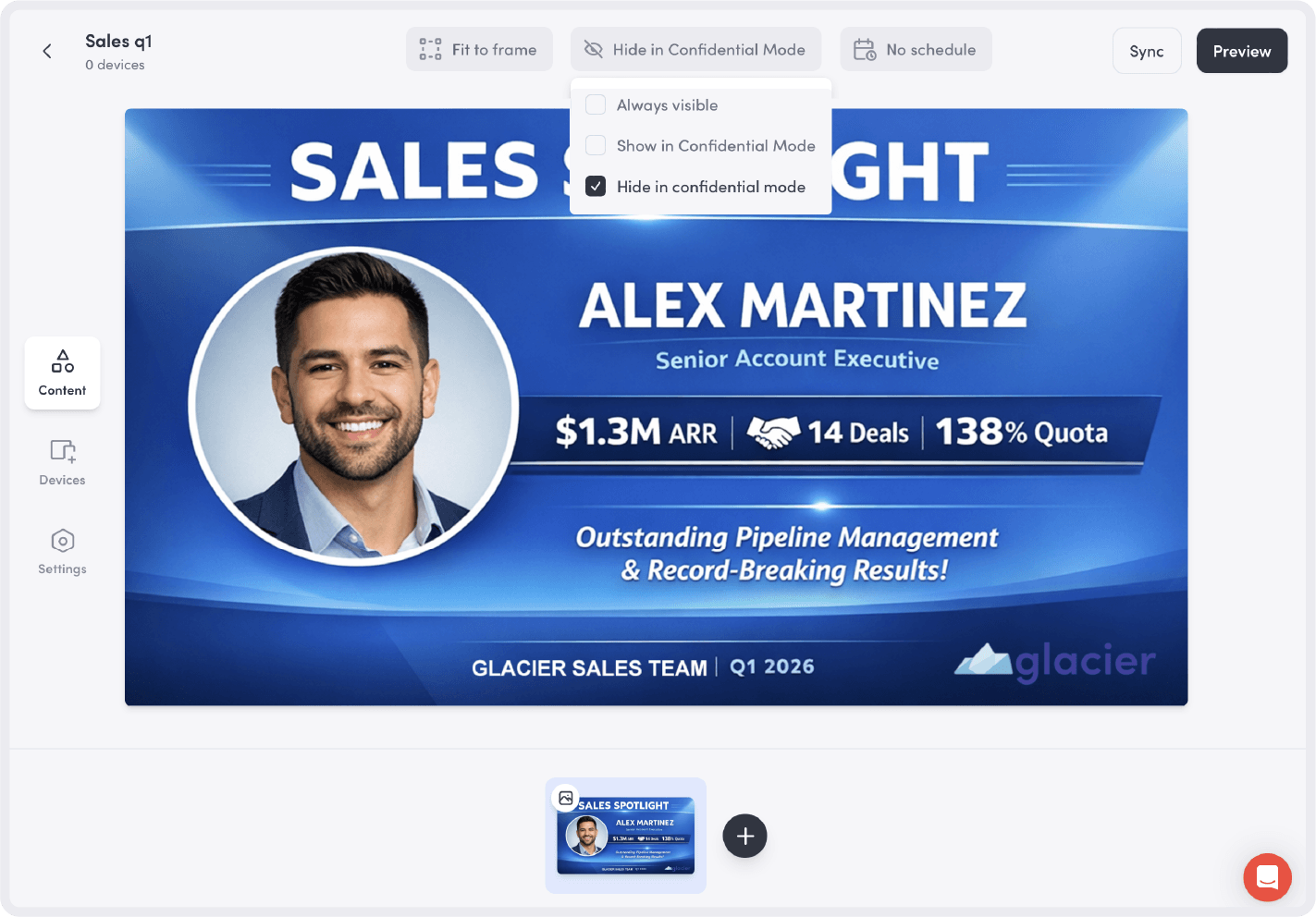
Keep sensitive information out of sight
Confidential Mode uses visitor presence to automatically hide sensitive content when guests are onsite. When they leave, your content returns, with no manual intervention required.
See how teams leverage Envoy Screens during an emergency
Screen override
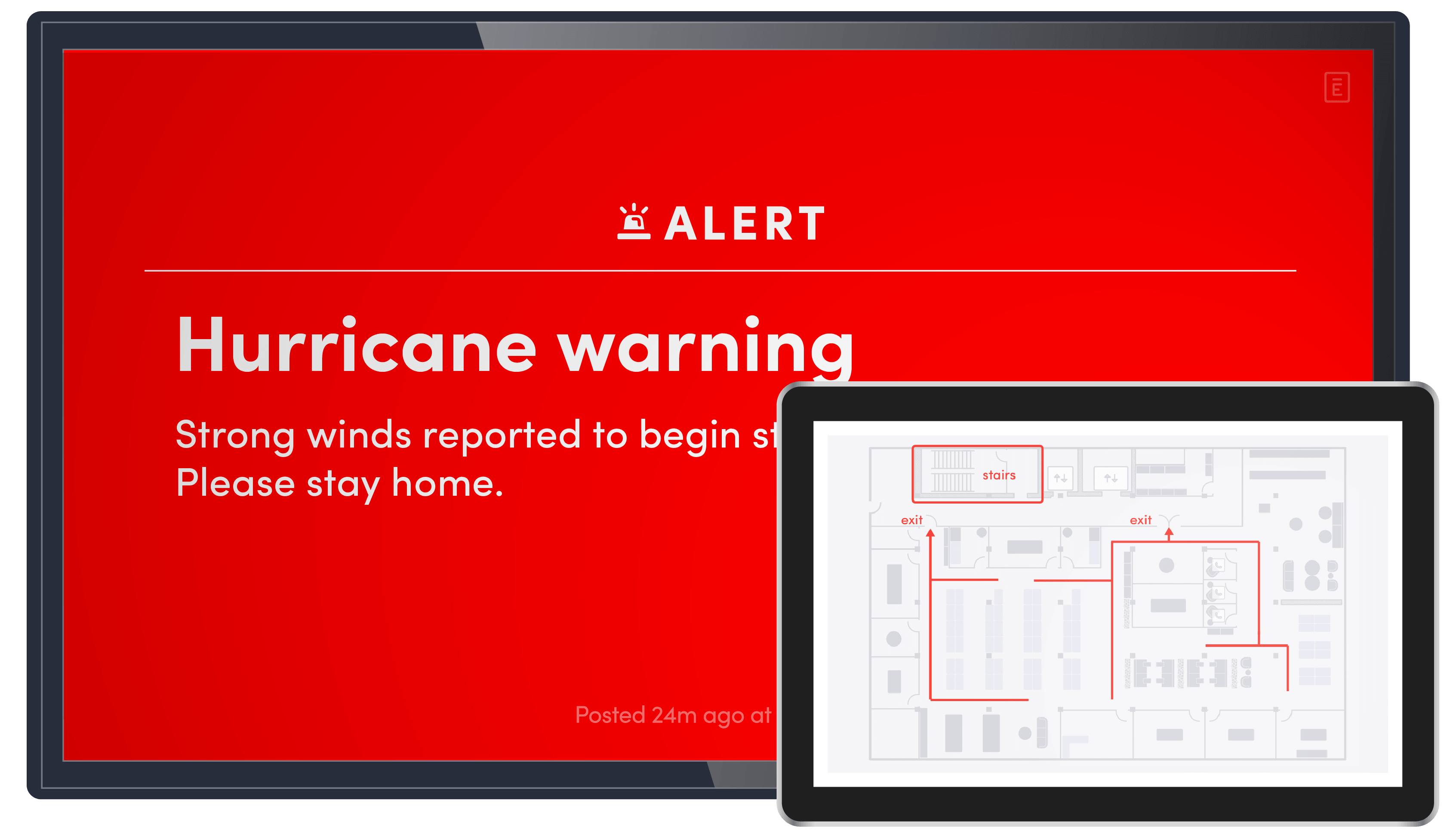
Designated admins can immediately override scheduled content on selected screens with an emergency alert. Regular content resumes once the alert is cleared.

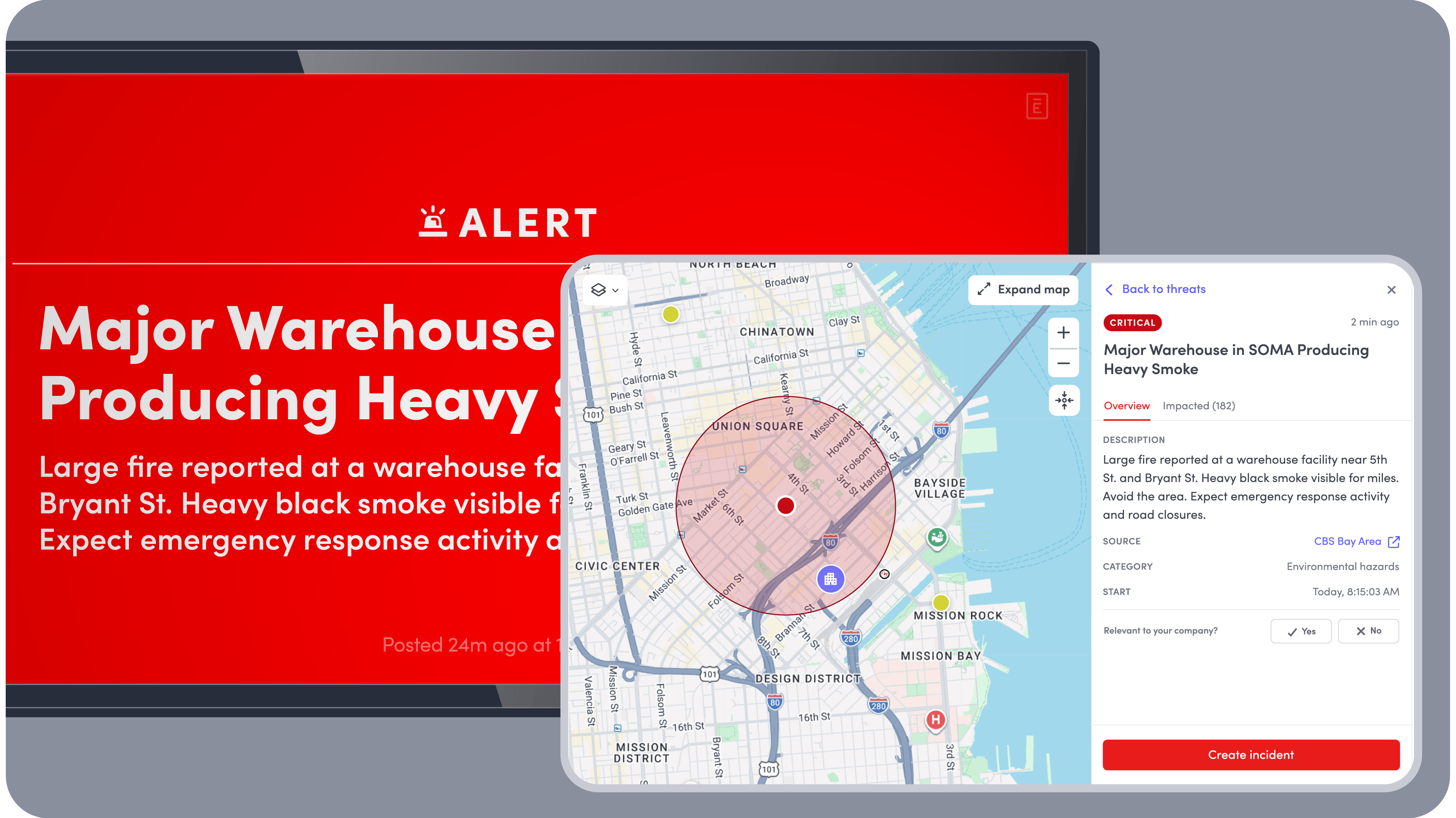
Go beyond CAP integration
Pair Screens with Response to alert, coordinate, and document every incident, including the public alerts your team tracks today through Common Alerting Protocol (CAP).
Multi-site control
Emergency alerts can be triggered across multiple buildings, campuses, or regions from one centralized place.
Location-based targeting
Alerts can be scoped to specific locations, from a single floor or building to an entire region.

David Uhlitzsch
Senior Manager, Workplace Operations, Contentful

Remove the complexity from emergency response
Enhance employee engagement
Turn workplace screens into a space for instant, high-visibility recognition (sales leaderboards, birthdays, company milestones, etc.) to engage employees.
Promote safety & compliance
Display SOPs and safety reminders to stay current, keep your workforce safe, and demonstrate compliance to auditors.
Keep everyone connected
Share shift schedules, critical alerts, company announcements, and key metrics across workplace screens, giving folks a single source of truth.
Improve patient & visitor experience
Elevate communication and experience with engaging displays showing wait times, patient line, important health information, or maps to navigate the premises.
Effortless compliance, audit-ready at any moment
Automatically capture and securely store the data you need to meet regulatory requirements. When audits come around, easily export detailed records—no scrambling, no stress.


Screens resources and guides
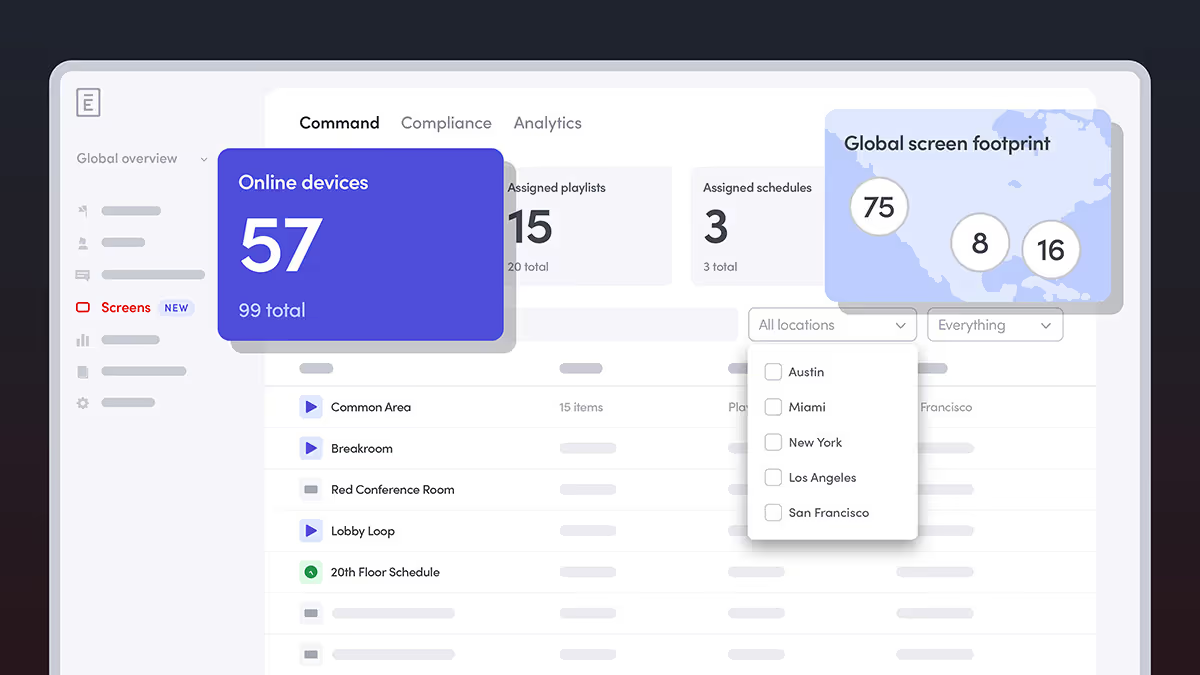
Envoy Screens Brings Enterprise-Grade Safety and Compliance to Workplace Digital Signage
With Screens, anyone can centrally manage displays, push instant safety alerts, and maintain auditable communication records across offices, facilities, and campuses.
Digital signage for the workplace: An operational necessity for safety, compliance, and communication
Over a third of workplaces rely on digital signage. Learn why connected, dynamic displays are now essential for safety, compliance, and communication.
Connect your people with Envoy Screens
Turn the devices around your workplace into engaging information hubs!