

EMERGENCY MANAGEMENT SOFTWARE
Emergency management built for modern workplaces
Respond faster with real-time threat intelligence, live presence data, emergency notifications, and coordinated incident response—all connected in one system.
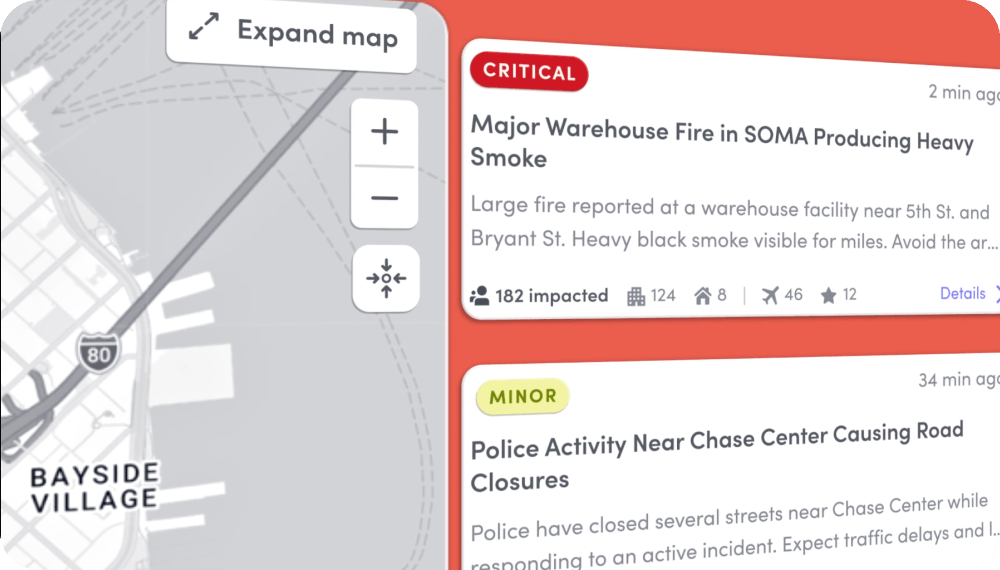
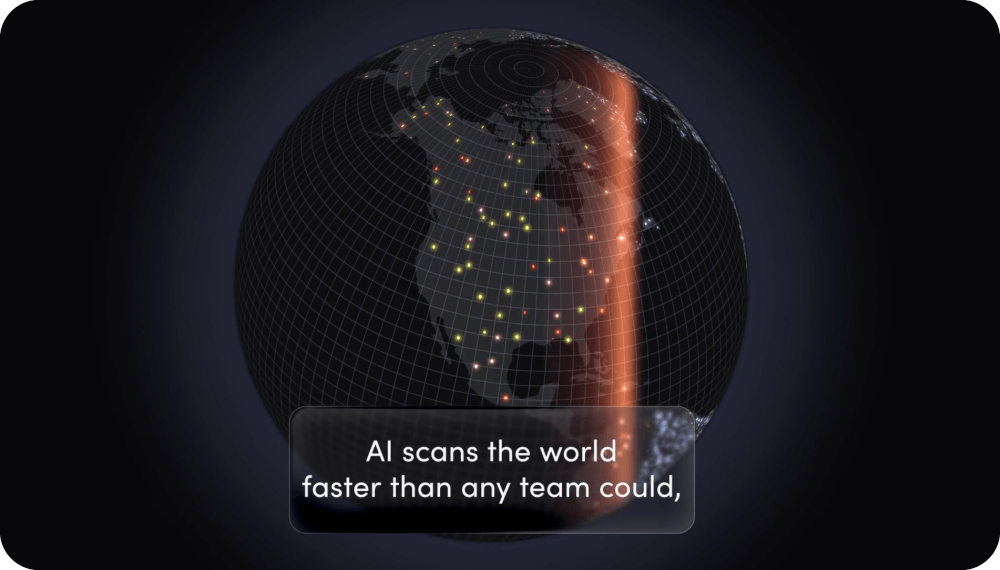
Know where your people are when an emergency strikes
Get a real-time view of your people, whether they’re onsite or working remotely, so you can quickly understand who may be affected and get the context you need to respond.
Explore threat intelligence
Know where your people are
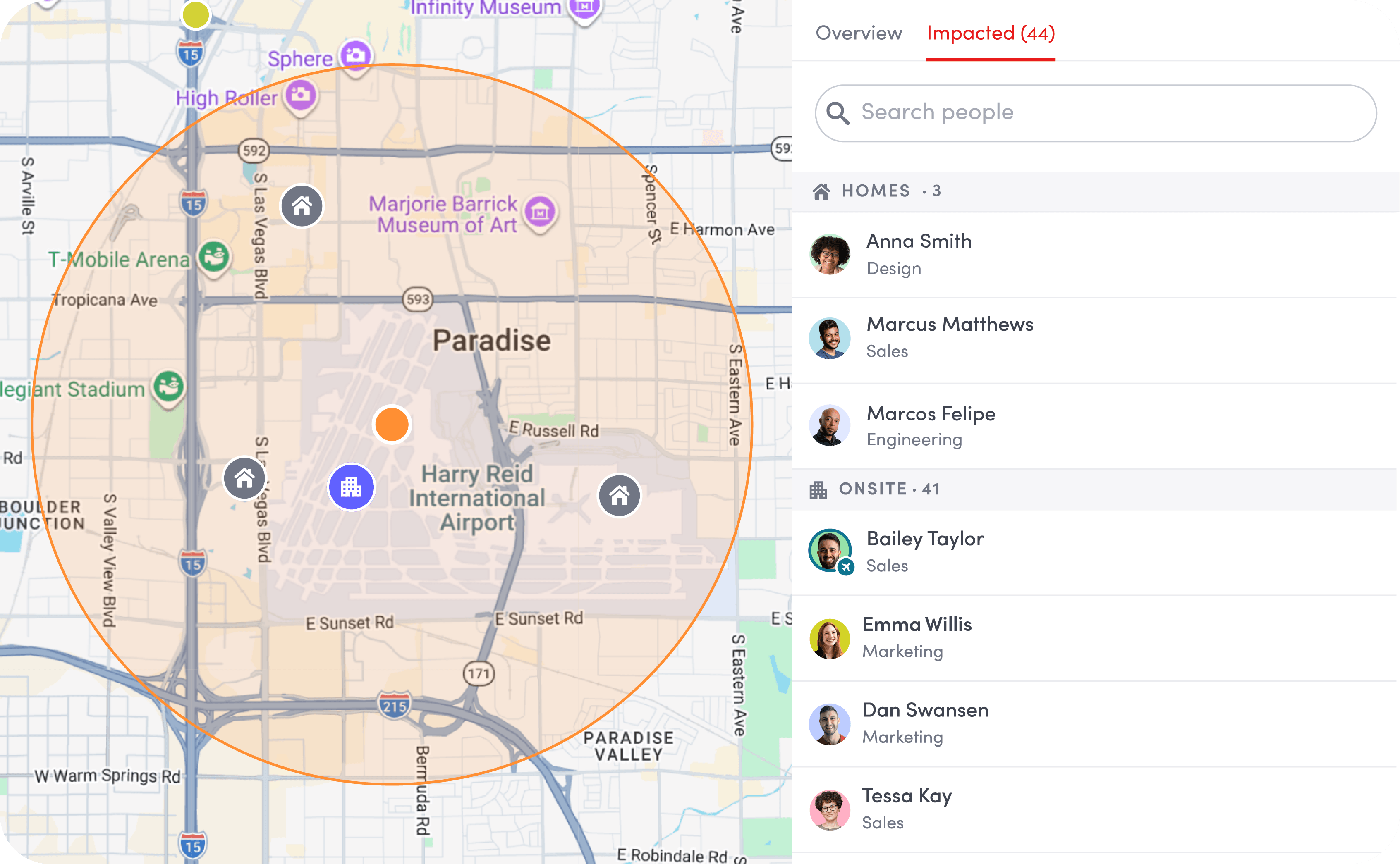
See who’s onsite and where remote employees are located, so you have an up-to-date view of your people wherever they work.

See who needs attention
Identify people who may be affected by a threat or emergency, so you can prioritize communication, confirm safety, and coordinate help.

Stay informed as conditions change
Keep a current view of people and locations as an emergency unfolds, so your teams are working from the latest information.
Coordinate every step of your emergency response
Move quickly from initial alert to coordinated action with the information, communication, and tools your teams need in one place.
Explore incident management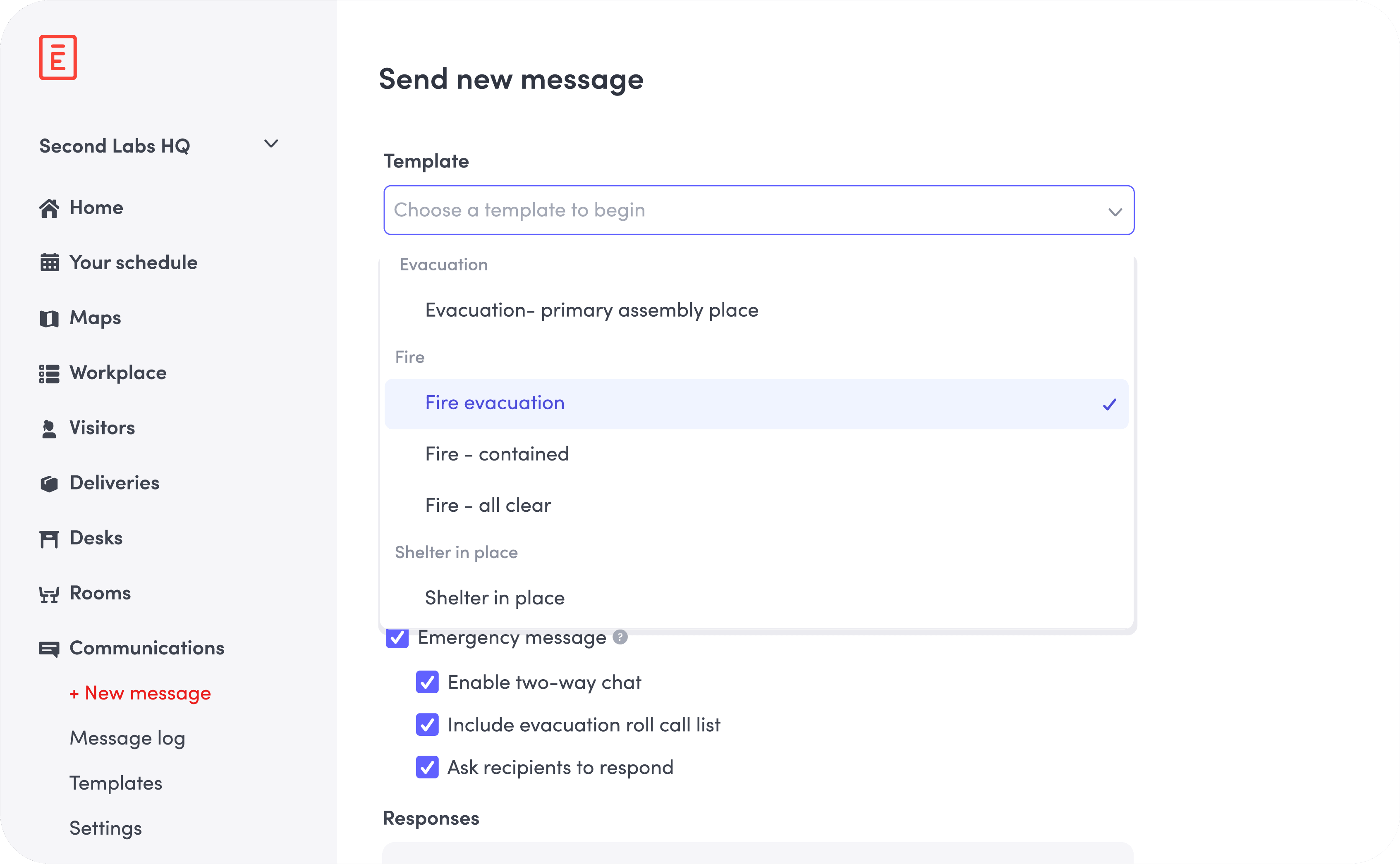

Fast, targeted communication
Send emergency notifications across SMS, email, push, Slack, Teams, and digital screens to reach the right people quickly.

Two-way chat
Keep communication flowing with two-way chat, confirmations, and status updates. See who’s been reached, who’s safe, and who may need support.

Clear information for first responders
Provide accurate, up-to-date information about affected people and their locations so first responders know where to focus their efforts.
Make sure critical alerts are seen
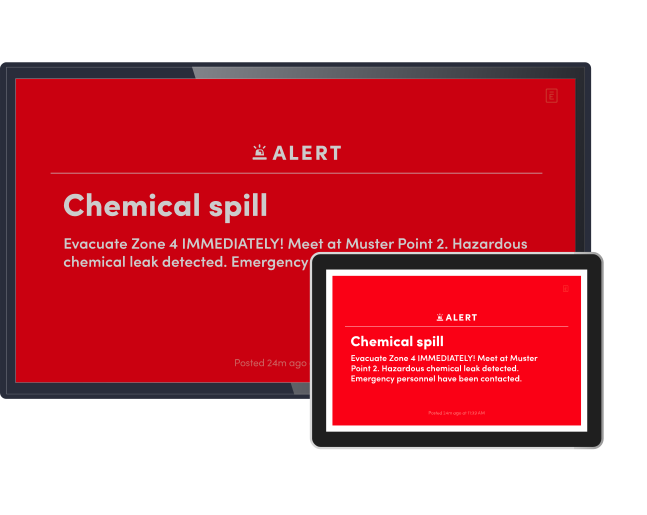
When every second counts, don’t rely on phones alone. Take over screens throughout your workplace with clear emergency alerts and instructions, so people onsite can quickly see what’s happening, what to do, and where to go.
Explore digital signage for alerts
Take over screens instantly
Extend emergency communications to people who may miss a text, email, or push notification by displaying critical alerts on screens throughout the workplace.

Reach people beyond their phones
Override existing content with emergency messages across Screens, Rooms tablets, and Visitors kiosks, so critical instructions are impossible to miss.

Target the right locations
Send visual alerts across an entire location or select specific screen groups to deliver instructions where they’re needed most.
Strengthen compliance and audit readiness
Automatically document emergency activity and response actions so you have a clear, defensible record when it’s time to review an incident, demonstrate compliance, or identify opportunities to improve.
Explore security and compliance solutions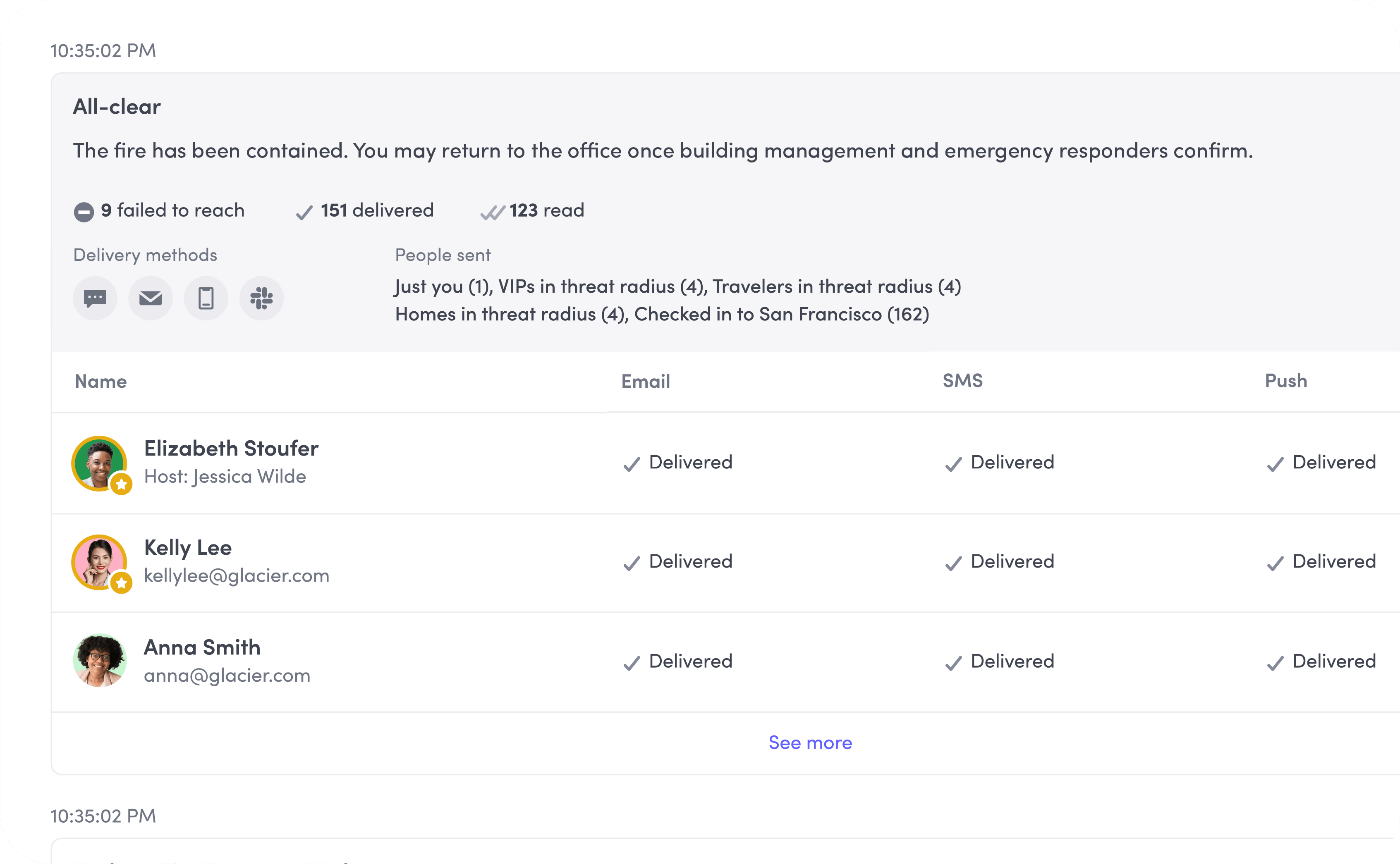

Centralized incident records
Maintain a complete record of emergency events, communications, and response activity across locations.

Timestamped activity
Track when alerts were sent, received, and acknowledged, along with key actions taken during an incident.

Exportable audit reports
Quickly pull incident records for audits, safety reviews, or internal reporting. No need to reconstruct events from multiple tools and spreadsheets.
Bring emergency management solutions into one system
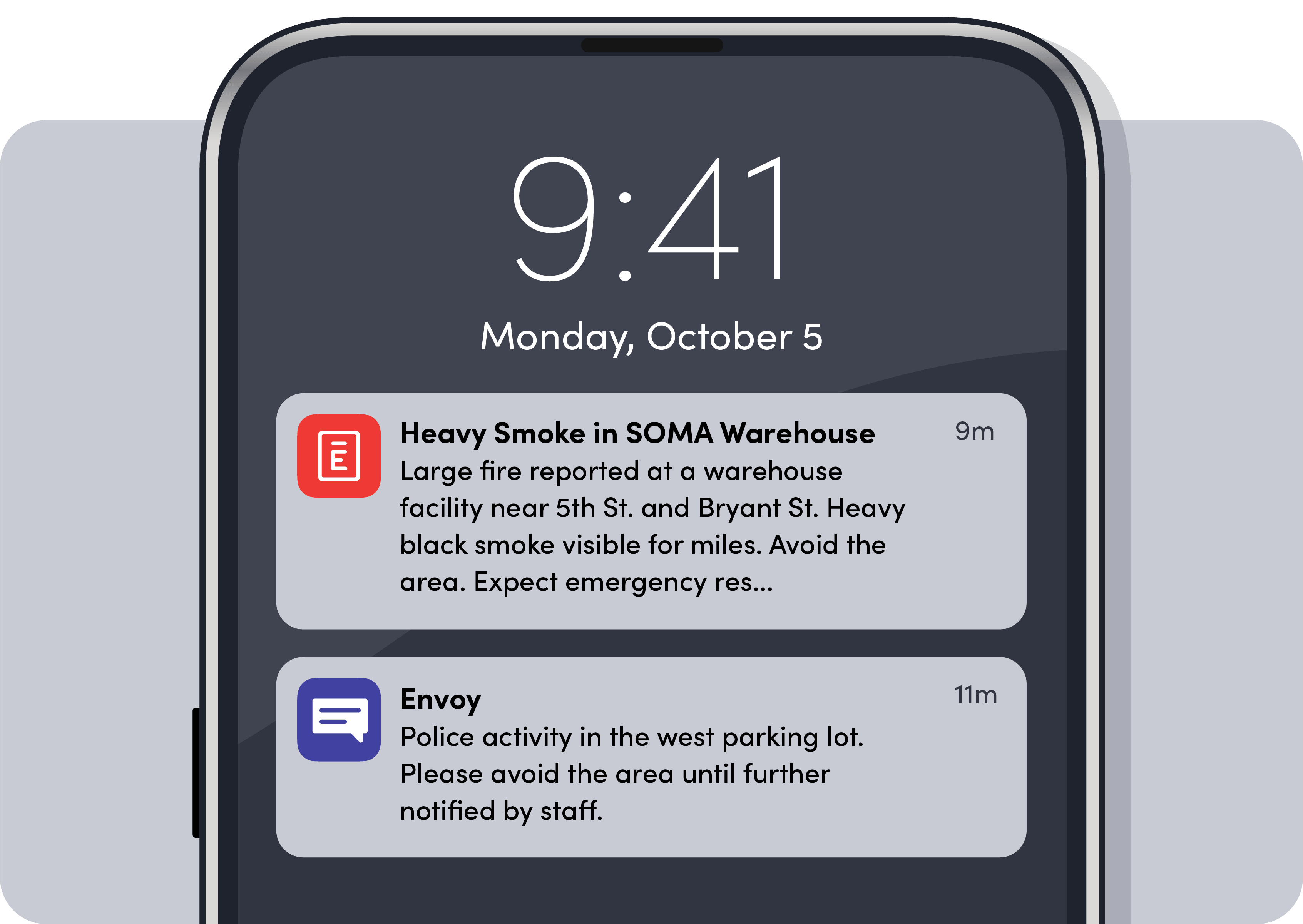
Envoy connects live threat intelligence, real-time presence data, and incident management, into a single system—so response is coordinated, not fragmented across disconnected tools.
Explore Envoy Response

Protecting our stadium in the heart of Minneapolis means preparing for everything from severe weather and major events to civil unrest. I need every advantage I can get. Envoy helps us quickly understand what's happening, communicate with confidence, and make sure the right people receive the right information before a situation escalates.”
 Explore the case study
Integrates seamlessly with your workplace & security stack
Envoy’s emergency management software integrates with identity, access control, and communication tools to fit seamlessly into your existing workplace and security stack.





Explore other workplace emergency resources
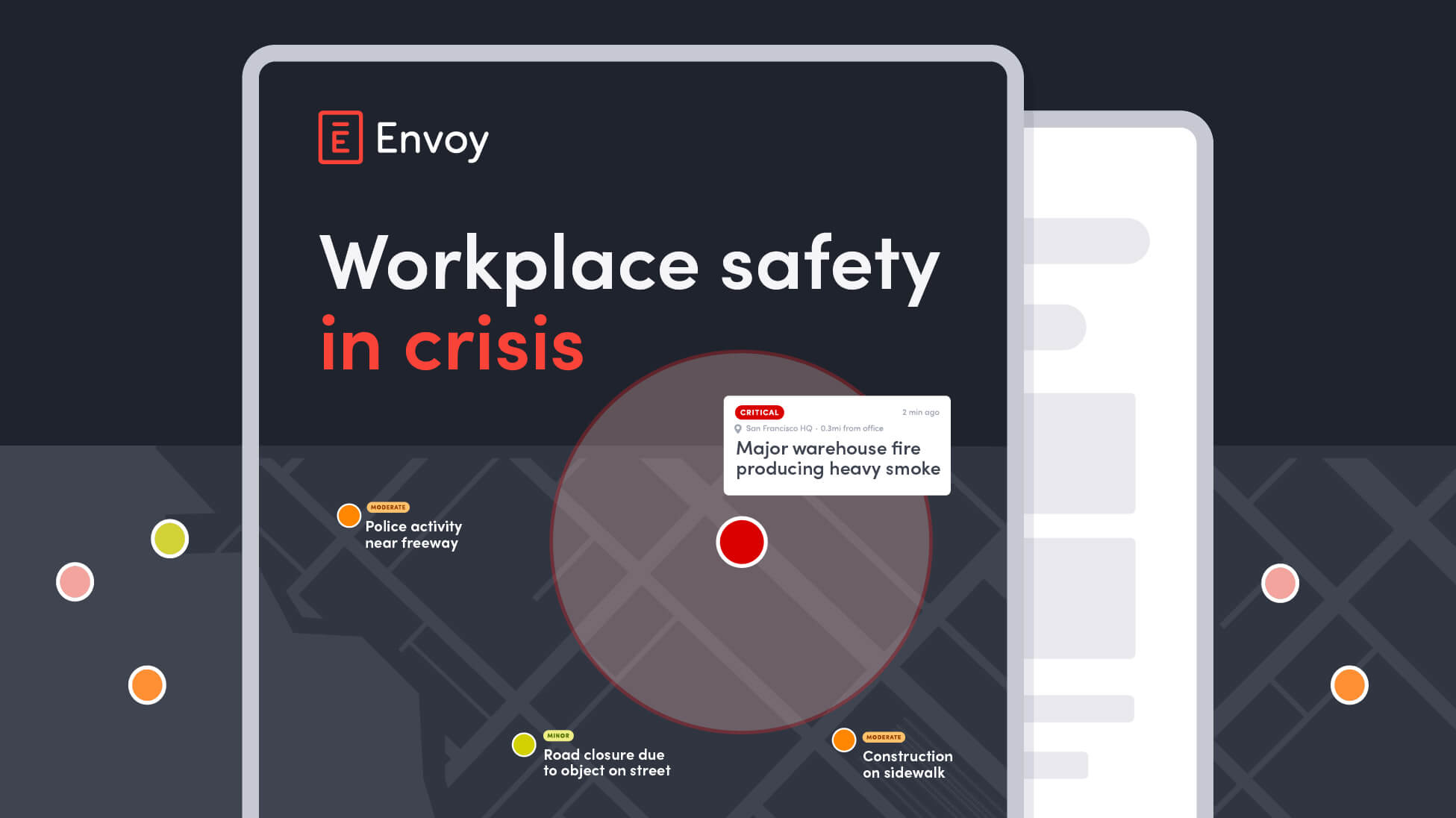
Workplace safety index 2026
Severe weather, outages, and security threats disrupt work more than most teams realize. See what 1,000 U.S. employees say about workplace safety readiness.
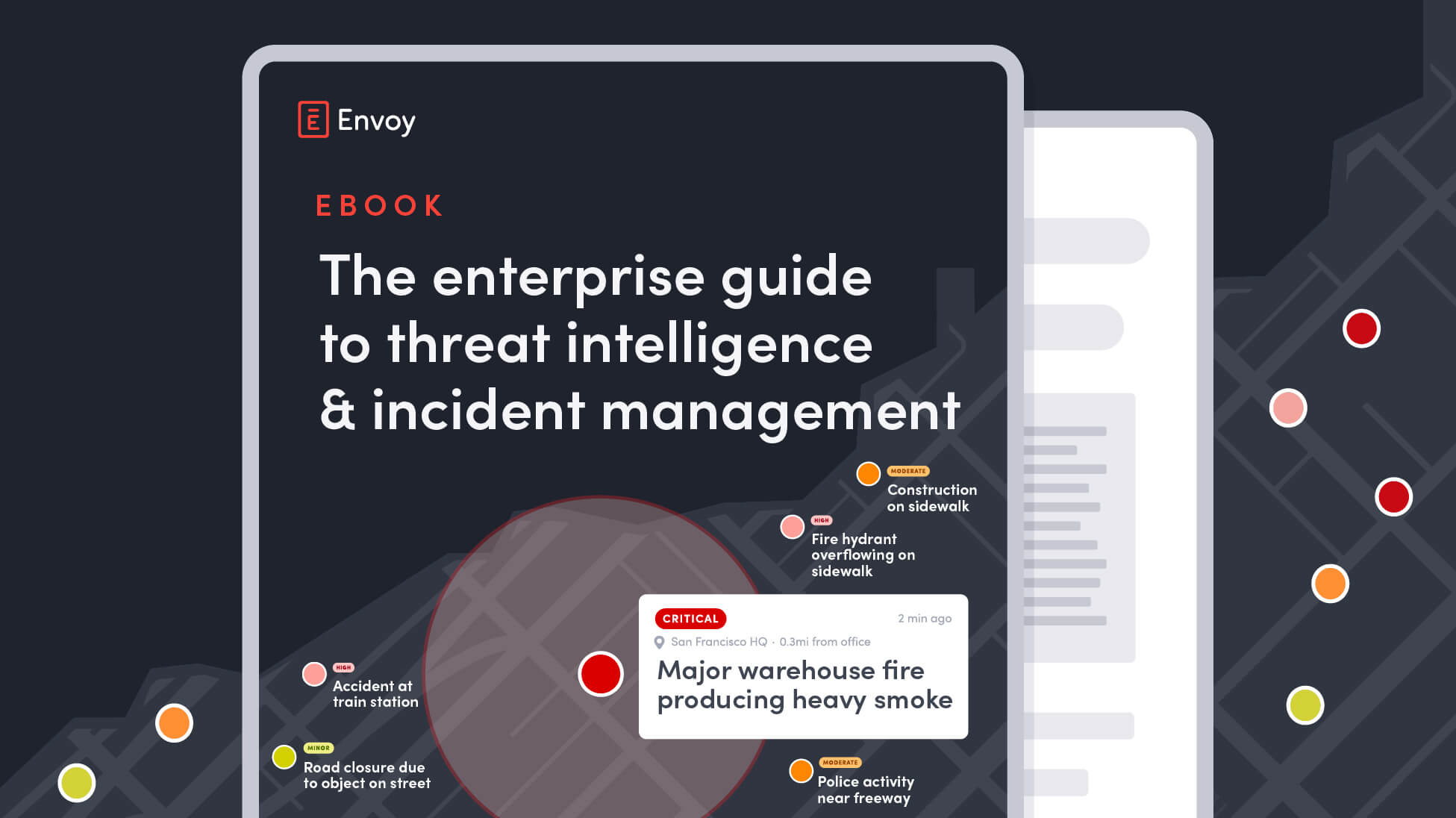
The enterprise guide to threat intelligence & incident management
Learn how leading enterprises unify threat intelligence, incident management, and emergency communications to protect people, property, and operations.
Operational risk assessment workbook
Identify operational risks before they disrupt your business. Download a free workbook to inventory risks, score them, and build a tracked action plan.
Still have questions?
We can help.
Emergency management software helps organizations prepare for, respond to, and document workplace emergencies. Envoy combines live threat intelligence, real-time presence data and incident management tools to support faster, more coordinated response.
Envoy provides live presence data, giving teams an up-to-date picture of who’s impacted by emergencies. This removes guesswork and helps leaders make faster, safer decisions in critical moments.
Envoy sends emergency alerts across SMS, email, Slack, Teams, and digital screens, with targeting by location, role, or group. Two-way communication allows recipients to confirm safety or share status updates, improving coordination during incidents.
Envoy goes beyond one-way alerts by connecting emergency notifications with real-time presence data, two-way communication, and incident management. Teams can see who may be affected, coordinate response, keep people informed, and document what happened, all in one system rather than relying on disconnected tools during an emergency.
Yes. With Envoy, admins can display emergency messages and instructions on digital screens throughout the workplace. This reinforces alerts for people already onsite and reduces confusion when phones are missed or silenced.
Yes. Envoy automatically records timestamped alerts, responses, and incident activity in digital logs. These records can be exported for audits, reviews, and compliance reporting, helping teams stay prepared before and after emergencies.
Envoy alerts everyone actually onsite, including visitors and contractors, not just a contact list. See the full Envoy vs. AlertMedia comparison.
Envoy is built into the workplace platform you already run, with no add-on fees and a setup your team can manage on the spot. See the full Envoy vs. Everbridge comparison.
Yes. Envoy extends emergency management to employees on the road with travel risk management that matches trip itineraries to nearby threats, helps teams identify travelers who may be affected, and brings communication and response into the same workflow.