

What’s new in emergency notifications: smarter response, safer teams

.jpeg)
When your team’s safety is in your hands, every message, update, and second matters.
Envoy’s latest emergency notification updates give your team six new ways to communicate faster, confirm safety, and respond with clarity—no matter where work happens.
1. See who’s onsite instantly with Envoy’s Control Center
Knowing who’s in the building is the first step in any emergency. With the latest Control Center update on web and mobile, admins can filter for “checked-in” status in seconds. Now, whether you’re at a desk or on the go, you can quickly see who’s onsite and prioritize response efforts. No guesswork needed.
{{protip-1}}
Explore more of the recent Control Center update here:
2. Attach critical information to notifications for faster response
When seconds matter, context keeps people safe. Admins can now attach evacuation maps, photos, and step-by-step instructions directly to emergency notifications. Supported file types are .JPG, .PNG, and .PDF. Teams can see exactly where to go and what to do—without waiting for follow-up messages—so response is faster and safer.
{{protip-2}}
Get the latest on Attachments for emergency notifications.
3. Communicate in real time with two-way chat
In an emergency, the faster you can connect, the faster you can take control. With two-way chat, admins can enable real-time messaging between employees, visitors, and a designated response team—so teams can stay coordinated as a situation unfolds.
Admins can view and manage replies right from the dashboard or mobile app, making it easier to keep up with updates as they come in. By assigning a local response team to handle replies, workplaces can keep communication focused and efficient without notifying all admins.
{{protip-6}}
Read more about the two-way chat functionality.
4. Track everyone safely with emergency roll call
Whether employees are gathered at muster points or checking in digitally, interactive roll call make it easy for everyone to mark themselves safe. Admins get real-time visibility into who’s accounted for, creating an audit-ready record and helping teams focus attention where it’s needed most.
{{protip-3}}
Learn more about the Emergency Roll Call update.
5. Get critical updates quickly with custom preset responses
During a crisis, every second counts. Custom preset responses let employees share if they’re safe, need help, or have other urgent updates in just a few taps. Admins can see all responses at a glance, helping teams act faster and make clearer decisions under pressure.
{{protip-4}}
Dive deeper into Envoy’s Two-way Emergency Communication.
6. Keep visitors informed with kiosk takeovers
Emergencies don’t just affect employees. Envoy kiosks can now display urgent instructions for visitors and contractors, so everyone onsite knows what’s happening and how to stay safe—without relying on manual announcements.
{{protip-5}}
Check out the visitor kiosk notification takeover update.
—
Workplaces change fast, and so do the challenges of keeping people safe. With every update, Envoy helps teams simplify emergency response, confirm safety faster, and feel more confident in their readiness.
Ready to see how Envoy supports emergency notifications? Book a demo.
See it in action: During an evacuation at a downtown office, an admin opens Envoy’s Control Center to view who’s checked in and ensure no one is left behind as the team exits.
See it in action: A minor flood hits a manufacturing facility. Employees receive attached floor plans and evacuation routes via Envoy notifications, so everyone exits safely.
See it in action: A sudden evacuation hits a busy law office. Employees mark themselves safe through Envoy, giving admins instant visibility into who’s out and who still needs assistance.
See it in action: A power outage strikes a biotech lab, and preset responses let the safety team immediately identify employees who need help with critical equipment, reducing downtime and risk.
See it in action: During an unexpected building evacuation at a corporate headquarters, visitor kiosks display step-by-step instructions, preventing confusion and keeping contractors safe until staff escort them out.
See it in action: A manufacturing lead reports a cleared area through two-way chat while the safety team coordinates next steps from the Envoy dashboard.
Read more

In this guide, we’ll break down how cloud digital signage works, how it compares with on-premise signage, cost factors, and what to look for in a solution.

Learn how to support ITAR compliance with visitor screening, access approvals, onsite controls, and records that document each visit.

Compare leading mass notification vendors, their best-fit use cases, and key tradeoffs. Learn what to evaluate before choosing a system.
New Envoy research reveals where physical security gaps emerge and whether organizations can prove their controls are working.
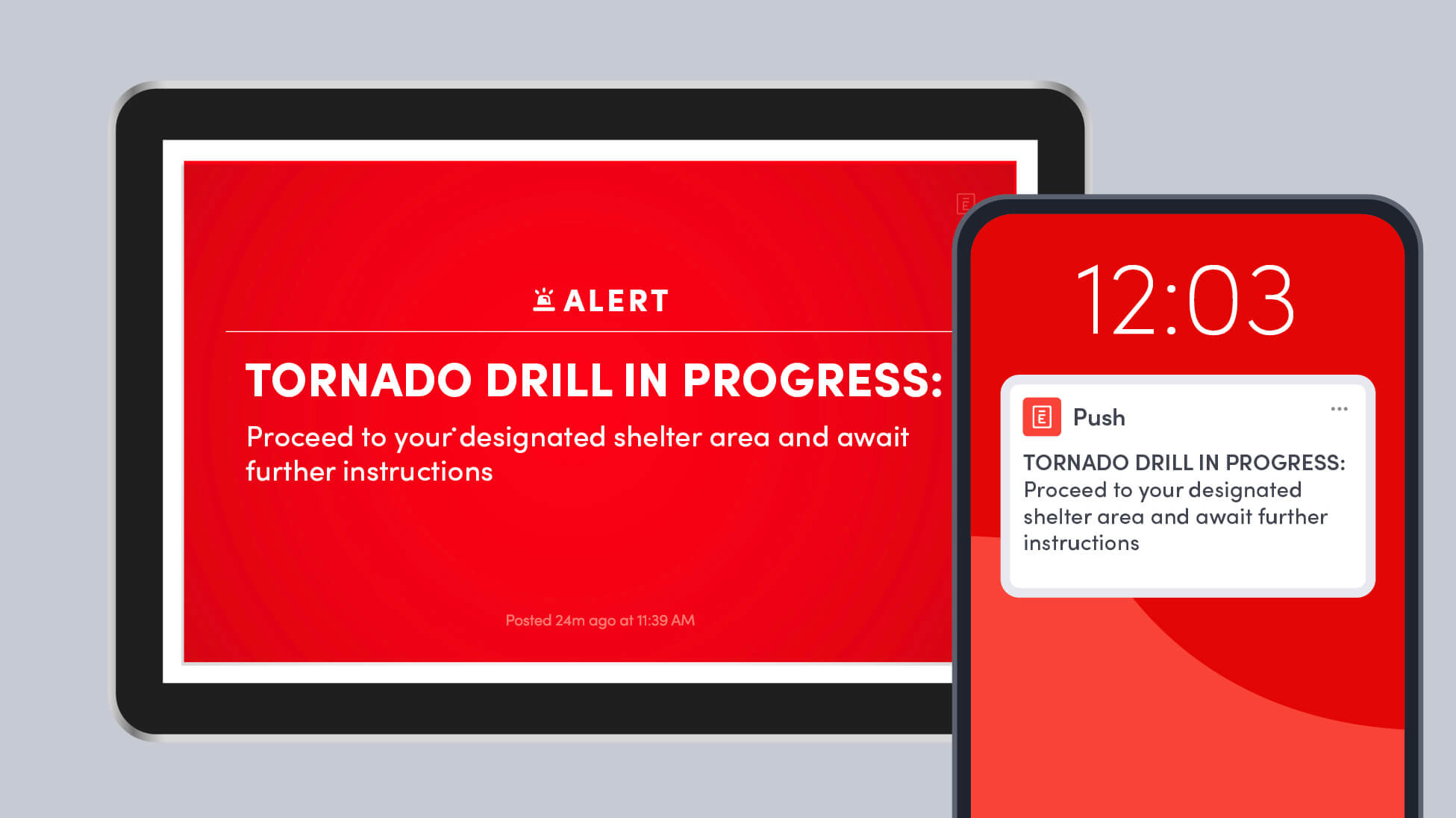
Learn how to run a workplace tornado drill, choose safer shelter areas, account for everyone onsite, and improve your emergency response plan.
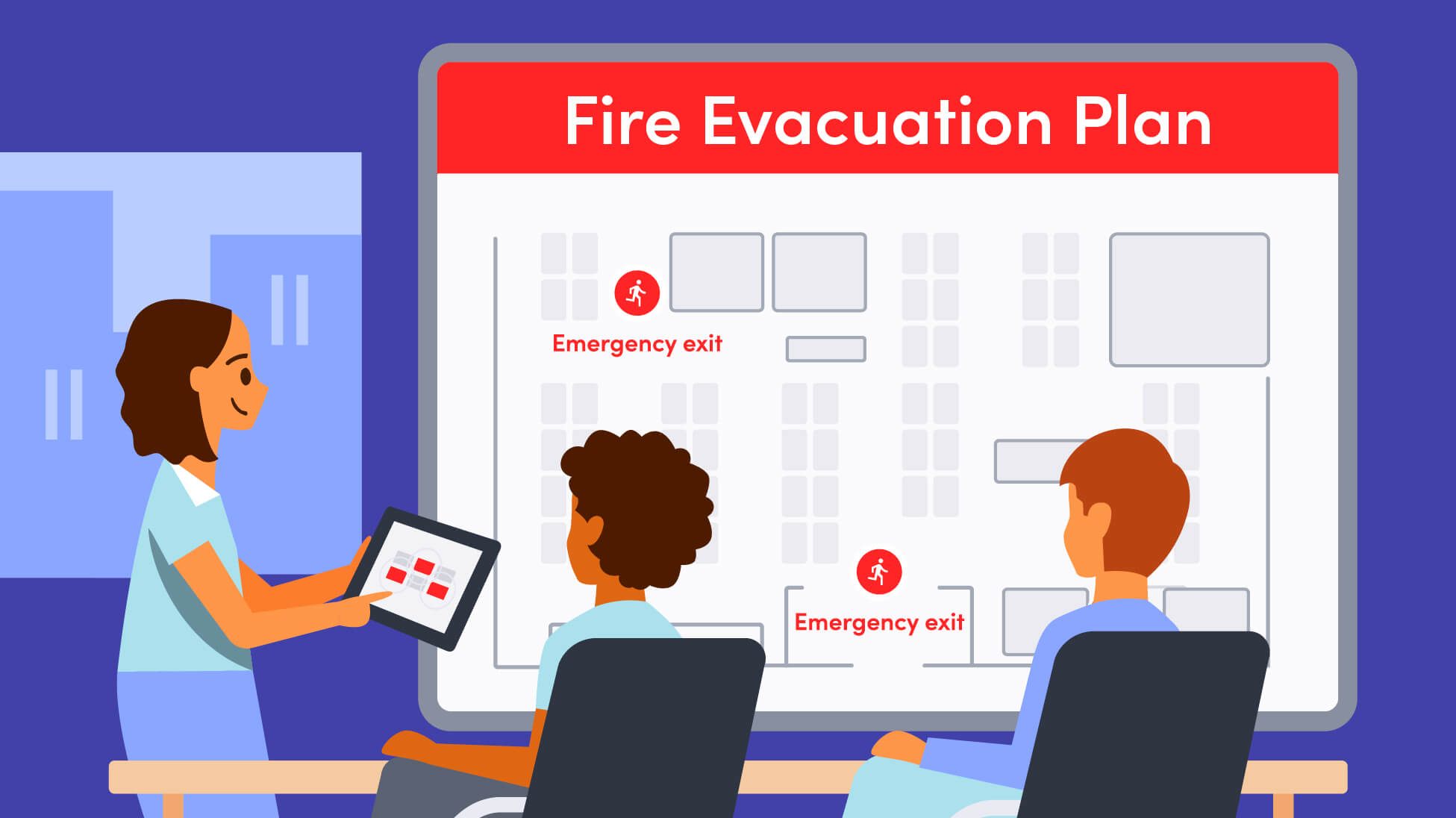
A strong fire evacuation plan goes beyond exit routes. Here’s how to plan for alerts, muster points, accountability, response roles, accessibility, and everyone who may be onsite.