

REMOTE WORKER SAFETY
Your people are everywhere. Your safety net should be, too.
Threats don’t respect workplace walls, so monitoring shouldn’t stop there either. Envoy surfaces threats impacting all your people—whether they’re on or offsite—as well as visitors, so you can quickly alert the right people and account for everyone affected.
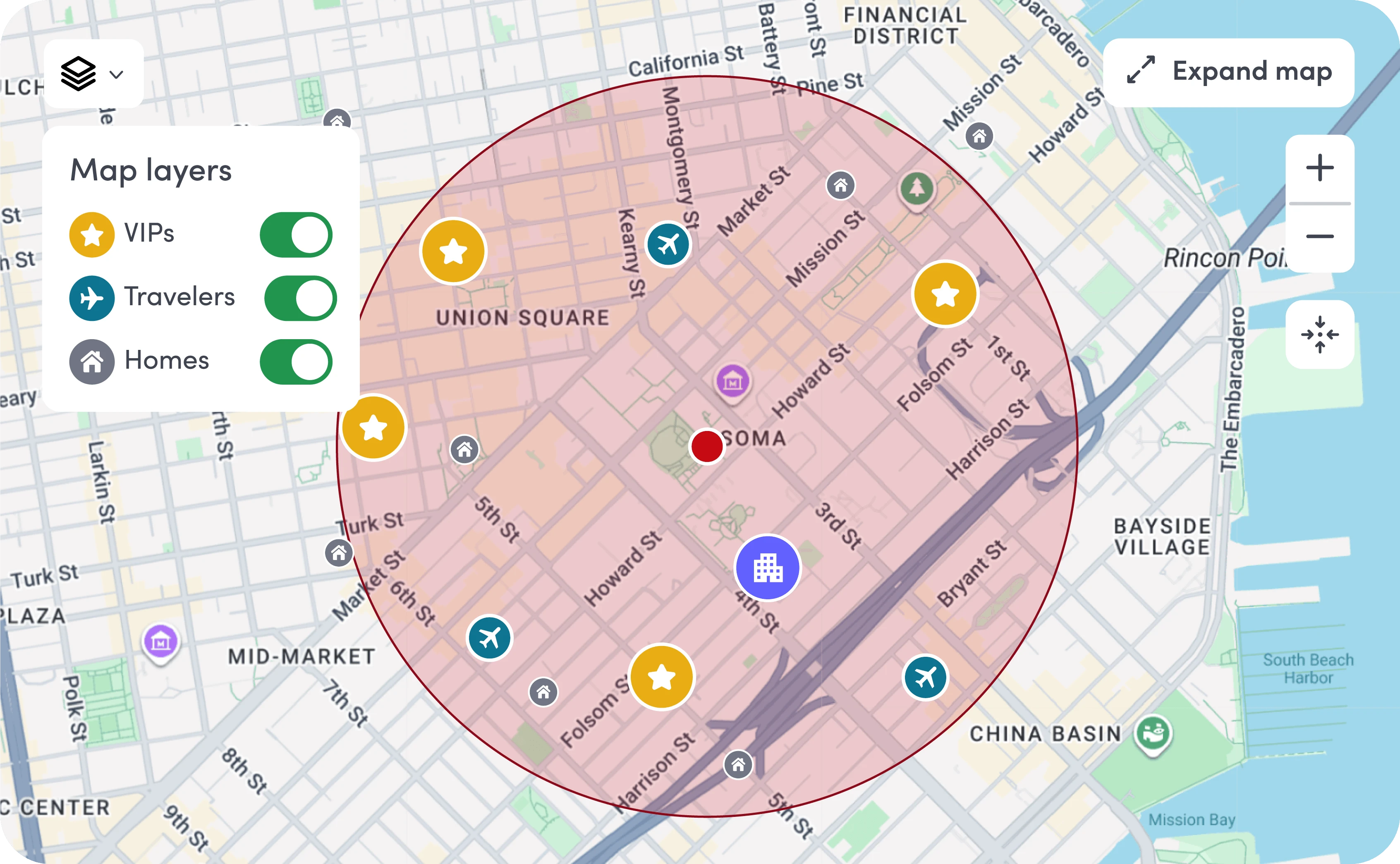
Most emergency tools weren’t designed for today’s workforce
Legacy emergency tools were designed with onsite teams in mind, with remote employees as an afterthought. When something happens, teams have to switch between HR systems, spreadsheets, and call lists, without insight into which remote employees are affected.
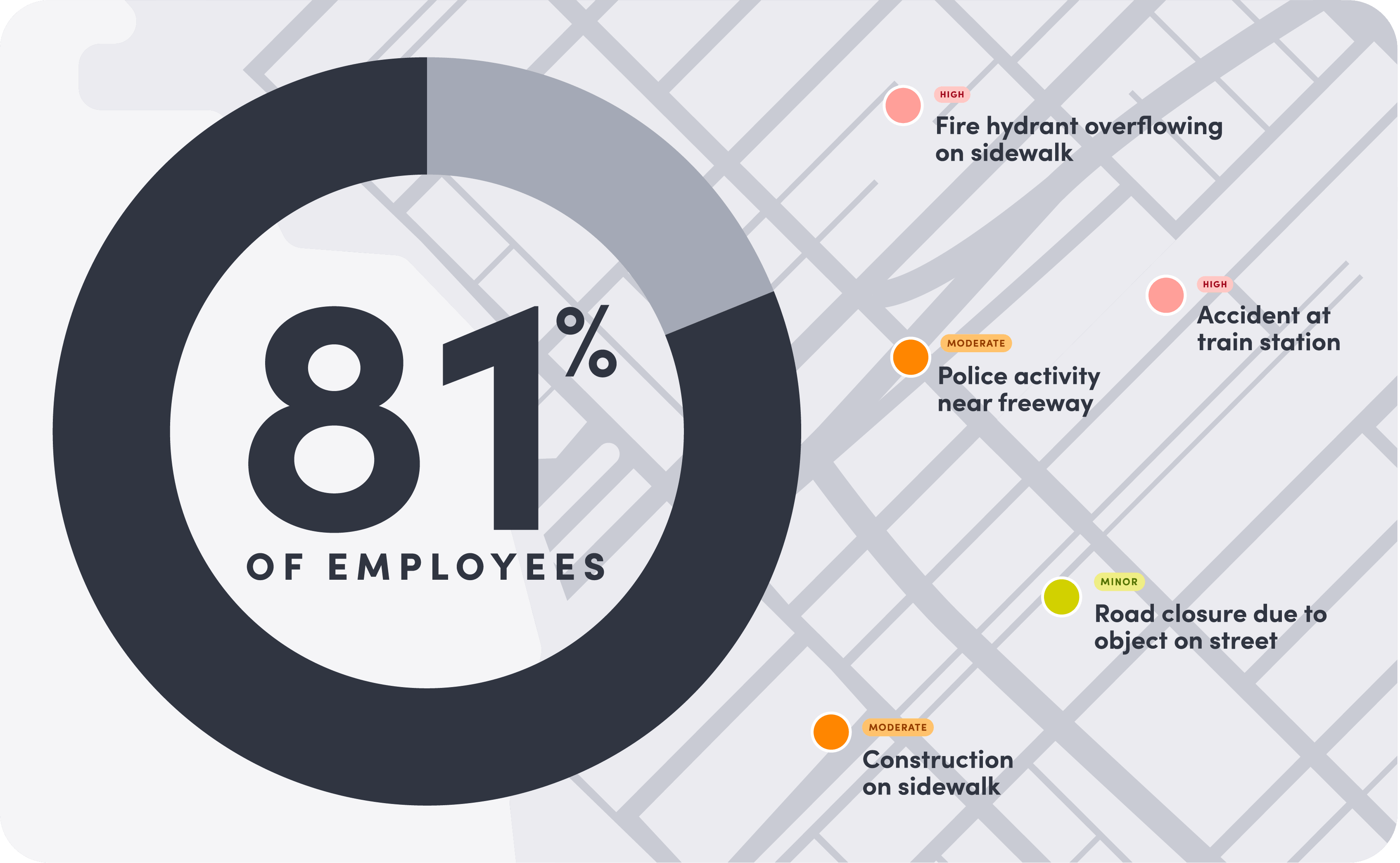
Stay ahead of what threatens your people, wherever they are
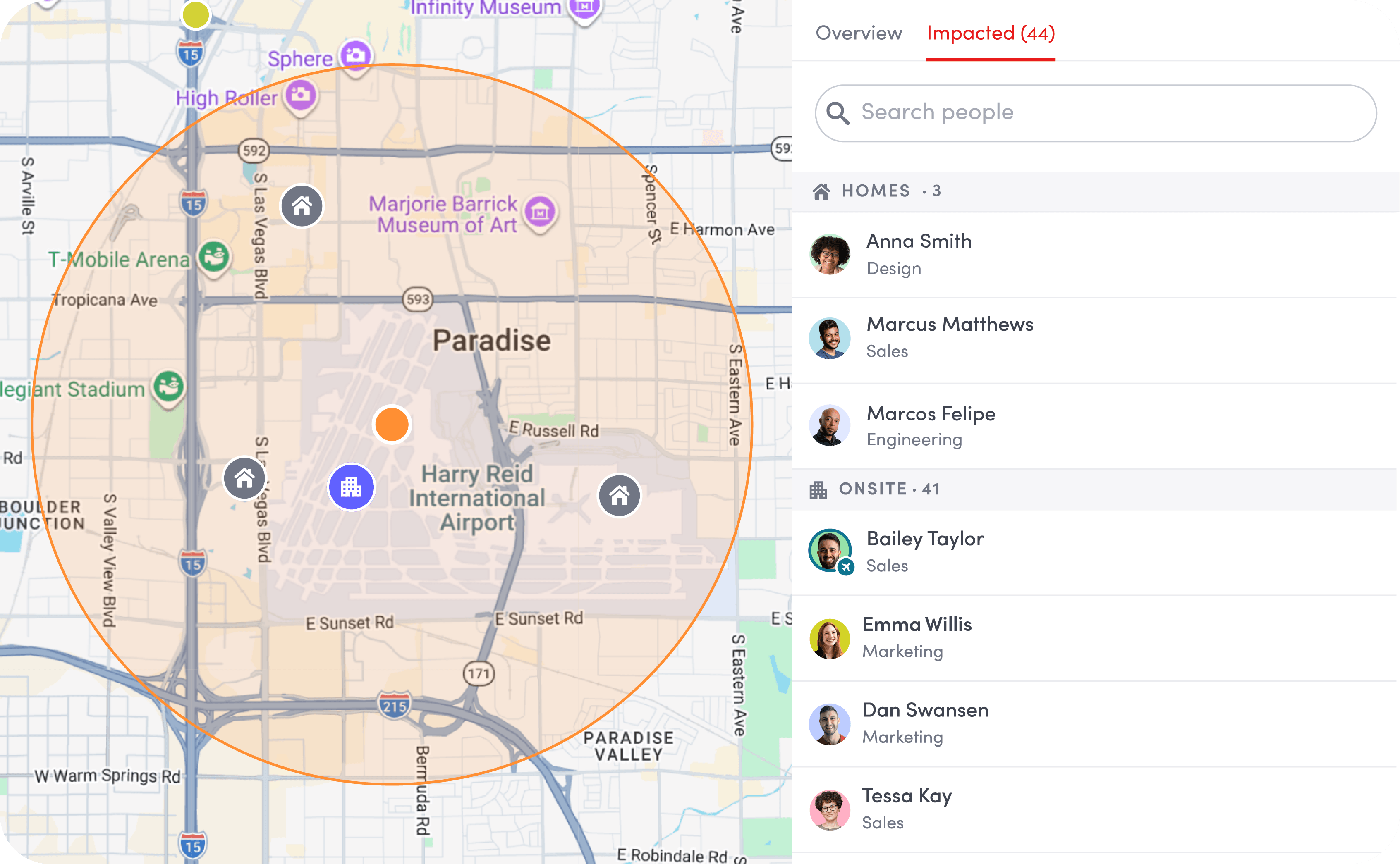
Envoy extends threat monitoring beyond the workplace, using employee home address data from your HRIS. When severe weather, civil unrest, or a localized incident hits, your team can see who may be impacted across your entire workforce from a single dashboard—no matter where they’re located.
Dive deeper into threat intelligence
Remote address monitoring
Threats are matched to employee home addresses synced from your HRIS and to traveler itineraries, helping you see who may be affected before they self-report and keep traveling employees safe within the same response workflow.

Authoritative + AI-analyzed intelligence in one dashboard
Signals stream across threat categories like weather, public health, crime, and others. Authoritative sources include the National Weather Service, WHO, and the U.S. State Department. AI surfaces local threats, and scores for relevance and severity.

Privacy controls for remote addresses
Global admins decide whether employee home addresses appear on the threat map and control who has access to this sensitive location data.
From confirmed threat to closed incident
The moment a threat is confirmed near a remote employee, you’re in control: send notifications to those impacted in seconds across every channel, prompt a check-in, and see who’s responded.
Explore emergency notifications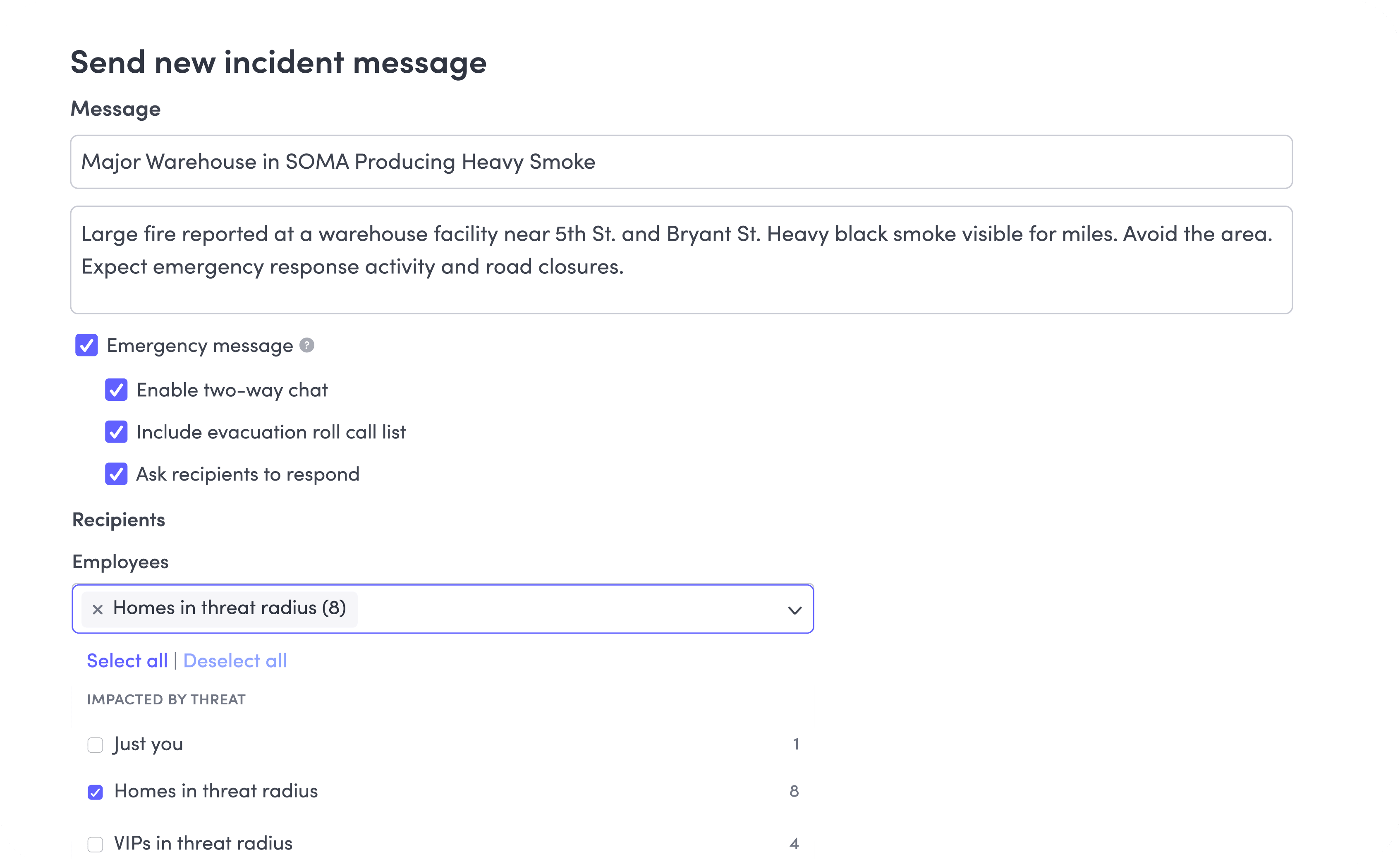

Emergency plans and templates
Create predefined response plans and use templates to quickly communicate the right information when an incident occurs.

Notifications that reach people where they are
Send alerts across channels including SMS, email, push, Slack, and Teams, ensuring employees are reached wherever they’re working.

Two-way communication
Send updates as an incident evolves and give employees a direct channel to ask questions, share their status, and communicate with response teams.
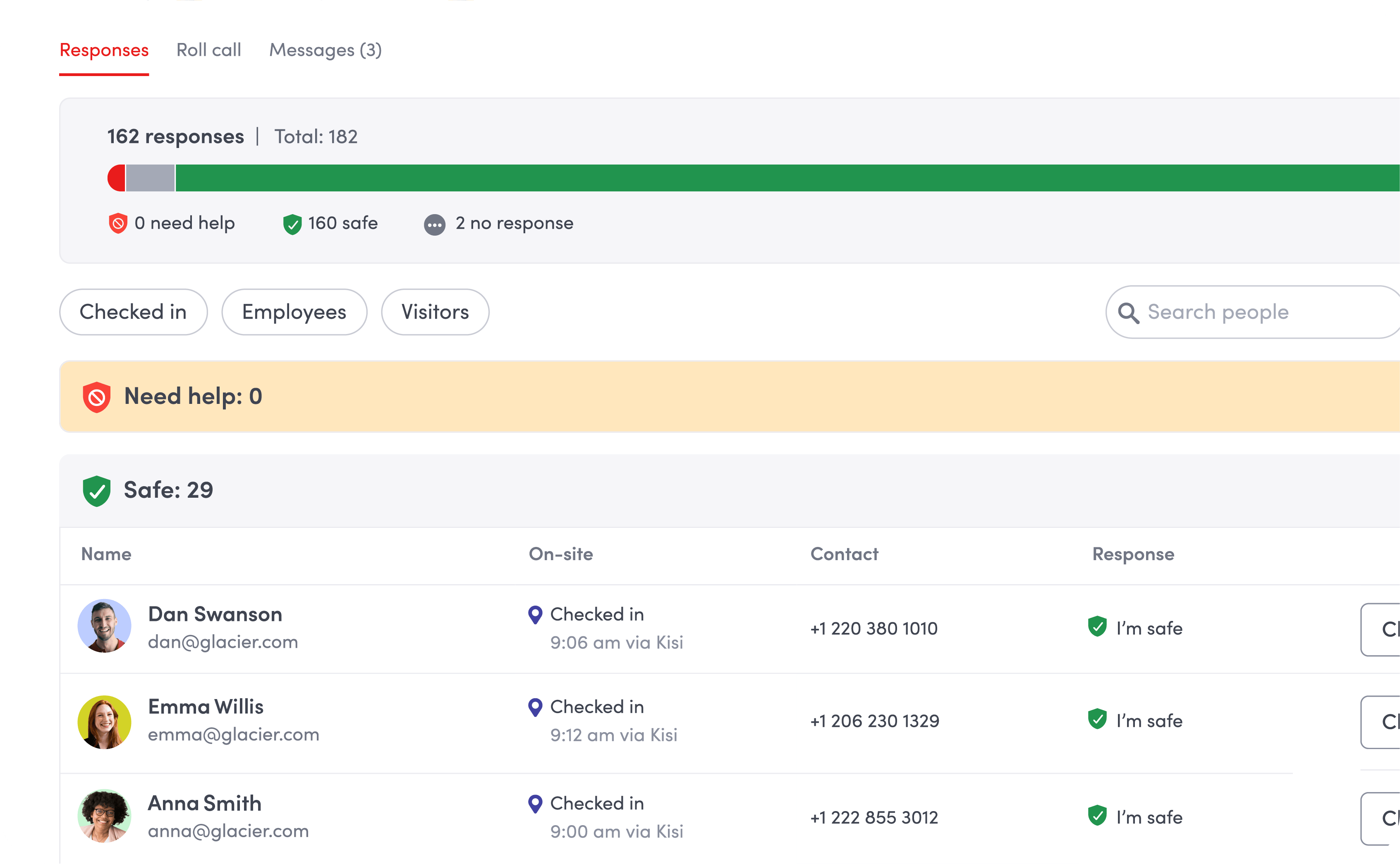
One picture, one audit trail
See a real-time roster of who’s safe, keep communication organized as an incident evolves, and maintain a full audit trail—giving you the visibility to act quickly and prove duty of care after an incident ends.
Get our duty of care guide
Live safety roster
Get a single view of your team’s status, updating in real time as responses come in. No toggling between messages or tools to piece it together.

Incident communication history
As the incident evolves, every message you send is automatically tied to it, so nothing gets lost in a separate email or text thread.

Documented audit trail
Every alert, response, and action is automatically logged into an exportable record, giving you a complete incident timeline for legal, compliance, and after-action review.
More resources for protecting your people and locations

We’ll show you how to put together a visitor process around SQF requirements, with practical steps and records your team can use.

This guide covers CTPAT’s visitor management criteria and the workflows and records that help your team prepare for validation.

This guide covers how visitor management supports FISMA, which NIST controls apply, and what your team needs to document along the way.