

Emergency notification system for business
Emergency response that doesn’t stop at the alert
When an emergency happens, you need to know: Who’s at risk? Have they been notified? Are they safe? Use Envoy Response for end-to-end incident management, from identifying threats and impacted people to coordinating response and documenting every action.


Protecting our stadium in the heart of Minneapolis means preparing for everything from severe weather and major events to civil unrest. I need every advantage I can get. Envoy helps us quickly understand what's happening, communicate with confidence, and make sure the right people receive the right information before a situation escalates.”


Envoy centralizes how I can send emergency notifications to everyone that we have onsite in our multiple locations. Visitors wouldn’t be in any other system. So, in the event of an emergency, I’d rely on Envoy to alert anyone of critical information.”


With Envoy, we can provide critical information when it is needed to the widest audience. There really is no substitute for a single pane of glass portal.”

Reach exactly who’s impacted
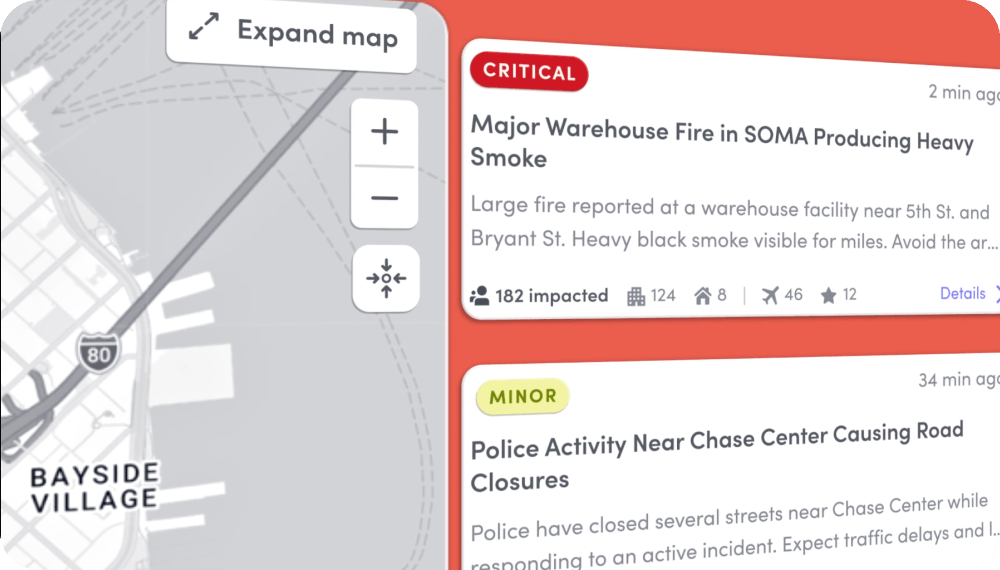
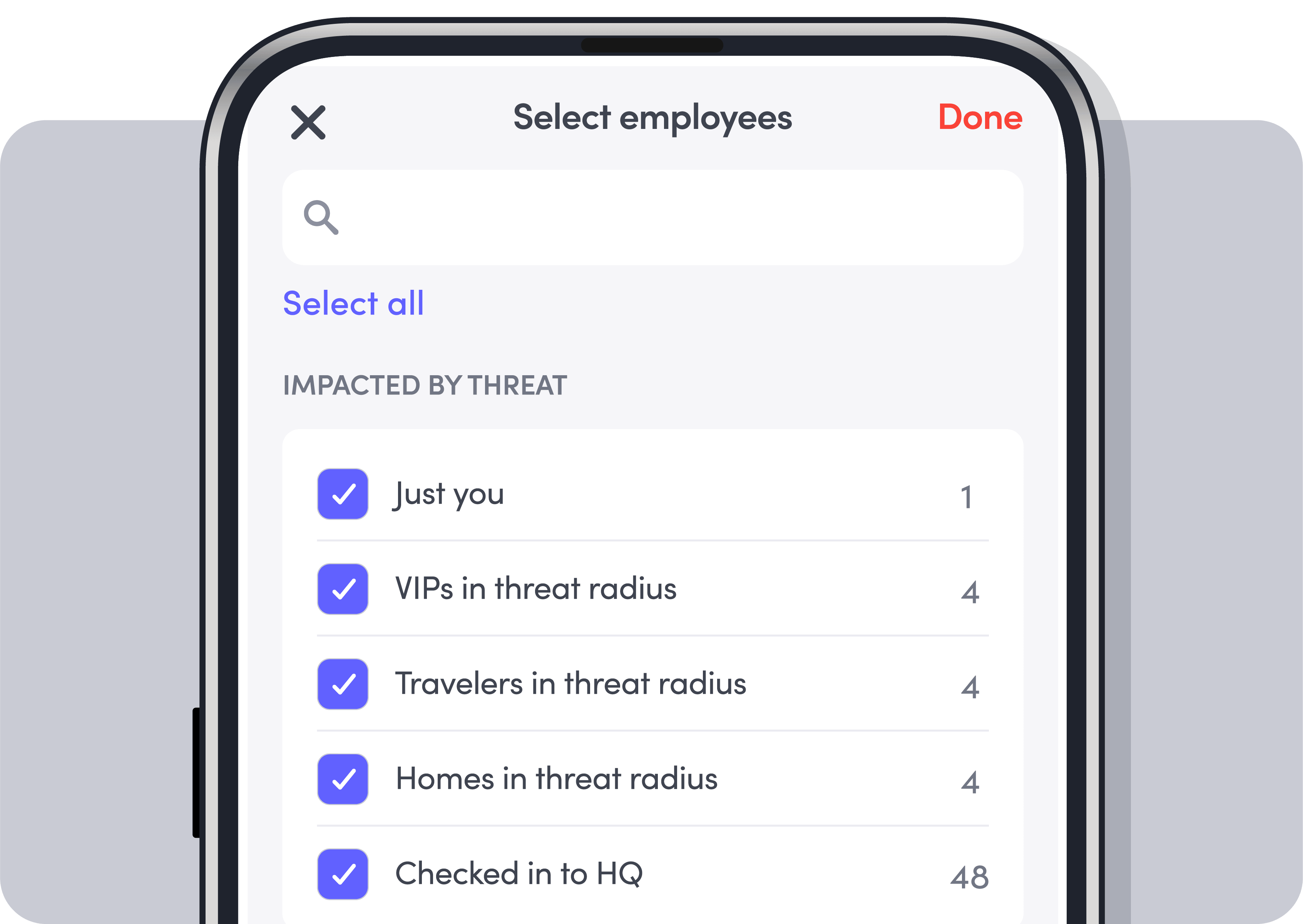
Many systems alert everyone on a list. Envoy shows you who’s actually impacted—onsite or off, employees and visitors—by matching real-time presence data to the threat. Know who to prioritize and who’s accounted for when first responders arrive or you run roll call.
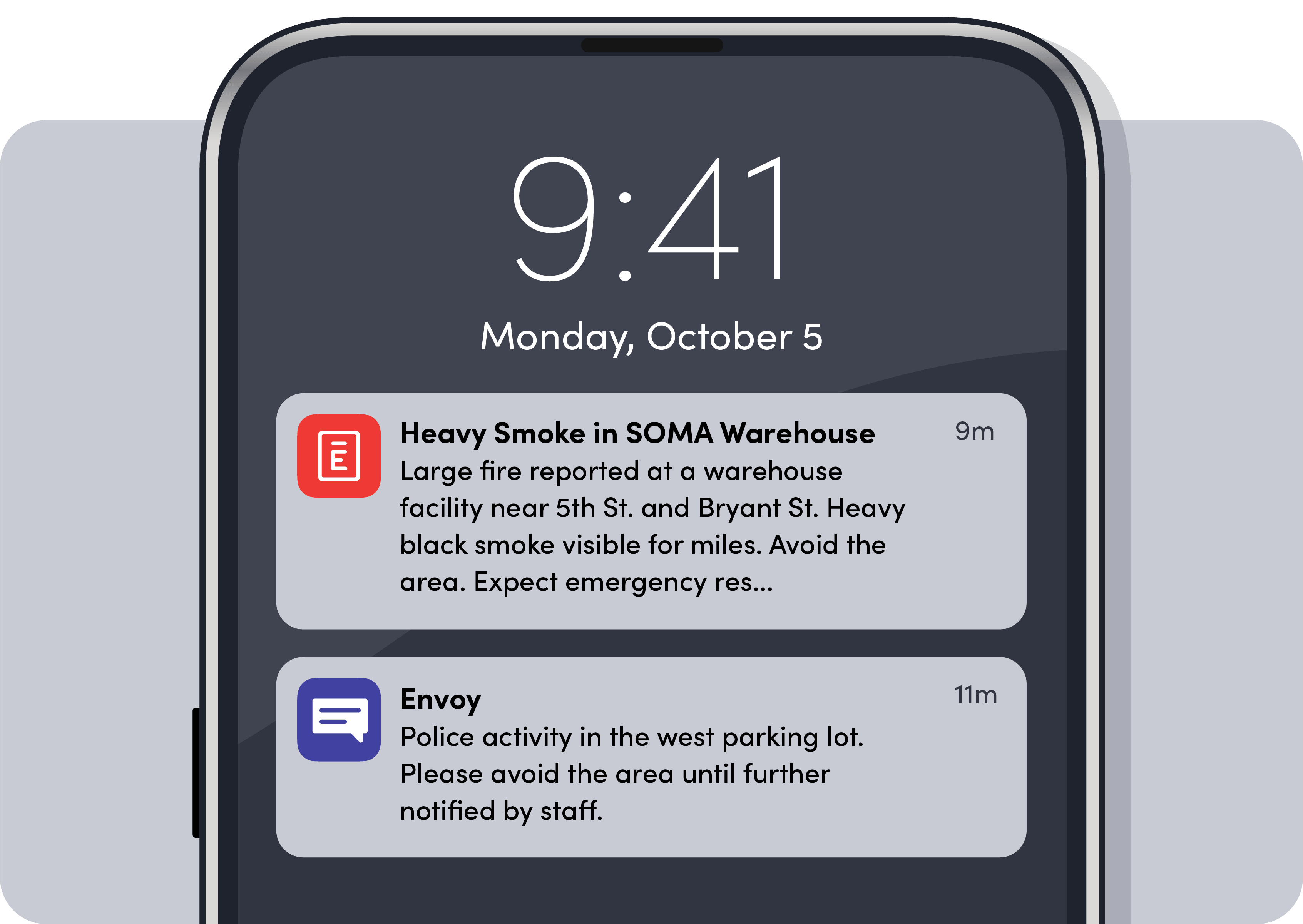
Deliver alerts where people will see them
Send time-sensitive messages through SMS, email, push, Slack, Teams, and across digital signage to ensure your alerts get through to the people who need to see it.
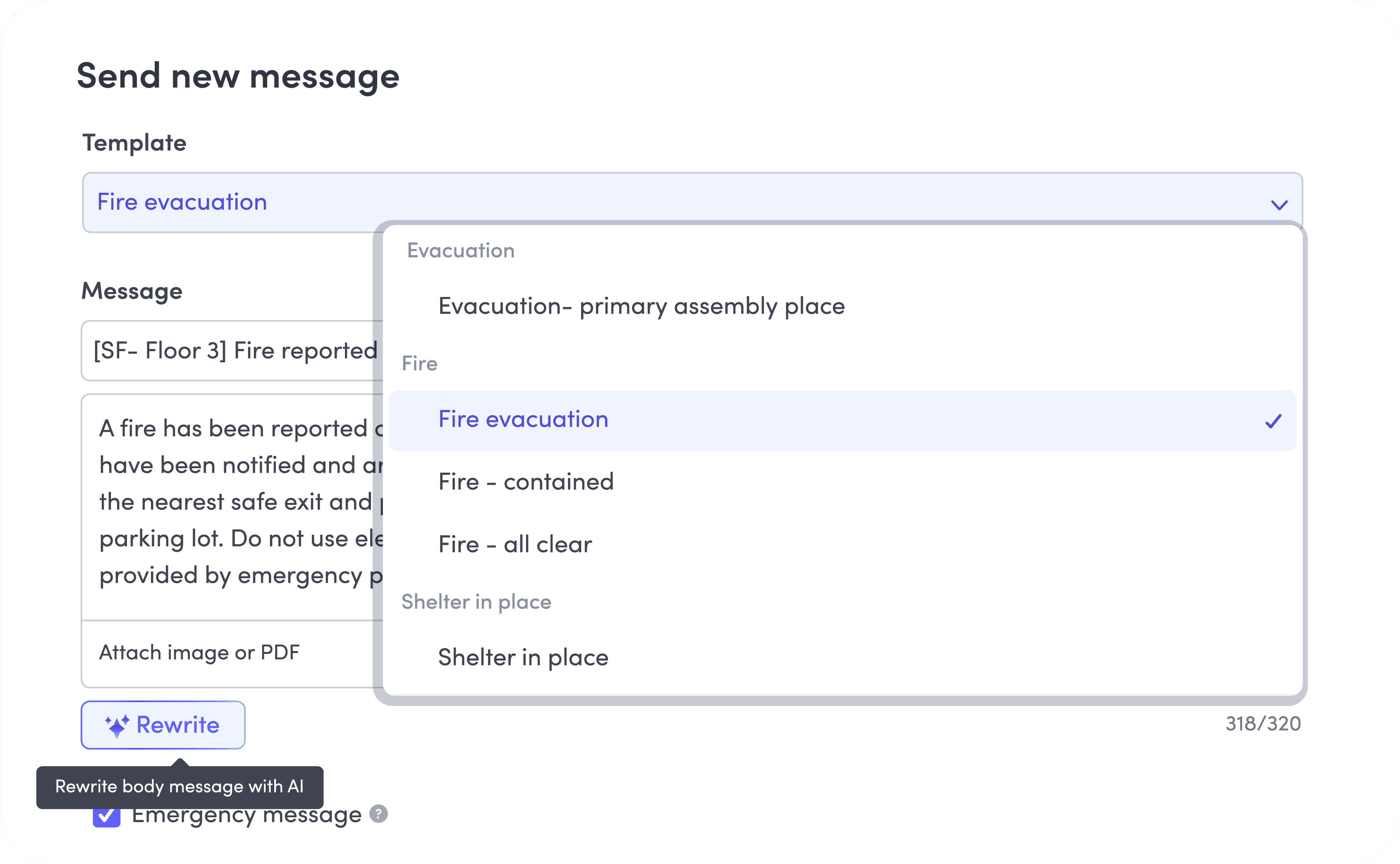
Respond faster with pre-built templates
Prepare for common scenarios so when there’s an incident you can send the right alert in seconds, with details like location and incident type already filled in.
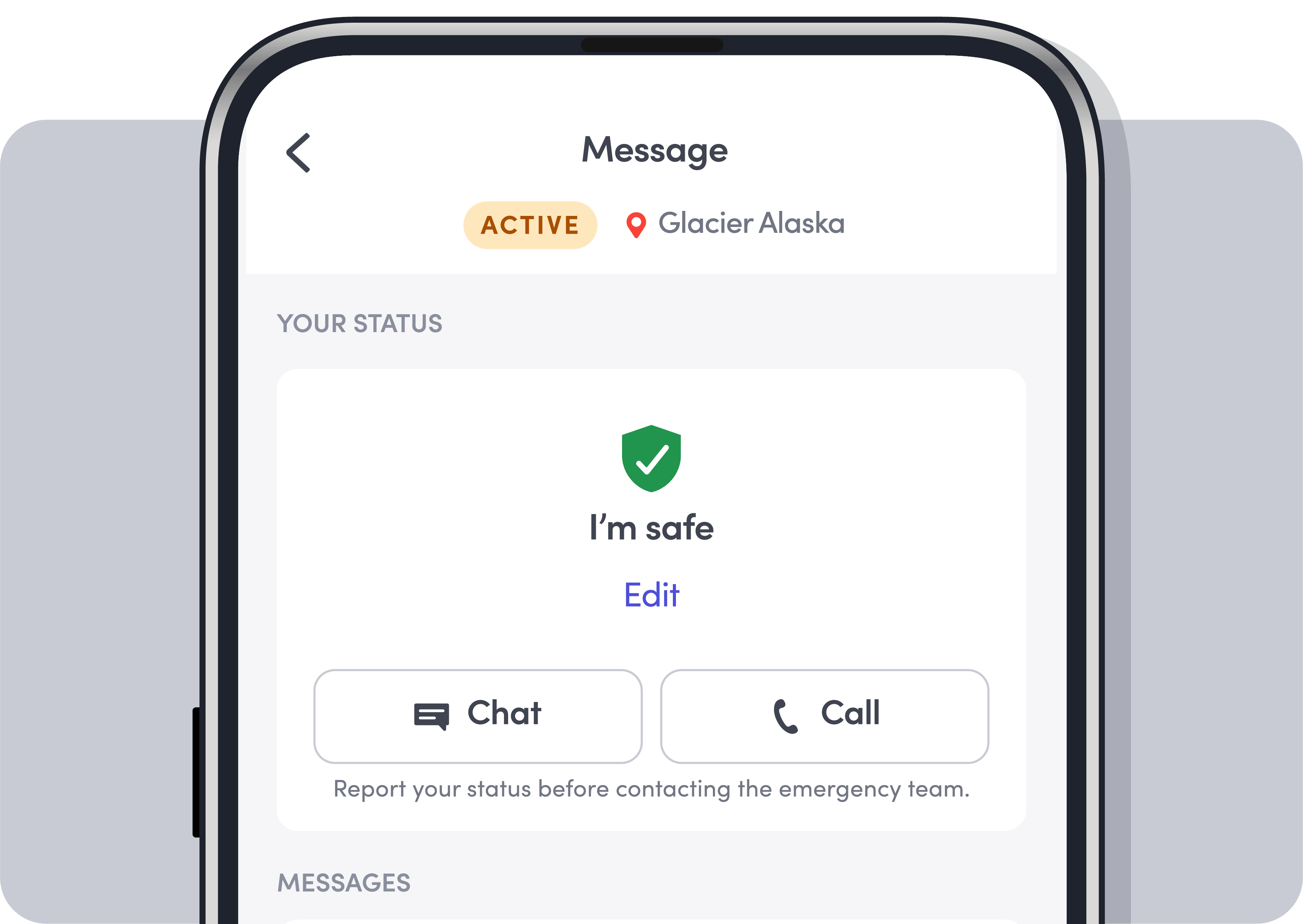
Go beyond read receipts with two-way communication
Prompt employees, visitors, contractors, and anyone who’s impacted to mark themselves safe during an emergency, and track responses in real time. Roll call and two-way chat help you identify who still needs assistance, while every response is captured in an audit-ready report.

Integration with directory services
Keep your employee directory accurate and up to date using SCIM and HRIS integrations with systems like Okta and Microsoft Entra ID, ADP, and Workday.

Always-on threat monitoring
Proactively monitor threats like weather events, civil unrest, facility issues, and more, that may affect people onsite, working remotely, or traveling for work, all from a single threat dashboard—without someone having to flag them manually.

Custom recipient groups
Create targeted groups manually or dynamically based on real-time data, such as badge swipes, desk reservations, or geo-location.

Targeted or broadcast alerts
Send targeted alerts to exactly who's affected, or reach everyone at once for building-wide or company-wide emergencies.

Evacuation points on workplace maps
Attach custom maps that highlight evacuation routes, exits, and safe zones. Include them in emergency notifications to guide everyone onsite to safety.

Automated digital records
Automatically capture notifications, responses, and timestamps to track the full incident timeline for compliance, reporting, and after-action review.
Consolidate threat intelligence and incident management into your Envoy platform with Response
Envoy goes beyond a standard workplace emergency alert system by putting your team in command of the entire incident, not just the alert. Monitor threats, match them to real-time presence data, and manage incidents from alert to close, all from one platform.
Build a stronger incident management strategy
Learn how to unify threat intelligence, emergency notifications, and incident management in a single response strategy. Download The enterprise guide to threat intelligence & incident managementThe enterprise guide to threat intelligence & incident management.
Download the guide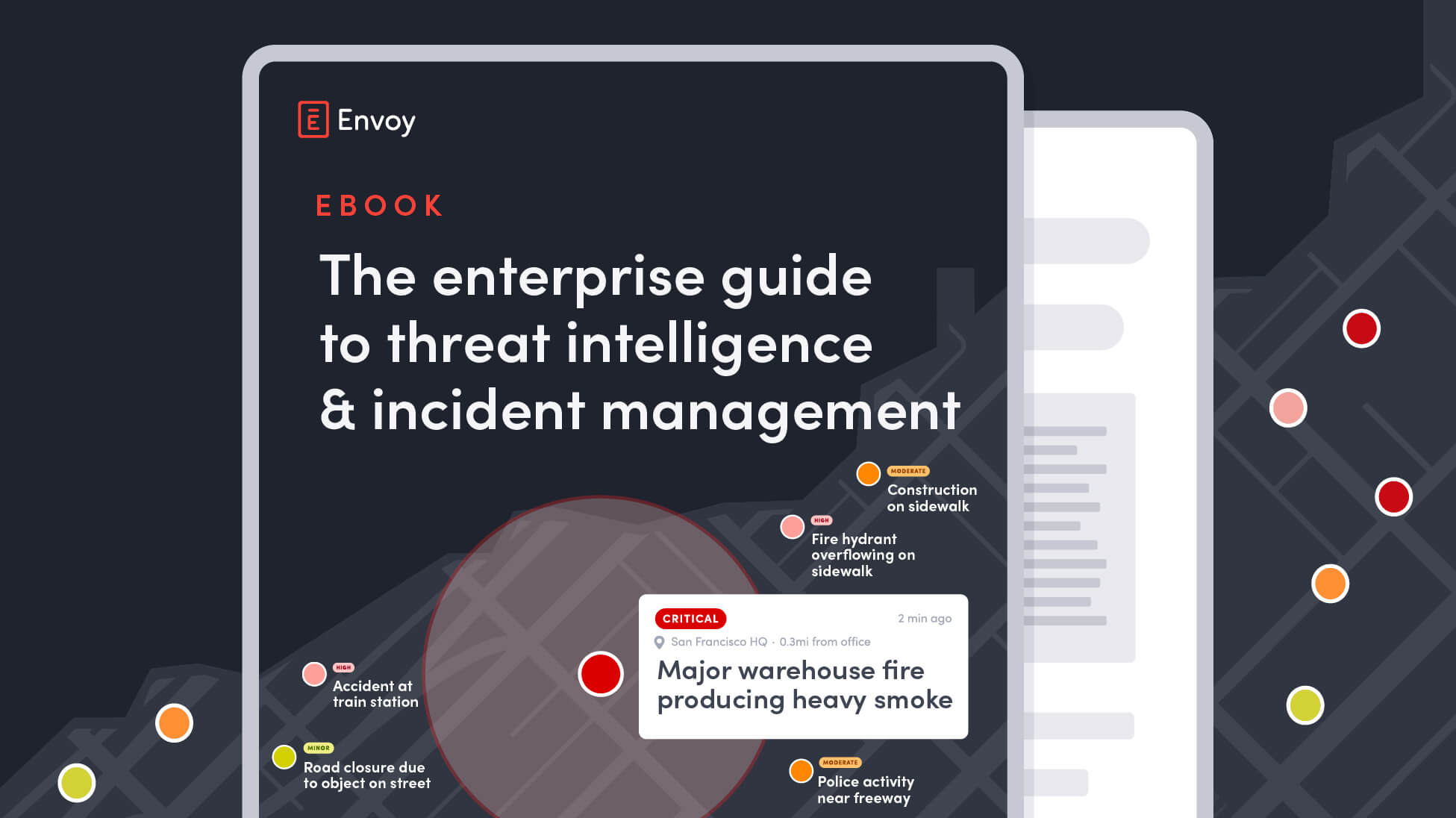
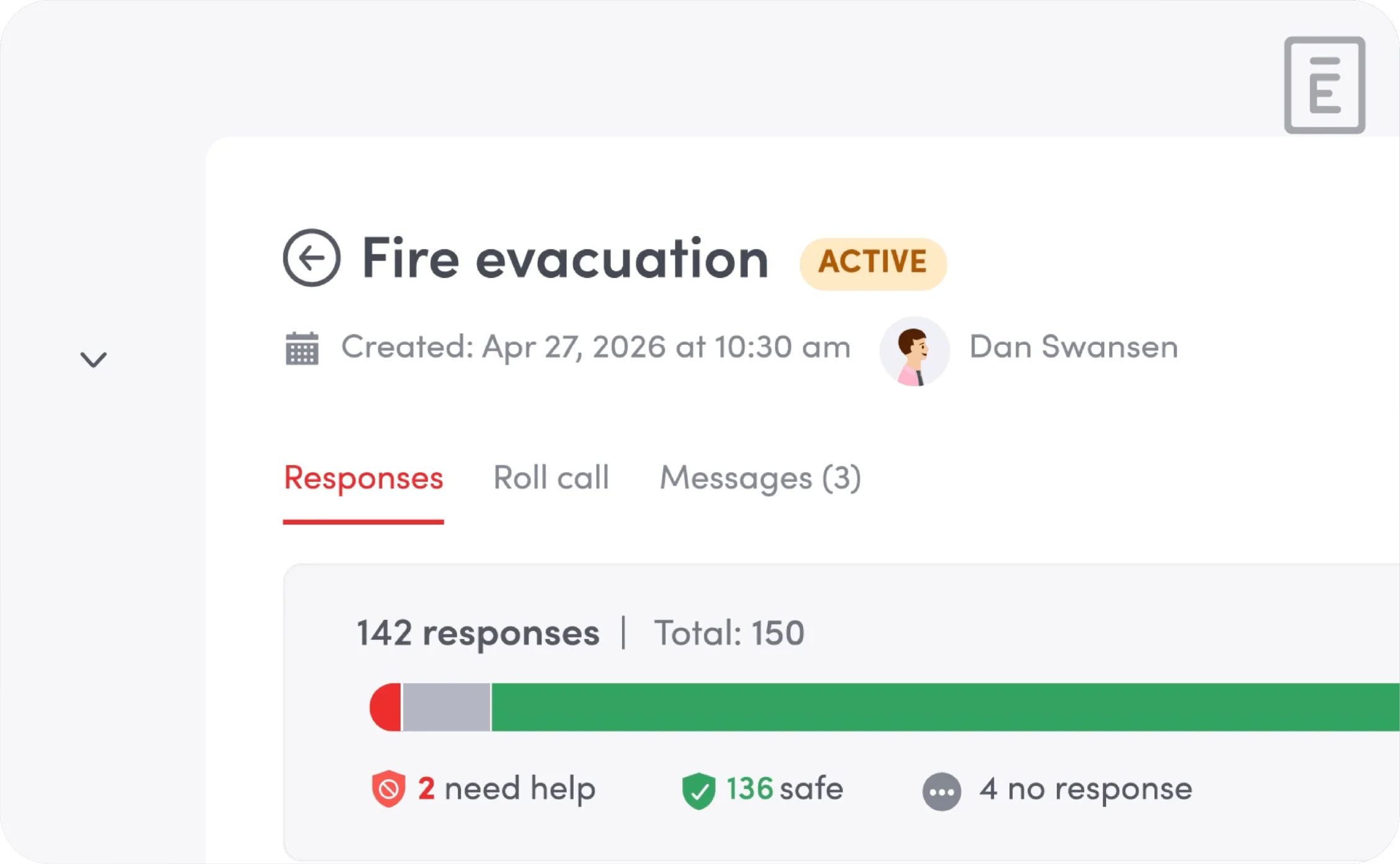
See the full incident management workflow in action
Get a quick walkthrough of how teams send multi-channel alerts, confirm everyone is safe, and manage a full incident end-to-end—all within Envoy.
Schedule a demoExplore workplace safety and security resources
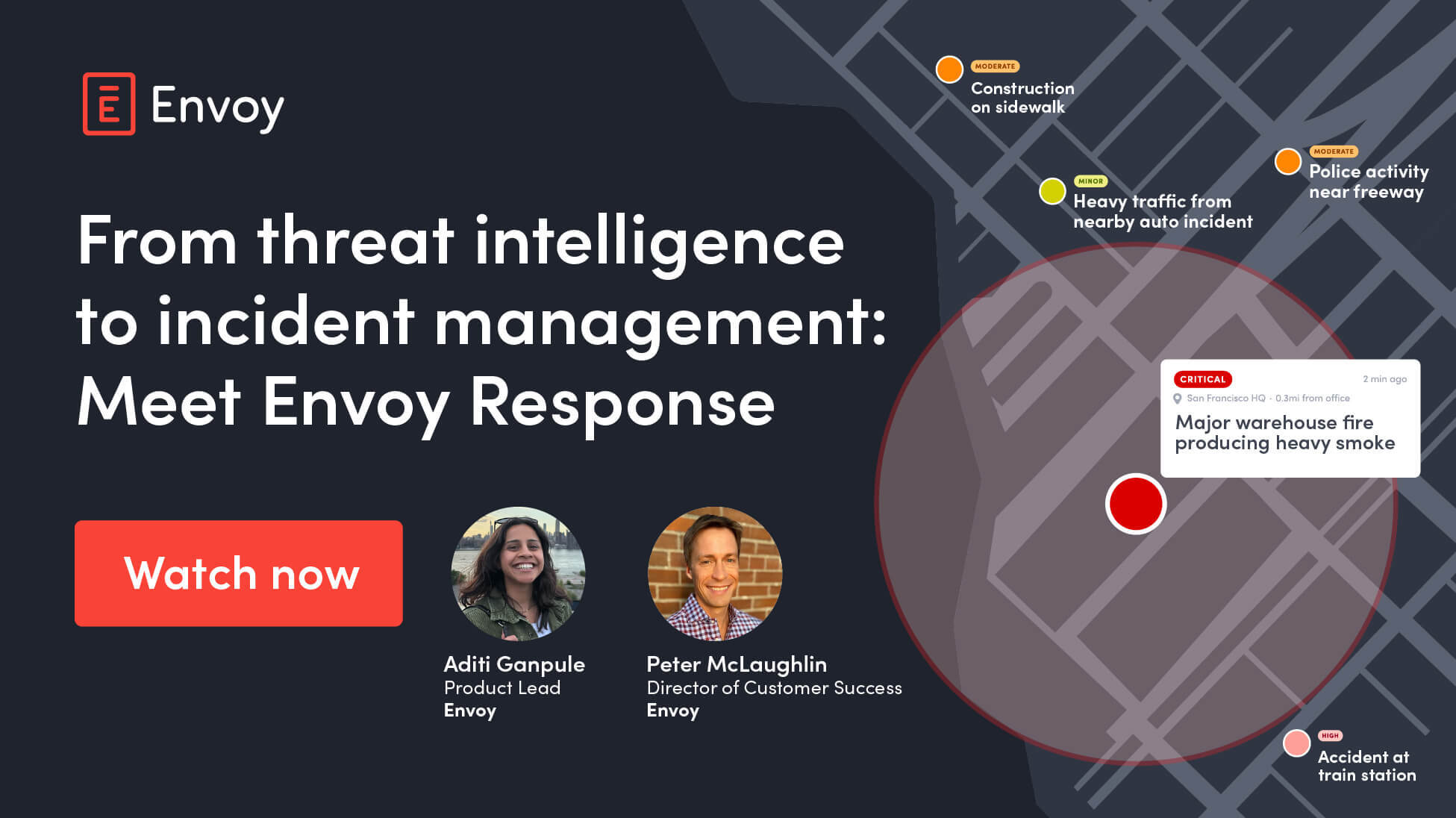
From threat intelligence to incident management: Meet Envoy Response
Meet Envoy Response! Join Envoy's Product Lead, Aditi Ganpule, and Director of Customer Success, Peter McLaughlin to see how security and workplace teams prepare for real-world incidents with Envoy Response.
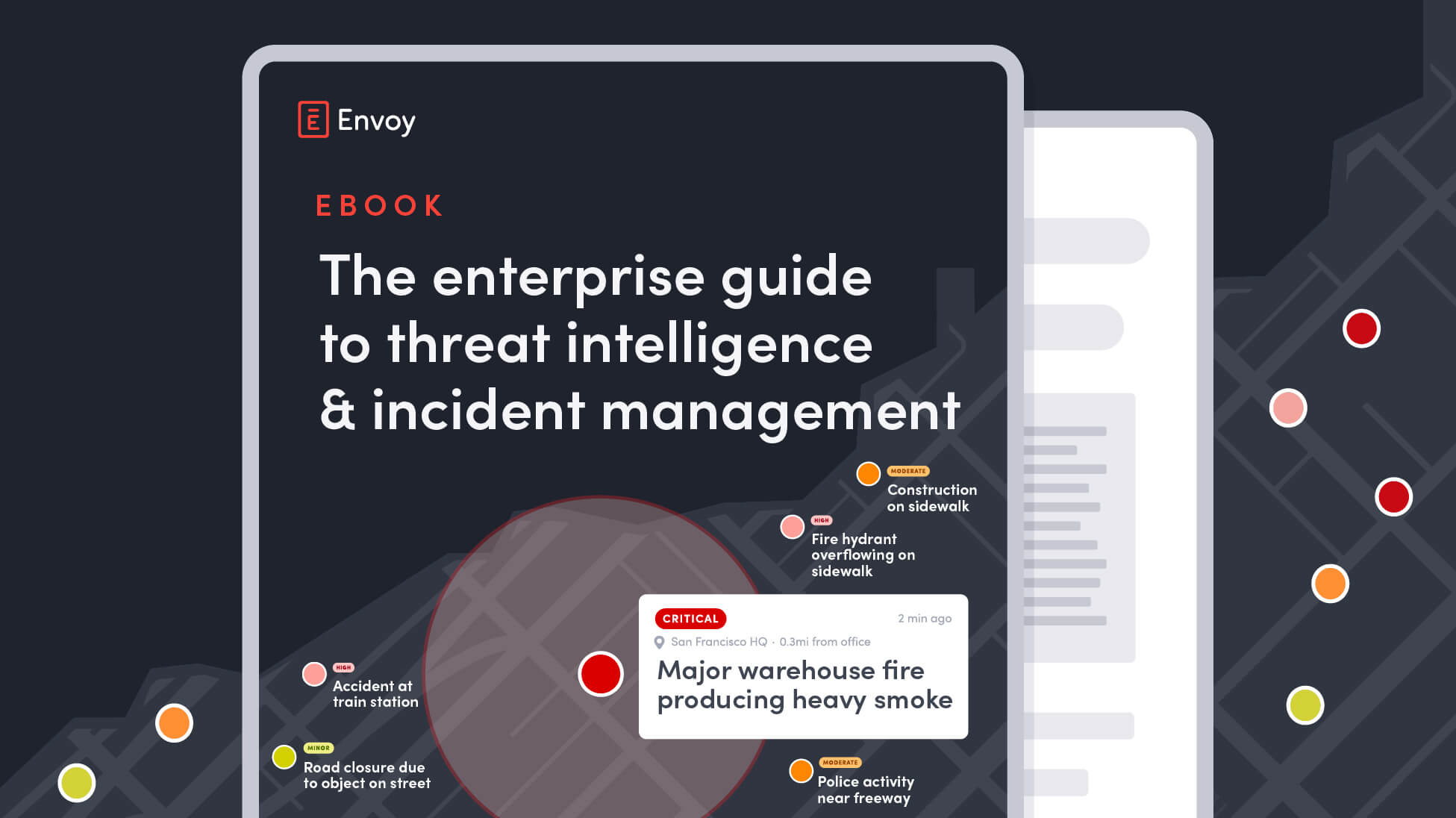
The enterprise guide to threat intelligence & incident management
Learn how leading enterprises unify threat intelligence, incident management, and emergency communications to protect people, property, and operations.
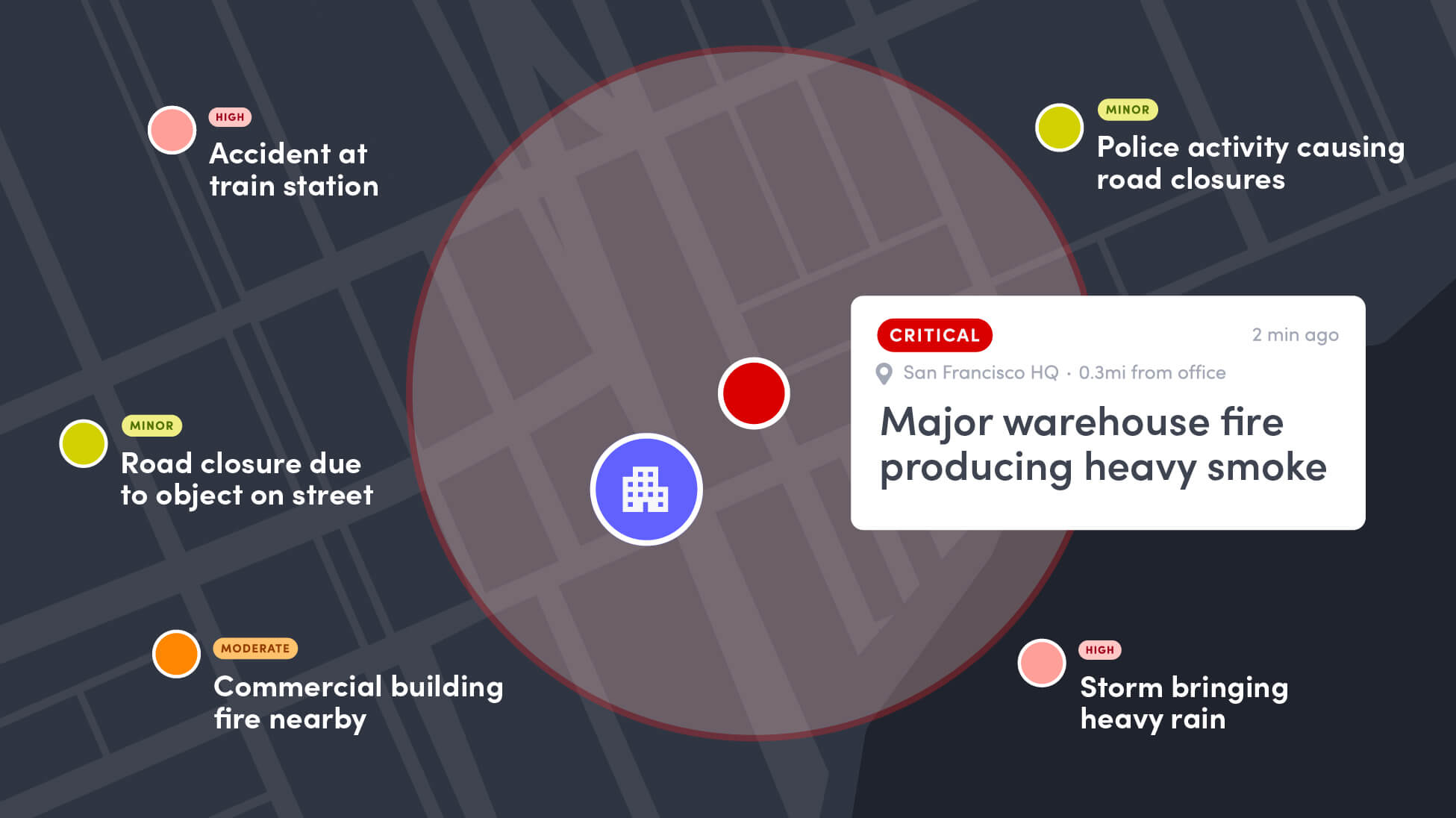
Find out why we built Envoy Response and how it helps teams turn emerging threats into faster, more coordinated action.
Still have questions?
We can help.
An emergency notification system helps organizations quickly alert people during critical events and coordinate their response. It gives security teams a structured way to communicate during an emergency, rather than relying on ad hoc calls, texts, or emails.
Envoy uses real-time presence data to identify who may be affected, whether they’re onsite or offsite, including employees, visitors, contractors, executives, and VIP. Teams can use this information to target alerts by location or group, or send a broadcast alert when everyone needs to know.
Envoy helps security teams manage incidents beyond the initial alert, from monitoring responses and communicating with affected people to coordinating roll calls and tracking resolution. Automated records capture notifications, responses, and timestamps for compliance, reporting, and after-action review.
Envoy gives teams a real-time view of who has responded and who still needs attention. Employees and visitors can mark themselves safe or request help, while digital roll calls and two-way communication help teams identify people who may need additional follow-up.
Yes. Envoy gives teams a centralized view of threats, people, and incidents across locations. They can send targeted or company-wide alerts, monitor responses, manage incidents across their organization, and share emergency communications across workplace screens to reach people onsite who may not be able to check their phones.