

Emergency alerts for digital signage
Reach frontline teams with alerts they can see
With Envoy Screens, keep critical information visible wherever your people work, from manufacturing floors and warehouses to areas where phones and computers aren’t always within reach.


Protecting our stadium in the heart of Minneapolis means preparing for everything from severe weather and major events to civil unrest. I need every advantage I can get. Envoy helps us quickly understand what's happening, communicate with confidence, and make sure the right people receive the right information before a situation escalates.”


Envoy centralizes how I can send emergency notifications to everyone that we have onsite in our multiple locations. Visitors wouldn’t be in any other system. So, in the event of an emergency, I’d rely on Envoy to alert anyone of critical information.”


With Envoy, we can provide critical information when it is needed to the widest audience. There really is no substitute for a single pane of glass portal.”

Keep safety top of mind every day
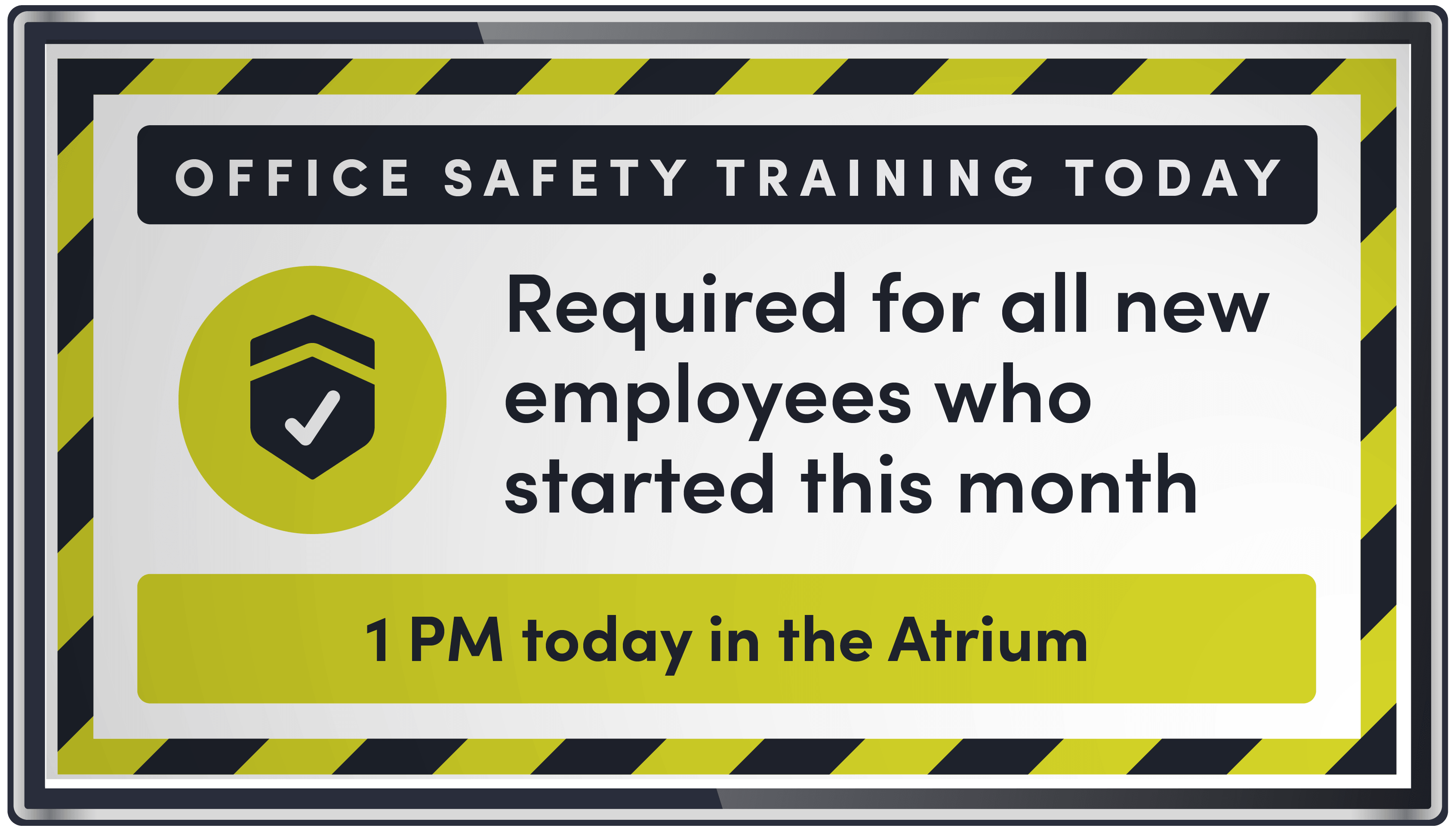
Turn digital screens into a steady safety channel. Share training, policies, hazard information, and reminders where work actually happens, ensuring important guidance doesn’t get lost in inboxes, binders, or bulletin boards.
Put urgent instructions where people can see them
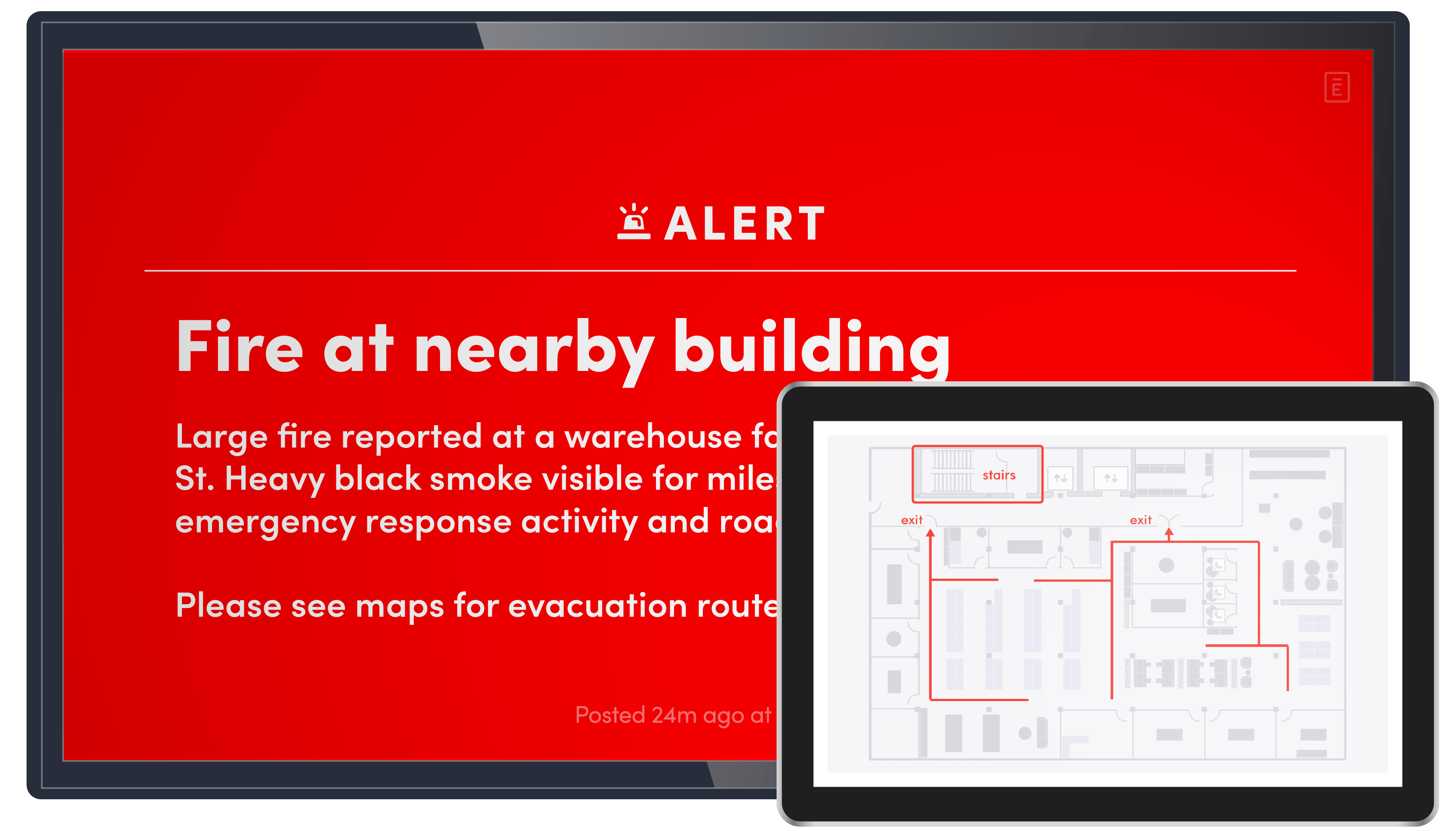
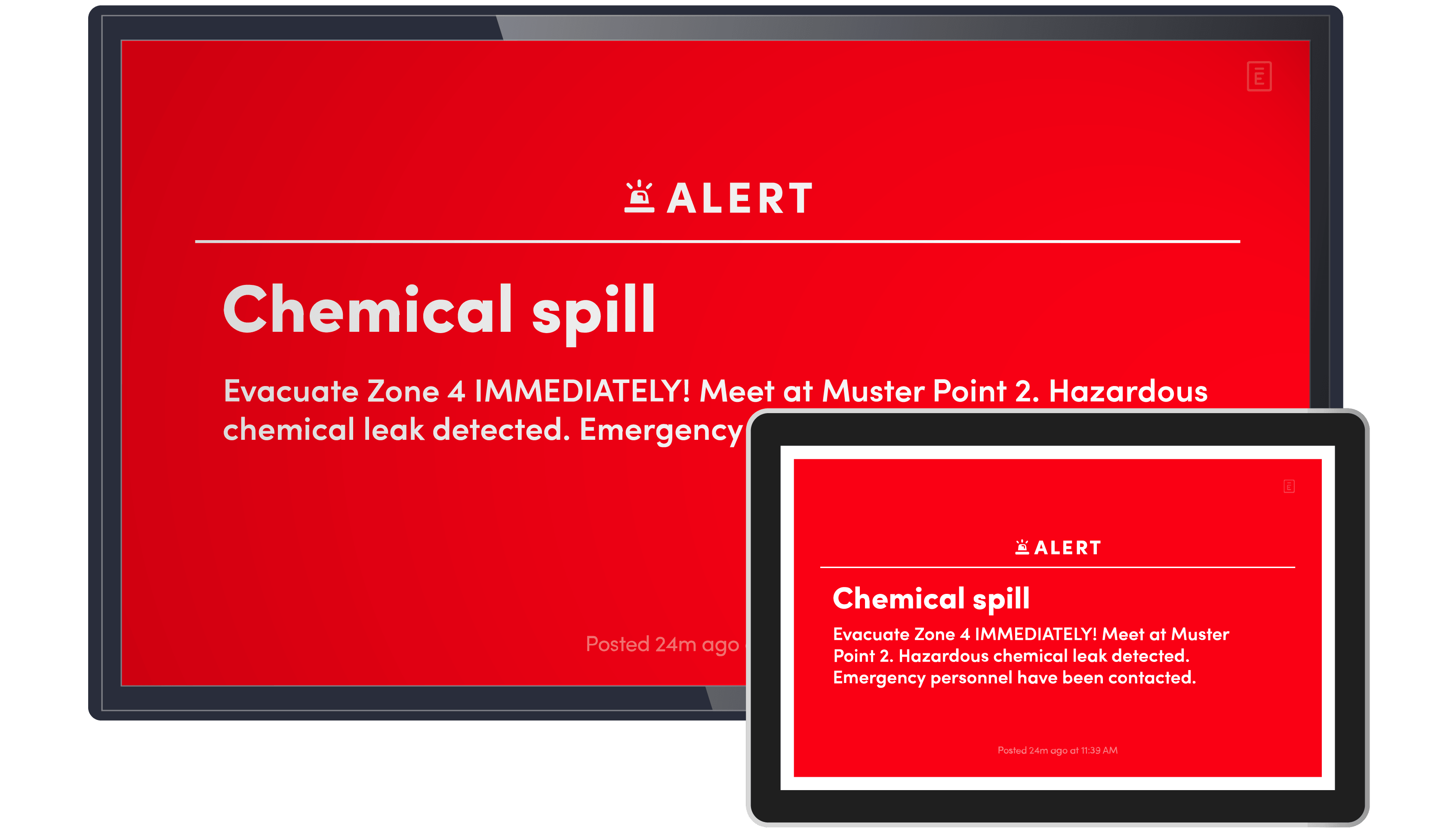
When something happens, quickly take over TVs, kiosks, tablets, and more with clear instructions. Share evacuation routes, shelter-in-place guidance, severe weather updates, and facility-specific notices across manufacturing floors, warehouses, and shared spaces, anywhere phones aren’t always in hand or allowed.
Make safety training easier to review
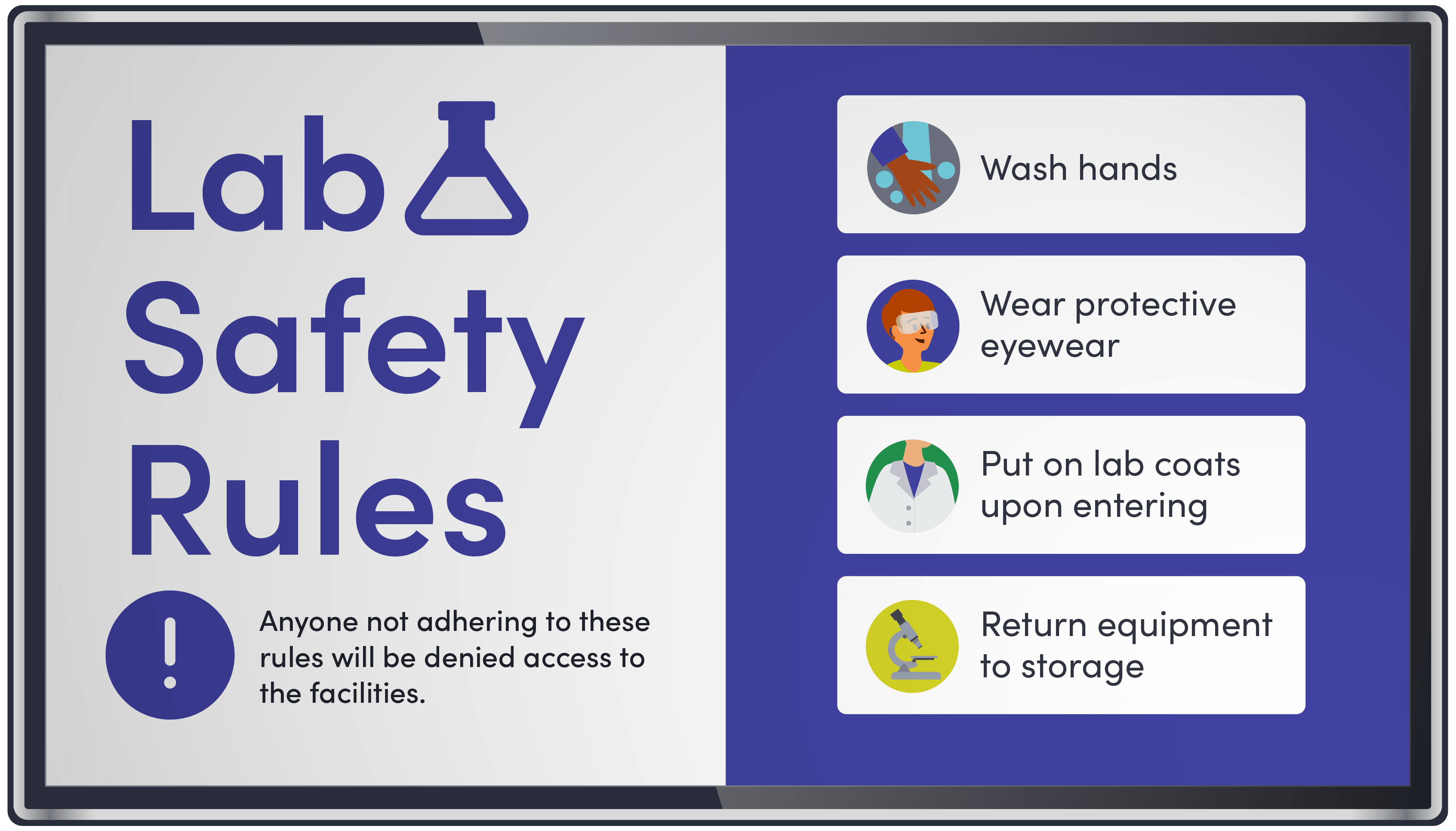
Build and push out visual safety content for OSHA, HazCom, GHS, PPE, SOPs, and site rules. Keep it consistent as things change and teams grow, helping reduce confusion and reinforce safe practices.
Practice before it’s real
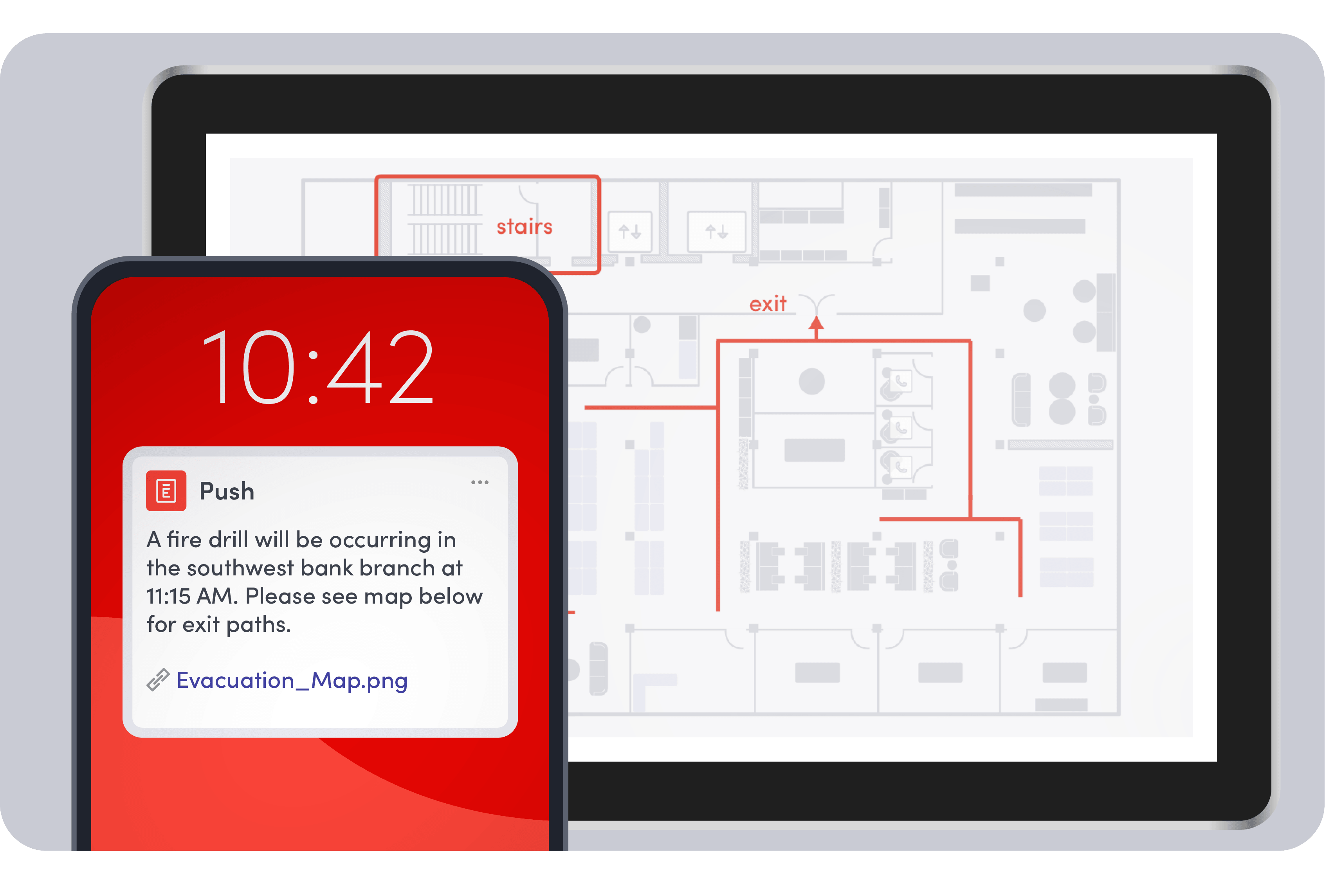
Run safety drills across digital screens so employees can practice what to do and get familiar with the instructions they may see during a real emergency.
From everyday updates to urgent alerts
Envoy Screens helps keep people connected, safe, and informed across every workplace. Manage displays remotely, schedule everyday updates, push critical alerts, and track what’s shown across locations.

Centralized screen management
Manage safety messaging across screens, buildings, and locations from one place, with centralized control over what appears where.

Scheduled safety content
Schedule recurring PPE reminders, SOPs, training materials, and other safety content so important guidance stays current and visible.

Targeted workplace alerts
Send relevant alerts to the screens and locations affected, whether that’s one area, one facility, or multiple sites.

Emergency screen takeover
Interrupt everyday content with high-visibility emergency instructions so critical messages become the first thing people see.

Safety and compliance reporting
Track what was displayed by content, device, location, or duration to support safety and compliance programs.

Get more from the screens you already have
Turn existing TVs, kiosks, and tablets into communication points for everyday updates, safety information, and urgent alerts.
Workplace screens are just part of your emergency response
Go beyond on-screen alerts with Envoy Response. Detect emerging threats, understand who may be affected—whether they’re onsite, working remotely, or traveling—and coordinate communication and incident management across your organization from one platform.

See Envoy Screens in action
Explore how Envoy Screens can help you reach frontline teams, take over displays during incidents, and manage safety messaging across locations.
Schedule a demoStill have questions?
We can help.
Digital signage for emergency alerts uses workplace TVs, kiosks, tablets, and other displays to share urgent visual instructions during an incident. With Envoy Screens, organizations can surface clear, on-screen guidance where people are already working, moving, or gathering.
Digital signage adds a visual layer to emergency communication, working alongside PA systems, intercoms, alarms, strobes, and other onsite safety infrastructure. Screens can reinforce alerts with clear, visible instructions, especially in loud environments or areas where other signals may be missed. They can also serve as part of a broader communication strategy for teams considering a PA system alternative or looking to strengthen the systems they already have.
Yes. With Envoy Screens, digital signage with visual alerts can support both everyday safety communication and urgent emergency communication. Teams can display training, PPE requirements, SOPs, and safety reminders during normal operations, then switch screens to critical instructions when an incident occurs.
Digital signage adds a highly visible communication layer across physical spaces, helping ensure critical instructions aren’t missed in the moment. During an emergency, teams can display evacuation routes, shelter-in-place guidance, severe weather updates, facility-specific notices, and other time-sensitive directions across workplace screens.
Screen-based alerts help reach employees who may not have immediate access to a phone, computer, or messaging app, such as frontline teams in manufacturing, warehouses, labs, or shared workspaces. By placing instructions on digital screens throughout the facility, organizations can communicate with people wherever they are, not just those at a desk.
Yes. During an emergency, Envoy Screens can immediately replace scheduled or everyday screen content with high-priority instructions so critical messaging is what people see first.