

When seconds matter: how we built Envoy Response

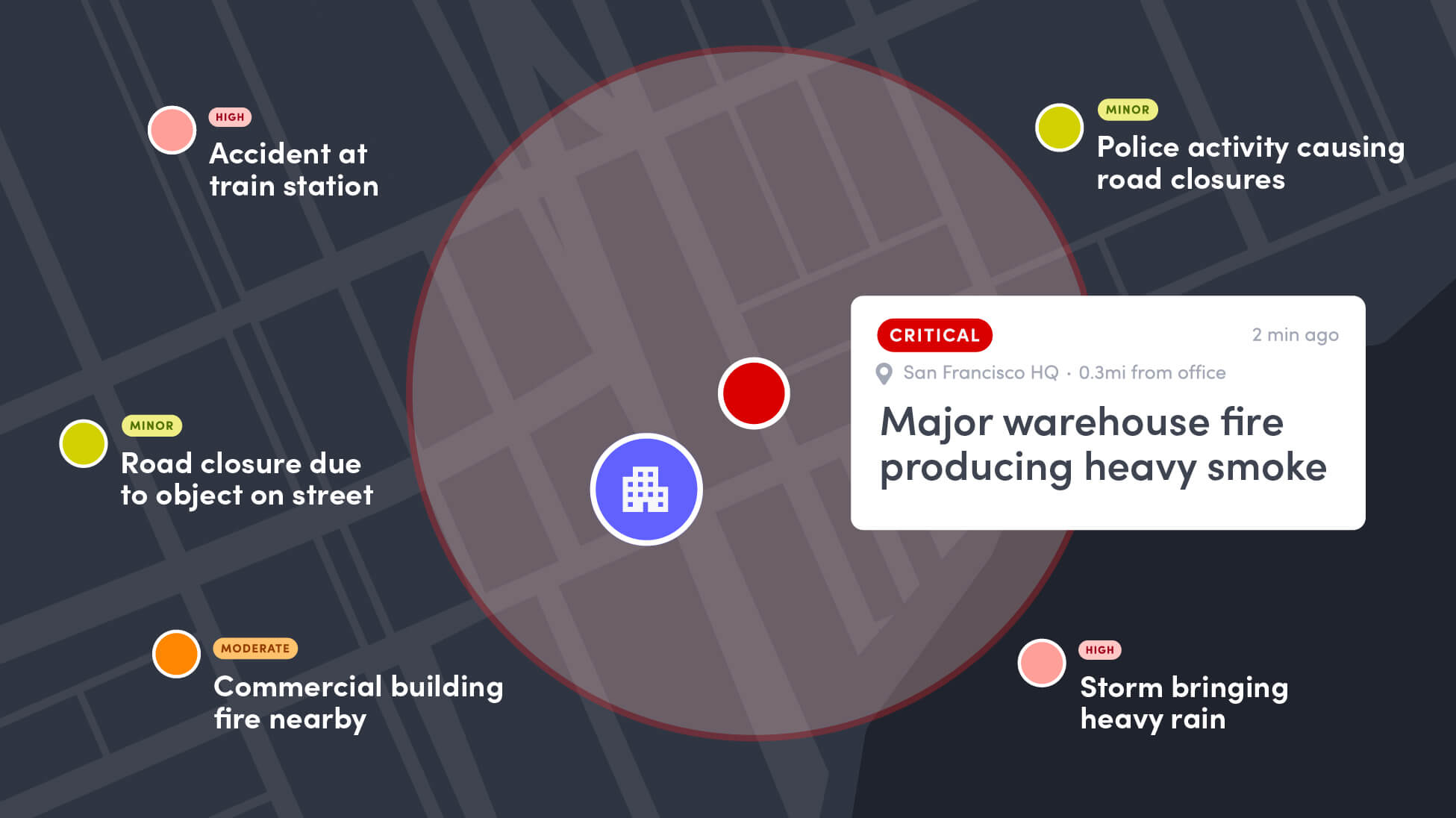
We're bringing threat intelligence, real-time presence, and incident management into one system of record, so security and safety teams can stop stitching multiple tools together under pressure and start seeing risk before it becomes an incident.
A security lead at one of our beta customers described their job to us like this: five browser tabs open. A weather alert in one. A crime feed in another. An old email thread with IT about who has access to the mass-notification tool. A whiteboard with a call list. And a badge system that has no idea any of this is happening. When something breaks, her team isn't managing a threat, they’re managing a race between five tools that don't talk to each other.
That's the gap Envoy Response is built to close. It’s why we built it the way we did, and how it supercharges the teams who use it.
The gap between knowing and acting
The problem most security teams face is not a lack of information. It's the lack of a system that turns information into action. Often, detection lives in one tool and notification lives in another. And the presence data that should connect them- who's actually impacted right now- usually doesn't exist anywhere at all.
That's fine on a quiet day. But it falls apart on the day a storm hits one of your sites and a protest turns unpredictable near another, all in the same afternoon. Suddenly someone is toggling between tabs trying to answer three questions at once: which locations does this affect, who's actually there, and have they been told.
Three mornings that used to go differently
We spent a lot of time with security and EHS teams before we wrote a line of code, mostly asking them to walk us through their worst mornings. A few of those stuck with us.
A weather scenario. A logistics site gets a high wind warning. Before Envoy Response, that warning would have shown up in a weather app someone happened to have opened, gotten mentioned in Slack, and by the time facilities called it in, the loading dock crew would have already been outside. With Envoy Response, the warning surfaces on the Threat Dashboard the moment it's issued, scoped to that site, and a security lead pushes it straight into an emergency notification — reaching badged-in employees and contractors on the dock, and alerting incoming staff and expected contractors not to come in that day. That's the power of connecting presence data to incident management: a threat becomes a coordinated response to everyone who could be affected, instead of a manual scramble to only folks in your directory.
A civil unrest scenario. A corporate office two blocks from a demonstration that's starting to escalate. Even a team that catches it early hits the same wall: they can alert the employees in their directory, but not the client sitting in the third-floor conference room or the contractor doing rack maintenance in the server closet — a directory-based tool has no idea those people are in the building. With Envoy Response, the civil unrest signal is already scored and pinned to that address, and because visitors and contractors check in through Envoy, the alert reaches them too — everyone who's actually there, not just everyone on payroll.
A public safety scenario. Robbery pattern emerging three blocks away — third incident this week on local police dispatch, but it'll never make a national threat feed. Your evening shift heads to their cars in 20 minutes. National alerting services don't carry hyperlocal crime patterns. Envoy Response does- its AI source pipeline catches them from local sources, human validation confirms them, and they surface on the Threat Dashboard. A security leader sees the pattern and makes the call: hold the shift for escorts, adjust parking protocols, tell the team to take different routes to their cars. A human decision, made with real information, at the moment it actually matters.
Different threat categories, same shape of problem: the information existed somewhere. It just wasn't in the place where a decision needed to get made.
Global and hyperlocal, in one Threat Dashboard
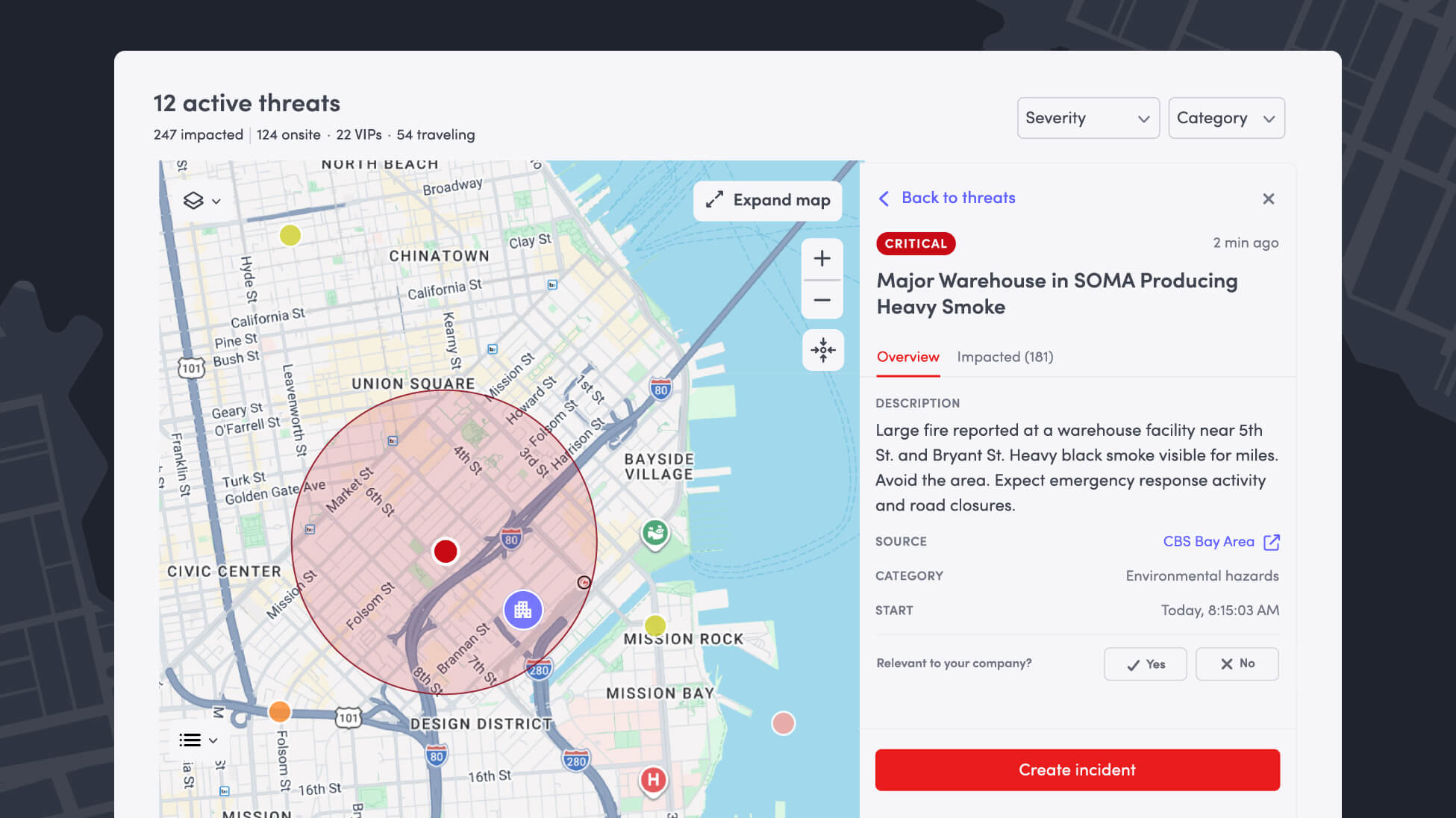
We set a hard requirement for ourselves early on: a security team needs both the broad, authoritative picture and the hyperlocal detail, in one place — and they need to trust all of it. A national weather warning and a robbery pattern three blocks away are completely different kinds of signals, and the way you lose a team's trust is by treating them the same.
So we built two pipelines feeding one dashboard.
Authoritative global sources — the National Weather Service, the U.S. State Department, WHO, Meteoalarm, the UK Met Office, ReliefWeb, and others — stream in continuously and are trusted by default. Every customer, everywhere, gets these.
The hyperlocal picture is harder, because the sources are different in every metro — local news, emergency management, police and fire feeds — and there are far too many to curate by hand. So an AI layer discovers and de-duplicates them at a scale no analyst team could match, but no source can produce a signal on the dashboard until a human has reviewed and approved it. The AI handles reach and relevance; the human handles judgment. Neither replaces the other.
That's how you end up with one global Threat Dashboard, spanning multiple threat categories — crime and violence, civil unrest, transit and transportation, infrastructure and hazmat, global security, travel risk, public health, weather, and environmental hazards — where what shows up is both AI-fast and human-verified.
Why this couldn't be a bolt-on
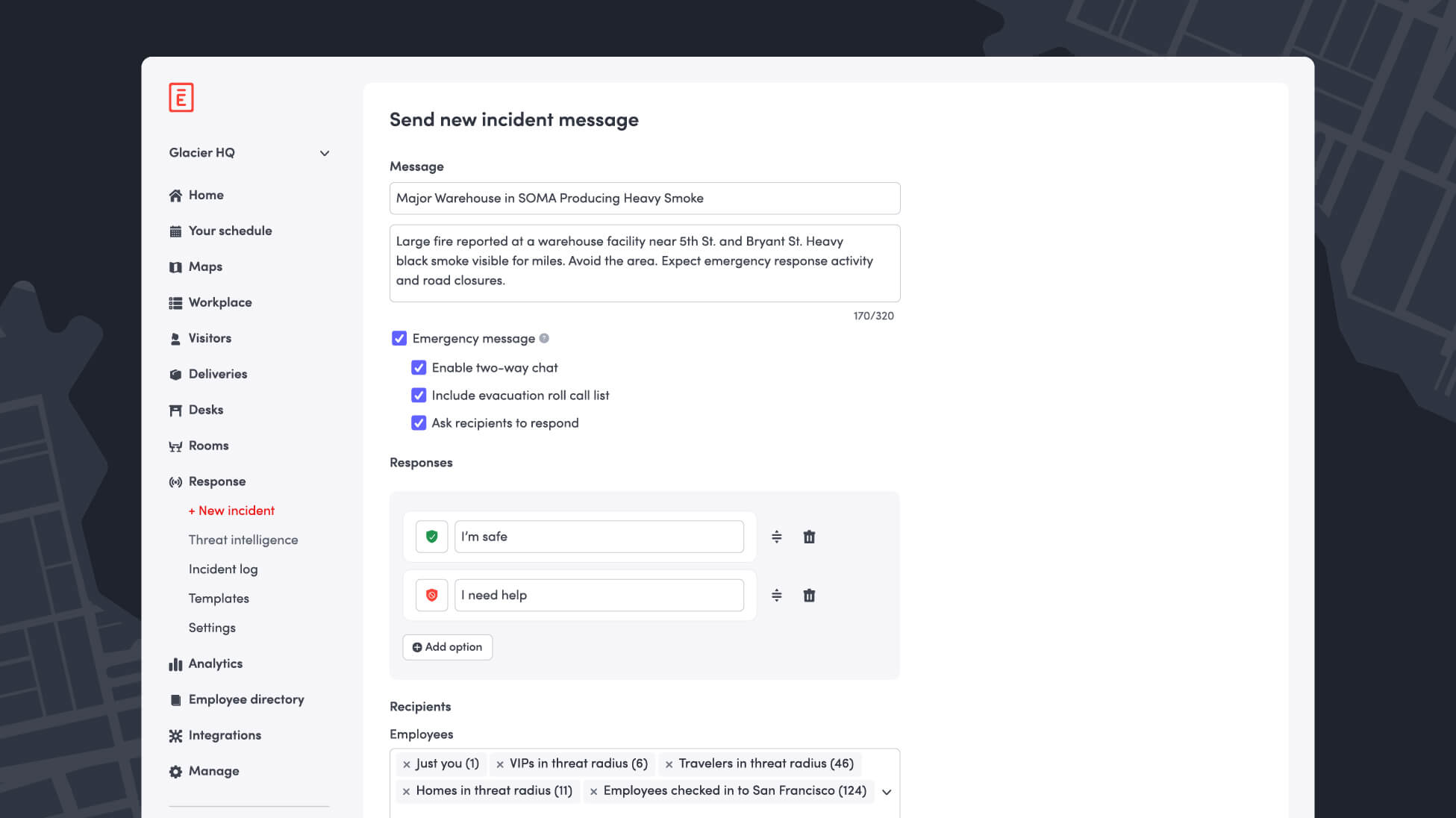
We could have built Envoy Response as a standalone threat-intel product. We didn't, because the hardest part of any of these scenarios isn't detecting the threat; plenty of vendors do that well. It's knowing who's actually at risk.
Envoy already knows who's in the building, because visitor check-in, badge access, and Wi-Fi presence already run through the platform. That's not something we bolted on for this launch; it's the reason this launch was possible at all. A visitor checking in at the front desk creates a real-time contact record the moment they arrive — which means when a threat is detected, the notification doesn't just reach the people in an HR directory. It reaches all impacted employees and the visitors and contractors that directory-based notification tools miss entirely.
From detected to accounted for
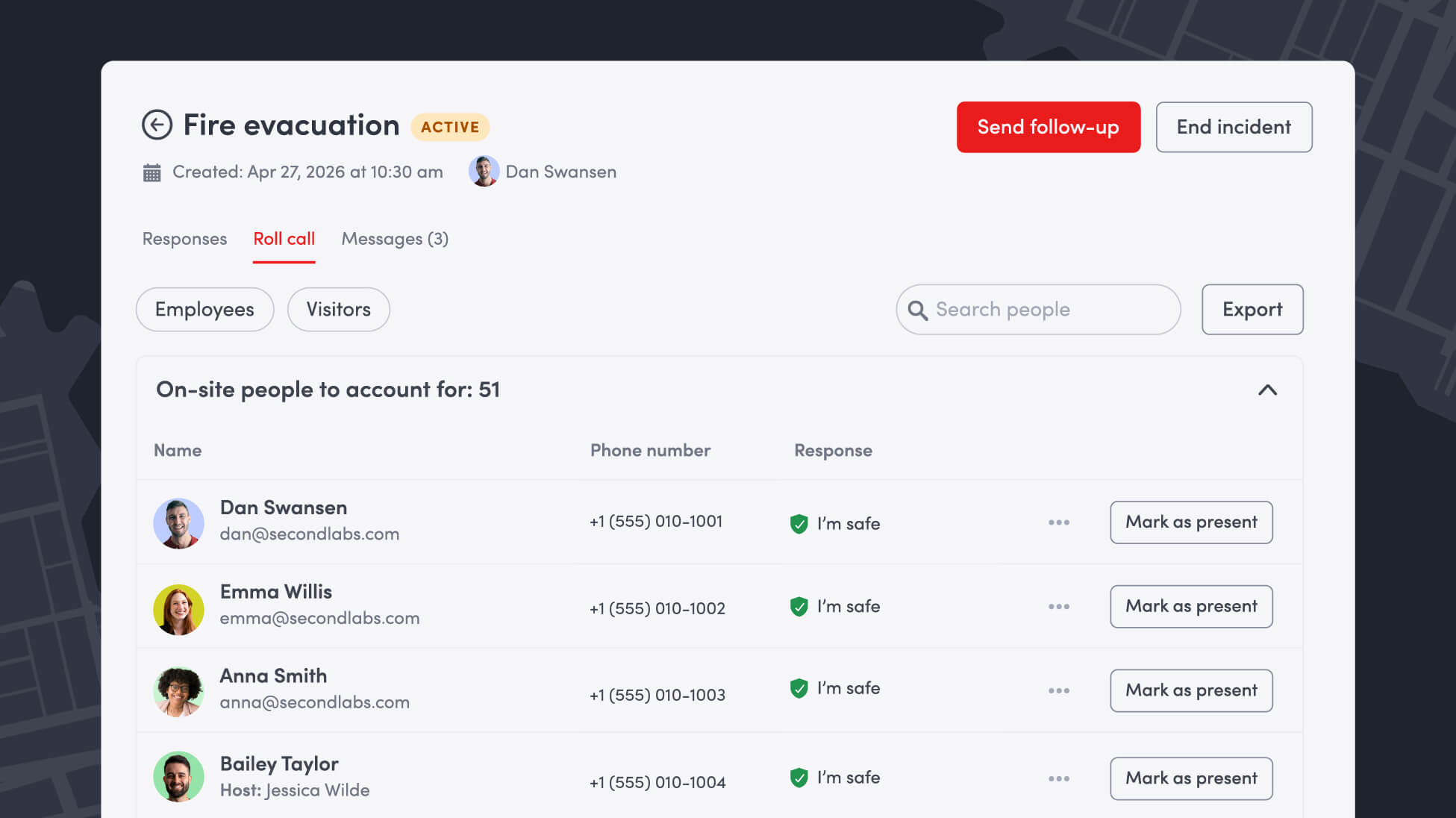
Detection is only half the job. The other half is what happens in the minutes after — and that's where a lot of teams are still stitching tools together under pressure.
With Incident Management, a security lead can go from a threat on the dashboard to a live response without switching systems: multi-channel notifications (email, SMS, push, Slack, Teams, digital signage), response status and two-way chat so people can self-attest they're safe from their phone, mustering for a real-time roll call, and an immutable, audit-ready log of every action taken. If first responders show up asking who's still unaccounted for, that's a list your team can hand over immediately, not one you have to reconstruct.
Bring the same protection to everyone your duty of care covers
Envoy Response applies to every employee the same standard of protection historically reserved for executives — continuous monitoring whether someone is remote, onsite, or traveling. Business-trip itineraries feed into the same threat dashboard, so duty of care doesn’t stop at the office door.
We built Envoy Response because the security lead with five open tabs shouldn't have to be the connective tissue between detection and action. The platform should be.
Want a product tour? Request a demo today.
Read more

In this guide, we’ll break down how cloud digital signage works, how it compares with on-premise signage, cost factors, and what to look for in a solution.

Learn how to support ITAR compliance with visitor screening, access approvals, onsite controls, and records that document each visit.

Compare leading mass notification vendors, their best-fit use cases, and key tradeoffs. Learn what to evaluate before choosing a system.
New Envoy research reveals where physical security gaps emerge and whether organizations can prove their controls are working.
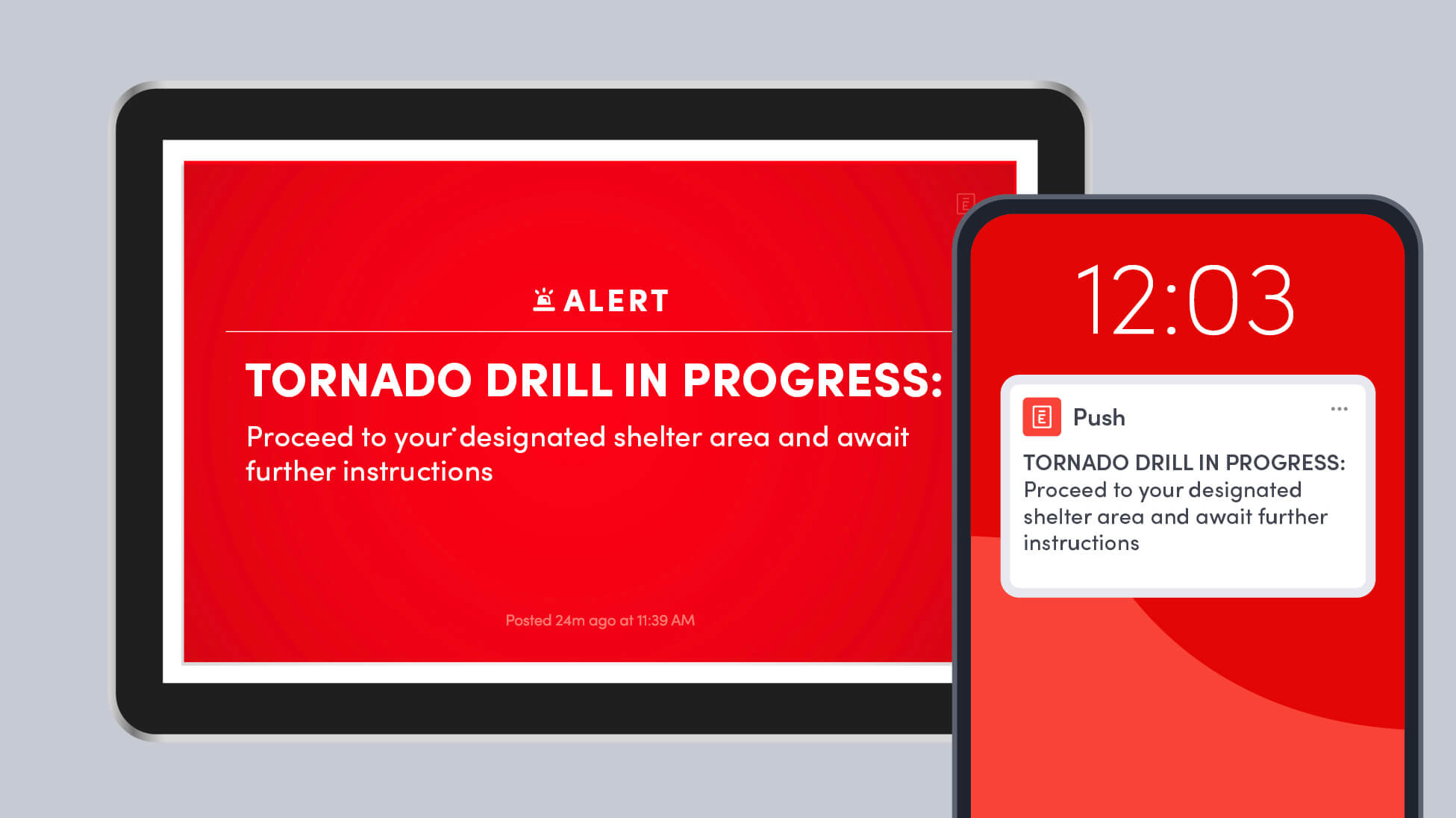
Learn how to run a workplace tornado drill, choose safer shelter areas, account for everyone onsite, and improve your emergency response plan.
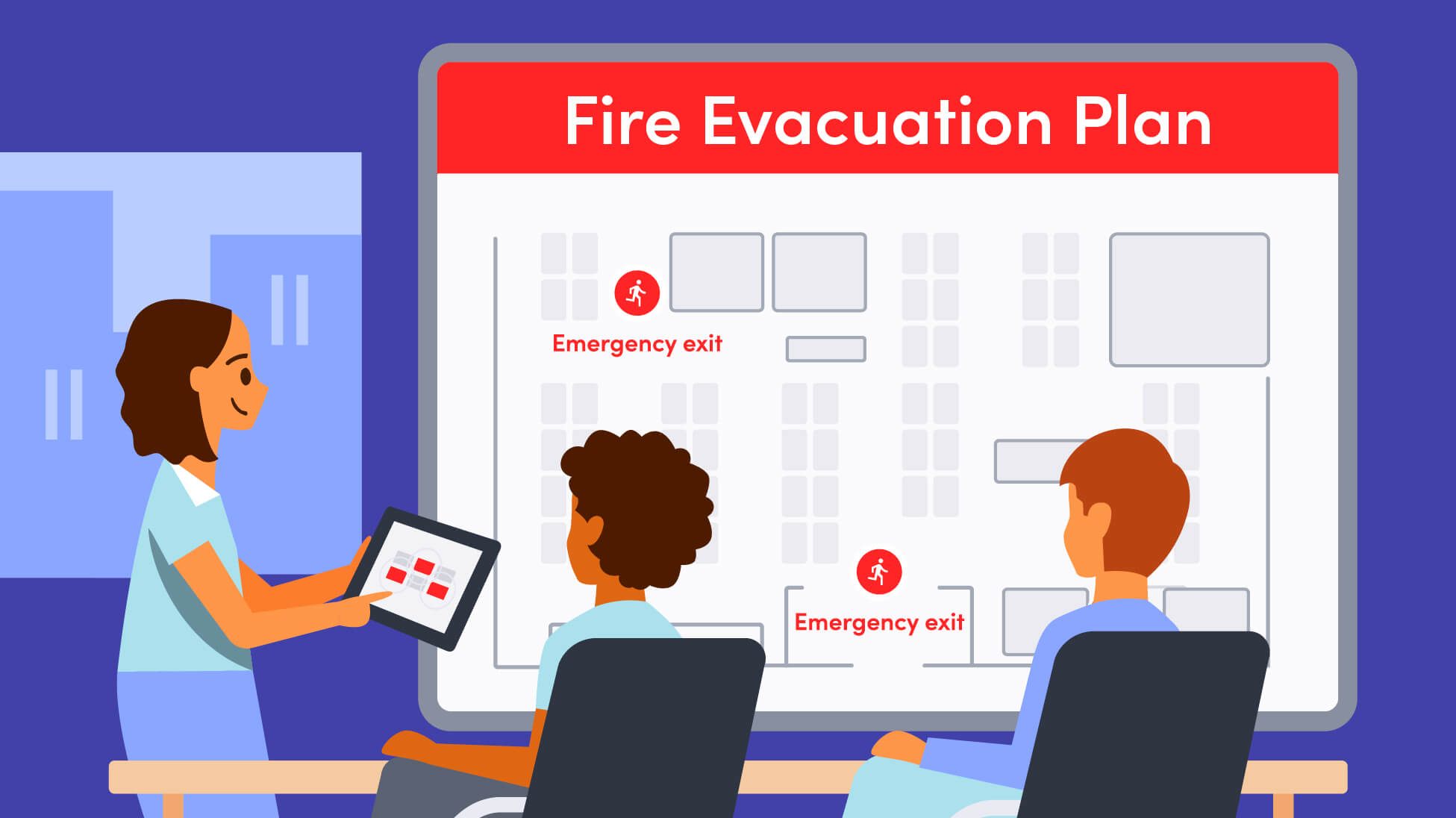
A strong fire evacuation plan goes beyond exit routes. Here’s how to plan for alerts, muster points, accountability, response roles, accessibility, and everyone who may be onsite.