

What’s new at Envoy: June 2026 product releases


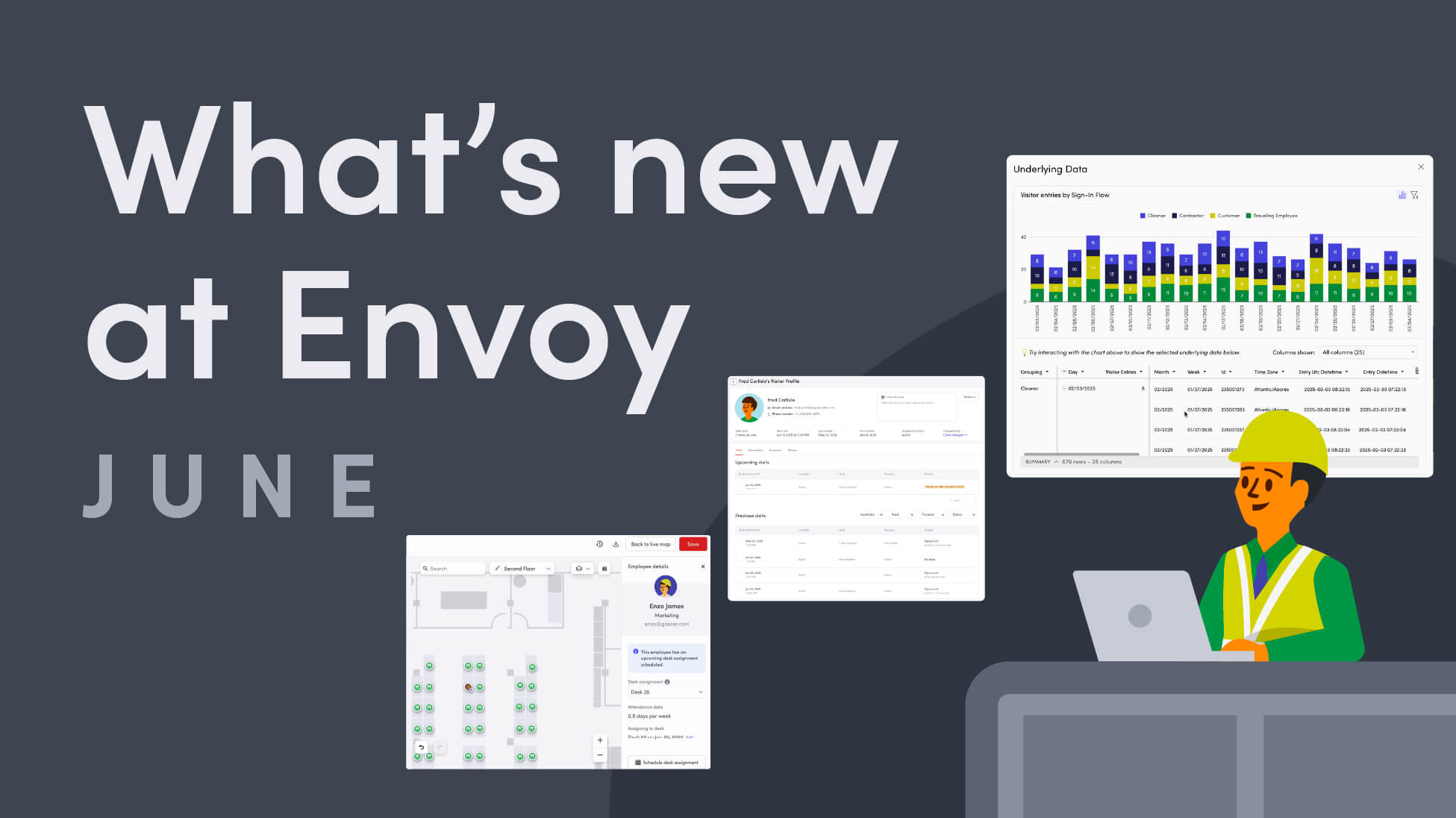
The modern workplace runs on connected systems — digital identities, physical access, real-time presence data. But when those systems don't talk to each other, gaps appear. And gaps create risk.
The June 2026 product releases are built to close those gaps. From tighter control over how visitor data is stored and surfaced, to move management that lives inside your workplace map, to presence signals that make your workplace operations more intelligent — Envoy gives your team a single place to keep work moving, keep people safe, and keep your organization secure.
Secure visitor data for compliant processes
Security doesn't stop at the front desk. It extends to how you collect, store, and protect visitor information over time. These updates give your team the tools to build a complete, trustworthy picture of every person who enters your workplace — while keeping your organization audit-ready and your visitors' data handled responsibly.
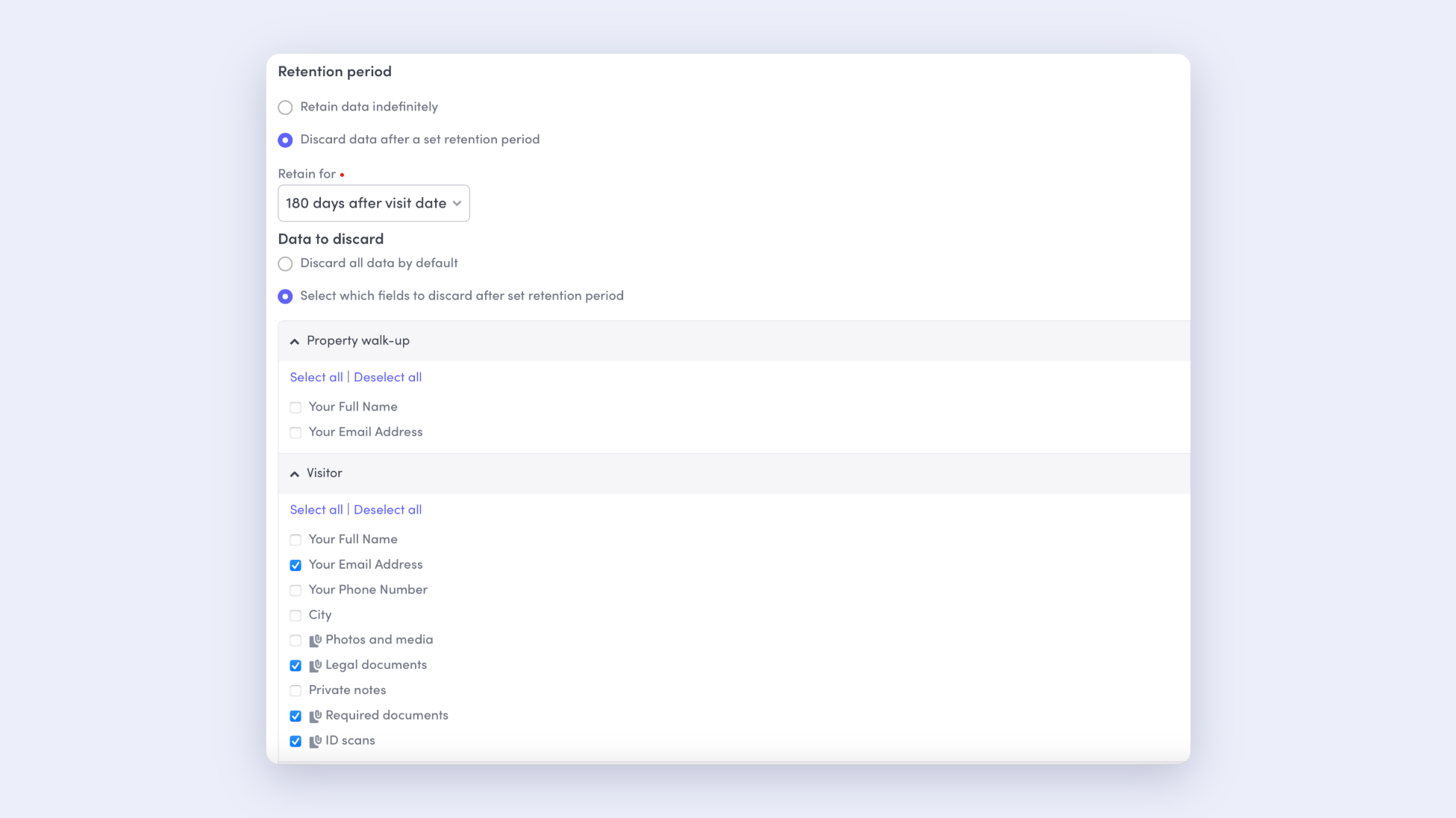
- New data retention controls: New data retention controls allow you to configure how visitor data is stored directly within Envoy. These controls will automatically anonymize personally identifiable information (PII) about your visitors and employees after a set period, helping your organization stay compliant, reduce risk, and demonstrate to visitors that their data is handled responsibly.
Learn more about data retention controls →
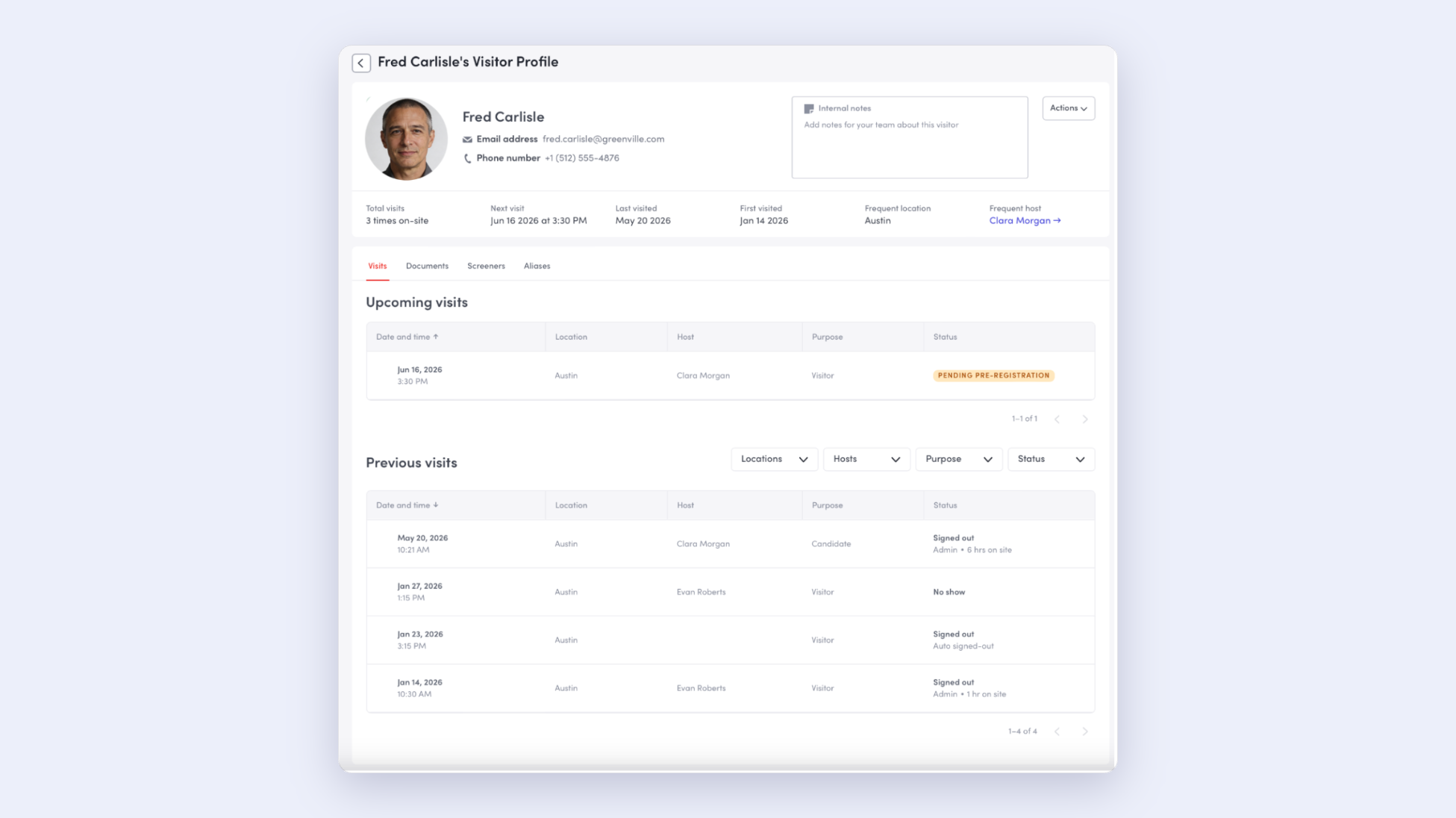
- Unified Visitor profiles: Consolidates a person's visit history, documents, compliance status, and identity into a single comprehensive view, and merge visitor profiles to eliminate duplicate entries in your directory. Every denied entry (like invite denial or blocklist) surfaces on the visitor’s profile, so admins can see red flags at a glance instead of reconstructing history across records. Stay ahead of expiring documents with validity tracking and assessments in one log.
Learn more about unified Visitor profiles →
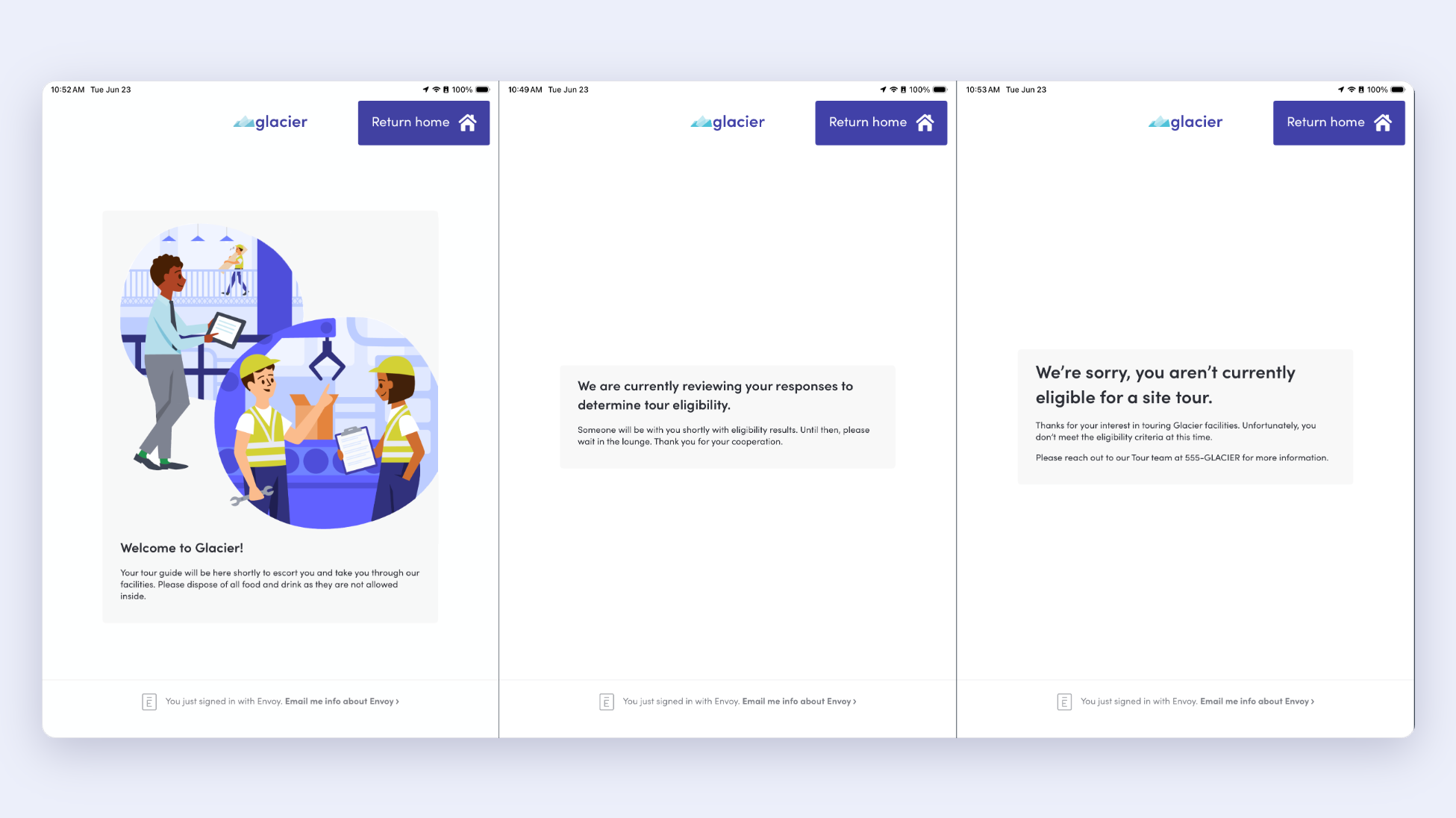
- Customize kiosk screens for ‘Pending approval’ and ‘Denied’ statuses: Admins are now able to customize final kiosk screens for visitor statuses including “Pending approval” and “Denied.” Consider using the final screen for playing a safety video, listing your Good Manufacturing Practices or site rules and regulations, or listing follow-up actions for denied visit attempts.
Learn more about customizing screens once visitors complete sign-in →
- Upload documents on behalf of visitors: Admins can request specific documents from certain visitor types scheduled to enter the workplace; for example, safety certifications. If a visitor can't complete their required document uploads themselves, or when a document needs to be added at the last minute, admins can upload the required documents on a visitor's behalf. This is another way to use Envoy to digitize your pen and paper processes, strengthen security, and support efficient visitor flows.
Learn more about uploading required documents on behalf of visitors →
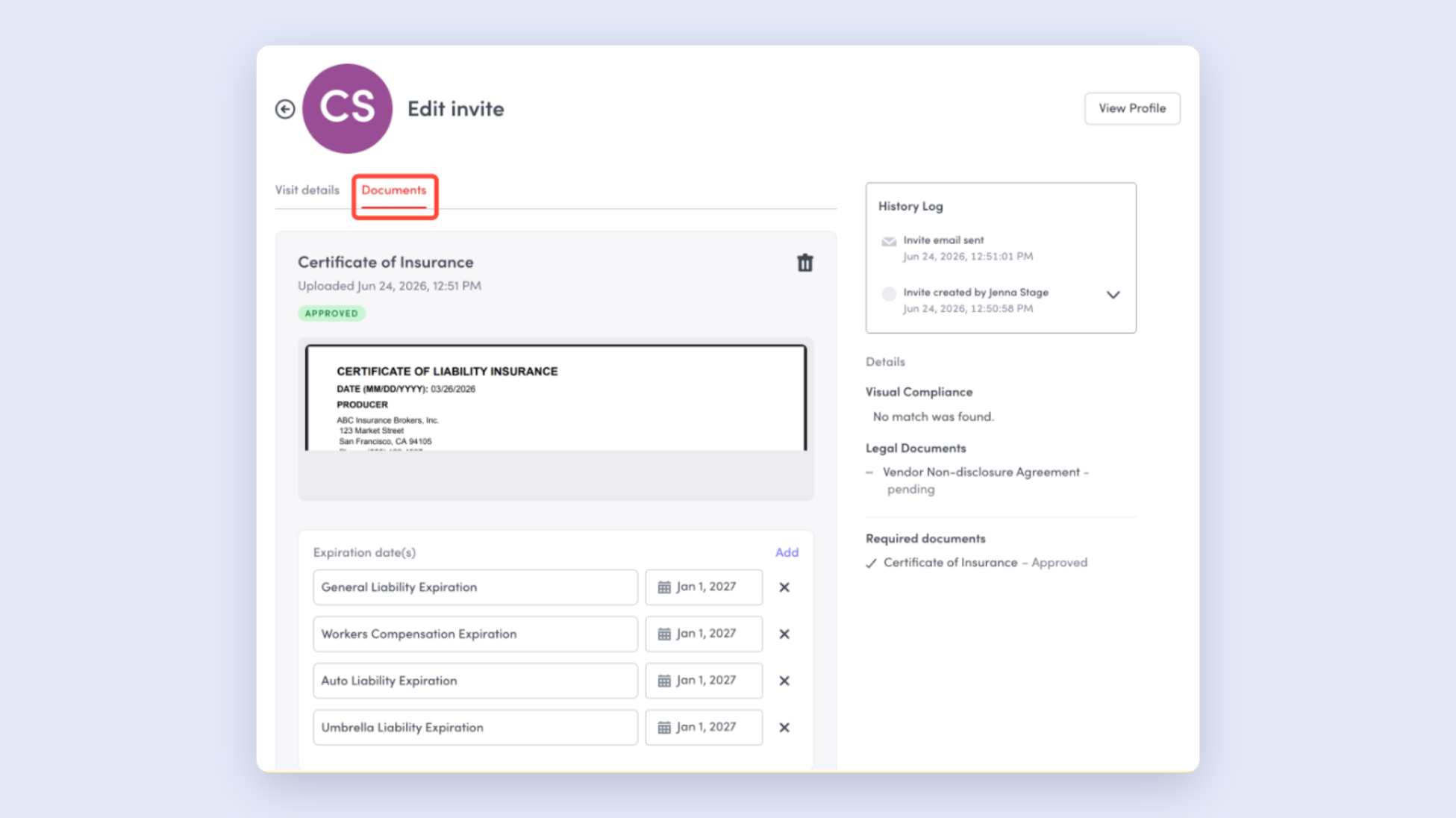
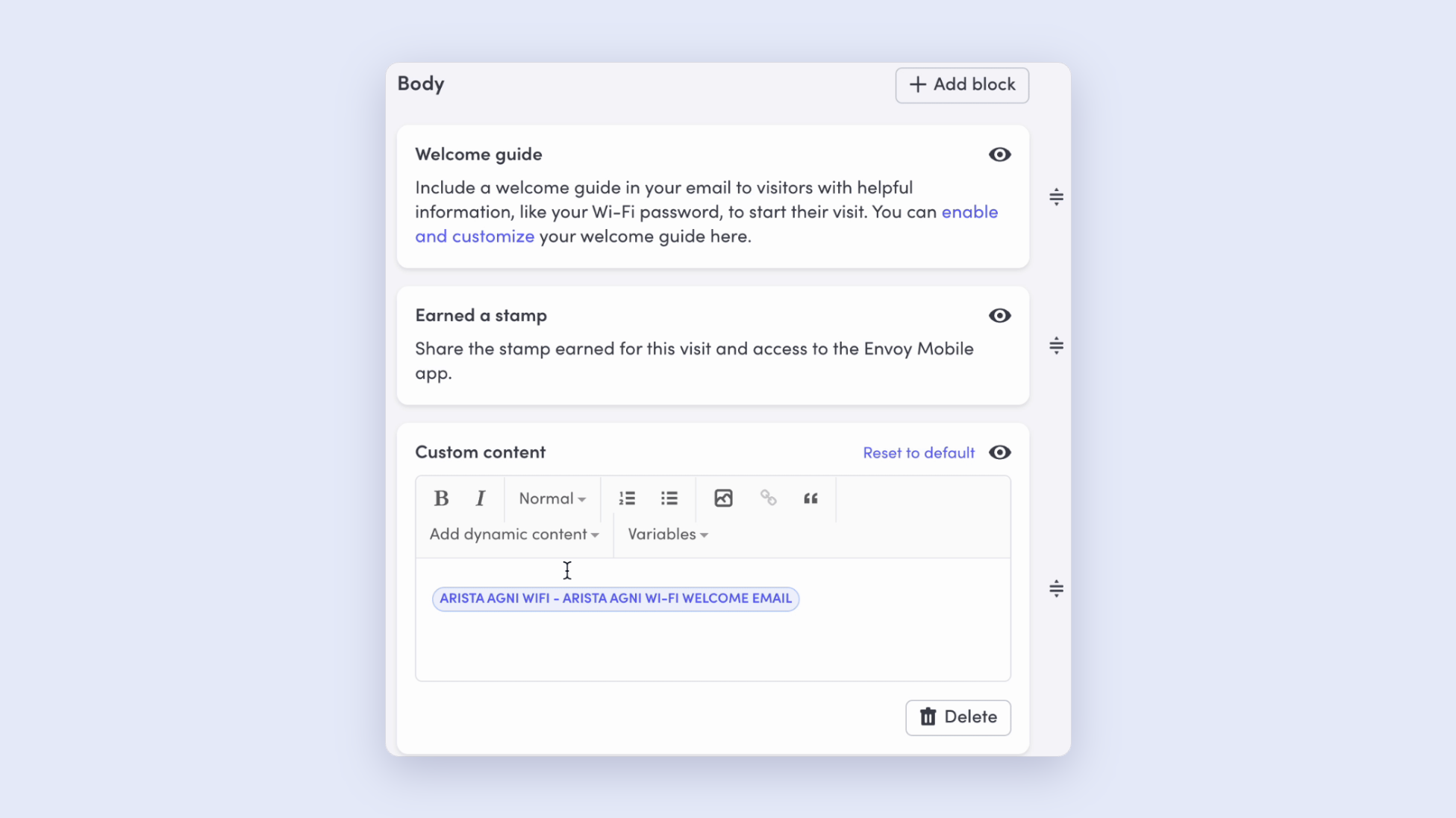
- Arista AGNI + Envoy Visitors integration: Visitors checking in at locations running Arista AGNI will now get unique Wi-Fi credentials automatically provisioned and delivered inline through the Visitor Welcome Email — no more shared guest passwords. This integration streamlines the arrival experience while keeping your network secure. When the visitor signs out, their guest access is automatically disabled or removed.
Learn more about the Arista AGNI integration →
Move management that de-silos workflows
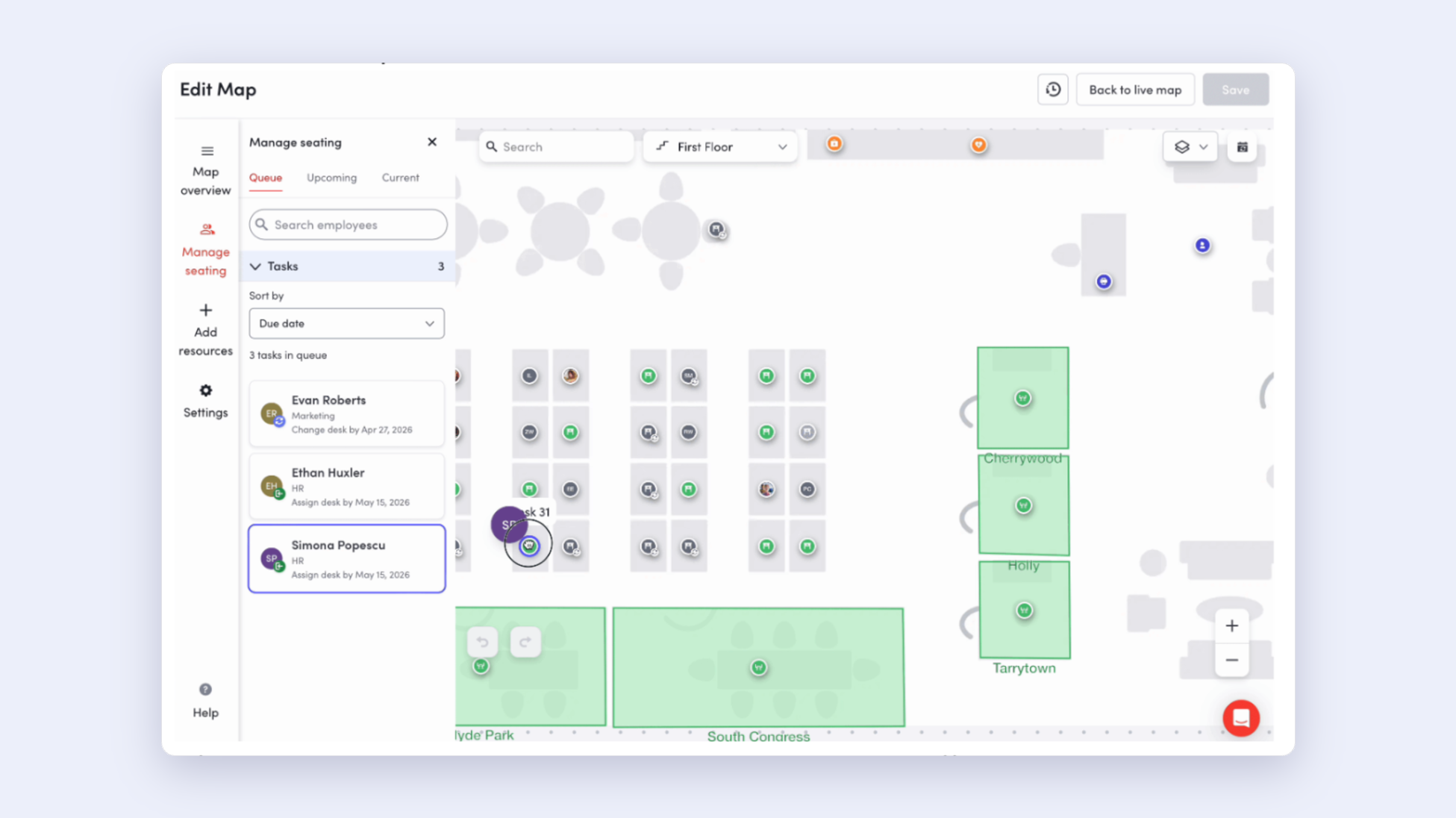
Teams grow, floors change, and offices expand, but you don’t have extra time to keep pace. New move management capabilities let admins plan and execute desk assignments — across floors and locations — directly from the workplace map, consolidating your tools so you don’t have to context switch.
- Move desk assignments across floors and across locations: A team reorg that spans two floors, a move from one building to another, or a hybrid seating strategy that involves multiple offices are all easily managed from your workplace map’s Move Queue. For employees who may be transferring locations but whose move hasn't been automated by directory sync or HRIS, admins can facilitate the move by adding them to the queue at their new location.
Learn more about scheduling desks assignments and moving across locations →
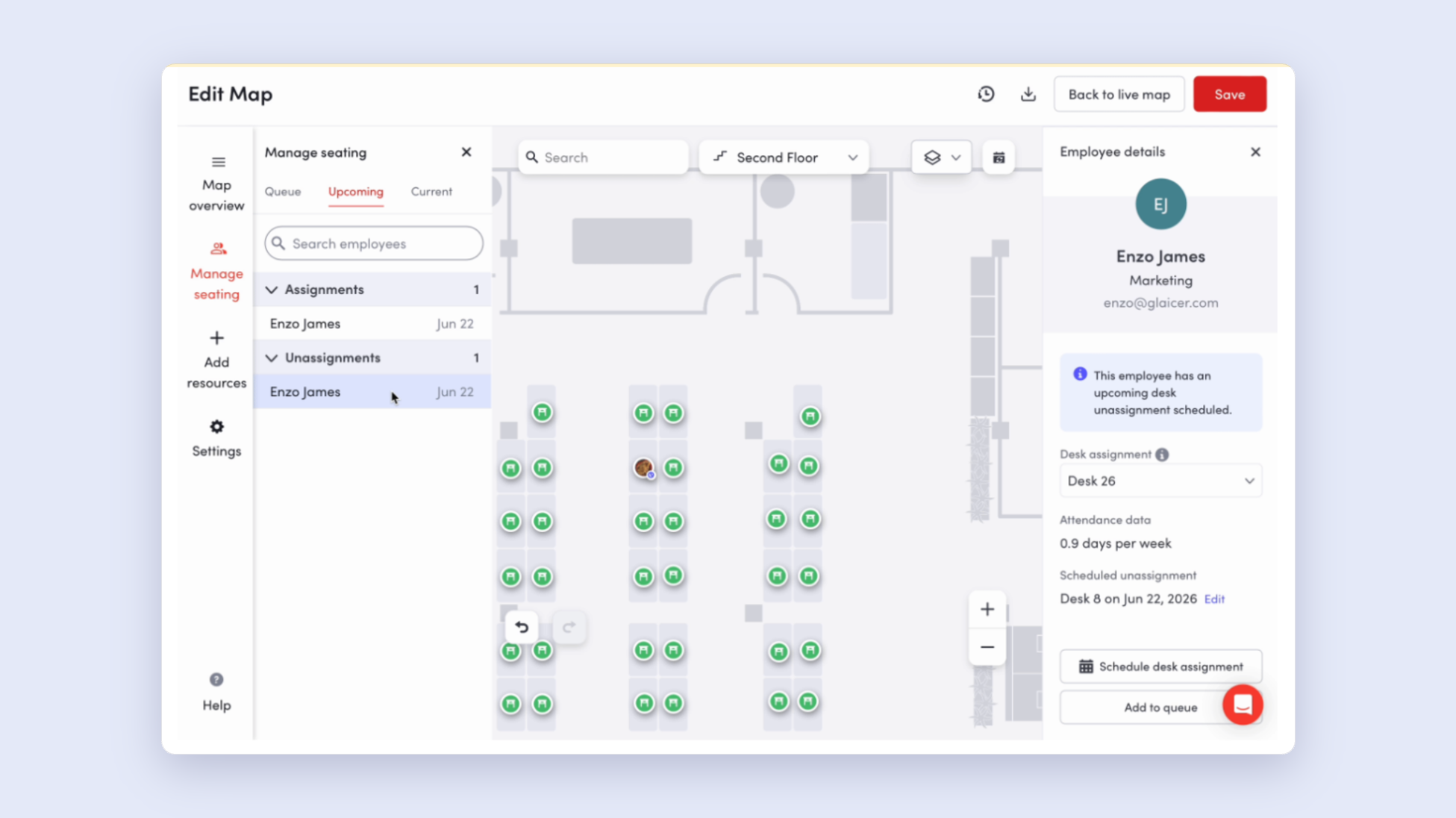
- Drag & drop interactivity from your workplace map: The Edit Map interface has new drag and drop functionality—making the map easier to use and edit in real-time, and reinforcing your map as a source of truth for move management.
Learn more about drag and drop map functionality →
Workplace intelligence for efficient operations
A workplace that’s safe, secure, and efficient is one where you can quickly see what's happening. Responsive digital signage, faster insights, automated presence detection, and self-serve diagnostics mean your team spends less time troubleshooting and more time moving forward.
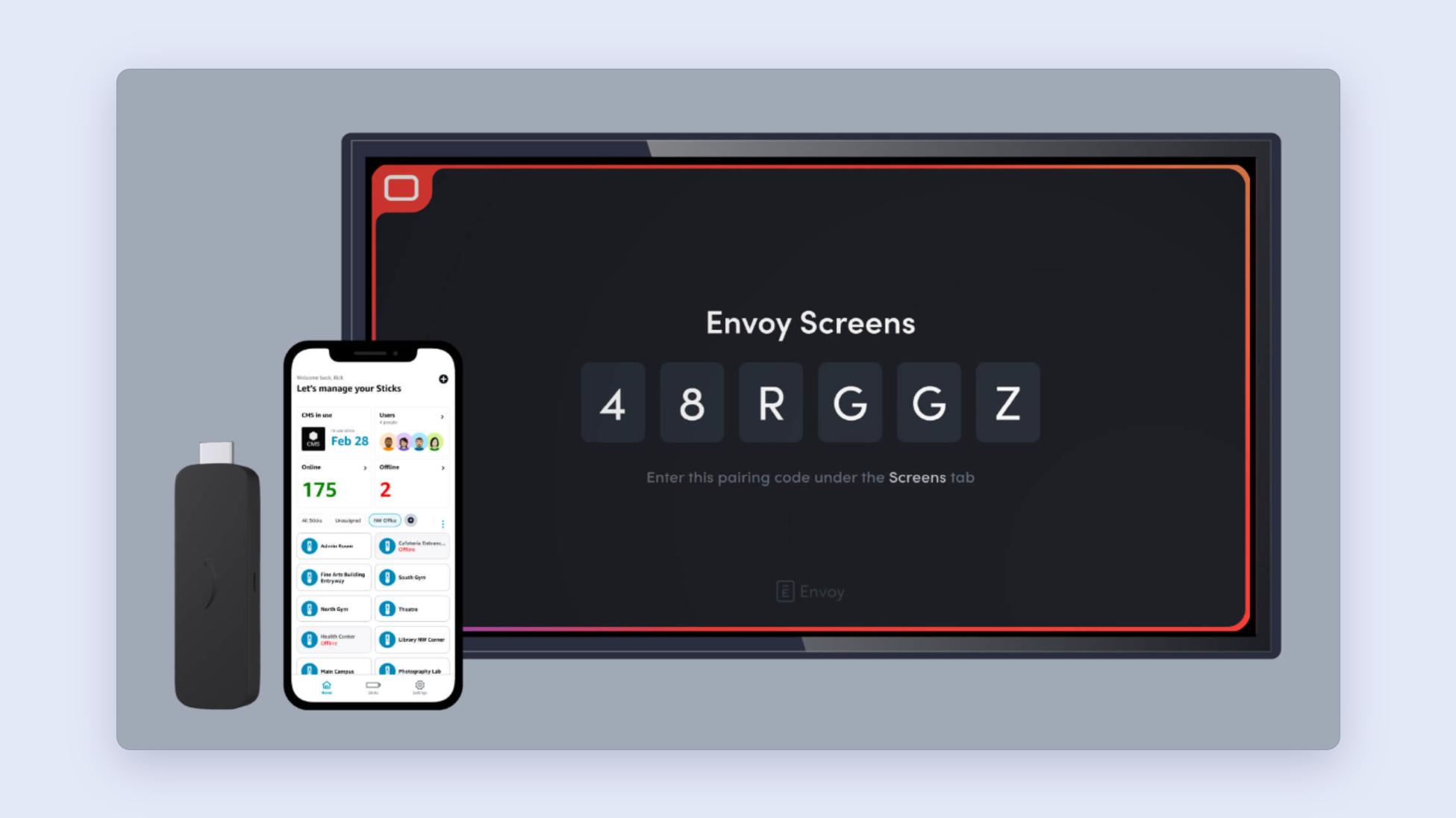
- Envoy Screens on Amazon Signage Stick: Envoy Screens is workplace signage for security, safety, and compliance. It knows who's checked in, who's onsite, and where they are. Now you can plug your Amazon Signage Stick into any HDMI port connected to a TV on your network, select Envoy Screens, and have content running in minutes—delivering plug-and-play digital signage that turns any display into a live hub for safety, security, and compliance messaging.
Learn more about Envoy Screens on Amazon Signage Stick and how to set it up →
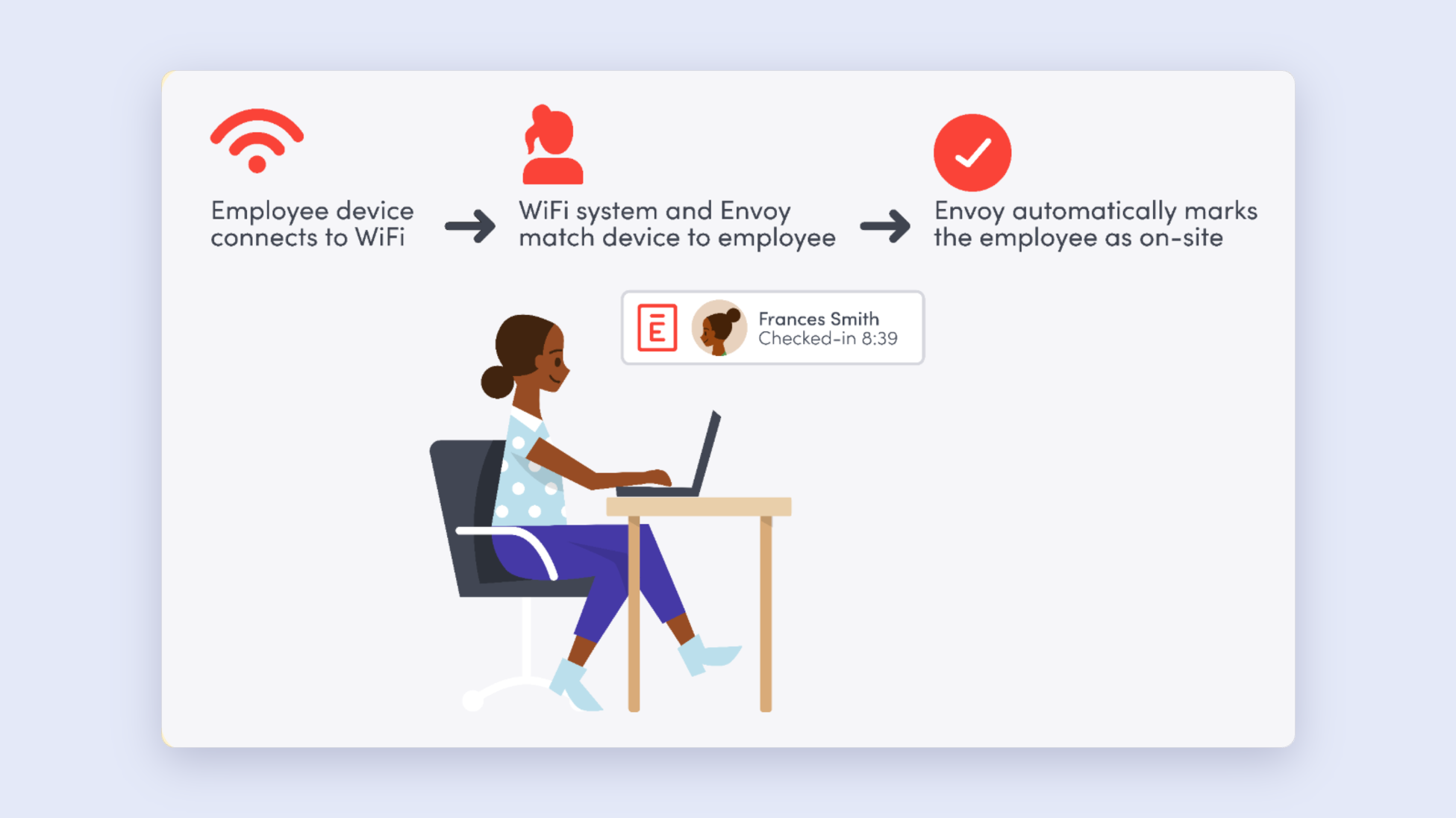
- Envoy + Meter Wi-Fi integration: Automatically detect on-site employees using the Meter Wi-Fi integration and reduce manual steps for tracking employee presence. When employees connect to your Meter-powered Wi-Fi network, Meter sends the corresponding device information to Envoy. Envoy then matches the MAC address to the employee and records them as on-site. If your organization uses Jamf or Intune, you can automatically pull employee MAC address mappings via direct integration.
Learn more about the Meter integration with Envoy →
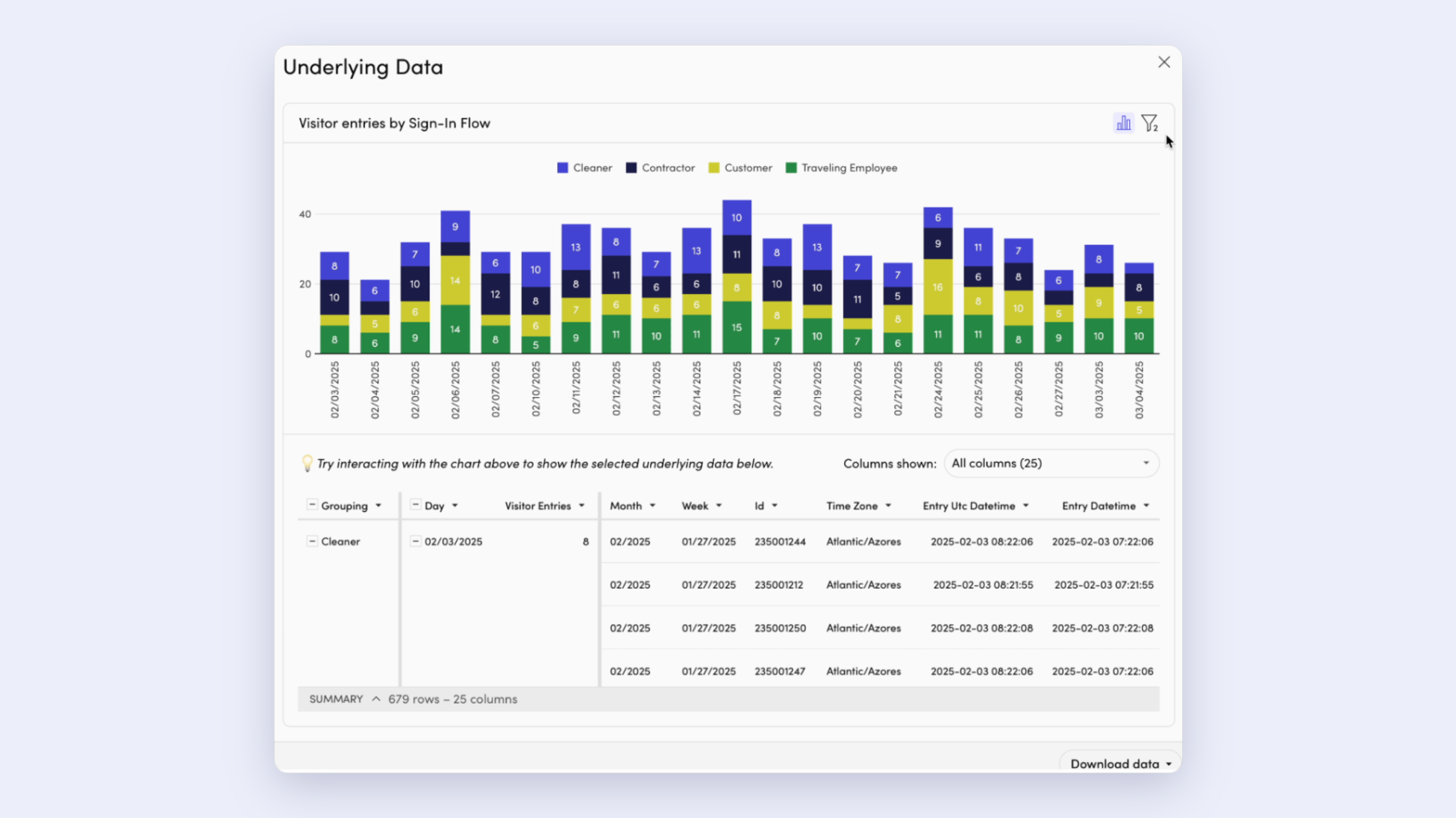
- On-demand analytics dashboards update in near-real time: Envoy’s on-demand analytics dashboards now refresh every 30 to 60 minutes, allowing you to take action faster on insights across the Envoy platform. The faster refresh experience is limited to data within the last 24 months. If you would like data further back, scheduled reports support full historical date ranges including custom date range options. Actionable analytics in Envoy allow admins to gain insights for optimizing your workplace with powerful data visualizations and flexible filters.
Learn more about analytics in Envoy →
- Network connection testing tool: A network tester is now available to verify that your network connection can reach Envoy. This is a self-serve, browser-based tool that runs through every host on the Envoy allowlist and checks each connection — for example, your Dashboard, Visitors iPad, and integrations — is up and running. Open the tester right from your browser — no install, no support ticket required.
Find out the status of your Envoy devices →
—
A platform built to simplify workplace security and safety
Who has access, who's on-site, where your people sit, and what your data shows — these aren't separate questions anymore. Envoy's June 2026 releases bring more of those answers into one platform for frictionless experiences that drive better security and safety outcomes. Book a demo.
Read more
Envoy’s September 2026 releases help teams manage visitors with less manual work, streamline compliance reporting, and keep access systems in sync.
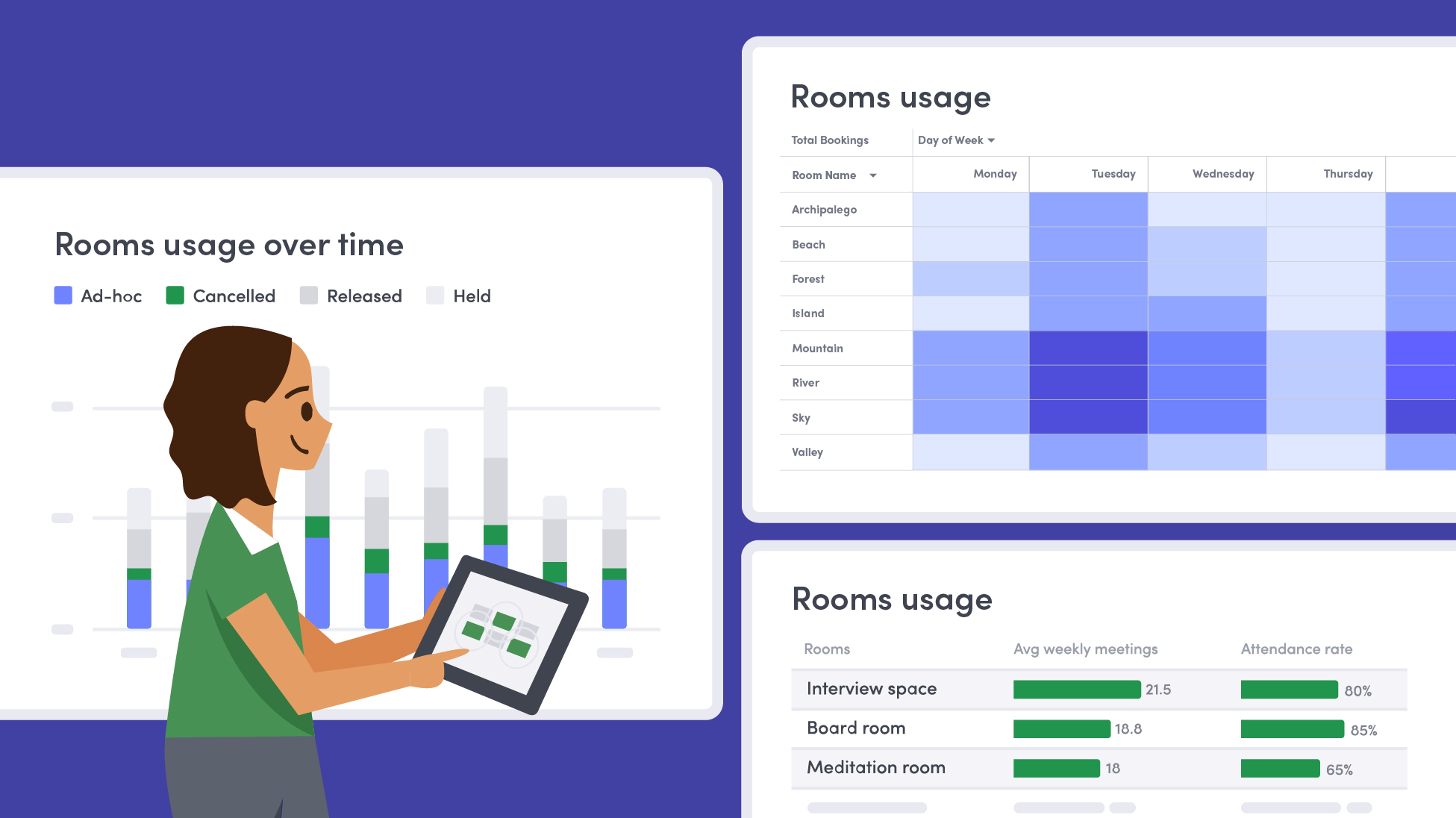
Learn how to measure conference room utilization, occupancy, no-shows, booking density, and more, and use the data to make smarter space decisions.
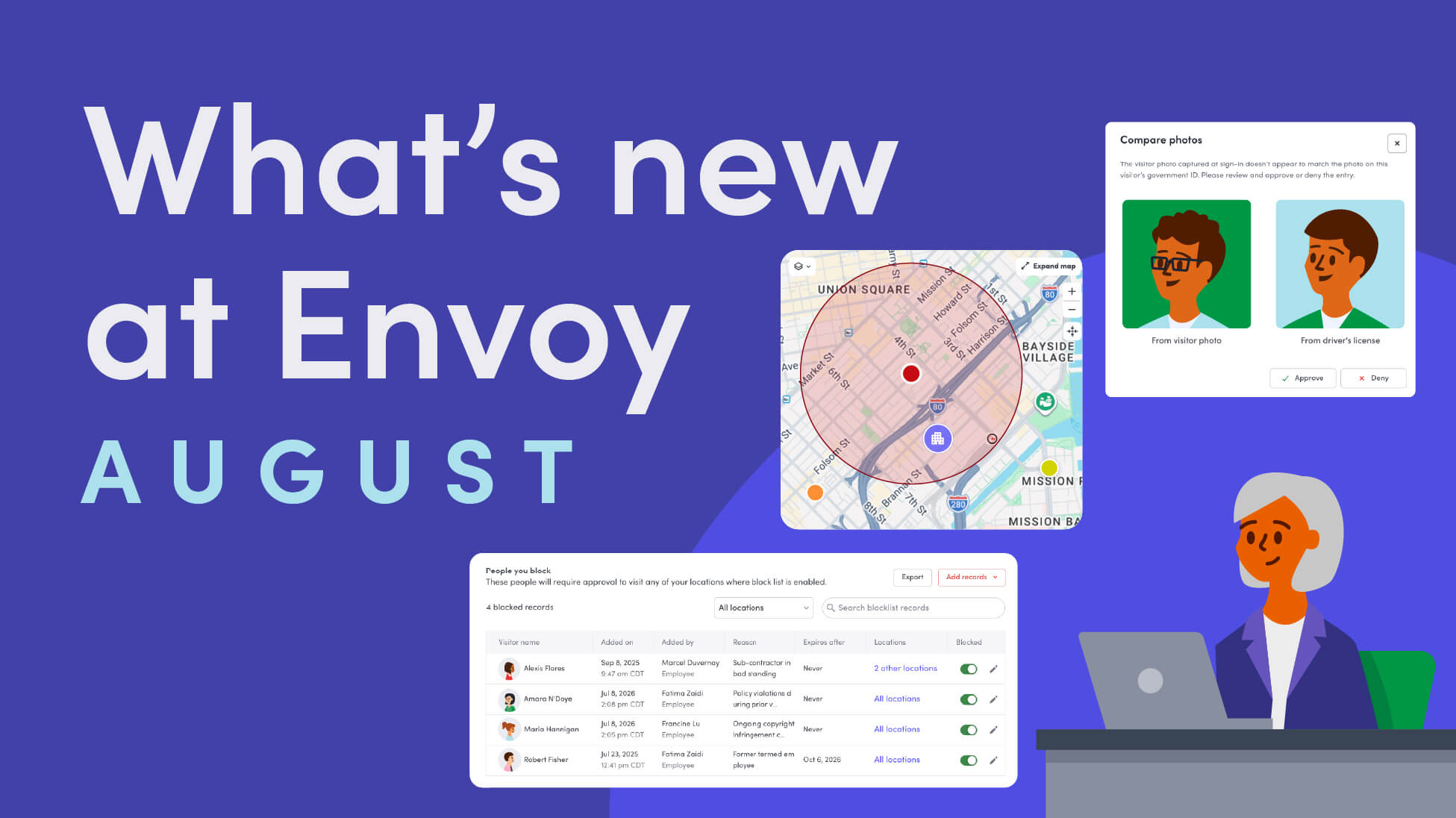
Envoy’s August 2026 releases introduce Envoy Response for emergency management, bringing emergency response into the same platform you already use for visitor and workplace management.

Envoy's July 2026 releases focus on workplace intelligence features like HRIS directory sync, workplace map file exports, and mailroom management improvements through the Developer API.

Envoy data across 300+ U.S. metros reveals the one morning the World Cup actually emptied the office, and it wasn't when you'd think.

Envoy Academy is back with a full refresh. Still free, still on-demand, and organized by role so admins get fluent in Envoy fast.