

What’s new at Envoy: March 2026 product releases


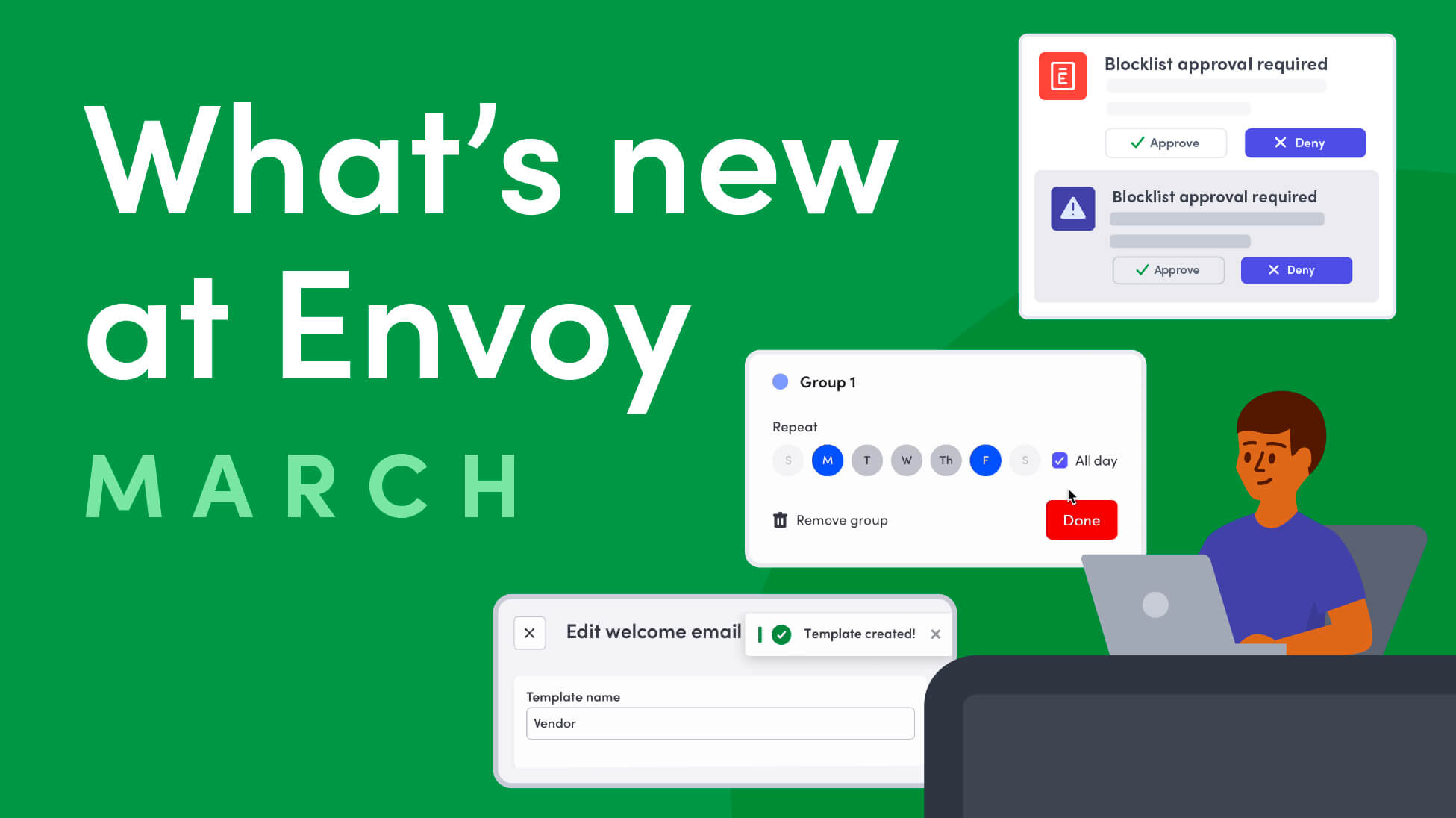
Envoy’s March 2026 product releases introduce new capabilities to strengthen workplace security, bolster audit trails, and simplify hybrid workplace operations. From stronger visitor accountability and smarter emergency communications to more flexible space management and a more polished visitor experience, these updates make it easier for teams to manage risk, streamline operations, and upgrade workplace flows.
Stronger compliance and workplace accountability, built into every visit
The modern workplace should run on visitor management systems that verify and document every workplace entry. These product updates strengthen visibility and audit readiness by capturing approvals, standardizing critical data, and enabling faster responses to potential risks.
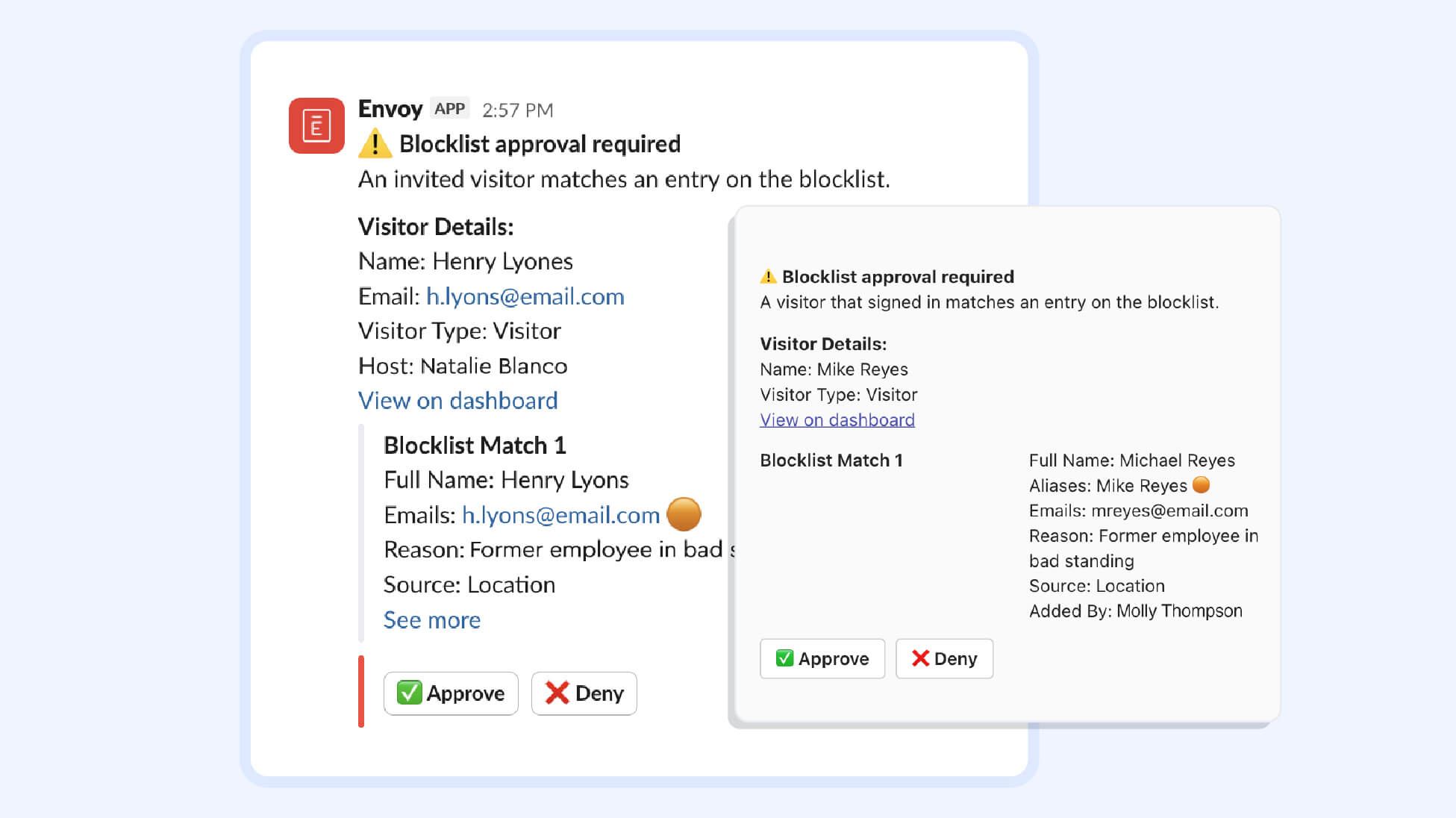
- Approve or deny visitors who match the blocklist, directly within Slack + Teams: Accelerate your security response with enhanced blocklist match notifications directly in Slack and Microsoft Teams. Admins can authorize personnel who can approve or deny access requests—for both visitor invites and onsite entries—without leaving their chat app. While this update creates workflow efficiencies, each notification includes a direct link to the Envoy dashboard for deeper investigation.
→ Learn more about blocklist functionality
- View invite approver for specific types of visitors: The Invite Approvals feature allows admins to closely monitor external guests coming to your workplace and double-check invites to ensure they meet necessary standards or requirements, improving the auditability of your records. On the visitor log detail page, instantly see which team member authorized an invitation, even after a guest has already signed in and moved onsite.
→ Learn more about invite approvals
- Customize date field formatting for visitors signing in: Admins can now configure date fields with strict formatting enforcement, ensuring all collected date data is consistent and structured. For example, you can format the date field as DD/MM/YY, MM/DD/YY, and so on. Whether you're capturing dates of birth, credential expirations, or visit records, data is audit-ready from the moment it's entered by the visitor.
→ Learn more about visitor sign-in flow fields

- Rhombus + Envoy Visitors integration: When a guest is invited or signs in through Envoy, their temporary access is touchlessly provisioned through the Rhombus integration. With automatic expiration and full audit logging built into the workflow, visitors get instant mobile credentials, with no manual action needed from workplace teams.
→ Learn more about Rhombus integration
Smarter control over omnichannel communications at your workplace—and who sees it
Urgent messages need to reach the right people, in the right place, at the right time. These digital signage updates give organizations more precise control over where emergency communications appear, and how dynamic content and modes for digital signage can accommodate sensitive situations.
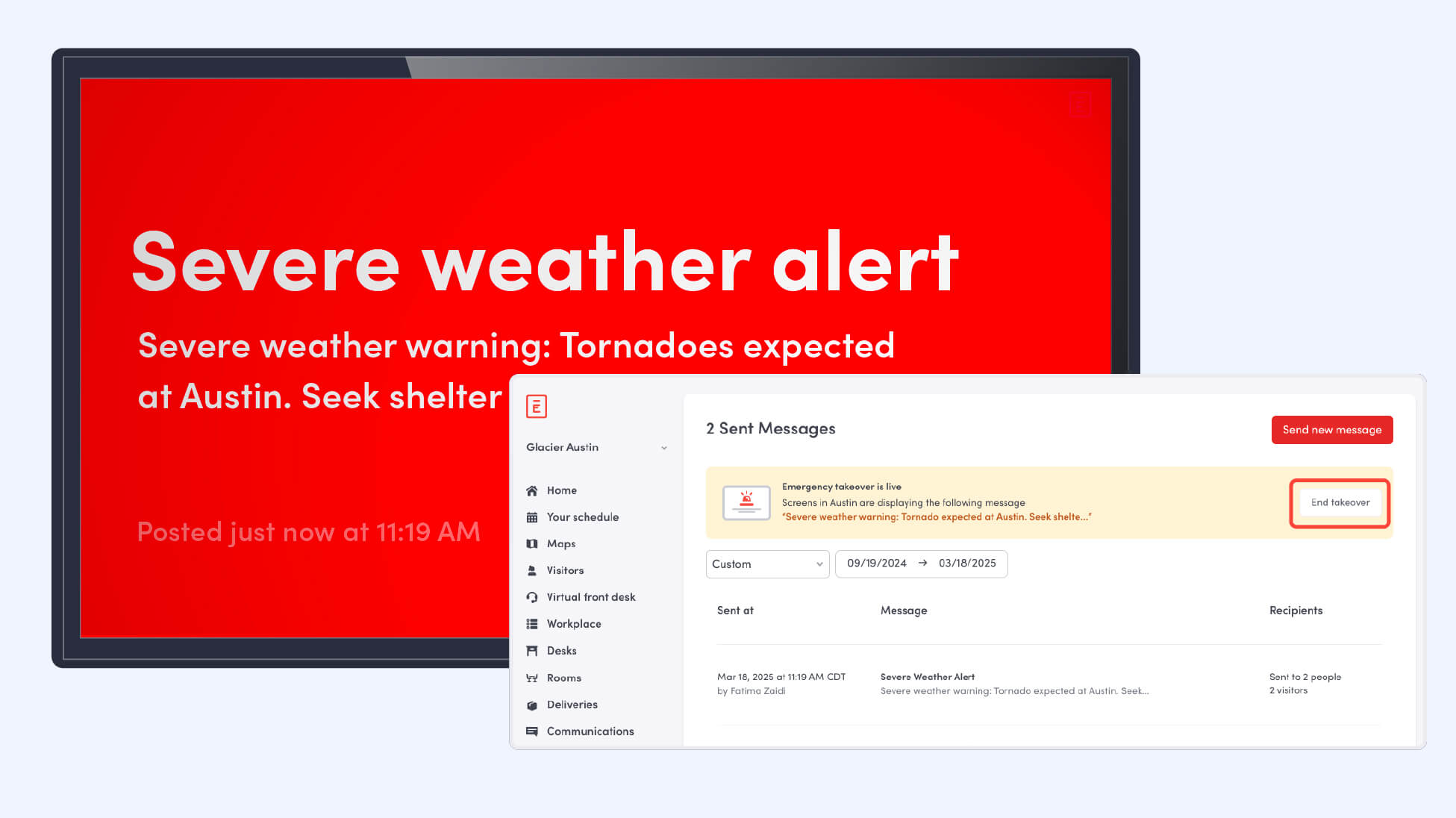
- Take over Envoy Screens with emergency messages: Maximize the impact of critical alerts with targeted takeovers of Envoy Screens device groups. When sending an emergency notification, admins can now deploy takeover content to specific areas of a facility—such as high-traffic lobbies or specific floors—rather than broadcasting to every device.
→ Learn how to set up Screens takeovers
{{protip-1}}
- Confidential Mode for Envoy Screens: Protect sensitive information with Confidential Mode, a new security feature that automatically hides or swaps digital signage content on Envoy Screens when visitors are onsite. Designate specific devices to trigger Confidential Mode—such as in conference Rooms where interviews are taking place—and tag playlist items as 'Always show,' 'Show in confidential mode,' or 'Hide' to maintain a professional, secure atmosphere without manually managing content.
→ Learn how to set up Confidential Mode on Envoy Screens

- Microsoft SharePoint and OneDrive integration with Envoy Screens: Upload and display files and visual assets stored in your SharePoint or OneDrive directly on your digital signage. Built to automatically refresh content so you don’t have to re-upload, this integration makes it easy to dynamically share presentations, images, company announcements, operational information, and more. You can display location-specific information across different Screens and facilities, while maintaining centralized control of content.
→ Learn more about our digital signage software, Screens
Flexible desk scheduling for hybrid workplace management
Workplaces are constantly evolving, and desk availability needs to reflect real patterns of use. These updates give admins more control over scheduling and managing shared resources like desks to streamline experiences for employees, and leverages data to make informed decisions.
- Create flexible desk booking schedules: Admins can now define flexible desk schedules that automatically adapt by day and time. This eliminates the need to make manual desk updates—the system handles the rotation, shift patterns, and neighborhood assignments automatically based on your defined logic. You can apply these schedules to specific desks and the assignee can be an employee or a neighborhood. By offering hot desk booking and desk hoteling, you can give employees the flexibility they’re looking for.
→ Learn more about shared desk schedules

A polished first impression for visitors, with more operational oversight for admins
Every visitor interaction shapes how your organization is perceived—from the invitation email that includes visit information, to the advanced badges printed at the front desk. With significant improvements in how Envoy works with badge printers, admins now have global visibility into printer activity, accelerated awareness when issues occur, and easier ways to troubleshoot. These updates contribute to seamless lobby operations so that every step of the visitor experience feels professional, on-brand, and reliable.
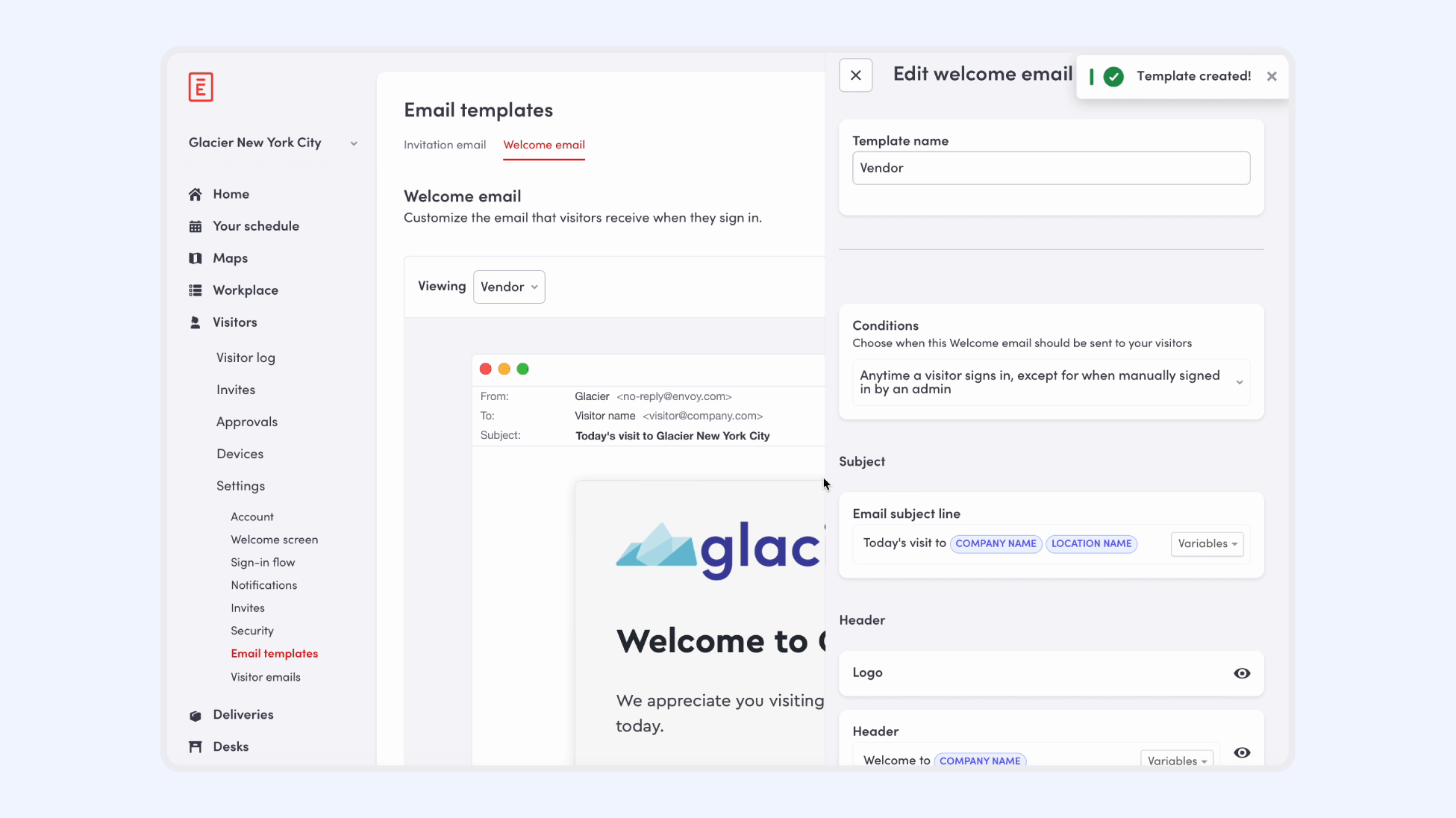
- Custom email template enhancements: Envoy Visitors now includes a customizable email template editor that brings brand uniformity across your invite, registration, and welcome emails. Admins can insert dynamic variables (like visitor name, company, date, time, and inviter name) directly into custom content blocks for a personalized touch, while a new logo and image upload tool makes it easy to integrate and automate company branding.
→ Learn how to configure and customize emails for visitors
- Enhanced visibility into printer connectivity: The dedicated Overview tab under “Devices” gives you a single source of truth for monitoring all connected printers in one place, from printer health and print job statistics, to a detailed job log and the ability to run test prints. This upgrade supports a smooth workflow for printing visitor badges with proactive information to prevent sign-in snags.
→ Learn more about badge printer management

- Instant printer error notifications: With the ability to set automated, immediate alerts when a printer runs into issues—like a paper jam, open cover, or low paper—you can resolve problems before they interrupt the visitor check-in experience. Get notified by email, SMS, Slack, Teams, push, or in your browser, and decide who on the team should receive these alerts.
→ Learn more about printer alerts
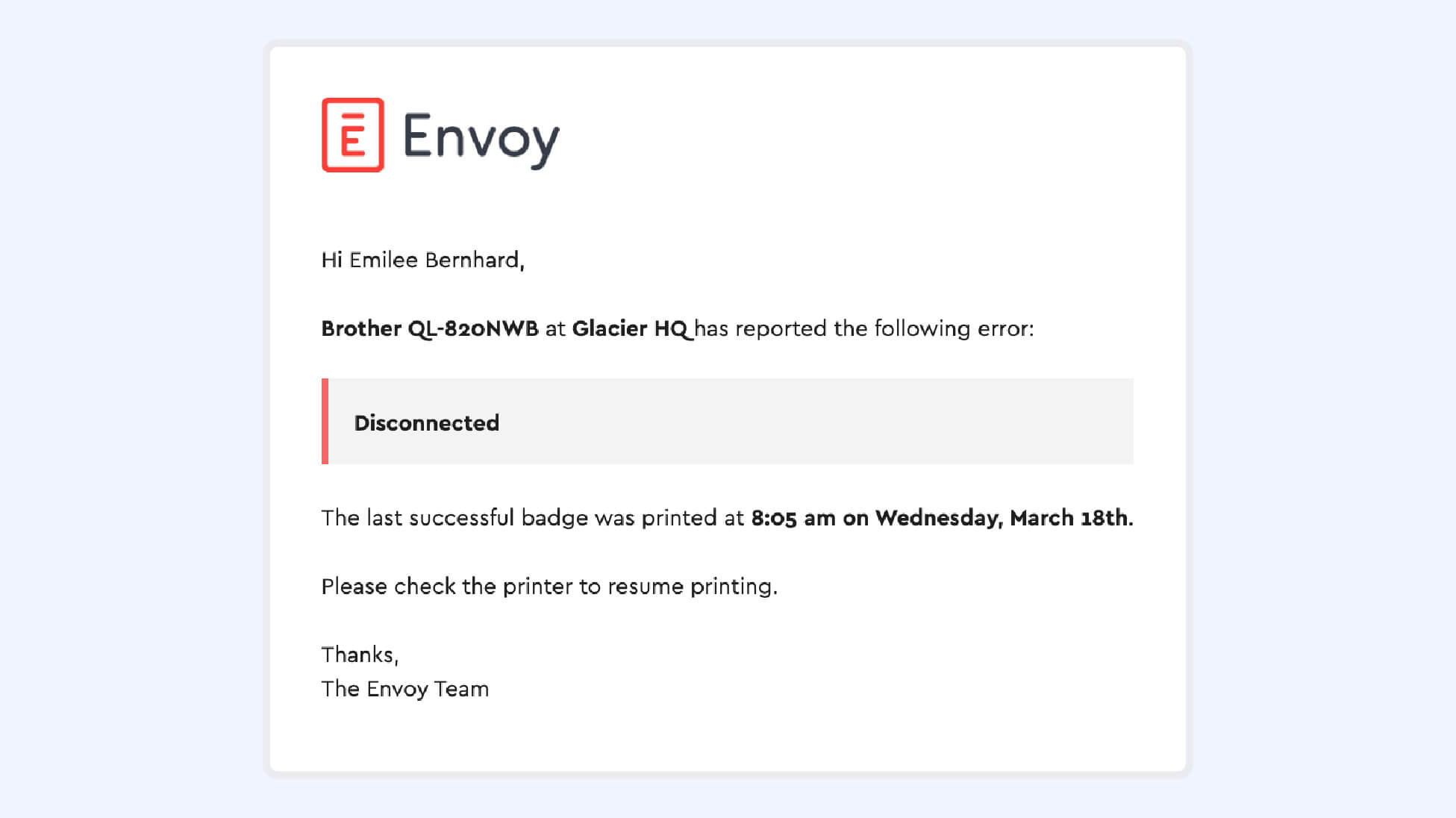
- Visitor kiosk printer discovery & connection: Admins can now scan for and connect to discoverable printers directly from the Visitor kiosk, eliminating the need to jump between the device and a remote dashboard. Once linked, these printers automatically sync to your Envoy devices table, ensuring your centralized hardware inventory stays accurate and audit-ready without extra manual entry.
→ Learn more about pairing printers to kiosks
Building a connected, secure, compliant workplace platform
The March 2026 product releases reflect Envoy’s continued focus on helping organizations proactively mitigate risk and close vulnerability gaps, while providing best-in-class visitor and workplace experiences. From stronger compliance controls and targeted emergency communications to smarter space management and a seamless visitor experience, the March releases deliver practical improvements that help teams reduce risk while running their workplaces more efficiently.
Book a demo today.
HOT TIP:
In a crisis, relevance is the difference between a controlled response and mass panic. You need to be able to cut through the noise when seconds matter.
Situation: Let’s say there’s a localized hazard, like a chemical spill in "Lab Wing B." The HSE lead triggers a takeover of Envoy Screens with an emergency notification for only the "Lab Wing B" Screens device group to provide immediate, life-saving instructions to the people in the danger zone—allowing for operational continuity for the rest of the business.
Result: The HSE prevents "alert fatigue" by ensuring employees only see notifications that actually affect their immediate safety. At the same time, this protocol meets high-stakes regulatory requirements for granular emergency protocols in large-scale enterprise facilities and facilities where phones are not accessible.
Explore emergency notifications within Envoy’s risk management platform
Read more
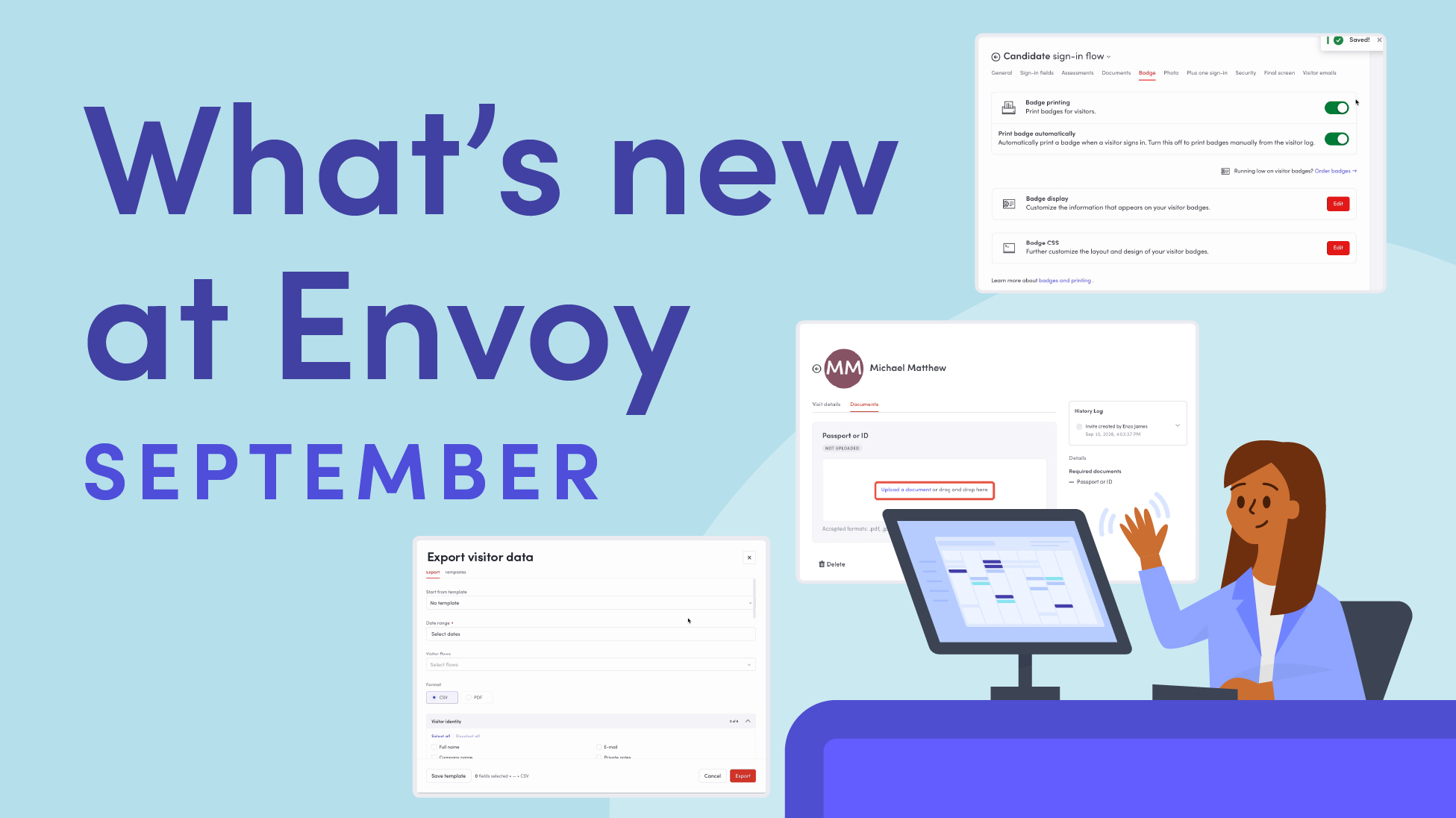
Envoy’s September 2026 releases help teams manage visitors with less manual work, streamline compliance reporting, and keep access systems in sync.
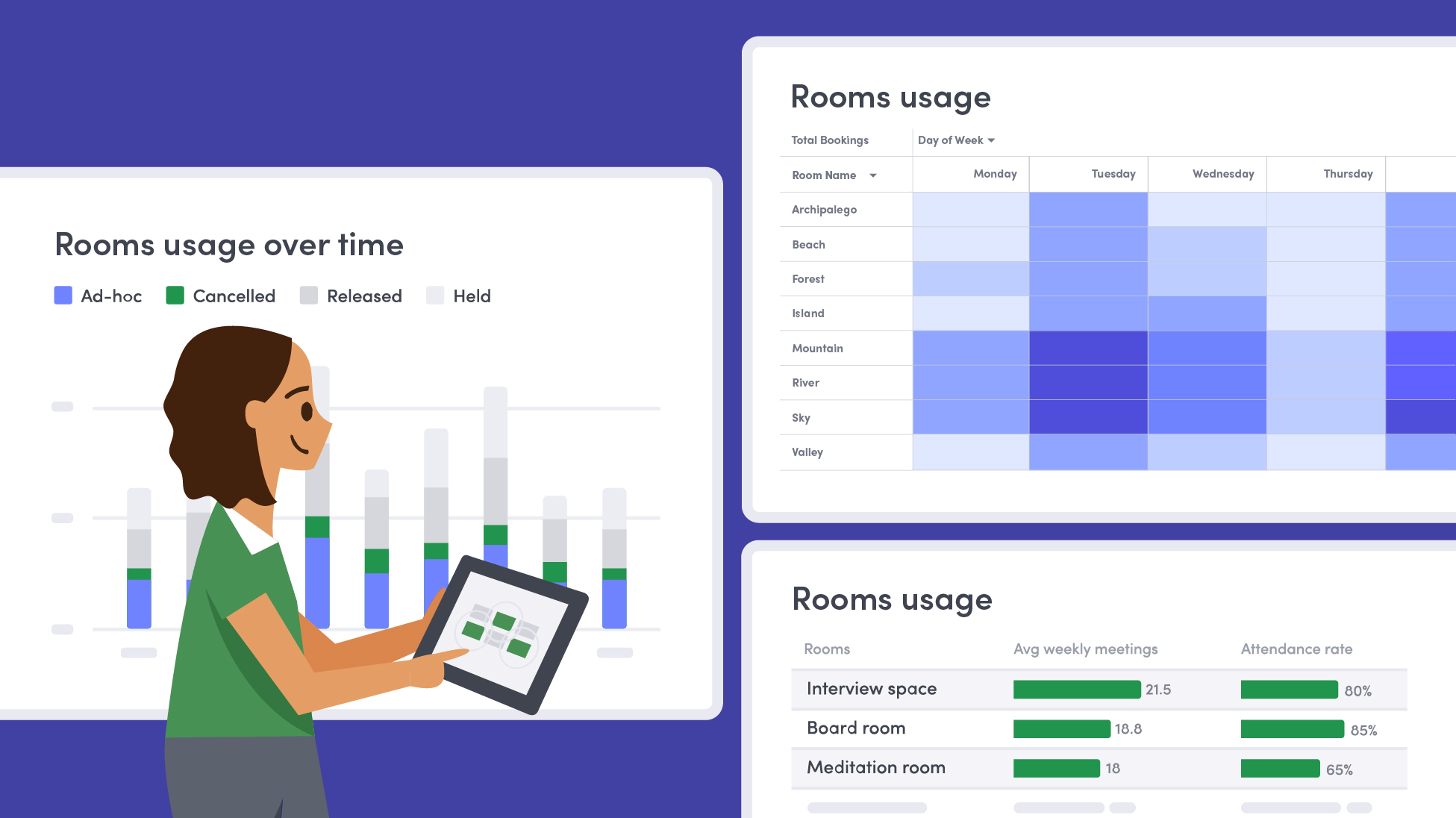
Learn how to measure conference room utilization, occupancy, no-shows, booking density, and more, and use the data to make smarter space decisions.
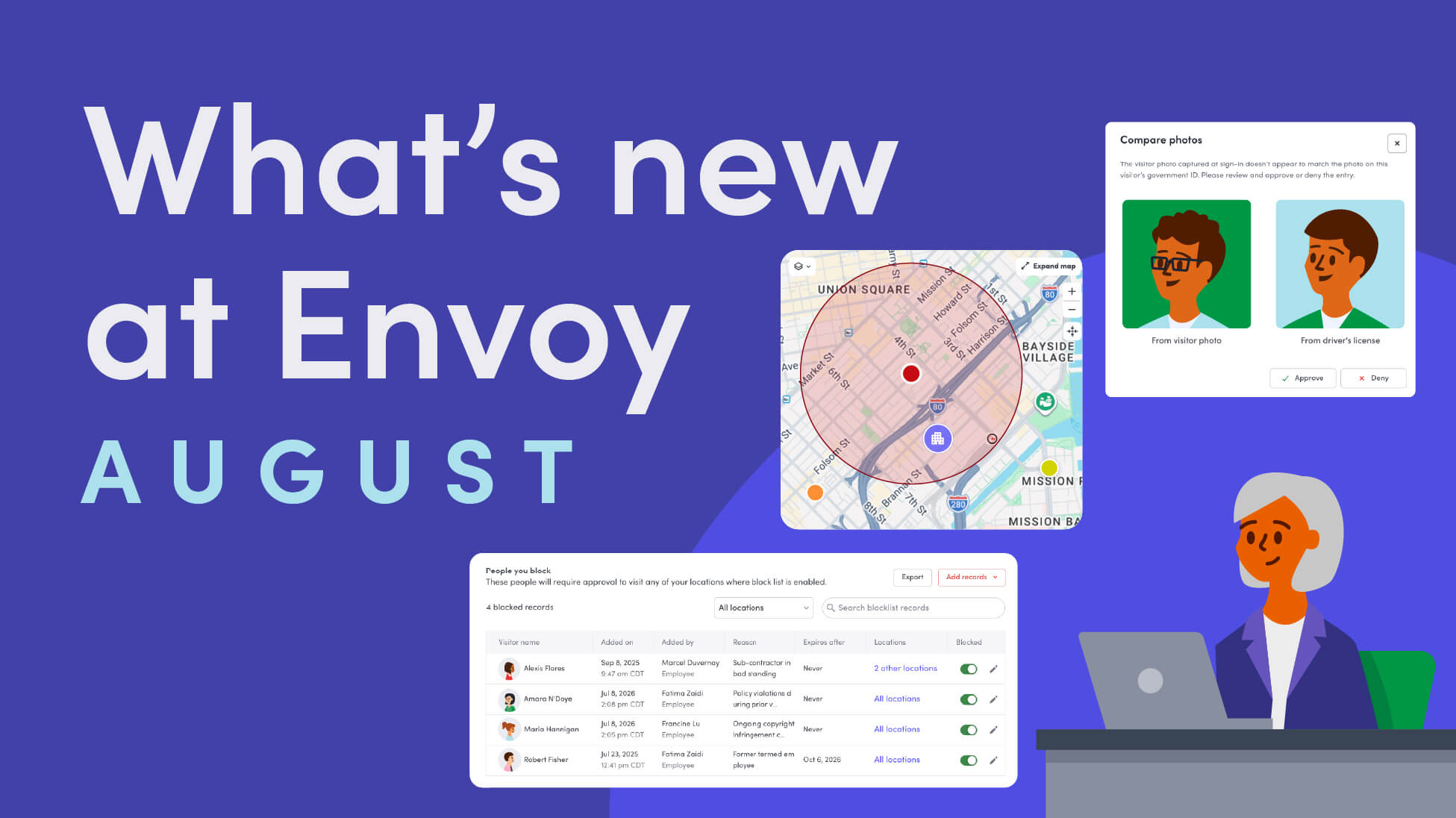
Envoy’s August 2026 releases introduce Envoy Response for emergency management, bringing emergency response into the same platform you already use for visitor and workplace management.

Envoy's July 2026 releases focus on workplace intelligence features like HRIS directory sync, workplace map file exports, and mailroom management improvements through the Developer API.

Envoy data across 300+ U.S. metros reveals the one morning the World Cup actually emptied the office, and it wasn't when you'd think.

Envoy Academy is back with a full refresh. Still free, still on-demand, and organized by role so admins get fluent in Envoy fast.