

Modern digital signage for government communication
Leverage existing displays to share real-time updates, public information, and emergency alerts across every office and public space. No IT support needed.

Trusted by government agencies and public sector teams










Why public sector teams struggle to communicate at scale
Government teams need to deliver timely, accurate information across multiple locations. When systems can’t keep up, it can put public safety and trust at risk.

Communication breaks down across locations
When agencies operate across multiple buildings, campuses, or facilities, getting consistent information to every location requires a lot of manual effort. Without a centralized system, messaging becomes fragmented and key updates are missed.
Outdated systems lead to outdated messaging
Static posters and display systems that require IT support often show outdated information. When updates lag, people can follow the wrong guidance, causing confusion, delays, and safety risks.
Emergency communication is too slow
In a crisis, every second matters. When updates require submitting requests, waiting on another team to make updates, or multiple manual steps, critical alerts are delayed instead of immediate.
Internal & public communication are disconnected
Staff and public messaging require different approaches. Without a unified system, teams manage separate workflows across tools or approval processes, making everything harder to coordinate and easier to get wrong.
Manage every screen, message, and location with Envoy
Envoy gives public sector teams a centralized, easy-to-manage platform for pushing updates, alerts, and information to every screen across every facility.

Push updates to every screen, instantly
When information changes, every display updates at once. No need to rely on IT or submit requests. Create and cast content to your displays using tools your teams are already familiar with, so updates go live without delays.

Broadcast emergency alerts in real time
When a critical situation unfolds, Envoy’s digital signage software lets your team push emergency alerts to every display across your facilities immediately. Staff and the public get the information they need without delay, no matter where they are in the building.

Manage every screen from one place
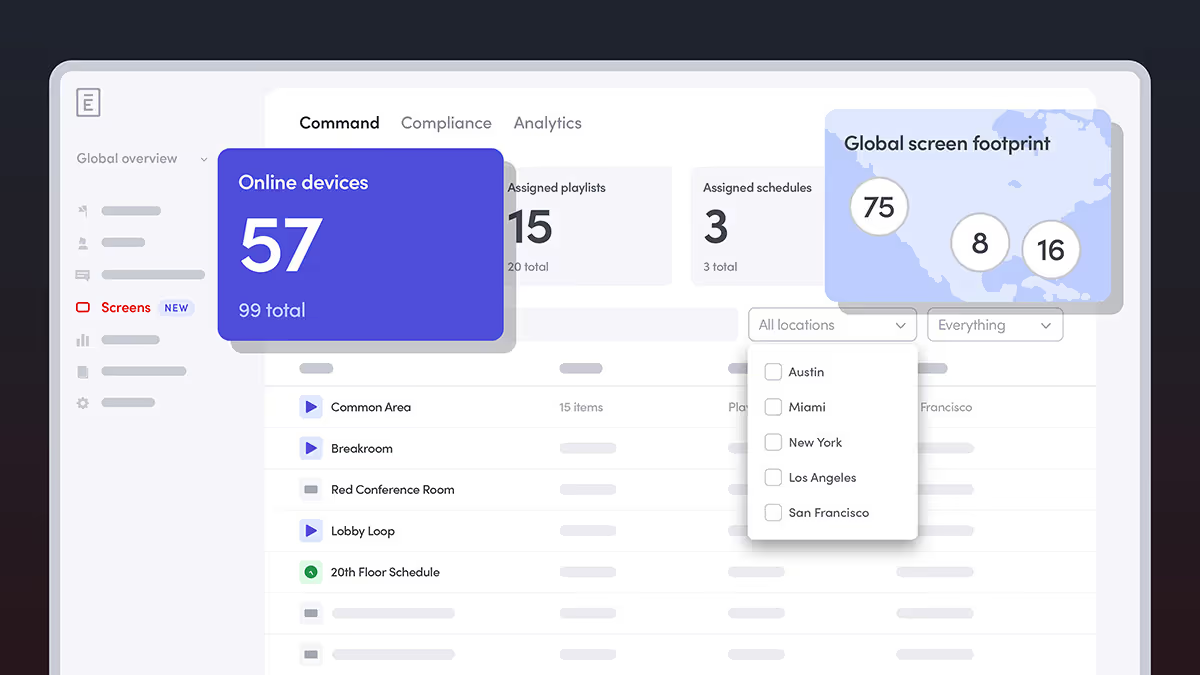
Control all of your displays across every facility from a single, centralized dashboard. Admins can update content, manage role-based permissions, and monitor screen status without needing to be onsite or coordinate across systems.

Works with your existing hardware
Envoy works with existing display hardware, so agencies don’t need to replace equipment to modernize their signage. Deployment is straightforward, and your team can be up and running without a lengthy implementation.
How Envoy supports public sector communication
From routine public announcements to time-sensitive emergency alerts, Envoy digital signage for government agencies empowers government and public sector teams to keep staff and the public informed across every facility.
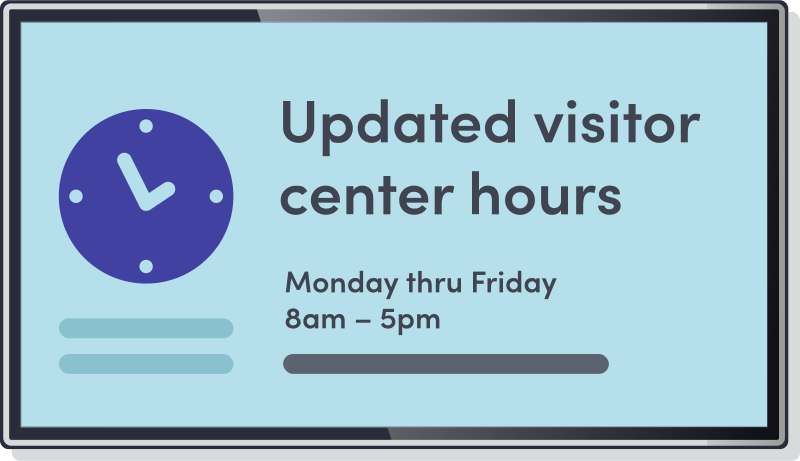
Public announcements
Government facilities serve a wide range of visitors every day, all needing up-to-date information about services, hours, and procedures. With Envoy, you can push announcements to every display at once, create playlists, choose interactive maps, or upload custom media, so every entrance, waiting area, and public-facing space shows accurate, current content.
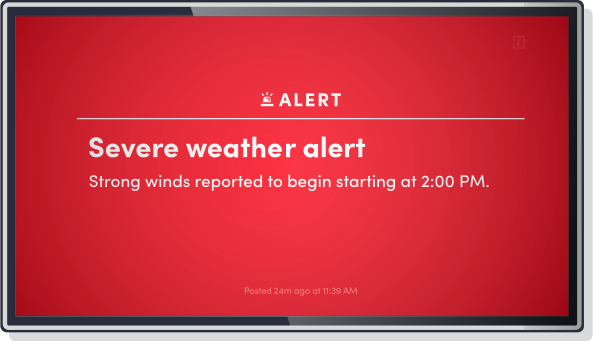
Emergency alerts
When a critical situation develops, there’s no time for manual processes. Envoy enables designated administrators to push emergency alerts to every display across every facility in seconds, giving staff and the public clear, timely instructions.
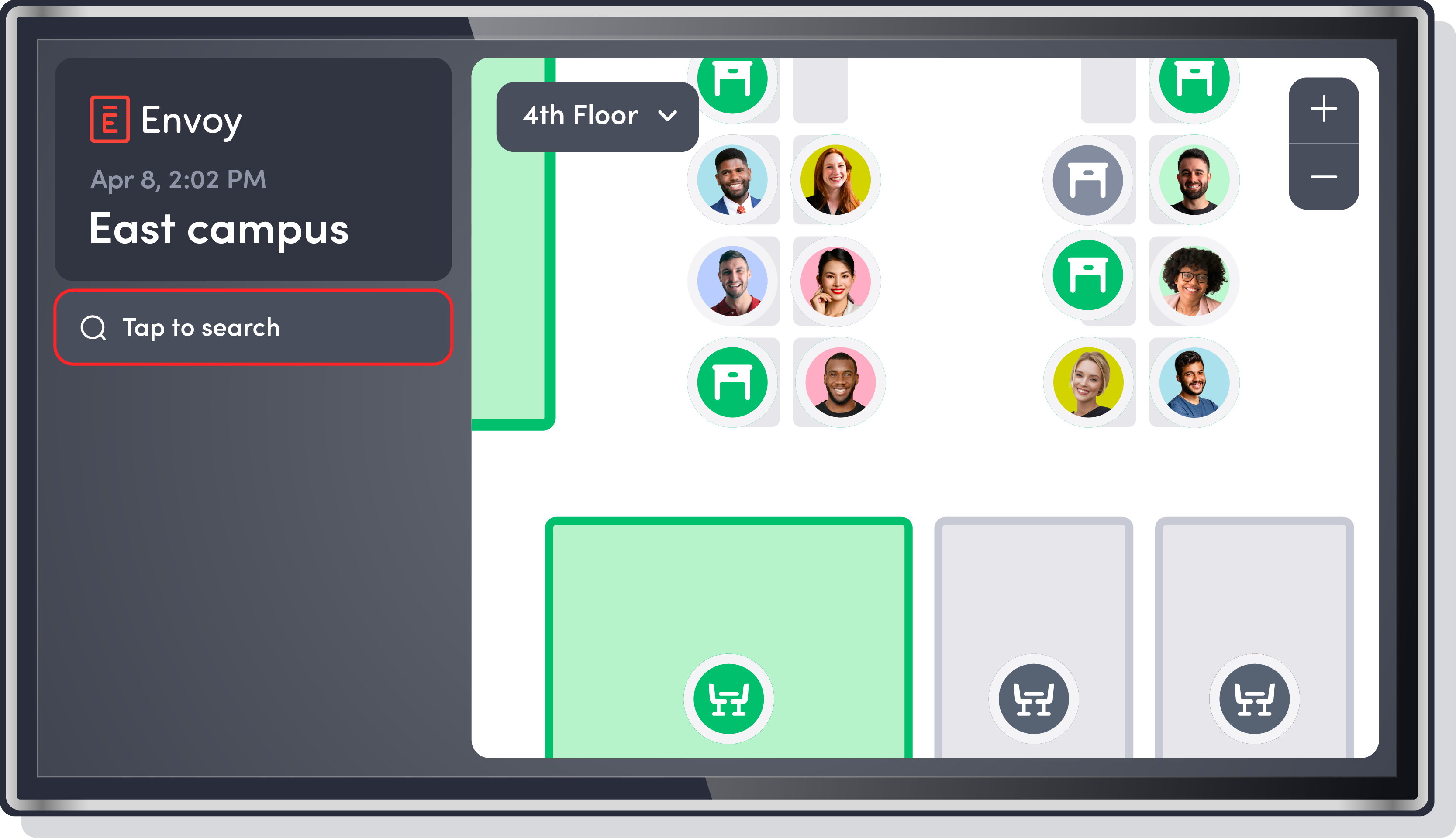
Wayfinding in public buildings
Large government buildings and campuses can be difficult to navigate, especially for first-time visitors. With Envoy, your teams can display maps and directional guidance to help visitors navigate large facilities—reducing the burden on front desk staff and helping people find their way without confusion.
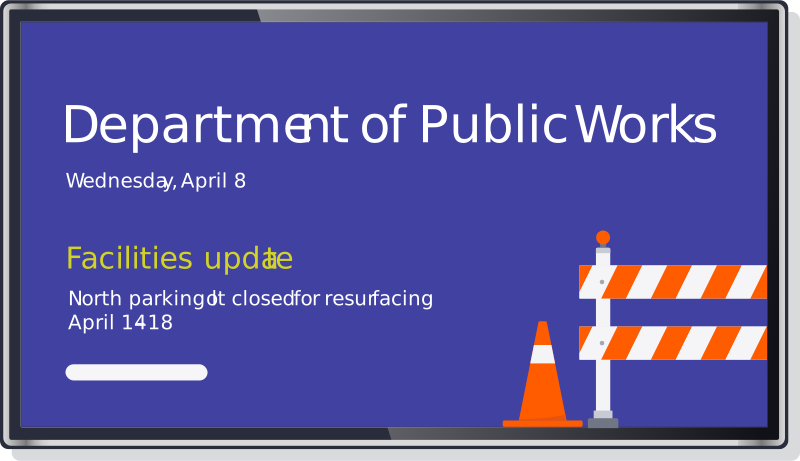
Internal staff communication
Not all communication is public-facing. Envoy gives department leads and facilities teams a dedicated channel for internal updates, such as policy changes, maintenance notices, meeting reminders. These notices can be pushed directly to staff areas, separate from public-facing displays.

Trusted by leading security and facilities leaders

Parker uses the new Envoy digital signage solution across lobbies, meeting rooms, and common areas. By displaying relevant updates where people naturally gather, it improves first impressions, keeps teams aligned, informed, and drives engagement and performance.”
MARK KUIPER
Digital & IT Analyst at Parker Hannifin

One platform for every part of your operations
Envoy provides one platform for all your operational needs—managing reservations, alerts, visitors, and data—so your teams can operate efficiently and public spaces stay safe.
Visitors
Manage all visitors, vendors, and contractors with structured check-ins, required documents, and a complete, audit-ready record of every visit. Envoy gives public sector teams the visibility and audit trail that government environments require.
Learn about Envoy for visitor management
Incident management
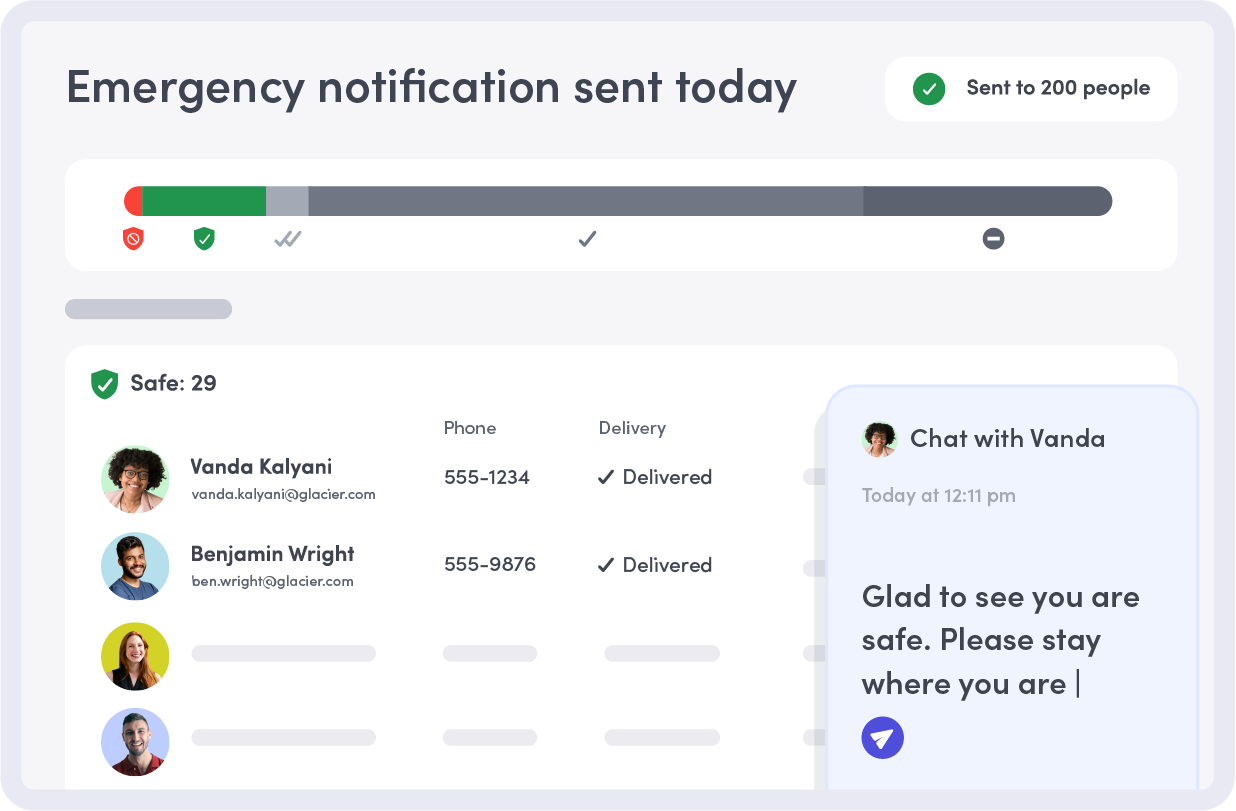
Envoy Response helps teams detect nearby threats, understand who may be affected, communicate quickly, and coordinate action with targeted alerts, real-time status updates, and two-way communication.
Dive deeper into Envoy ResponseReservations
Give staff a simple way to book meeting rooms, workspaces, and shared resources across your facilities. Admins get a clear picture of space utilization, so agencies can make better decisions about how public buildings are used.
Learn about Envoy’s resource booking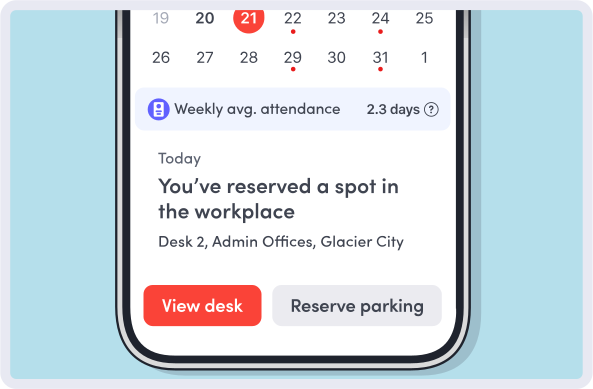

Integrations
Drop in seamlessly with the systems your agency already runs, including identity management and access control. With 100+ pre-built integrations and an open API, connecting Envoy to your existing stack requires minimal lift from your IT team.
Explore Envoy’s integrations
Still have questions?
We can help.
Digital signage for government is a network of screens in public buildings and government facilities that share information with staff and the public. Unlike static signs, digital displays can be updated instantly from one central location, making them ideal for communicating accurate information quickly.
Government facilities use digital signage for public announcements, wayfinding, service information, emergency alerts, and staff updates. Displays can show different content for different areas, all managed centrally without needing onsite updates.
Yes. Admins can push emergency alerts to every display instantly. Critical messages reach staff and the public in seconds, and don’t rely on phones or manual processes.
Yes. A modern digital signage solution for the government lets administrators control content, permissions, and display status across all locations from a single dashboard, without having to manage each facility separately.
Yes. Envoy meets major privacy and security standards like GDPR and CPRA and maintains SOC 2 Type 2 certification. Role-based access controls ensure only authorized personnel can manage content, and all data is encrypted both in transit and at rest.
Not always. Envoy works with most existing display hardware, reducing the need for replacements. When new hardware is needed, setup is simple and doesn’t require heavy IT involvement.
Digital signage can show announcements, wayfinding, service hours, emergency alerts, internal staff updates, and more. Content can be scheduled, updated in real time, or tailored to different areas and audiences.
Updates go live immediately across all screens. As soon as a change is made in the dashboard, every connected display reflects it, making digital signage solutions like Envoy perfect for time-sensitive information.
By keeping critical information—emergency procedures, facility updates, and access instructions—current and visible at all times, digital signage helps staff and the public respond quickly and reduces the load on front desk and communications teams.