CONSTRUCTION SITE ACCESS CONTROL & COMPLIANCE

For jobsites that need stronger qualification control

Construction sites run on contractors and subcontractors whose requirements change by project, trade, and scope. As crews move between jobsites, teams need a reliable way to know who meets the requirements for the work ahead. Envoy helps teams verify qualifications, apply site-specific requirements, and keep work moving.
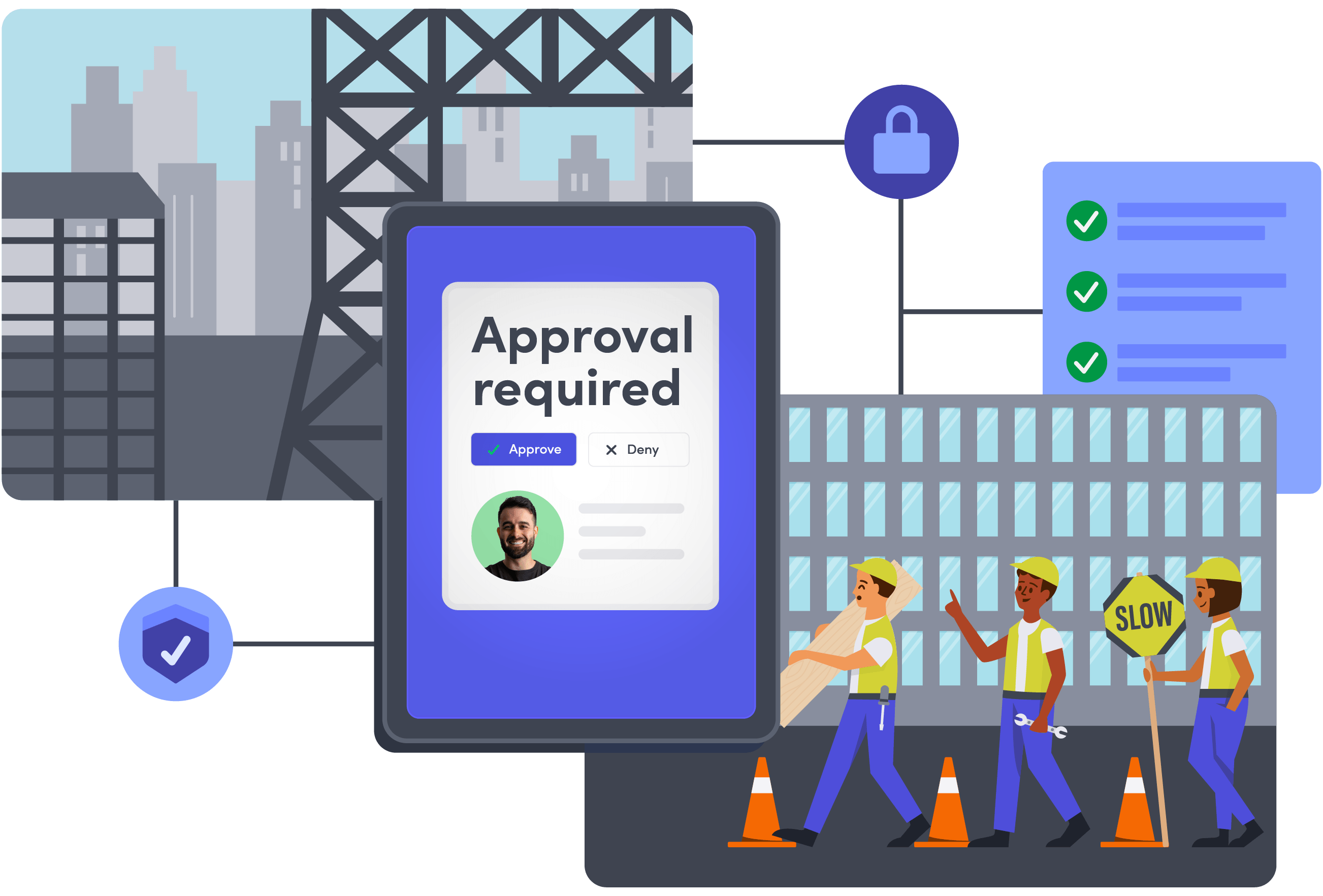
Digital illustration showing a construction site with three workers, one holding a slow sign and the others carrying tools. A large tablet screen displays 'Approval required' with options to approve or deny and a profile picture. Building frames and a high-rise building with checkmarks and security icons connected by lines, symbolizing a secure, approved workflow process in construction.

Trusted visitor management software for construction organizations

CORE CAPABILITIES

Keep contractor readiness, site activity & response connected

Envoy helps construction teams connect contractor access control systems, qualifications, jobsite visibility, compliance records, and emergency response across projects.

Confirm contractors meet jobsite requirements before entry

Check that contractors meet relevant training, certification, insurance, and site requirements before entry. For jobsites that need stronger qualification controls, Visitors Critical brings these checks into the approval workflow, with integrations like ISNetworld supplying live contractor status and exceptions routed to designated approvers.

Explore Visitors Critical
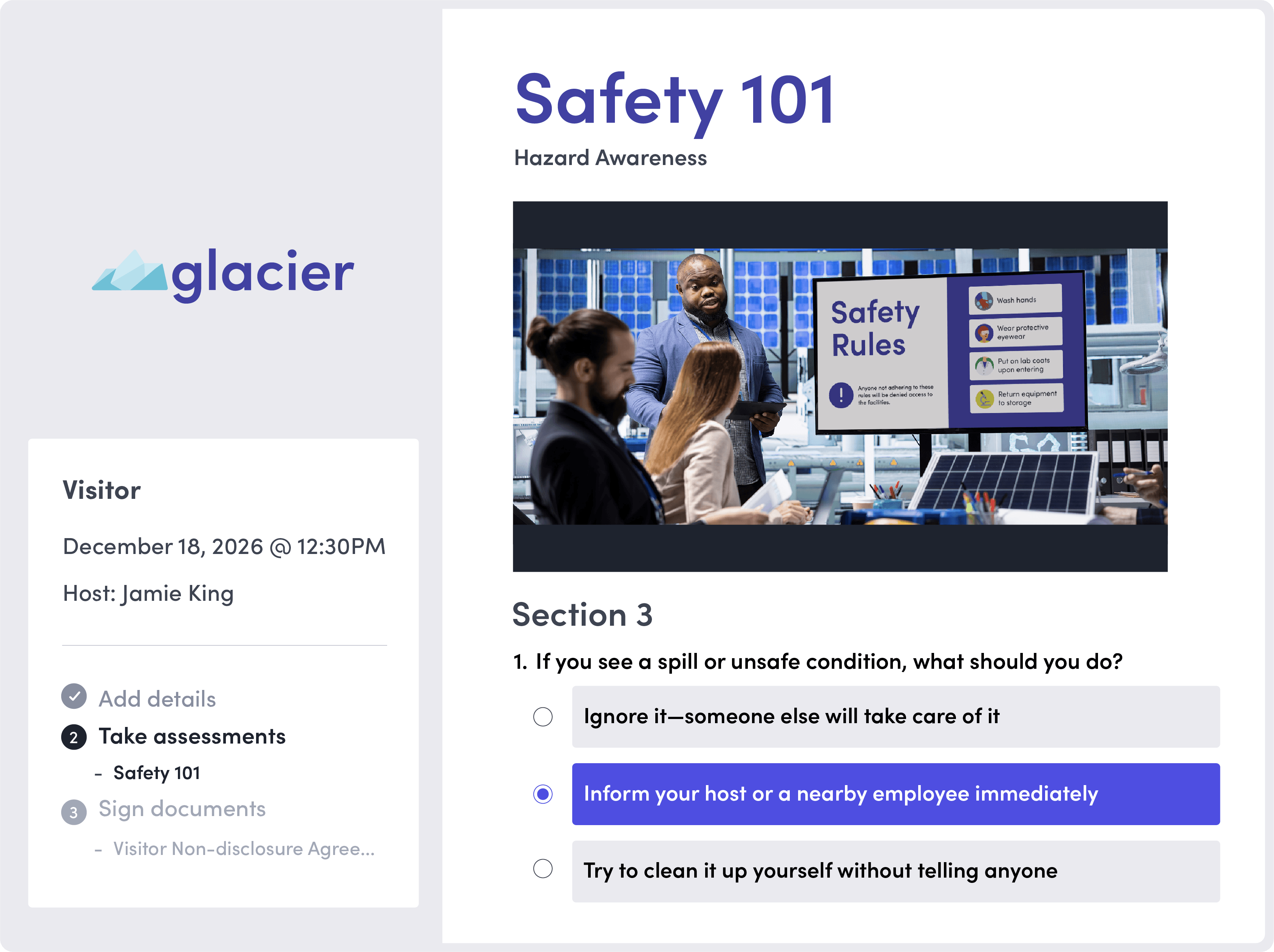
Safety 101 Hazard Awareness screen showing a section on spill or unsafe condition response, with options to ignore, inform a host or employee, or try cleaning up. A photo shows a man presenting safety rules to seated attendees in a modern industrial setting.
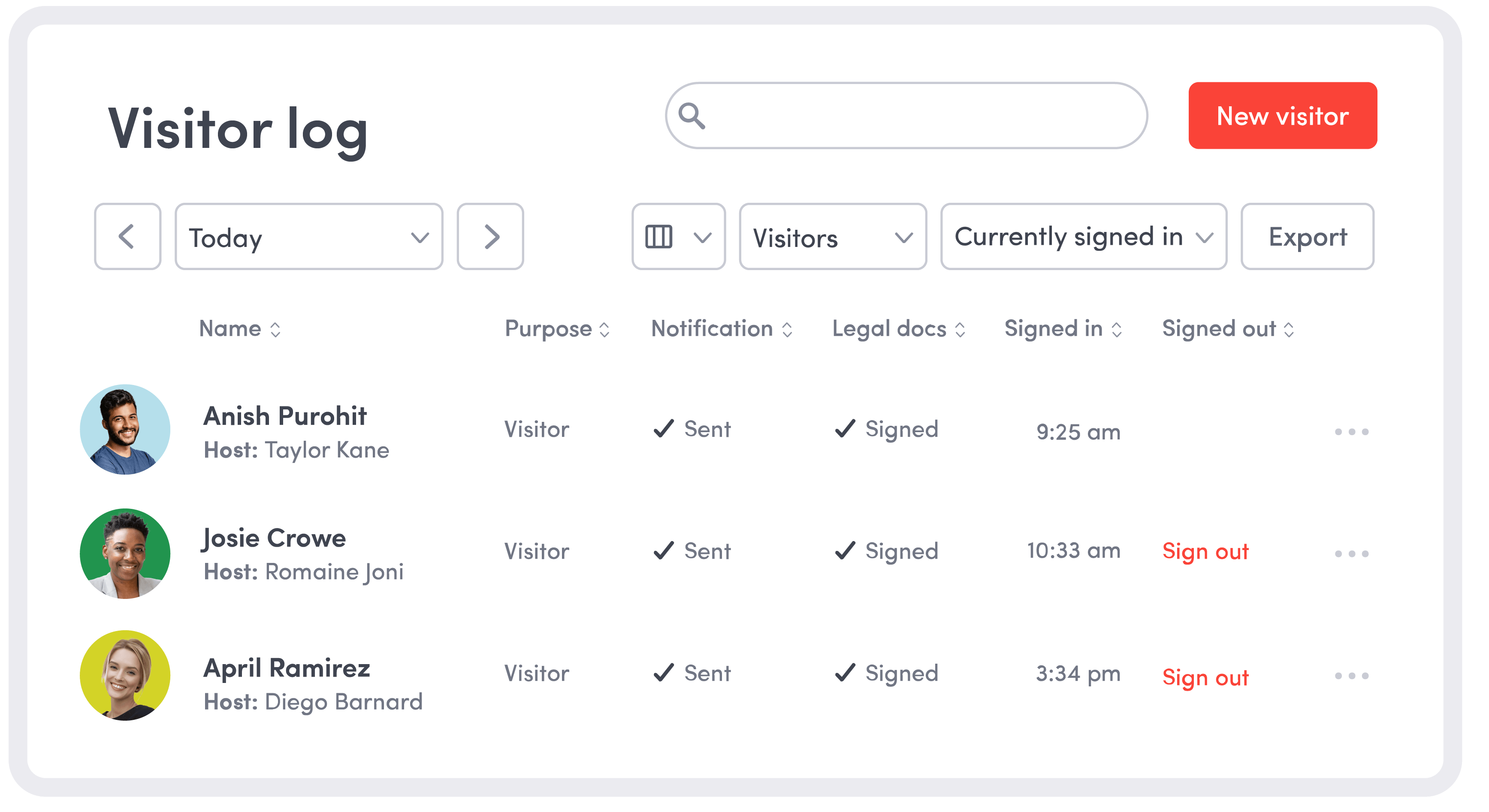
Visitor log interface displaying three visitors: Anish Purohit, Josie Crowe, and April Ramirez with their hosts named Taylor Kane, Romaine Joni, and Diego Barnard. Each visitor entry shows purpose as Visitor, notifications sent, legal documents signed, sign-in times at 9:25 am, 10:33 am, and 3:34 pm respectively, and sign-out options for the last two visitors. The interface includes search and filter options with buttons for new visitor and export.

See who’s expected and onsite across every jobsite

Standardize how contractors, vendors, and visitors arrive across jobsites while keeping sign-in workflows and requirements specific to each site. See who’s expected and onsite without relying on calls, spreadsheets, or disconnected systems.

Explore visitor management for construction

Stay ready for inspections & audits

Keep construction compliance records in one place, with time-stamped visits, approvals, acknowledgements, and qualification decisions across projects. Keep relevant documentation easier to retrieve for OSHA inspections, internal safety reviews, and other audits without piecing together paper logs and spreadsheets.

Explore safety, security & compliance
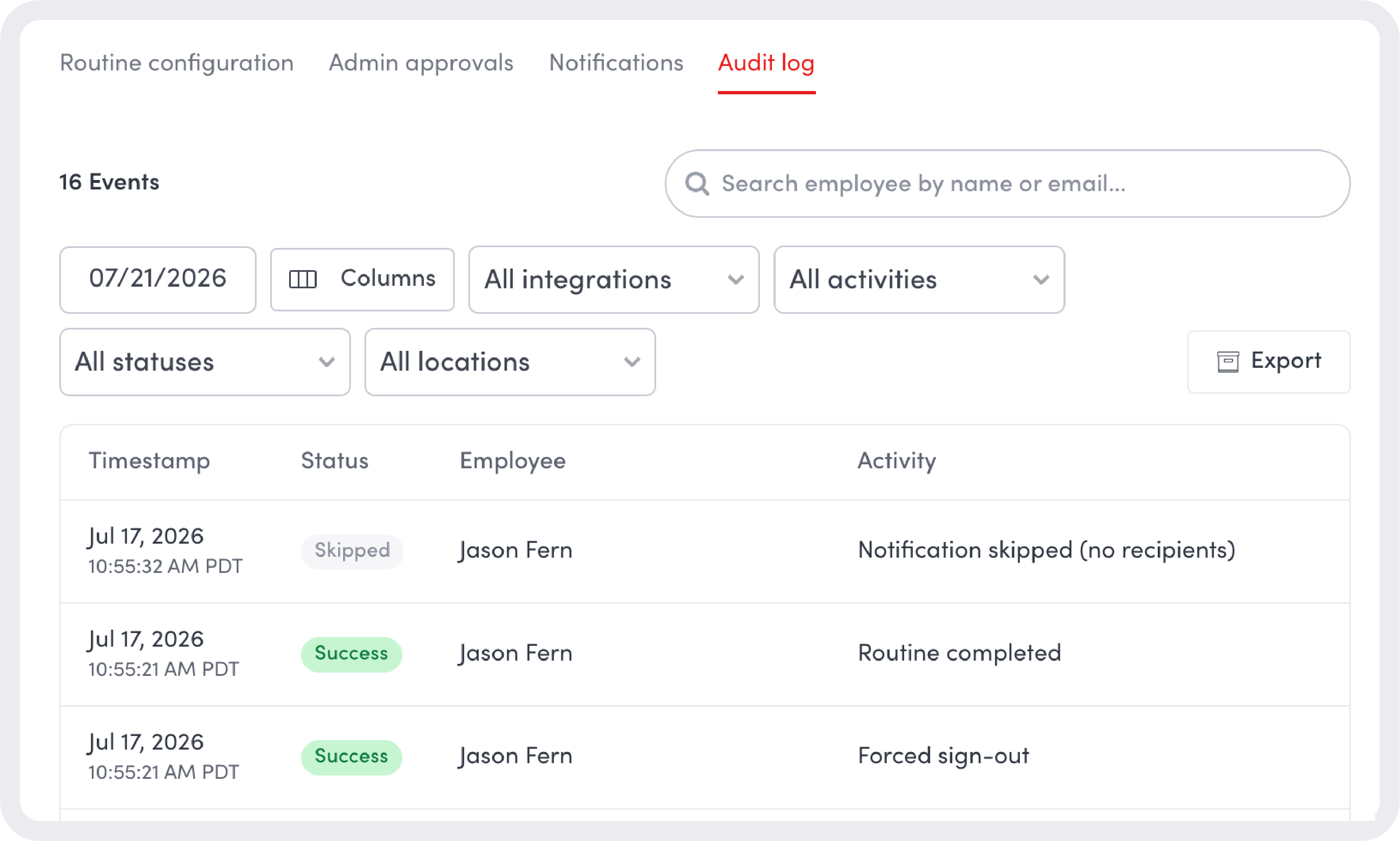
Audit log interface showing 16 events with filters for date, integrations, activities, statuses, and locations. Three log entries from Jul 17, 2026, list employee Jason Fern with statuses: skipped for notification skipped (no recipients), success for routine completed, and success for forced sign-out. Tabs at the top include Routine configuration, Admin approvals, Notifications, and Audit log highlighted in red.
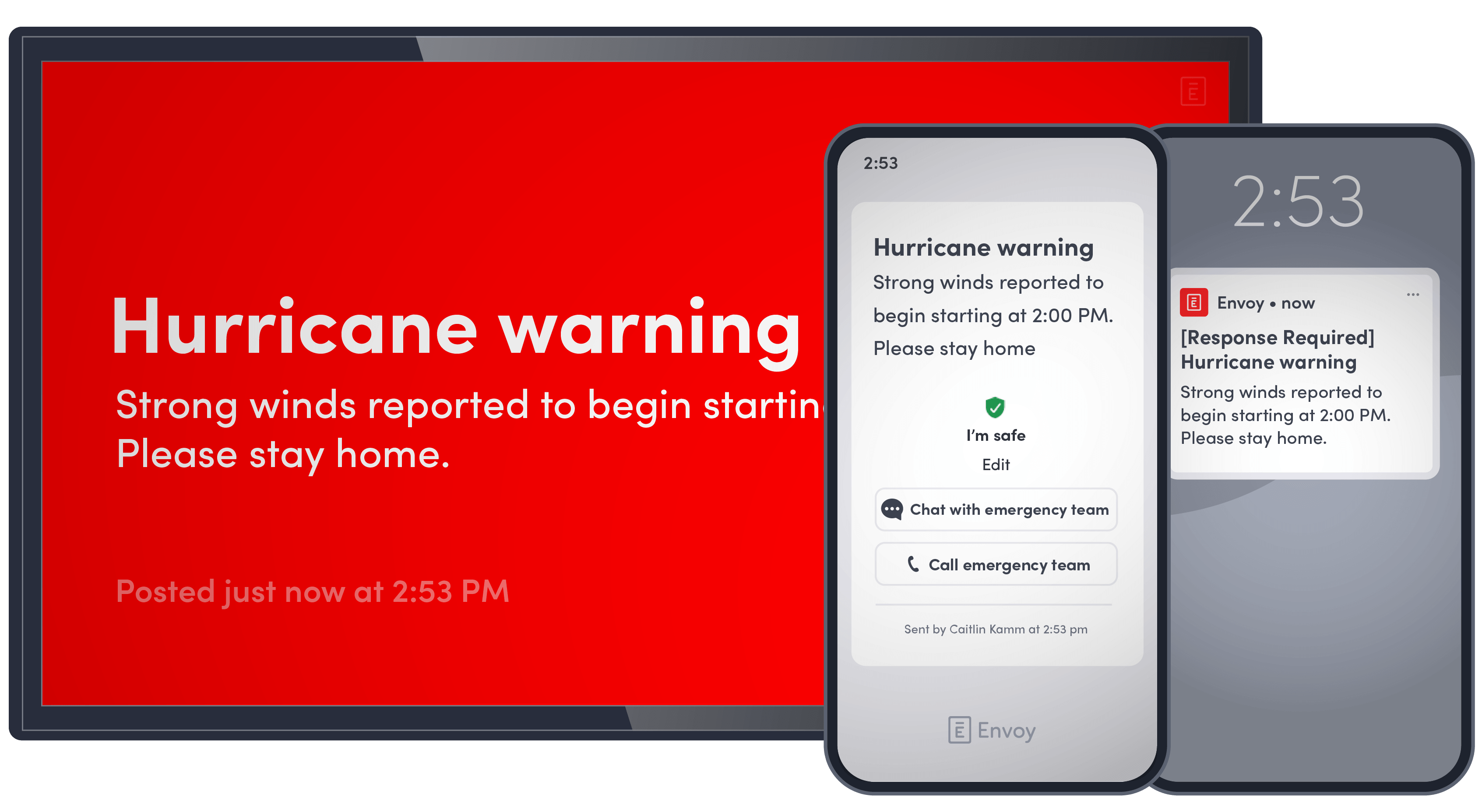
Three digital devices displaying a hurricane warning message: a large screen with a red background shows 'Hurricane warning Strong winds reported to begin starting. Please stay home.' A smartphone interface displays the same message with options to chat with or call the emergency team and an ‘I'm safe’ button. Another smartphone shows a notification labeled '[Response Required] Hurricane warning' with the same warning text.

Reach crews fast when conditions change

Send targeted emergency alerts to the people affected by severe weather, evacuations, security incidents, or other jobsite disruptions. Track responses and accountability in real time, with an incident record teams can use for follow-up and review.

Explore threat detection and response
Meggitt headquarters
Quotation mark

We can collect all the data we need to meet our compliance requirements in one, centralized place. We trust that Envoy protects that data, stores it securely, and does so globally. That’s a big win.”

JONATHAN PRIGANC
Director, Business Systems, Commercial & Corporate Affairs at Parker Meggitt

Connect Envoy to the systems your projects already run on

Connect Envoy with ISNetworld and the systems that keep contractor qualifications and jobsite access moving.

FAQ

Still have questions?
We can help.

Contractor qualification depends on the requirements for the specific site, project, and work being performed. Envoy can connect with contractor qualification systems such as ISNetworld so qualification status can inform whether a contractor is approved to enter the jobsite.

Envoy checks a contractor’s live ISNetworld QuickCheck status when they pre-register or sign in. The check evaluates their status against the configured QuickCheck Profile and can account for applicable site and project requirements, including operator qualifications, training, and worker acknowledgements. Contractors who don’t pass are held for review so designated admins can approve or deny the visit.

Envoy helps teams maintain centralized, time-stamped documentation for onsite activity, approvals, safety acknowledgements, and other visitor or contractor requirements. This makes relevant records easier to retrieve during internal safety reviews, audits, or OSHA inspections.

Yes. Teams can tailor workflows and requirements by location and visitor type while managing activity across sites from one platform. Contractor qualification checks through ISN can also use configured site and project information when evaluating QuickCheck status.

Envoy gives teams centralized visibility into contractor, visitor, and onsite activity across locations while allowing individual projects to maintain their own requirements and workflows. This helps project leaders standardize operations without treating every jobsite exactly the same.

Envoy helps teams reach employees, contractors, and visitors with targeted emergency communications and track their status during an incident. Response teams can coordinate accountability, send follow-up updates, and maintain a timestamped incident record for post-incident review.

Yes. Envoy supports visitor and contractor workflows for vendors, inspectors, owners, consultants, and other people arriving onsite. Construction teams can pre-register guests, set approval requirements, capture required information, and maintain a record of each visit.