

7 major benefits of a visitor management system


If you’re looking into visitor management software, you’re likely trying to solve a simple problem: how to manage visitors efficiently while keeping your workplace secure and running smoothly.
Visitor expectations and workplace requirements have changed. Today, teams need to balance security, compliance, and a seamless guest experience, all without adding more manual work. In this post, we’ll break down the key benefits of a visitor management system (VMS) and how to tell if it’s the right fit for your organization.
What is a visitor management system?
A VMS is software that helps organizations register, track, and manage visitors. Modern systems extend beyond the front desk, enabling organizations to manage the entire visitor journey before arrival, including pre-screening, approvals, and secure access provisioning, making it easier to manage guests at scale while maintaining visibility, security, and compliance.
What are the benefits of a visitor management system?
A VMS helps workplace and security teams reduce manual work, improve physical security, and create a more consistent visitor experience across locations. Let’s look at seven key benefits:
1. Creates a better first impression for visitors
A VMS allows you to prepare guests before they arrive with pre-registration, directions, and any required documents, such as NDAs, safety acknowledgments, or compliance forms.
Instead of waiting in line or filling out forms at the front desk, visitors can check in quickly and know exactly what to expect. This creates a smoother, more professional experience from the start.
You can extend your brand experience across the entire visitor journey using branded email templates for invites, registration, and welcome messages, along with custom sign-in screens and printed visitor badges that create a polished, consistent experience for every guest.
2. Streamlines front desk operations
Manual sign-in processes require staff to manage logs, notify hosts, and answer routine questions, while also coordinating visitor arrivals in real time. A VMS automates much of this workflow by allowing visitors to check themselves in and instantly notifying hosts when their guest arrives. This reduces the need for manual tracking or follow-ups and helps visits start on time. Some systems can also automatically provision secure guest Wi-Fi credentials upon check-in, removing additional administrative steps while maintaining network security.
With fewer repetitive tasks and less coordination overhead, front desk teams can focus on greeting guests and delivering a higher-quality onsite experience.
3. Supports flexible workplace and hybrid work patterns
As workplaces become more hybrid and schedules more dynamic, it’s harder to anticipate who will be onsite and when. A VMS gives organizations real-time visibility into planned visits and expected arrivals, helping teams better coordinate space, staffing, and meeting readiness.
This keeps workplace teams organized and responsive even when attendance patterns fluctuate.
4. Improves workplace security and access control
Workplace security expectations have increased, especially in hybrid and multi-tenant environments. In fact, 50% of organizations reported increased security budgets year-over-year. This goes to show that organizations understand and are investing in addressing the growing complexity of modern workplace security.
A VMS helps keep workplaces secure by:
- Pre-screening visitors before arrival
- Capturing visitor details and visit purpose
- Issuing visitor badges with time-based access
- Keeping a real-time record of who is onsite
Some systems, such as Envoy, integrate with the security tools your team already uses to support identity verification, blocklist screening, and controlled access to sensitive areas. Some systems can even send real-time blocklist alerts to tools your team already uses. For example, Envoy can notify teams in Slack or Microsoft Teams, where authorized staff can quickly review and approve or deny access requests without leaving their workflow.
5. Helps meet compliance and data privacy requirements
Many organizations, especially in regulated industries such as manufacturing, healthcare, pharma and biotech, and defense and aerospace, need to maintain accurate visitor records for audits, safety protocols, and regulatory compliance. A VMS makes this easier by:
- Keeping a digital, searchable log of all visitors
- Allowing role-based access to sensitive data
- Supporting data retention policies and privacy controls
- Making it easy to export records when needed
6. Scales across locations with consistent processes
As organizations grow, managing visitors across multiple locations can become inconsistent.
A VMS allows teams to standardize workflows across offices while still adapting to local needs. This ensures every location follows the same security protocols and provides a consistent visitor experience.
7. Provides actionable insights to improve workplace planning & efficiency
A VMS also generates data that helps organizations understand how their workplace is being used over time. Teams can analyze visitor patterns, peak days, and location trends to make more informed decisions about staffing, space utilization, and operational planning.
These insights help organizations move from reactive visitor management to more proactive workplace planning, improving efficiency across day-to-day operations.
What should modern visitor management systems include?
Modern visitor management systems should go beyond basic check-in and include tools that support security, compliance, and workplace efficiency.
They should also support different types of visitors with tailored check-in experiences. Visitors can be invited ahead of time and guided through flows based on their type, such as guests, candidates, contractors, or vendors.
At a minimum, a modern system should include:
- Pre-registration and digital invites
- Automated host notifications and integrations (Slack, Teams, email)
- Digital visitor logs and reporting
- Visitor badge printing and time-based access
- Role-based permissions and data controls
- Screening tools (blocklists, approvals, or identity checks)
- Support for compliance and data privacy requirements
These features help organizations manage visitors consistently while reducing manual coordination.
How to tell if your business needs a visitor management system
A visitor management system can benefit organizations of any size, but it becomes especially valuable as complexity increases.
Here are some common signs it’s time to invest in a VMS:
- Your front desk still relies on paper sign-in sheets
- Visitor processes vary by location or team
- Visitor volume has increased and is harder to manage
- You need stronger security or screening protocols
- Compliance or audit requirements are becoming more demanding
- You want better visibility into who is onsite at any given time
If any of these sound familiar, a visitor management system can help streamline operations and reduce risk.
—
Visitor management systems have evolved from a “nice-to-have” into a core part of modern workplace operations.
As visitor expectations rise and security and compliance requirements become more complex, manual processes no longer hold up. Digital systems make it easier to manage visitors efficiently while creating a better experience for everyone involved.
Ready to modernize your visitor experience? Explore how Envoy can help you manage visitors, improve security, and streamline workplace operations.
Read more
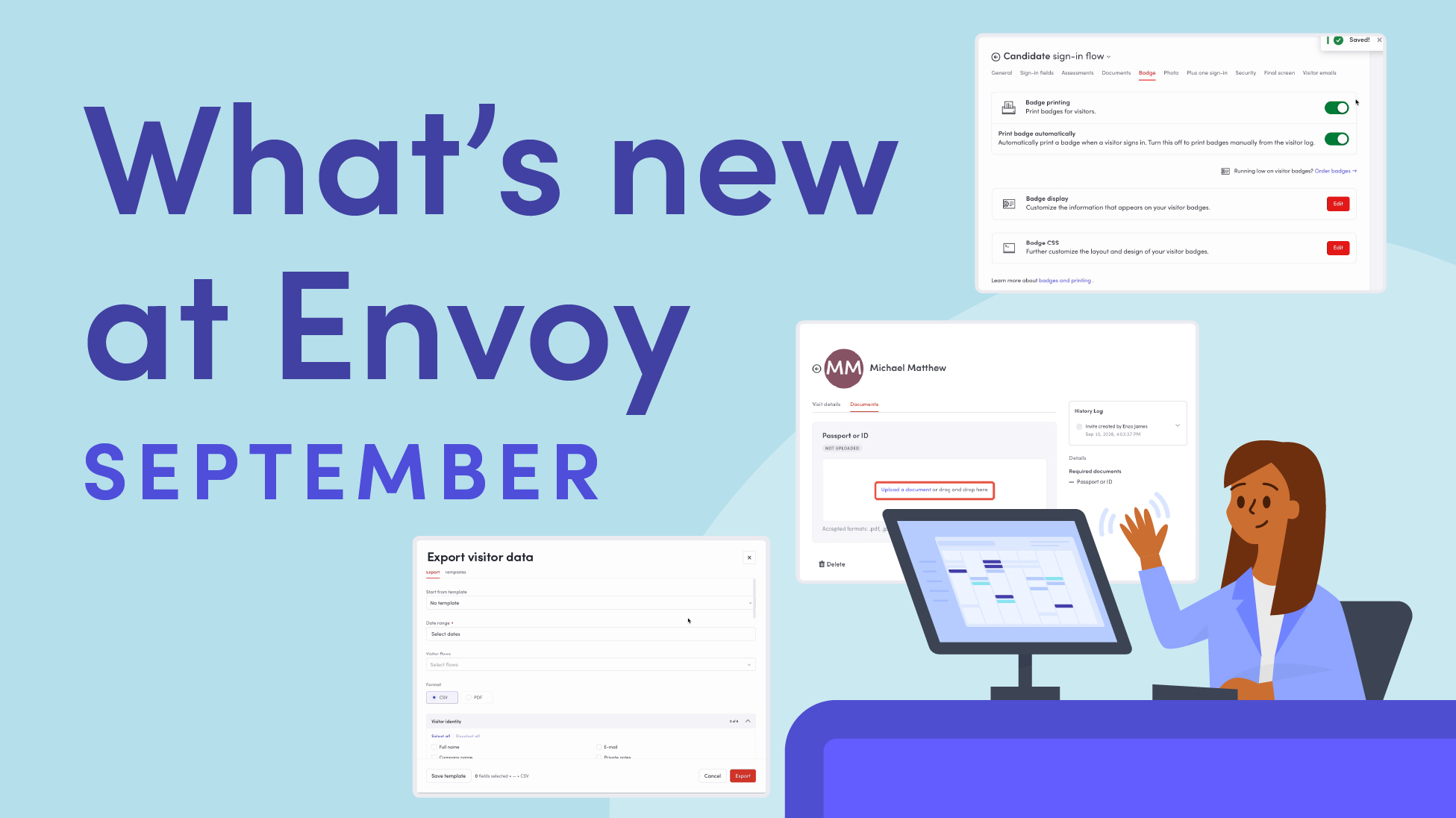
Envoy’s September 2026 releases help teams manage visitors with less manual work, streamline compliance reporting, and keep access systems in sync.
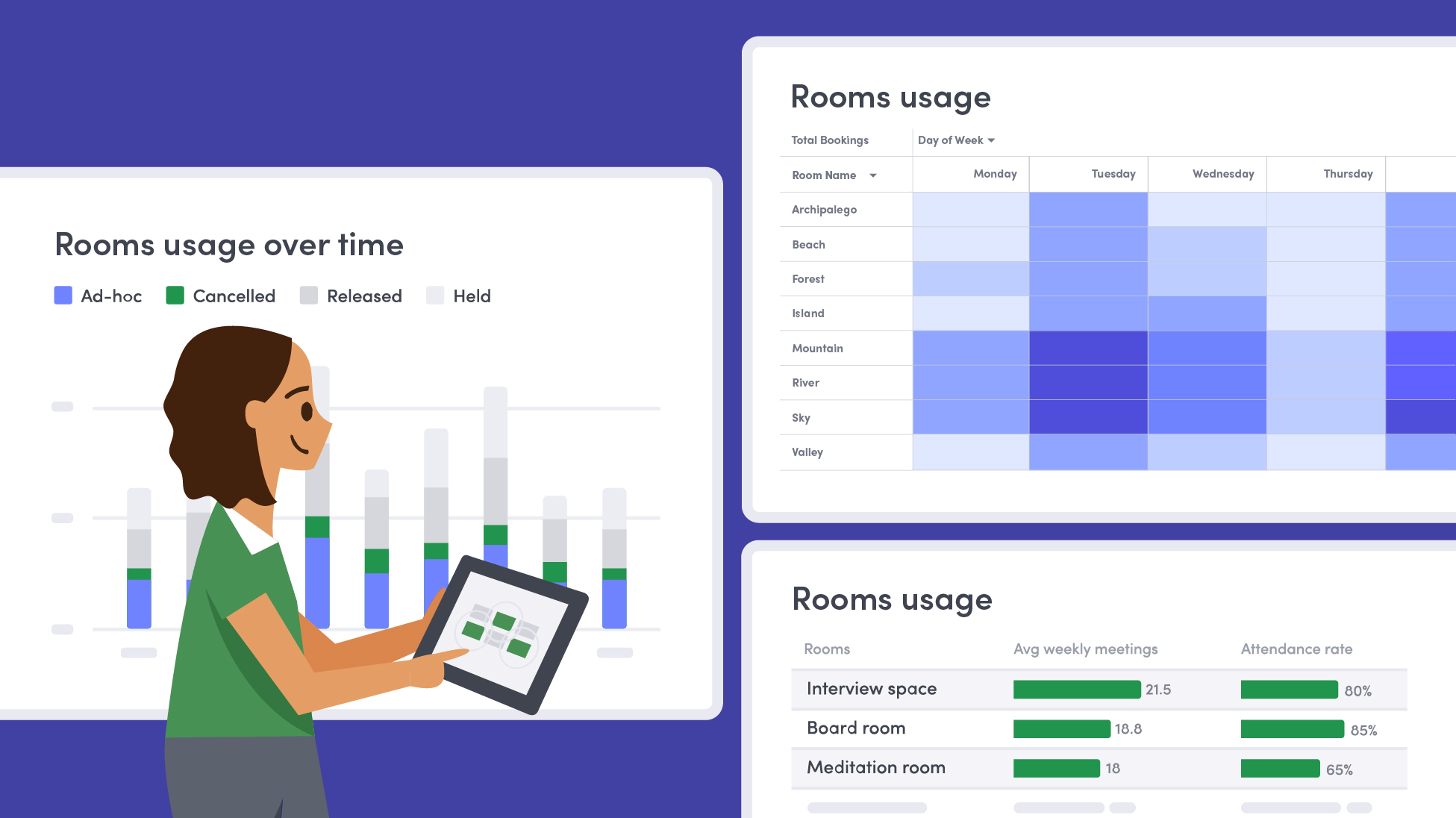
Learn how to measure conference room utilization, occupancy, no-shows, booking density, and more, and use the data to make smarter space decisions.
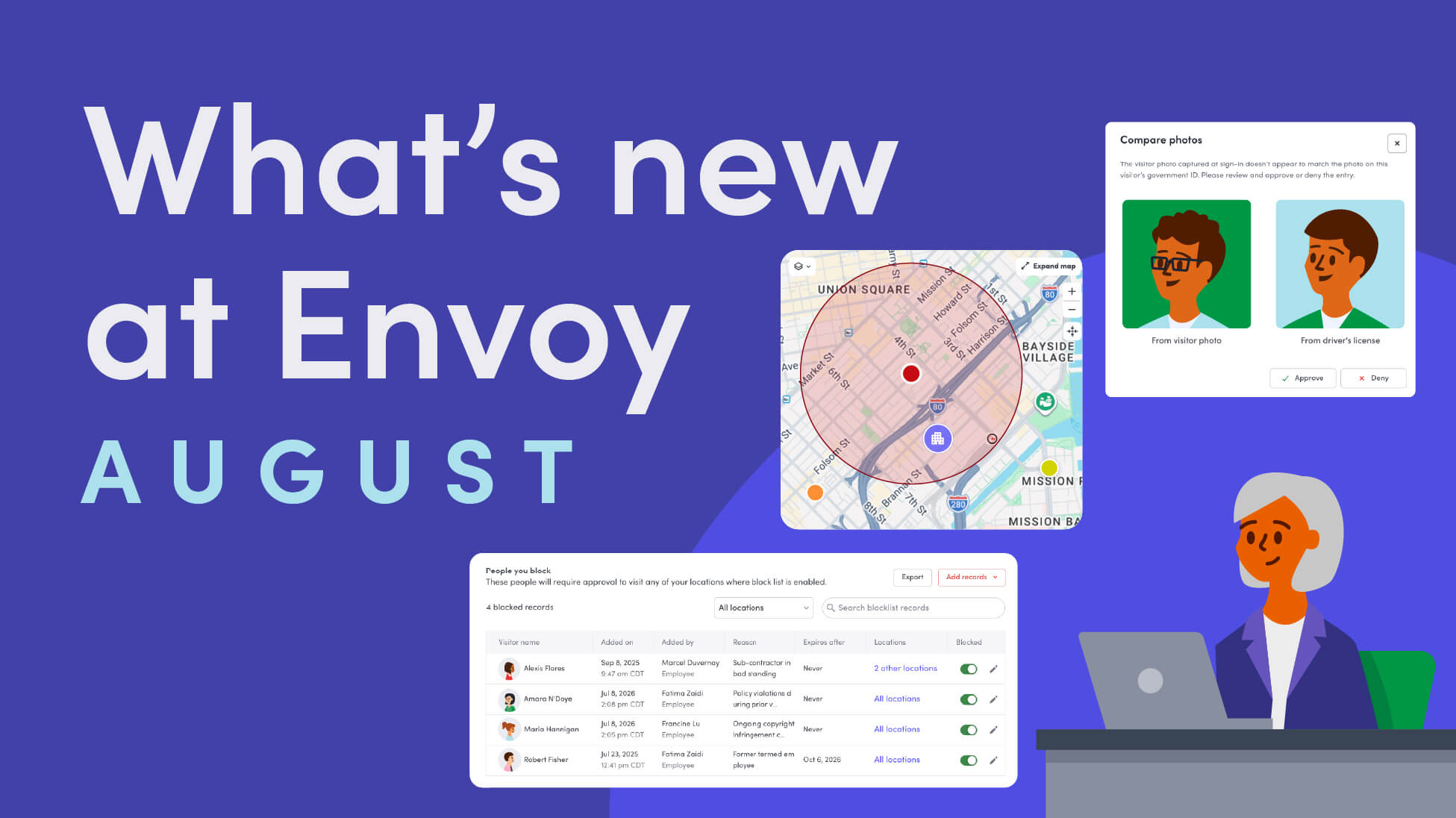
Envoy’s August 2026 releases introduce Envoy Response for emergency management, bringing emergency response into the same platform you already use for visitor and workplace management.

Envoy's July 2026 releases focus on workplace intelligence features like HRIS directory sync, workplace map file exports, and mailroom management improvements through the Developer API.

Envoy data across 300+ U.S. metros reveals the one morning the World Cup actually emptied the office, and it wasn't when you'd think.

Envoy Academy is back with a full refresh. Still free, still on-demand, and organized by role so admins get fluent in Envoy fast.