

What’s an emergency notification plan, and why do you need one?


Workplace emergencies aren’t rare. They’re routine. From severe weather to security incidents, risks increase as more employees return onsite and offices operate on hybrid schedules.
When something goes wrong, one question matters immediately: Who’s in the building—and how do we reach them? That’s where an emergency notification plan comes in.
What is an emergency notification plan?
An emergency notification plan outlines how your organization will communicate during a crisis. It defines:
- How alerts are sent
- Who receives them
- What instructions are included
- How you confirm everyone’s safety
A strong plan doesn’t rely on a single channel. It reaches employees and visitors across multiple touchpoints—like SMS, email, collaboration tools, mobile apps, and onsite notifications—so no one misses critical information.
But a plan alone isn’t enough. You also need the right system to power it.
How do emergency notification systems work in office buildings?
An emergency notification system in an office building works by combining three core elements:
- Real-time visibility into who’s onsite
- Multi-channel alert delivery
- Status confirmation and roll call tracking
Here’s how it typically works in practice:
- The system pulls a live list of signed-in employees and visitors
- An admin or safety lead triggers an emergency alert
- The message is sent instantly across select channels, such as SMS, email, Slack, Microsoft Teams, and a mobile app push
- Recipients confirm their safety status
- Admins monitor responses in real time
Because hybrid work makes occupancy unpredictable, modern systems rely on real-time workplace data—not outdated spreadsheets or manual headcounts.
Solutions like Envoy consolidate employee sign-ins, visitor logs, and workplace integrations into one centralized platform. That means when an alert is triggered, it goes to the right people based on who’s actually onsite.
What’s at stake if you don’t have an emergency notification plan?
Without a clear plan and system in place, organizations face serious risks:
Compliance exposure
OSHA requires employers to maintain safe workplaces, including clear emergency communication protocols. California’s Senate Bill 553 adds additional requirements around workplace violence prevention. Fines can escalate quickly for non-compliance—especially across multiple locations.
Slower emergency response
First responders need accurate information: how many people are inside, where they’re located, and what hazards are present. Without real-time visibility, response time suffers.
Financial and reputational damage
From insurance increases to lawsuits and public trust erosion, the cost of poor emergency communication extends far beyond the incident itself.
What emergency notification capabilities do I need for my workplace?
Not all systems are built the same. When evaluating options, look for capabilities that support both speed and accountability. At a minimum, your emergency notification system should include:
- Real-time onsite visibility. You should be able to instantly see who’s in the building. A connected visitor management system ensures your onsite data is always current.
- Multi-channel messaging. Alerts should reach employees and visitors through the channels they already use, including SMS, email, Slack, Microsoft Teams, and mobile push notifications.
- Location-specific targeting. If you operate multiple workplaces, you should be able to send alerts to a single location without disrupting others.
- Customizable message templates. Pre-built templates reduce hesitation during high-stress moments and ensure clear instructions.
- Roll call and safety confirmations. After sending an alert, you need confirmation—not guesswork.
- Reporting and audit logs. Post-incident reporting supports compliance, insurance documentation, and process improvements.
Envoy combines these capabilities within a single workplace platform, so you’re not stitching together separate tools during a crisis.
What should I look for in an emergency roll call system?
An emergency roll call system helps you account for everyone during and after an incident. But not all roll call tools are equal. Here’s what to look for:
Automated attendee lists
Roll call should pull automatically from live employee and visitor data—not manual spreadsheets.
Two-way confirmation
Recipients should be able to mark themselves safe, unsafe, or in need of assistance.
Real-time dashboard visibility
Safety teams should see response statuses update instantly.
Mobile accessibility
Employees may not be at their desks. Mobile-friendly confirmations are critical.
Exportable reports
After the incident, you need documentation for audits, compliance, and insurance.
Because Envoy ties emergency notifications directly to employee sign-ins and visitor records, roll call becomes immediate and accurate. Safety teams can quickly identify who hasn’t responded and follow up accordingly.
Tips for setting up your emergency notification plan
If you’re building or refining your plan, here’s how to strengthen it:
- Track visitors and employees in real time. Knowing who’s onsite is foundational. Envoy maintains a live log of employees and visitors so you’re never guessing.
- Keep contact details current. Integrations with HR systems and workplace tools ensure contact information stays up to date.
- Reach people on the right channels—fast. Modern systems should allow alerts through SMS, Slack, Microsoft Teams, email, and mobile push.
- Test your system regularly. Run drills. Test alerts. Confirm your roll call feature works across devices and channels.
- Share data with authorities. Accurate, real-time occupant information can significantly improve first responder effectiveness.
Future-proofing your emergency preparedness
Emergency notification is no longer a standalone tool. It’s part of a connected workplace ecosystem.
When your emergency notifications are powered by real-time visitor data, employee sign-ins, and workplace integrations, your response becomes faster and more coordinated. Instead of scrambling during a crisis, your team operates from a single source of truth.
That’s the advantage of a unified platform like Envoy: communication, visibility, and accountability—working together when it matters most.
—
Emergency notifications are critical, but they’re only one part of a comprehensive preparedness strategy.
To learn how to build your plan, train your team, and use emergency notifications effectively before, during, and after a crisis, download The must-have guide to workplace emergency planning.
Read more

Learn how to support ITAR compliance with visitor screening, access approvals, onsite controls, and records that document each visit.

Compare leading mass notification vendors, their best-fit use cases, and key tradeoffs. Learn what to evaluate before choosing a system.
New Envoy research reveals where physical security gaps emerge and whether organizations can prove their controls are working.
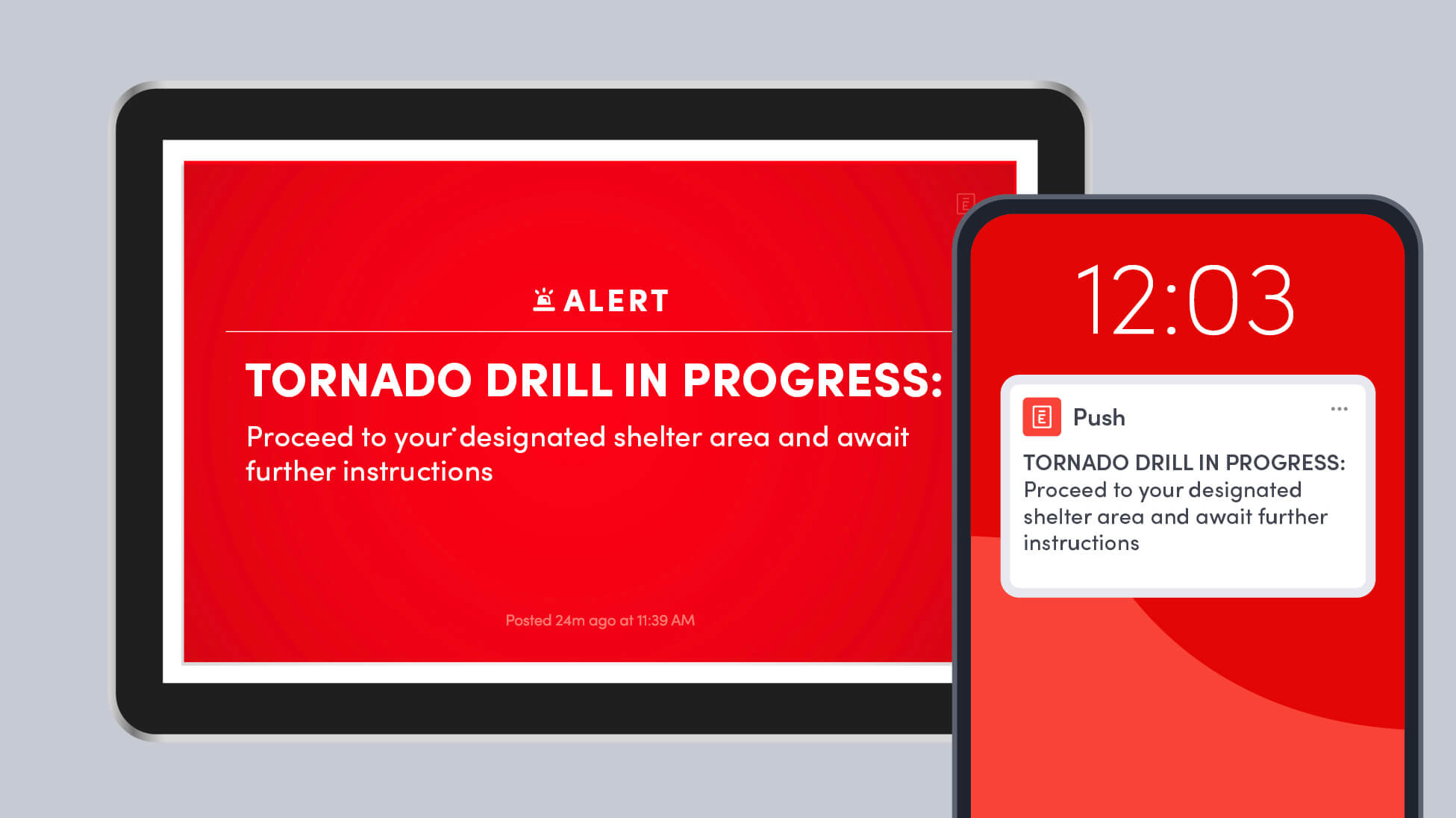
Learn how to run a workplace tornado drill, choose safer shelter areas, account for everyone onsite, and improve your emergency response plan.
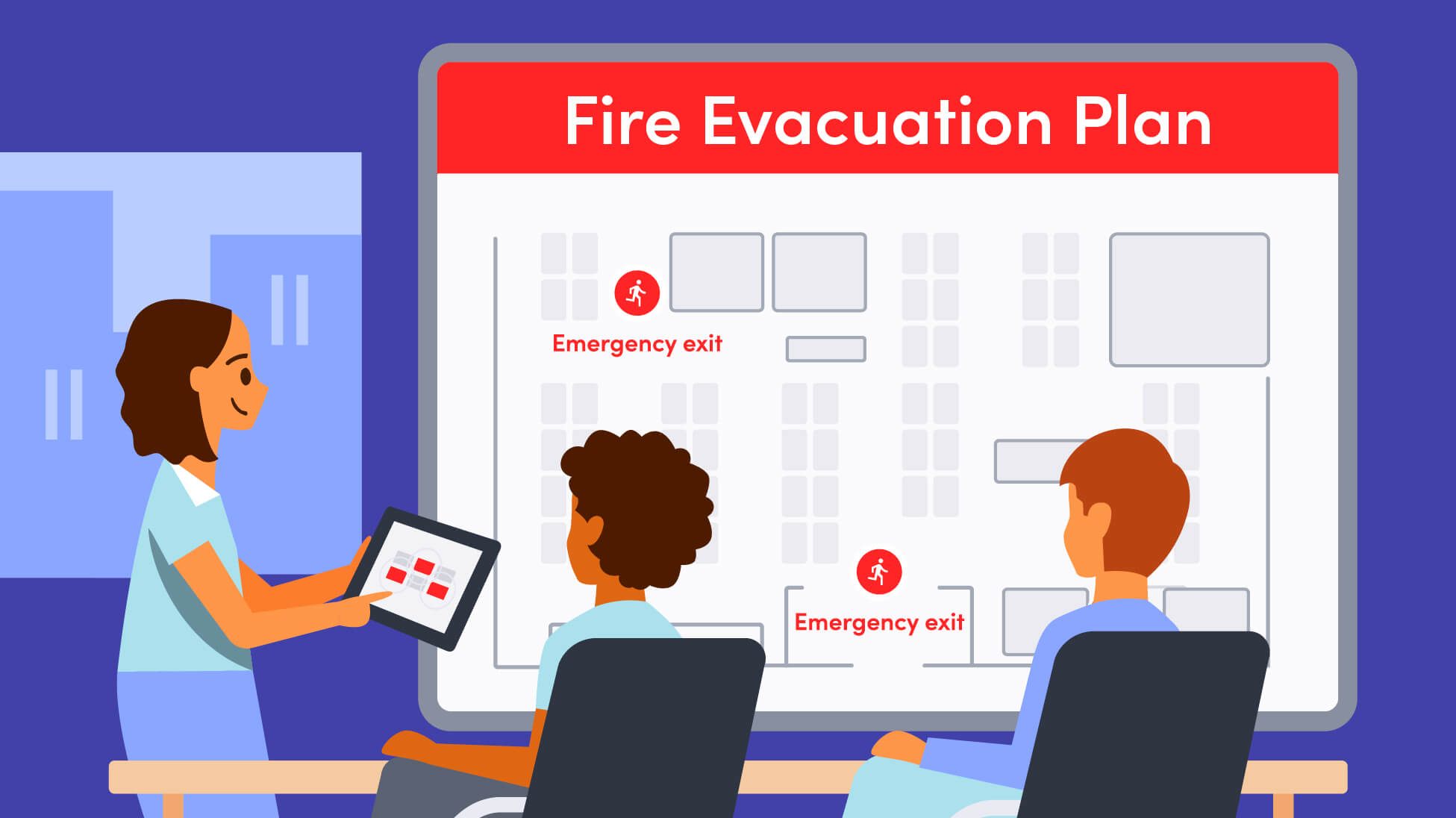
A strong fire evacuation plan goes beyond exit routes. Here’s how to plan for alerts, muster points, accountability, response roles, accessibility, and everyone who may be onsite.
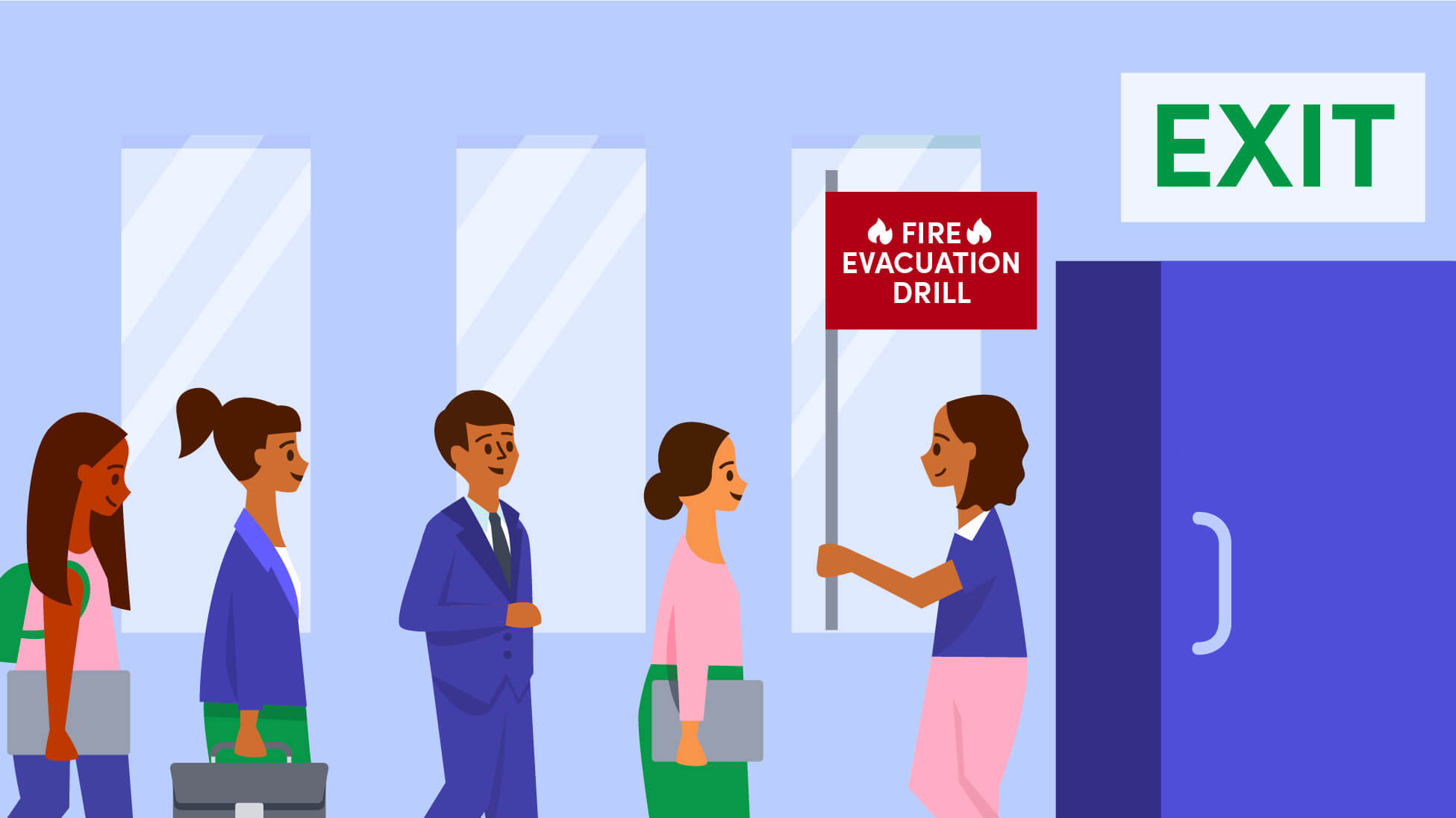
This guide breaks down the key response roles every workplace should define, from incident leads and wardens to communications, accountability, and backup coverage.