

A beginner’s guide to visitor logs

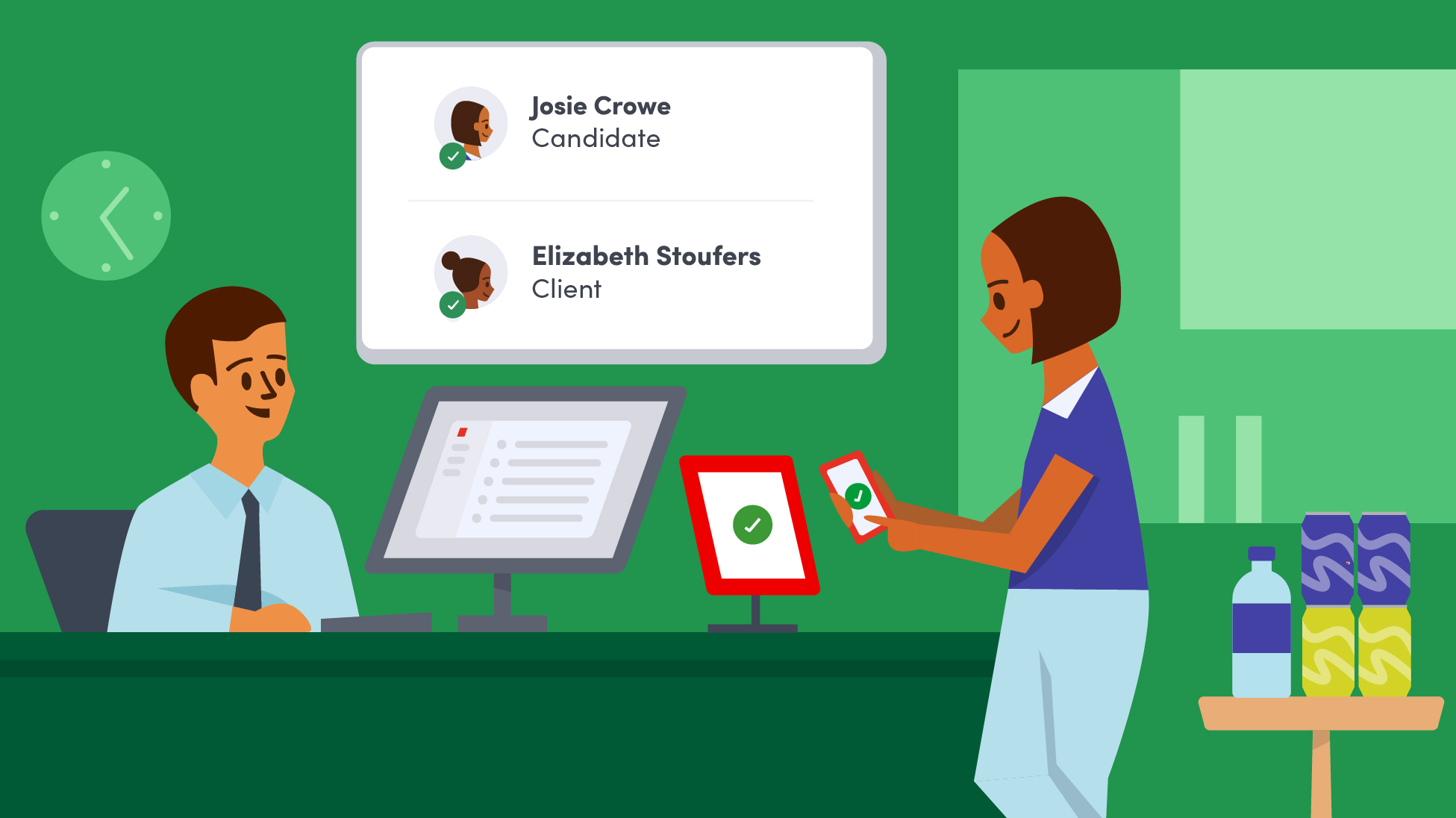
When you’re inviting guests to your workplace, you want it to be a welcoming experience that reflects your business. But as workplaces become more distributed and hybrid, managing who comes in and out of each location is more complex than ever.
That complexity is driving a greater focus on security. According to a recent Allied Universal World security report, one in four organizations have seen an increase in physical security incidents. With each location facing unique risks and requirements, maintaining visibility into who’s onsite at any given time is critical.
That’s where visitor logs come in. They provide a simple but essential way to track, manage, and secure workplace access.
What is a visitor log?
A visitor log is a record-keeping system organizations use to track everyone who enters and exits a facility. It helps maintain a secure environment by documenting details like visitor names, check-in and check-out times, and often additional information such as the purpose of the visit or host details.
Traditionally, visitor logs were paper sign-in sheets at the front desk. Then, some organizations transitioned to spreadsheets (i.e., Excel or Google Sheets), but this approach proved to be just as tedious and time-consuming. That’s why many workplaces today use digital visitor logs for improved security, efficiency, and data privacy.
Digital logs streamline check-ins (sometimes through QR codes or mobile devices), provide real-time visitor tracking, and allow easy access to contact details during emergencies. They also support compliance with privacy laws by securing visitor data.
What are the benefits of a digital visitor log?
Visitor logs are essential today because they help ensure workplace security, compliance, and safety. Here’s why they matter so much:
Enhanced workplace security
Visitor logs, especially digital ones, help keep workplaces safe by making it easy to know who’s in the building at any time. Digital systems give security teams real-time visibility into visitor activity, allow for alerts on unauthorized individuals, and support screening against watchlists.
This is especially important as physical security remains a top priority, with nearly half of organizations ranking it among their biggest concerns as workplaces become more distributed and complex.
Access control and security systems support
Rather than operate in isolation, digital visitor logs often integrate with access control, identity systems, and workplace platforms. This allows organizations to enforce policies automatically, such as restricting access to certain areas or requiring approvals before entry.
By connecting visitor data to broader security systems, organizations can reduce manual oversight and enforce consistent policies across every location.
Faster, smoother check-ins
Digital visitor logs help reduce wait times and lobby congestion by allowing guests to sign in quickly using kiosks, smartphones, or QR codes. Companies like Technicolor have successfully used digital logs to make their visitor registration process more efficient across multiple locations.
Compliance with privacy regulations
Digital logs help organizations comply with privacy laws like the General Data Protection Regulation (GDPR) and the California Consumer Privacy Act (CCPA). Unlike pen-and-paper logs, which anyone can see, digital records limit visibility to predetermined security staff. Many digital log systems also provide features that allow data to be deleted or anonymized after a specified period.
With growing enforcement of data privacy regulations, maintaining secure, access-controlled visitor records is no longer optional. It’s a core compliance requirement.
Emergency preparedness
During critical situations (e.g., a property fire or natural disaster), you need to know who’s in the building to facilitate faster evacuations and to better assist first responders. Up-to-date visitor data ensures everyone is accounted for. Digital visitor logs provide in-the-moment visibility by tracking entries and exits via digital check-ins.
Actionable data and analytics
Digital logs offer valuable insights on visitor patterns—such as peak visitor times and visit durations—that help workplace managers optimize staffing, resources, and workspace layout. By analyzing this data, organizations can better prepare for high-traffic periods and make informed decisions about space utilization.
Audit trails and reporting
Digital logs maintain detailed records that can be easily retrieved for audits, showing who accessed or modified visitor information. They help organizations demonstrate compliance during privacy audits or regulatory reviews, offering a clear, timestamped record of visitor data.
This level of traceability is critical as organizations face more frequent audits and stricter documentation requirements across industries.
What information should be included in a visitor log?
A visitor log records essential details about every person who enters and leaves a workplace, helping to ensure security, compliance, and operational efficiency. To cover all your bases, be sure to capture these key details:
- Full name. Always collect the visitor’s full name. This is the first step in identifying each guest and is crucial for security tracking and audits.
- Contact information. A phone number or email address allows hosts to contact visitors if needed, and it can be critical in emergencies.
- Host or point of contact. Logging the host’s name (the person the visitor is meeting) creates accountability and helps locate visitors quickly.
- Purpose of visit. Capturing the purpose of each visit provides context for security teams and helps with compliance audits. For example, Technicolor’s digital logs categorize visit types, allowing teams to spot unusual visitor patterns or unapproved visits more effectively.
- Check-in and check-out times. Accurate entry and exit times help ensure guests only enter the areas they’re allowed to be in. Various compliance standards require detailed visitor records. They’re also helpful during emergency evacuations.
- Photo identification. A photo ID can help visually verify each visitor’s identity and country of origin. Compliance standards like ITAR have different requirements for non-U.S. citizens.
- Legal documents. Any necessary documents, like NDAs or health waivers, can be signed during check-in for added security and compliance.
- Visitor type. Categorizing visitors (e.g., contractors, guests, or vendors) makes it easier for security teams to assign the right access levels for each person entering the workplace.
- Emergency contact details. Having an emergency contact on record can be vital if a visitor needs assistance or has a medical emergency at your workplace.
For IT and security managers, digital logs offer an organized, compliant, and reliable system that supports both daily operations and emergency preparedness.
How does a visitor management system help capture visitor data?
A visitor management system (VMS) captures visitor data efficiently and securely through digital tools that streamline the check-in process and automate data collection. A modern VMS goes beyond simple data capture, standardizing, securing, and automating how visitor information is collected across every location.
Here’s how it works:
- Digital check-in process. Visitors use kiosks, tablets, or their smartphones to enter their details, such as name, contact info, and reason for visiting.
- Automated data collection. The VMS then automatically collects and stores visitor data (e.g., timestamps for check-in and check-out).
- Photo capture. Many visitor management systems can capture a guest’s photo at check-in, providing a visual ID for security teams.
- Data analytics. Over time, the system can provide insights into visitor patterns, such as peak visitor hours and visit duration. Facilities managers can use this data to optimize staffing, allocate resources, and improve visitor experience.
—
Interested in finding out how a visitor management system can help you automate your check-in experience? Check out our guide, “The buyer’s guide for workplace security software,” to learn more.

Read more

Tim Reed has secured facilities at Apple, Uber, and Aurora Innovation. Here's how he thinks about visitor management, and why most programs don't go far enough.

In this post, we’ll cover what a visitor policy is and walk through practical steps to create one that supports both security and compliance.

In this post, we go over the basics of what to look for when evaluating a visitor management system for your business.

Learn how a visitor management system can help you conquer compliance and be regulatory-ready in 2024 and beyond.
Easily keep track of workplace guests with visitor management software and a few key pieces of hardware.

The future of work—and the workplace technology that powers it—is integration. Here’s what to keep in mind as you evaluate visitor management systems.