

What’s new at Envoy: November product releases


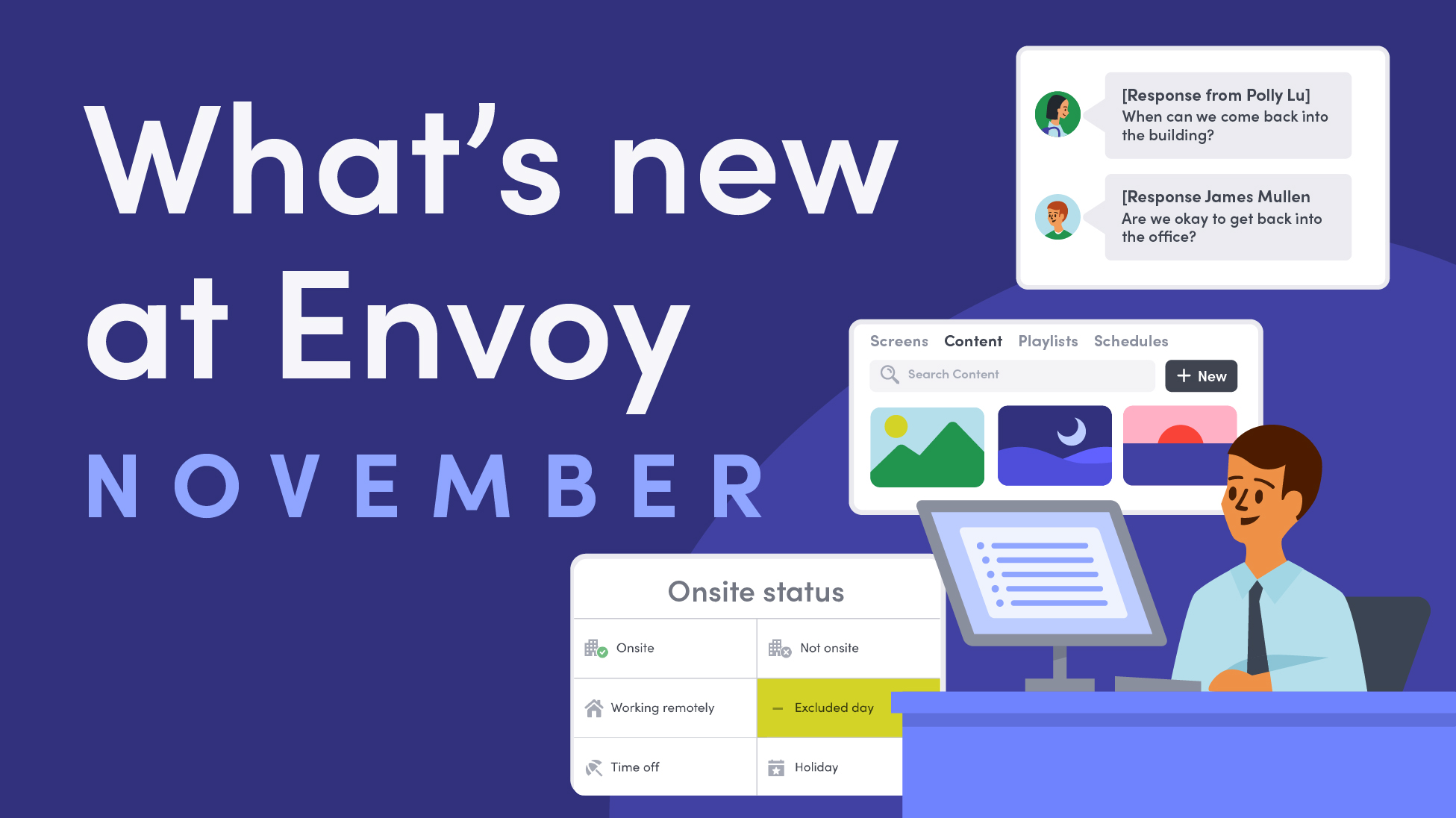
Workplaces move fast, and November’s updates are designed to help teams keep up. With tools that simplify workflows, improve communication, and give clearer insights into occupancy and policies, teams can focus on getting work done while staying informed and coordinated. Let’s take a closer look.
Communication and situational awareness: clear, two-way updates
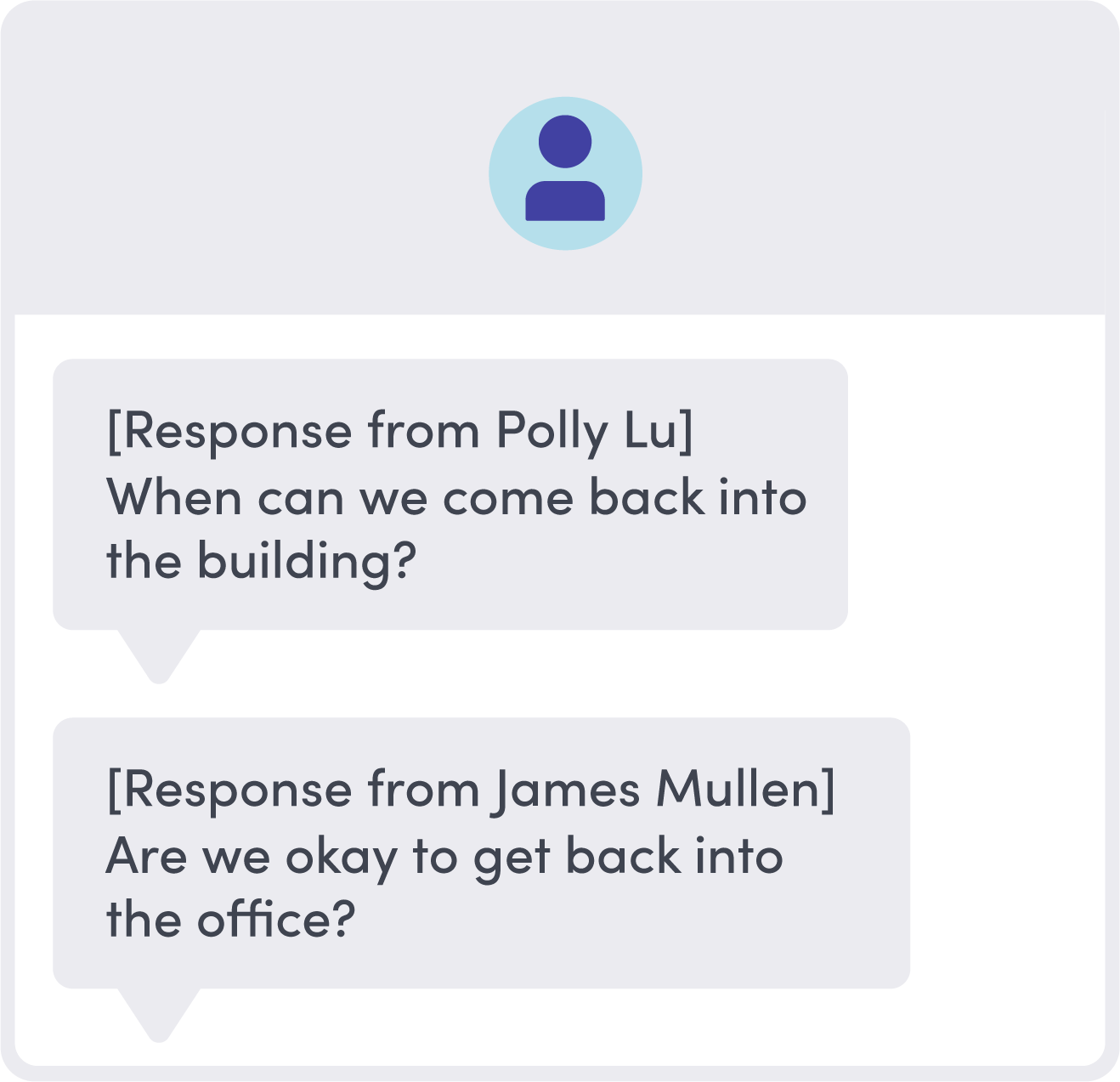
- Two-way chat for Emergency Notifications. Two-way chat lets employees and visitors reply directly to your designated response team. Admins can manage responses from the dashboard or app, keeping coordination tight without notifying every admin. You can also assign a local team to keep communication efficient.
→ Learn more about two-way chat here.
Presence and policy: more precision, less guesswork
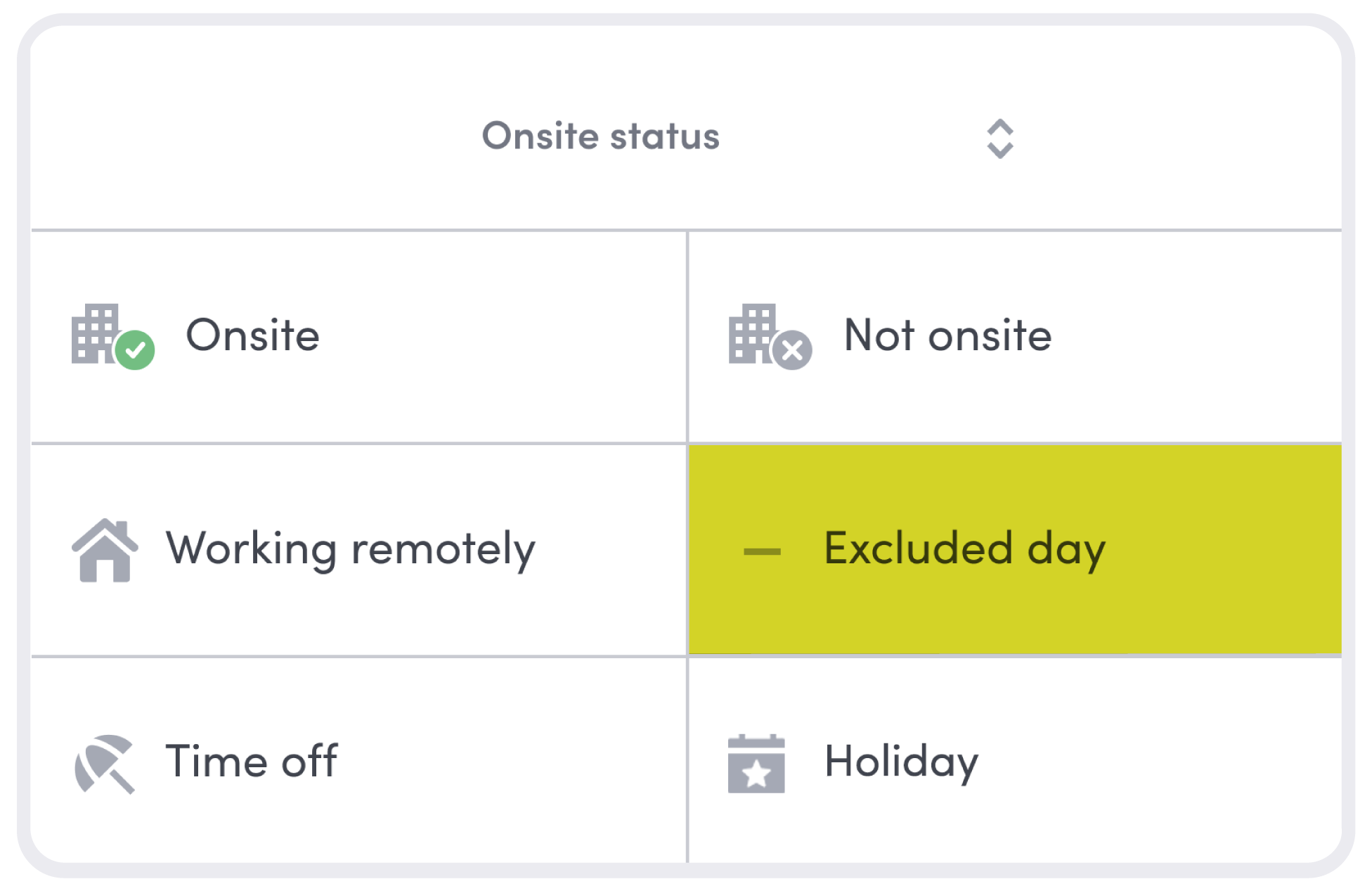
- Excluded days for policy adherence. Hybrid attendance policies just got smarter. Admins can now mark excluded days—like weekends or company holidays—so they don’t count toward attendance requirements. Integrations with HRIS ensure your policy tracking stays accurate and fair.
→ Explore the excluded days update here.
- Juniper Mist integration. Employees can now auto check in when their device connects to the company’s Juniper Mist Wi-Fi network, keeping occupancy data accurate and the workplace experience seamless. Visitors can also receive temporary Wi-Fi access codes automatically when signing in, making onboarding and connectivity easier than ever.
→ Learn more about the Juniper Mist integration here.
Visitor management: faster, more accurate workflows
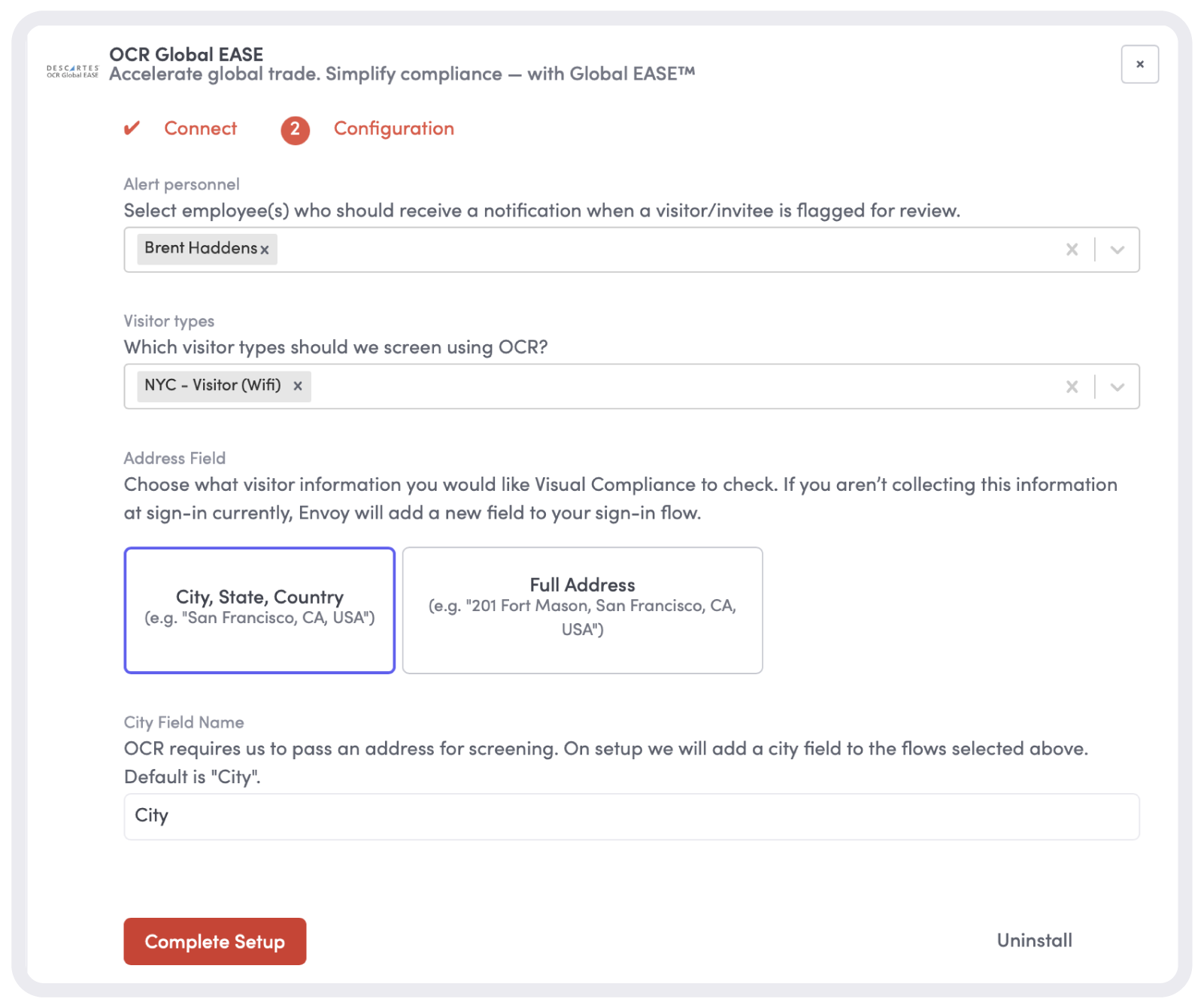
- Full address support for OCR Global EASE. OCR sign-in is now more precise. Envoy now captures full addresses alongside name and location, speeding up global compliance checks.
→ Read more about full address support here.
Screens: organize, display, and share your content
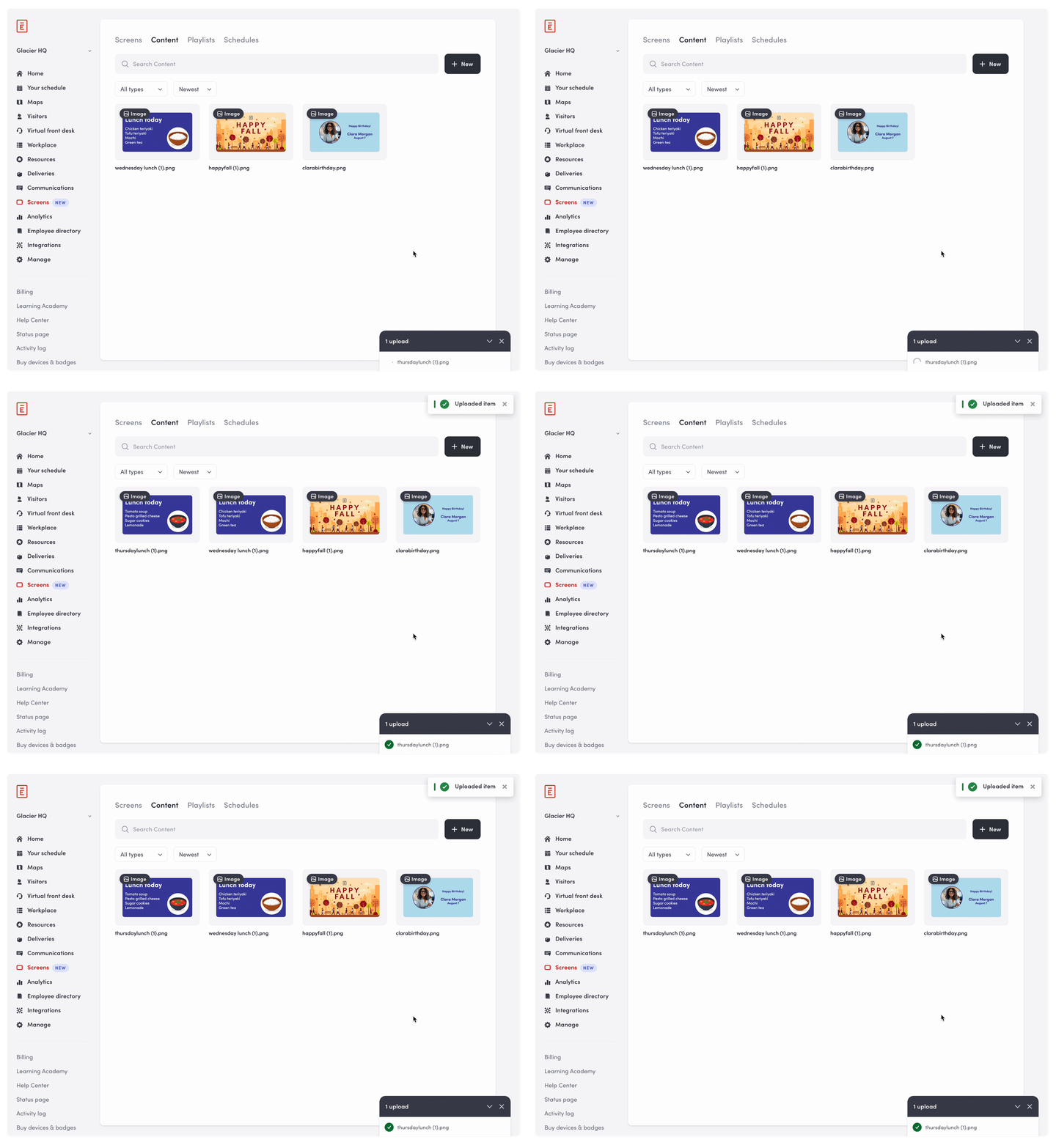
- Screens Content Library. Using Envoy Screens? You can now upload images and videos or embed public URLs like YouTube videos or Canva presentations. Build playlists for events, recognition, maintenance alerts, or anything you need to share. You can even create multiple playlists, so you’re always targeting the right message to the right screen.
→ Learn more about the Screens Content Library here.
Admin control: track and audit with confidence
- Event Log. Comprehensive audit trails give Envoy customers self-service access to track changes and maintain compliance. Monitor activity across the workplace and stay confident that every action is accounted for.
→ Explore the Event Log here.
—
These updates give teams the tools to act faster, communicate clearly, and keep the workplace running smoothly. Ready to see Envoy in action? Book a demo today.
Read more
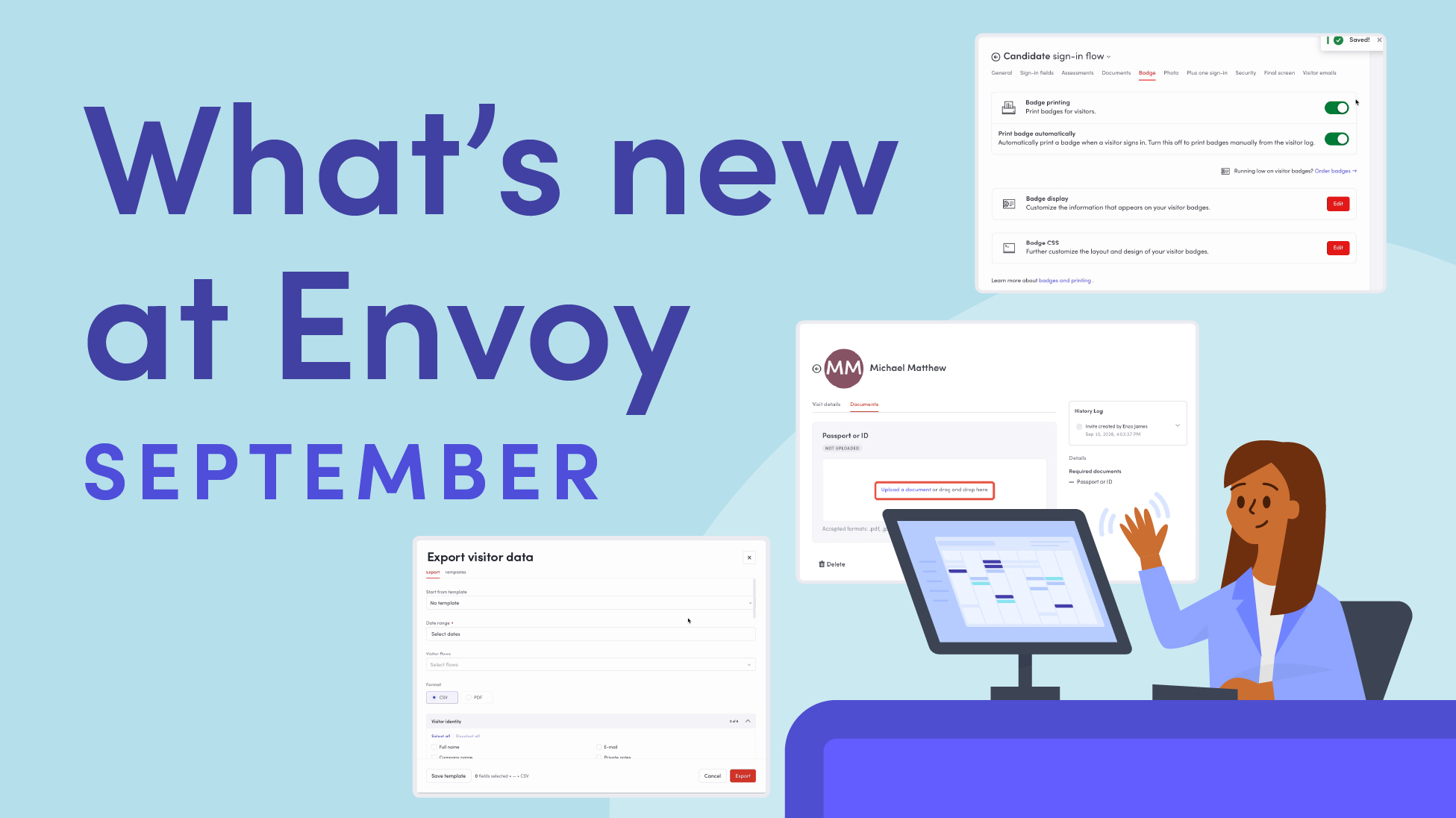
Envoy’s September 2026 releases help teams manage visitors with less manual work, streamline compliance reporting, and keep access systems in sync.
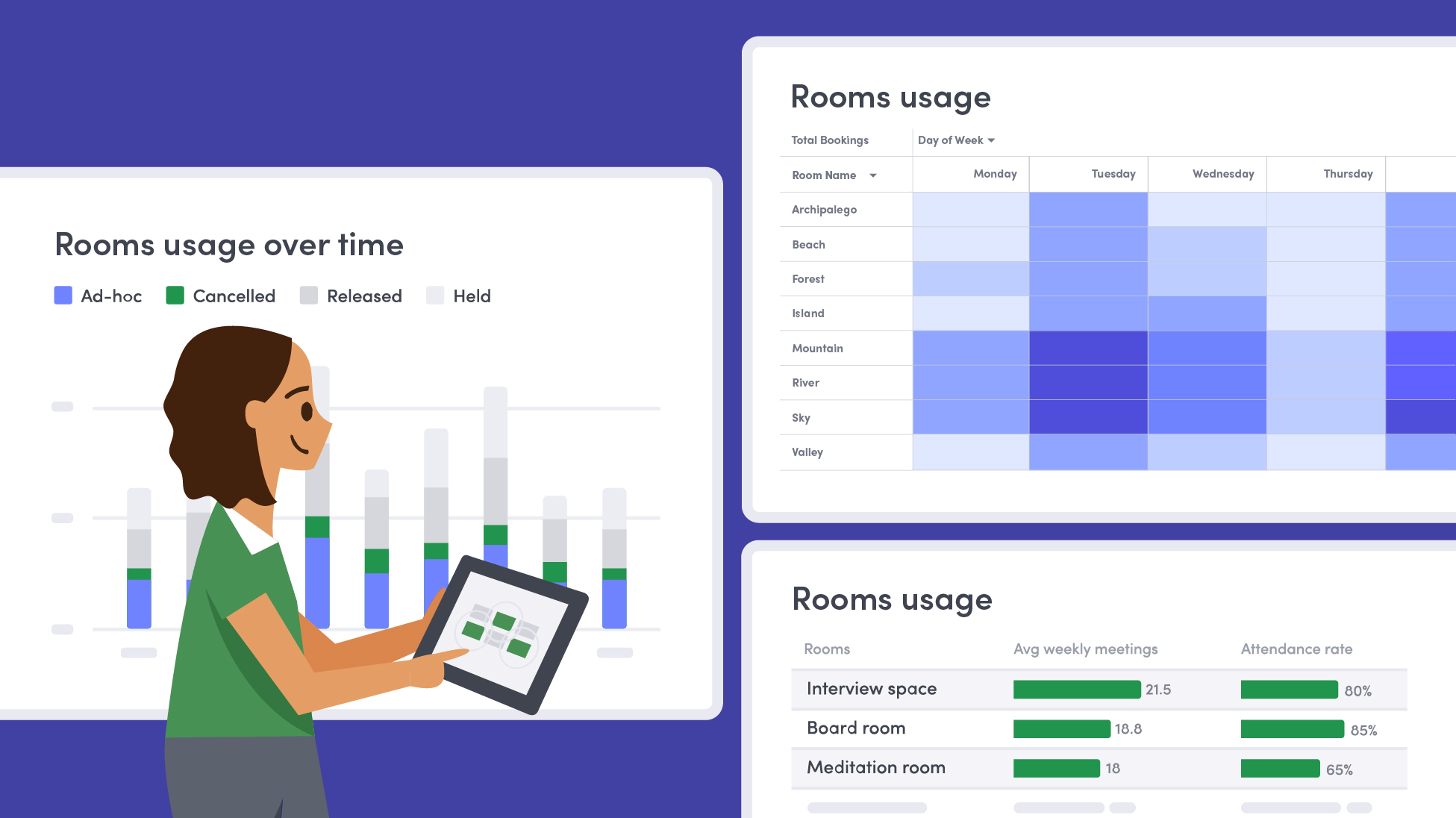
Learn how to measure conference room utilization, occupancy, no-shows, booking density, and more, and use the data to make smarter space decisions.
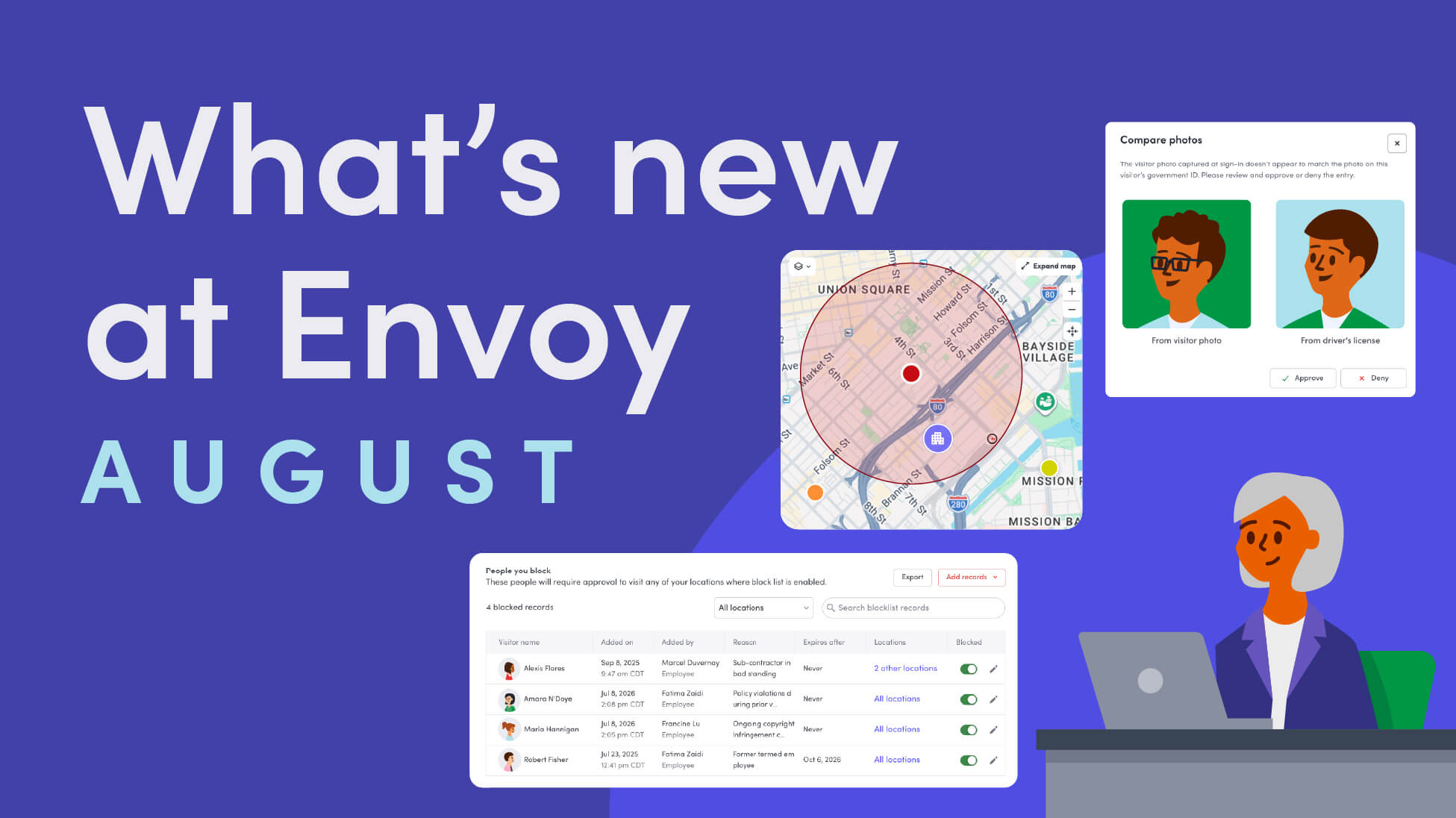
Envoy’s August 2026 releases introduce Envoy Response for emergency management, bringing emergency response into the same platform you already use for visitor and workplace management.

Envoy's July 2026 releases focus on workplace intelligence features like HRIS directory sync, workplace map file exports, and mailroom management improvements through the Developer API.

Envoy data across 300+ U.S. metros reveals the one morning the World Cup actually emptied the office, and it wasn't when you'd think.

Envoy Academy is back with a full refresh. Still free, still on-demand, and organized by role so admins get fluent in Envoy fast.