

What’s new at Envoy: January 2026 product releases


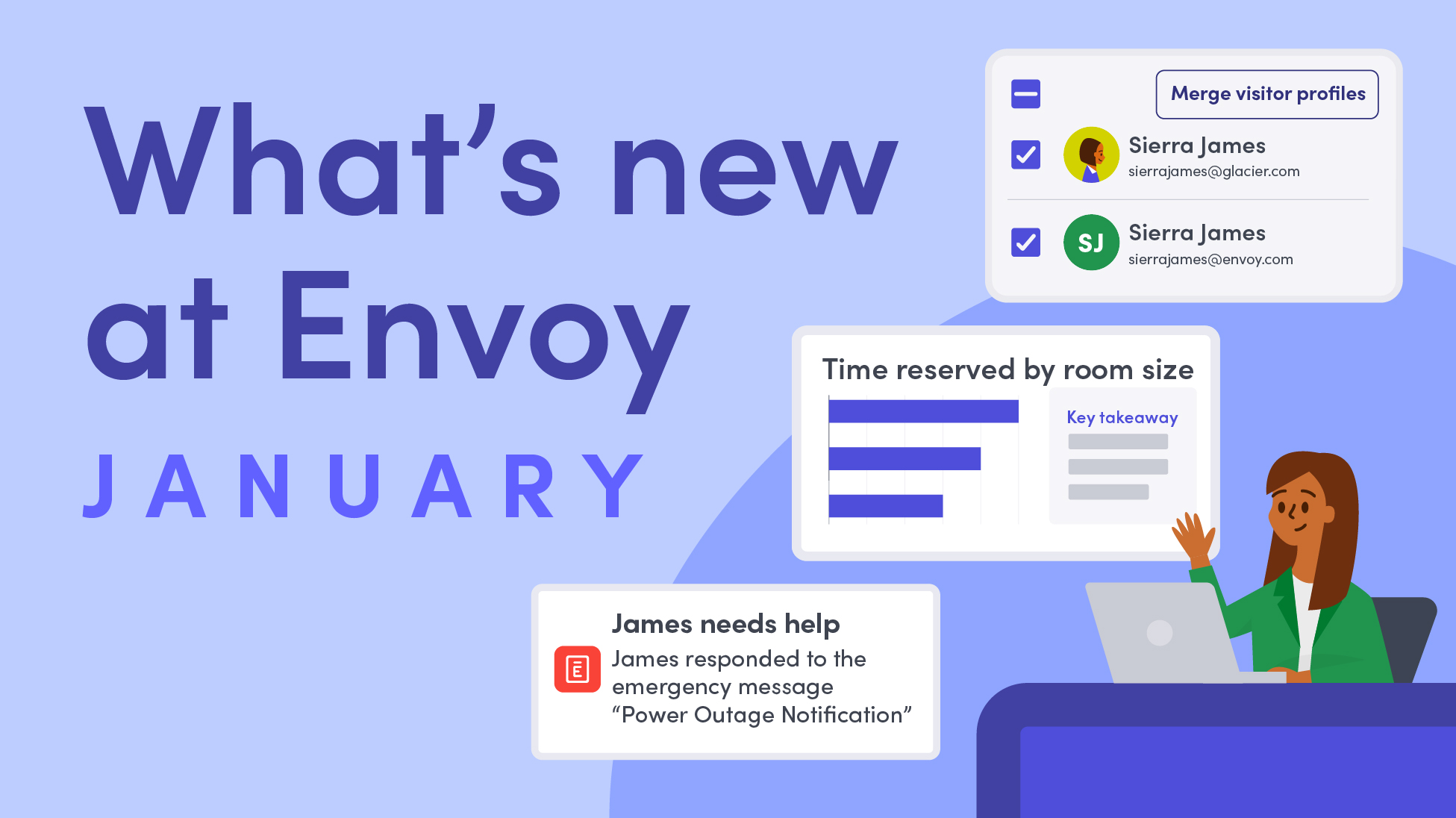
Modern workplaces rely on accurate data, operational visibility, and reliable systems to operate at scale. Envoy’s January product releases help workplace, IT, and operations teams improve compliance, streamline visitor and employee workflows, and share information more effectively across locations.
From stronger analytics and audit trails to more flexible Screens content and faster emergency communication, these updates cut down on manual effort—making day-to-day workplace operations easier to manage.
Stronger compliance and operational oversight for modern workplaces
Improve oversight and accountability with clearer audit trails, analytics, and platform visibility as your workplace scales.
- Strategic Insights dashboard. In one centralized view, get a snapshot of real estate costs and occupancy trends. Use these insights—including capacity, room utilization, desk utilization, and more—to inform your workplace strategy decisions and optimize for efficiency and spend.
→ Learn more about the strategic insights dashboard

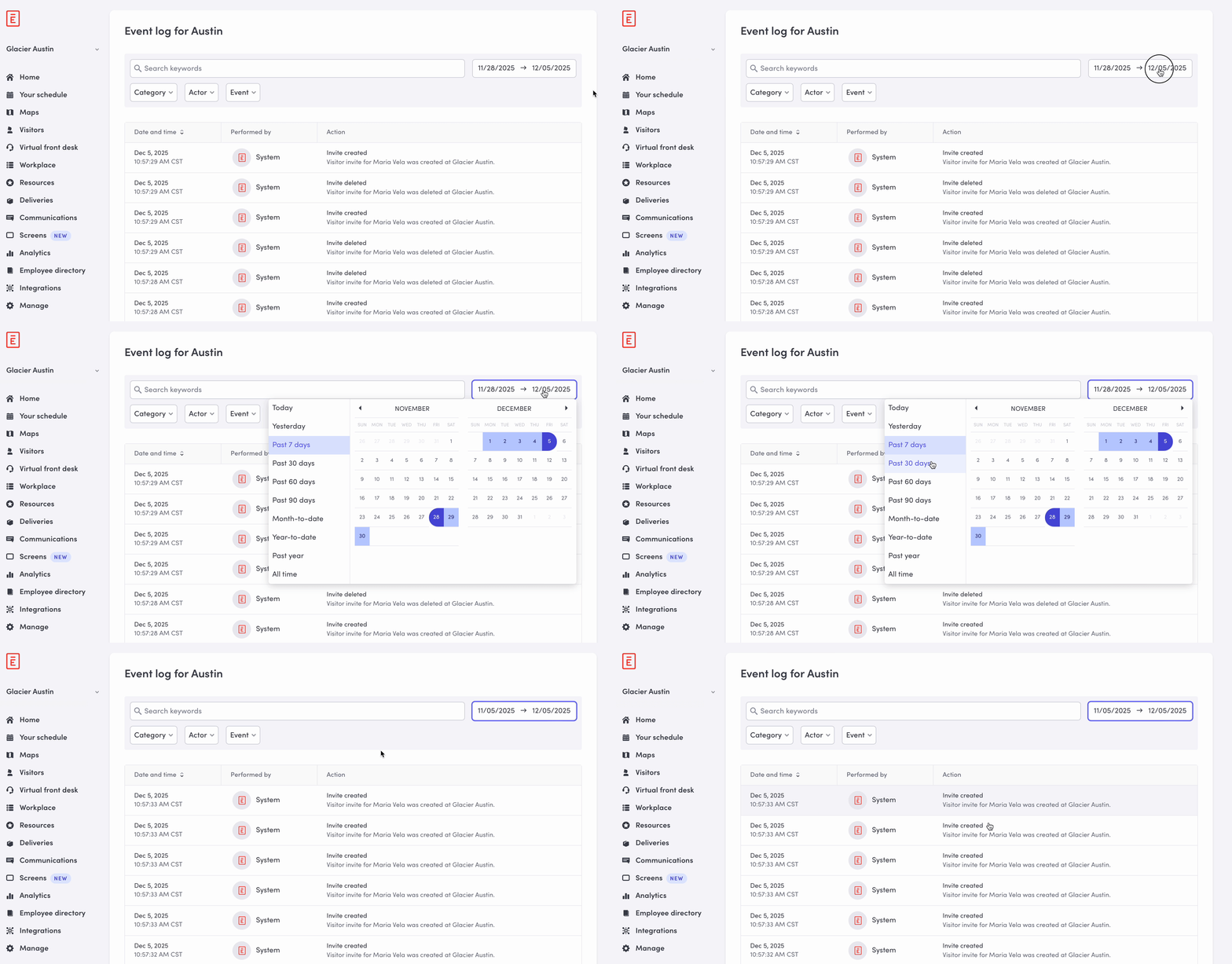
- Event logs for scheduled reports. Scheduled reports are now automatically recorded in event logs, creating a reliable audit trail that proves reporting happened on the required cadence. This gives workplace teams better oversight, auditability, and confidence as your workplace scales.
→ Learn more about scheduled reports
Faster check-ins and more flexible visitor control
Reduce friction at the front desk while giving teams faster ways to resolve issues and manage visitor risk in real time.
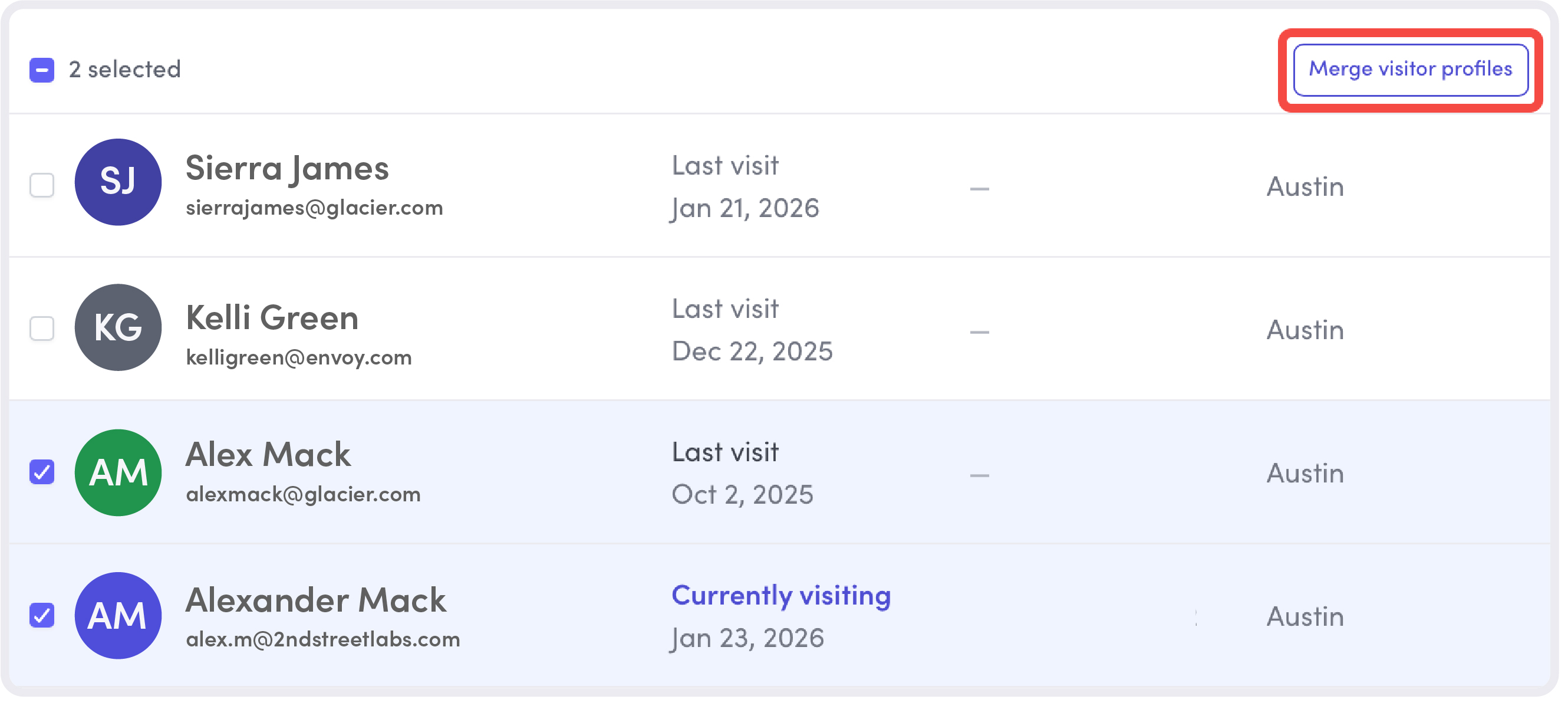
- Merge Visitor profiles. It's not uncommon for a single person to use multiple email addresses or phone numbers for different visits. Now, you can merge these profiles to consolidate visitor details and eliminate duplicate entries in your directory—improving visitor data accuracy and maintaining data integrity as visitor volumes grow.
→ Learn more about merging Visitor Profiles
- Blocklist updates from the visitor log. Strengthen on-the-spot risk mitigation by adding visitors directly to the blocklist from the visitor log. If a person on your blocklist tries to sign in or a teammate inadvertently invites them, admins are notified and can quickly approve or deny their visit.
More connected and integrated displays
Share data, announcements, and insights more effectively across locations with the latest integration additions.
- New integration: ChromeOS MDM. Pair all of your workplace screens at once through the ChromeOS MDM integration, making large-scale Screens deployments faster and easier.
→ Learn more about pairing devices
- New integration: Power BI. Turn your data into a visual asset with the PowerBI integration. Seamlessly sync published dashboards and reports directly to the Envoy Screens Content Library or a playlist to display insights on any paired device throughout your workplace.
→ Learn more about customizing content with Power BI
Instant mass communication for emergency response
Reach the right people faster during critical moments with clearer, more reliable emergency notifications and response workflows.
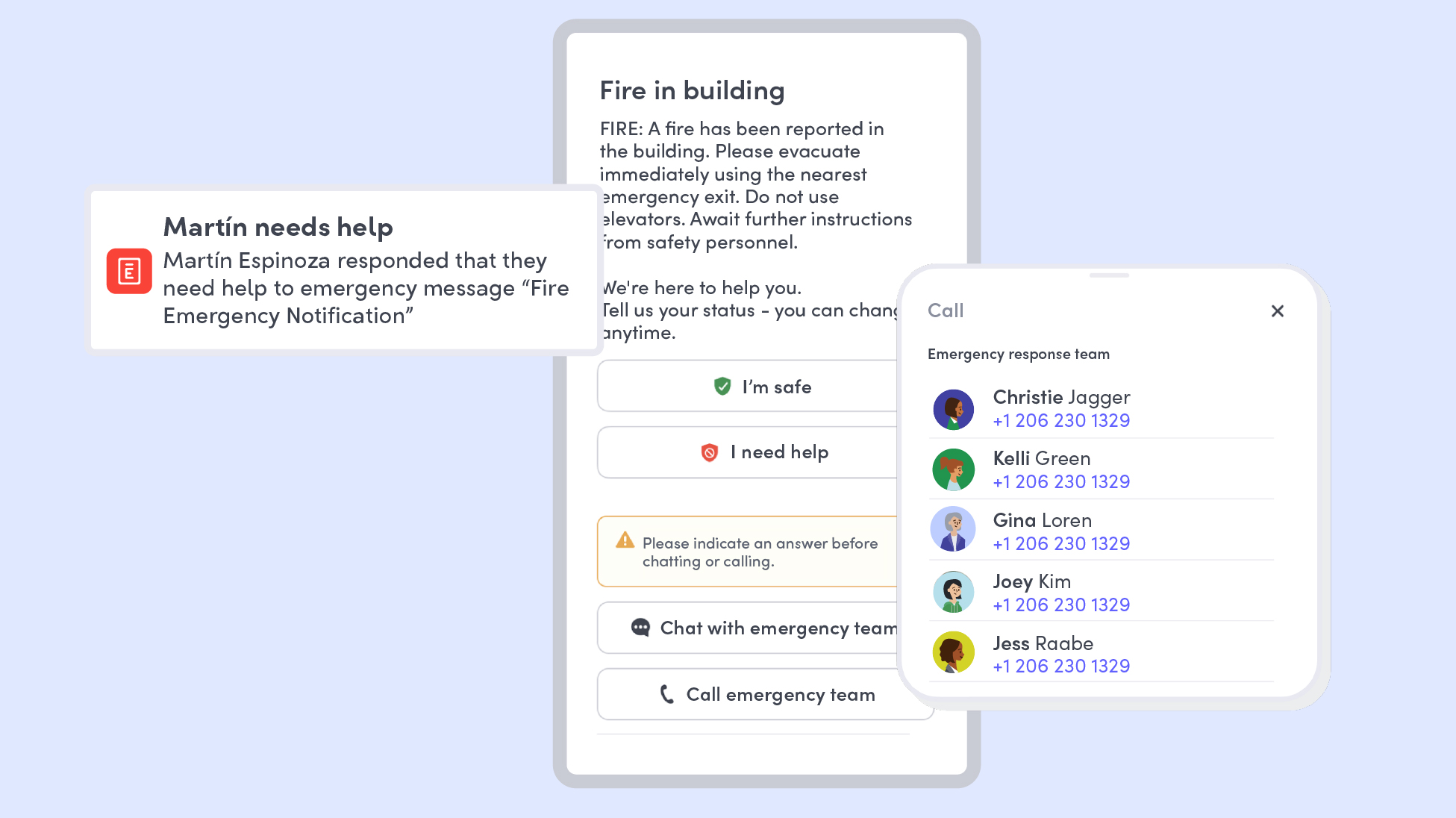
- Emergency notification experience improvements. While employees can set their own communication preferences, if the communication is deemed critical, their preferences will be overridden to ensure they’ll receive timely critical mass communications.
→ Learn more about notifications preferences
- Smarter ERT notification routing. Accelerate response times by routing "Need Help" alerts exclusively to your Emergency Response Team (ERT). By notifying only the relevant responders, you eliminate notification fatigue for other admins while ensuring critical incidents receive immediate, focused attention.
→ Learn more about "Need Help" alerts
Workplace improvements that scale with your business
From stronger compliance and turnkey data analytics to more streamlined visitor workflows, additional integrations for Screens, and faster emergency response, Envoy’s January 2026 updates help teams run workplaces that are more efficient, secure, and resilient.
Whether you’re managing a single office or a global portfolio of office locations, these improvements make it easier to stay informed, reduce friction, and support employees and visitors alike.
Book a demo today.
Read more
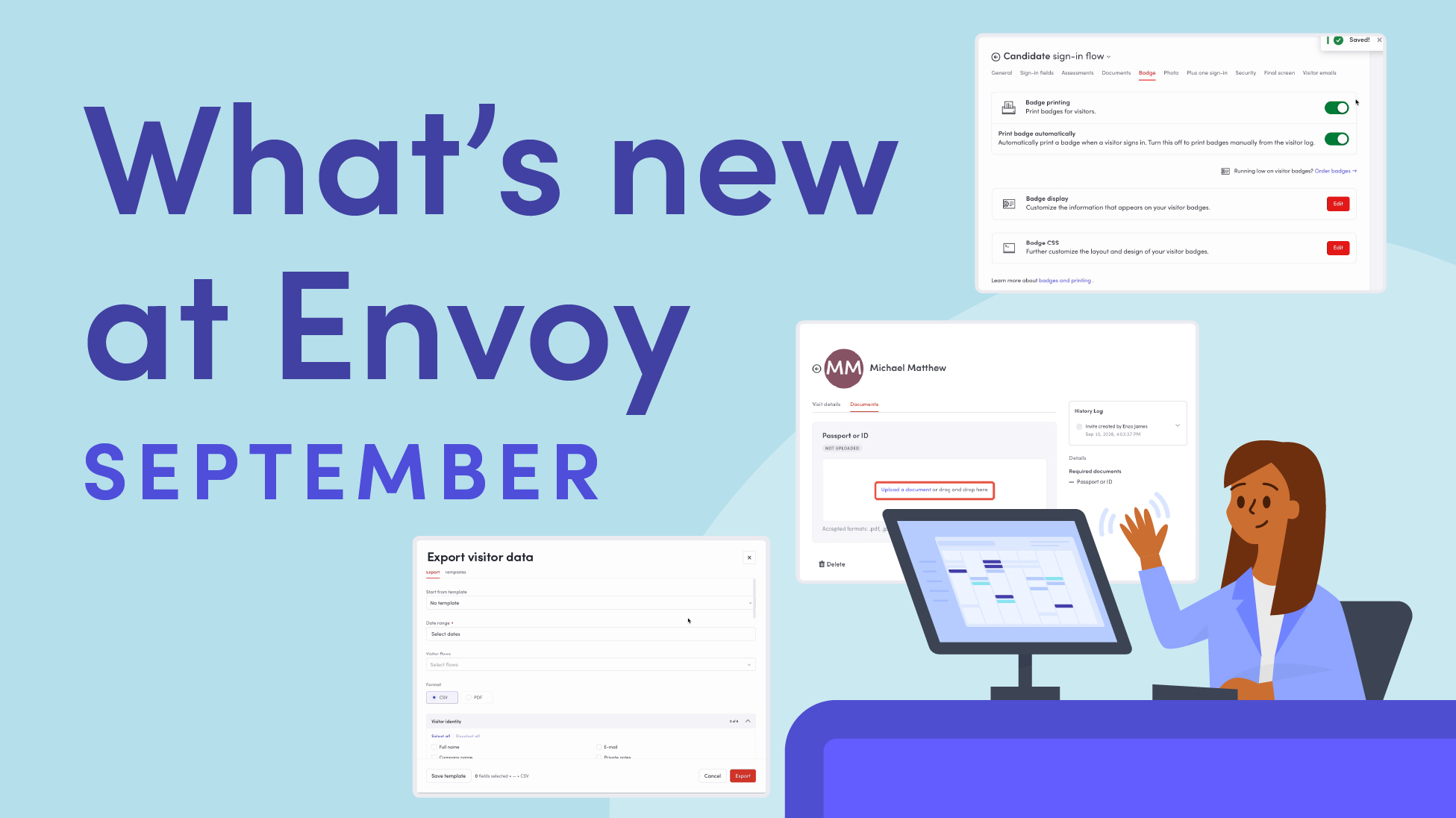
Envoy’s September 2026 releases help teams manage visitors with less manual work, streamline compliance reporting, and keep access systems in sync.
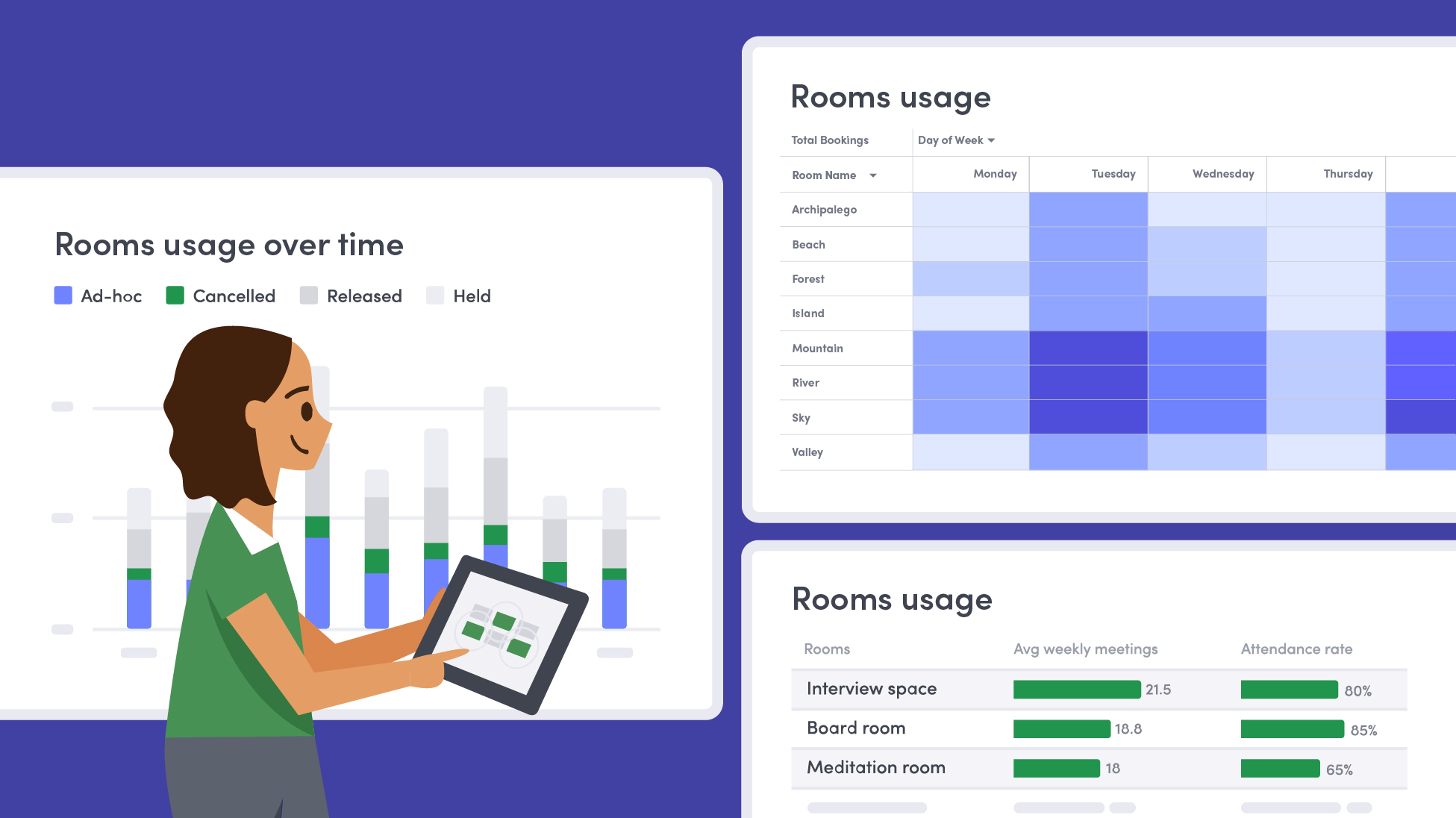
Learn how to measure conference room utilization, occupancy, no-shows, booking density, and more, and use the data to make smarter space decisions.
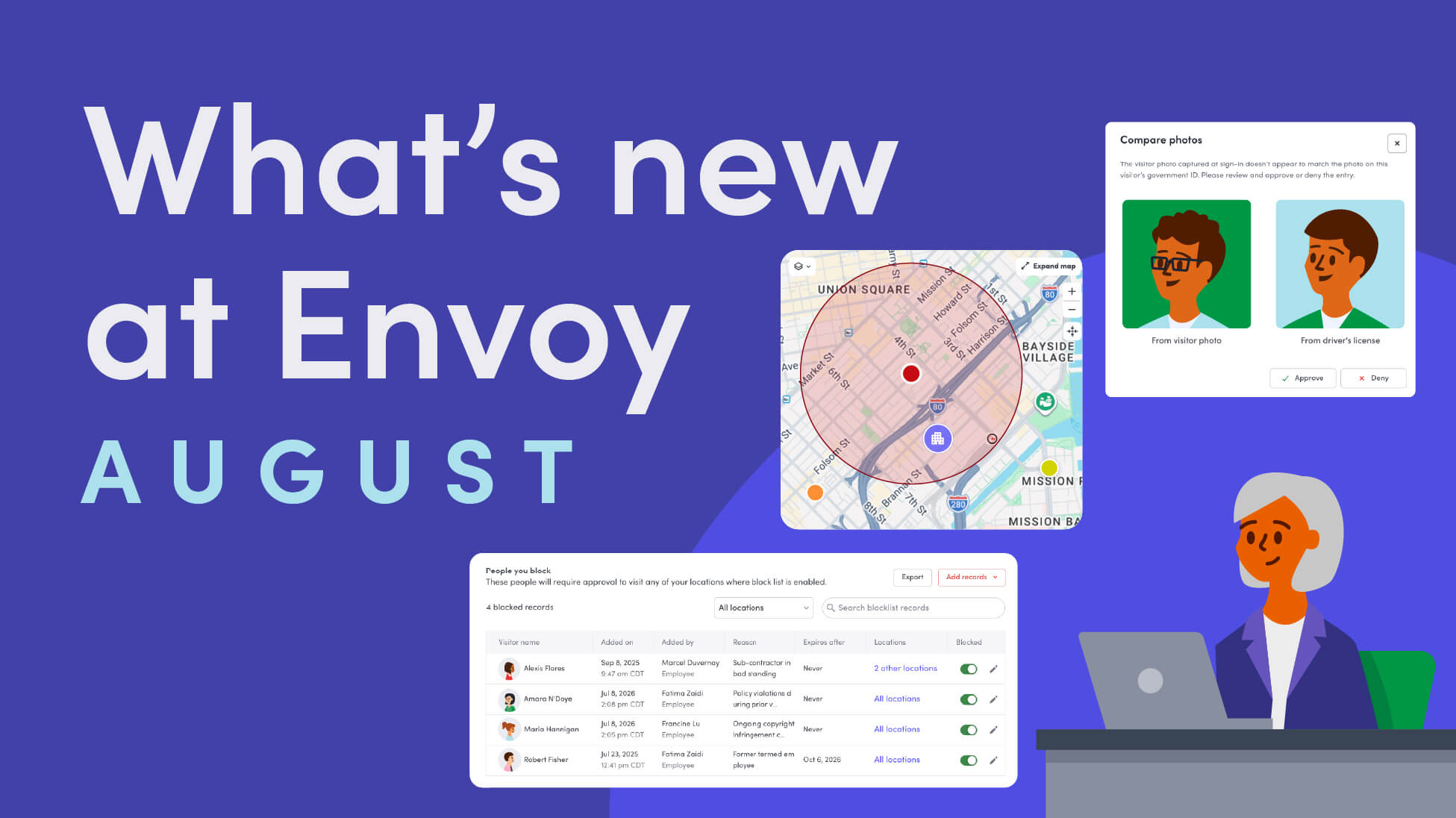
Envoy’s August 2026 releases introduce Envoy Response for emergency management, bringing emergency response into the same platform you already use for visitor and workplace management.

Envoy's July 2026 releases focus on workplace intelligence features like HRIS directory sync, workplace map file exports, and mailroom management improvements through the Developer API.

Envoy data across 300+ U.S. metros reveals the one morning the World Cup actually emptied the office, and it wasn't when you'd think.

Envoy Academy is back with a full refresh. Still free, still on-demand, and organized by role so admins get fluent in Envoy fast.