

What’s new at Envoy: December 2025 product releases


As workplaces grow more complex, it gets harder to maintain clear visibility across operations. December’s updates focus on improving visibility, accuracy, and control across everyday workplace operations—from visitor and delivery records to presence tracking and shared screens.
Together, these releases help teams stay aligned and informed, even as systems, locations, and workflows expand.
Clearer visibility across workplace operations
Record-keeping needs to stay organized and reliable as workplaces scale. These updates strengthen search, logging, and delivery management across everyday operations.
- Visitor profile enhanced search. Admins can now find visitor profiles using full or partial name matches, as well as email addresses or phone numbers. This makes it easier to resolve issues, review visit history, or answer questions without digging through records.
→ Learn more about enhanced visitor profile search.
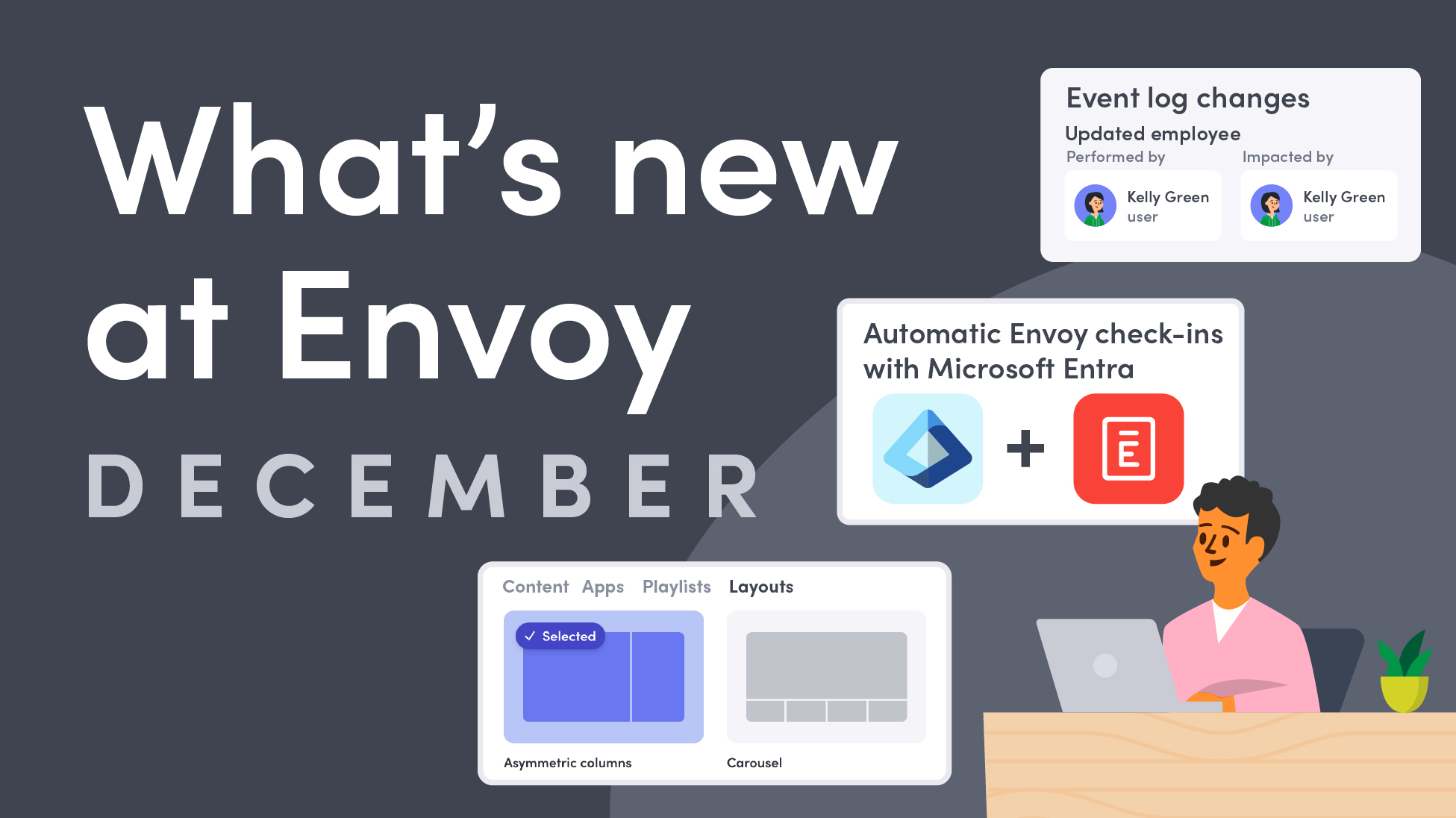
- Event log enhancements. Event log governance is now stronger and more flexible. Teams can anonymize records, track changes to custom admin roles and integrations, and use advanced search filters by category, actor, or event. Every action is logged with exact timestamps and timezone data, making it easier to review and connect activity across systems.
→ Explore more about event log enhancements.

- Manage delivery locations and settings. Deliveries workflows are now more flexible and easier to manage. Admins can view, add, edit, and delete deliveries, set up delivery areas, manage delivery settings and devices, and export delivery logs for reporting. With these updates, it’s easier to keep delivery records accurate and organized across locations.
→ Dive into delivery locations and settings.
Even more accurate presence, with less effort
Presence data is most valuable when it’s captured automatically and consistently. This month’s updates improve accuracy while reducing manual steps.
Microsoft Entra ID integration. Envoy now automatically checks employees in when their registered device authenticates on your network through Microsoft Entra ID. This helps ensure attendance records stay accurate without relying on manual check-ins, while streamlining the start of the workday.
→ Read more about Envoy and Microsoft Entra ID.

New ways to manage and organize content on Screens
As Screens adoption grows, flexibility matters. These updates help teams share more information without adding more hardware or complexity.
- Content layouts. Content layouts introduce zoning, or split-screen functionality, allowing a single display to show multiple playlists or content streams at the same time. Share announcements, room schedules, maps, or custom media side by side, all from one screen.
→ Learn more about content layouts.

- Google Drive integration. Screens now integrates directly with Google Drive, allowing teams to sync Google Slides and other content into the Content Library. This makes it easier to securely share private, internal content without extra uploads or manual updates.
→ Explore our Google Drive integration.
Faster connections during emergency notifications
This update removes friction from emergency follow-up and helps teams connect faster.
Tap-to-dial in emergency notifications. Emergency response team phone numbers are now displayed directly in the chat modal. Recipients on mobile can tap to call instantly—so it’s easier than ever to reach the right people. No switching apps or searching for contact details.
→ Read more about the tap-to-dial update.
—
From sharper search and stronger governance to faster emergency connections, more flexible screens, and hands-off presence tracking, December’s updates help teams manage growing workplaces with confidence.
See what these updates can do for your workplace. Book a demo today.
Read more
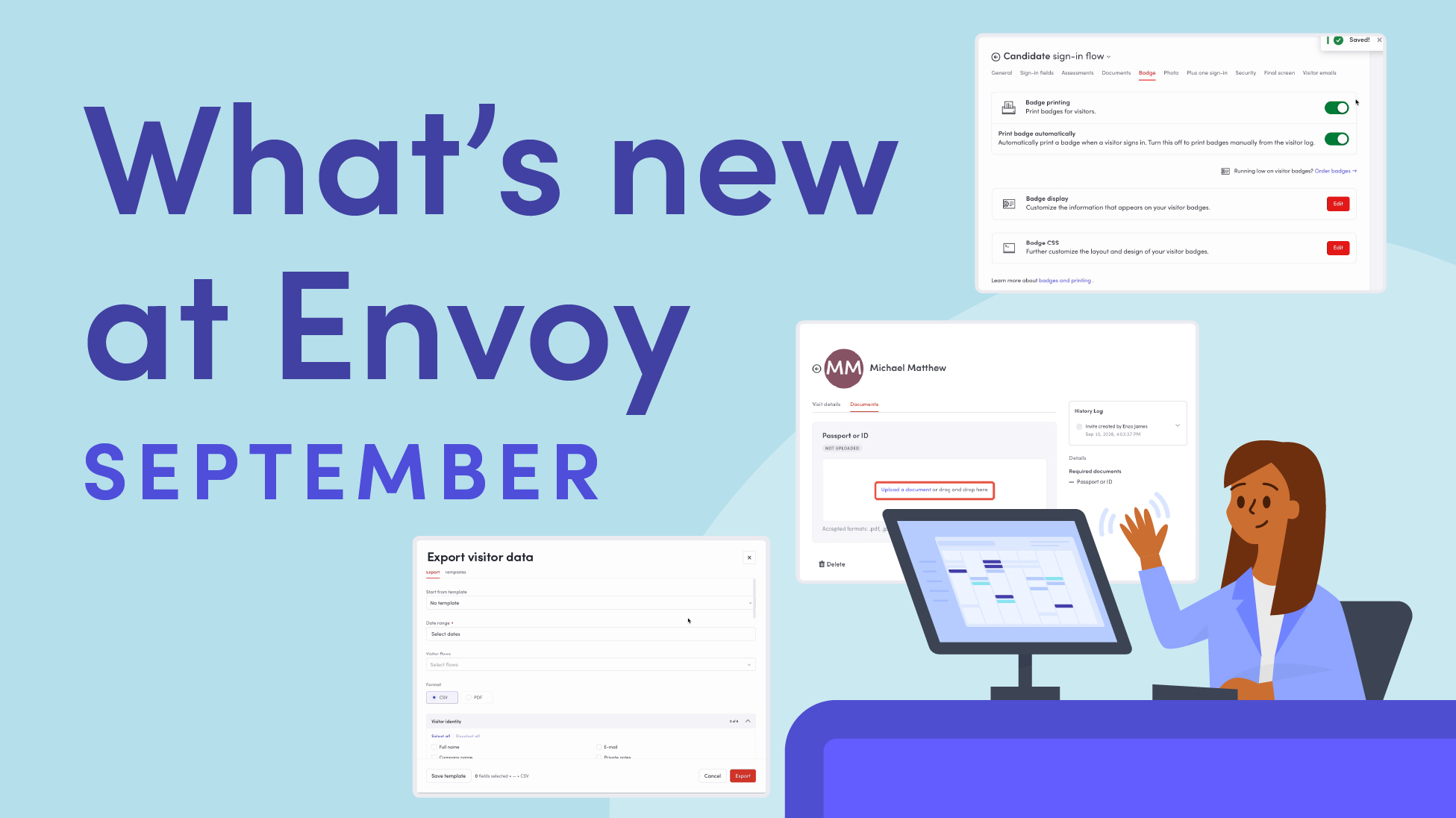
Envoy’s September 2026 releases help teams manage visitors with less manual work, streamline compliance reporting, and keep access systems in sync.
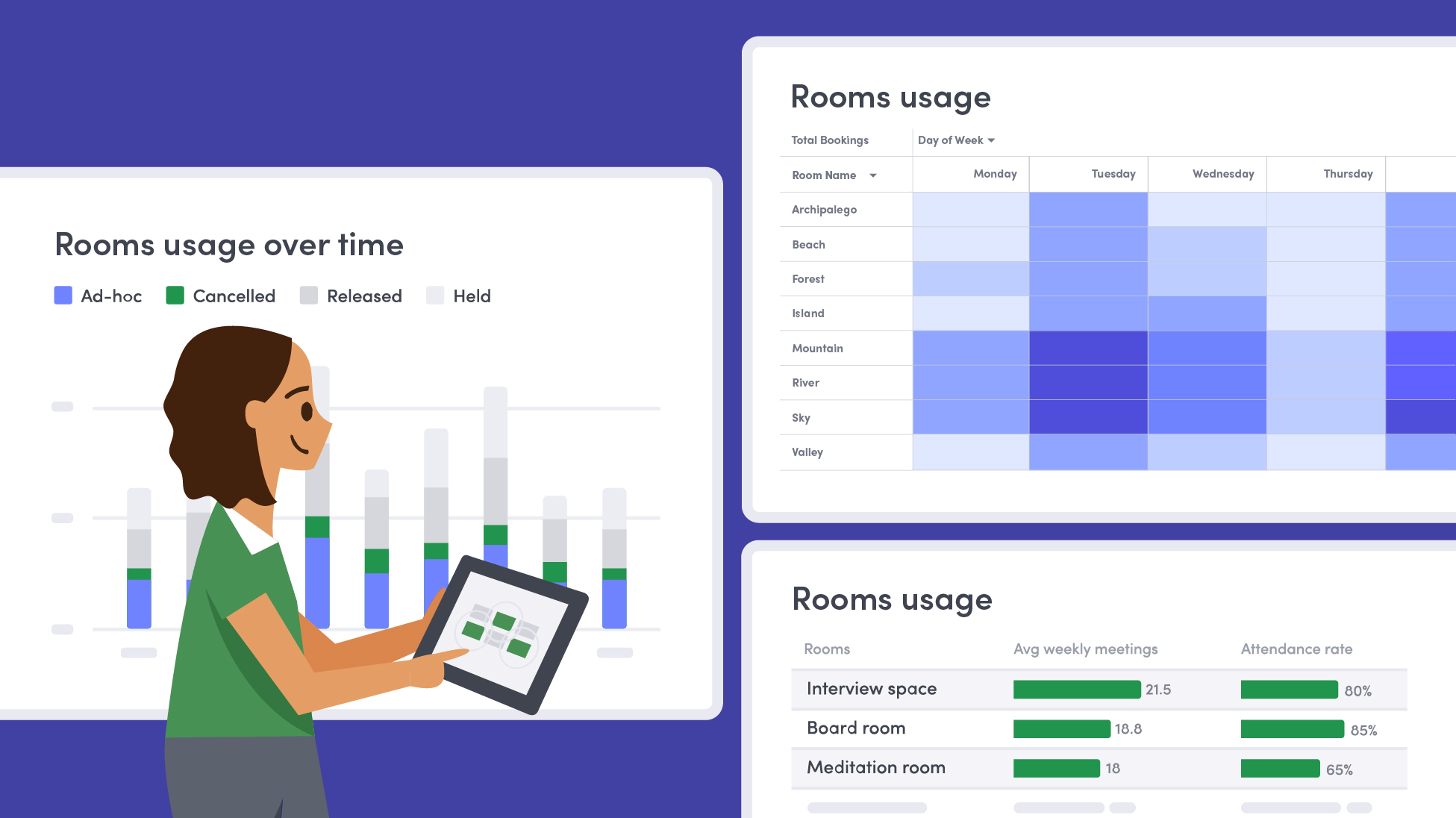
Learn how to measure conference room utilization, occupancy, no-shows, booking density, and more, and use the data to make smarter space decisions.
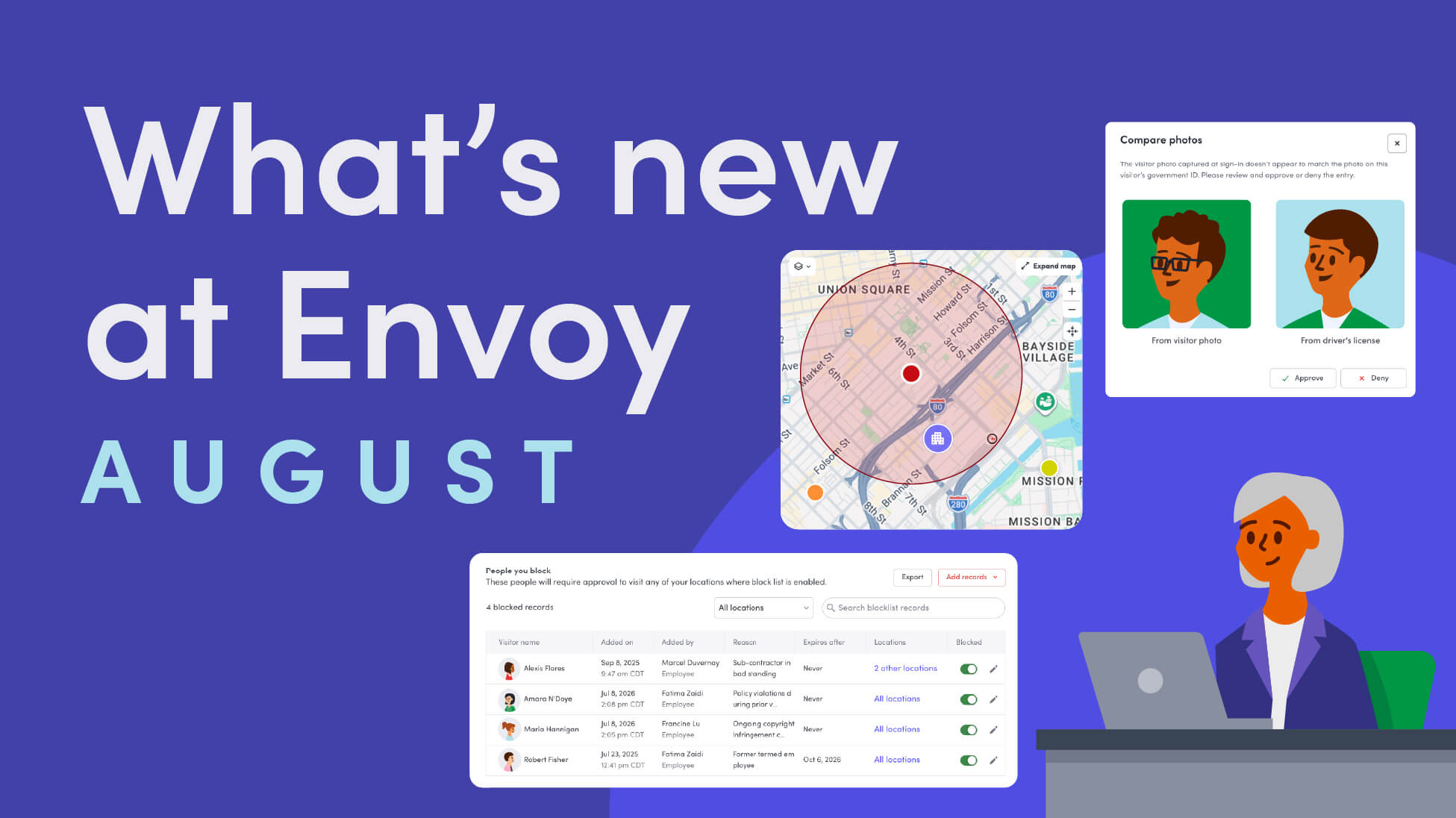
Envoy’s August 2026 releases introduce Envoy Response for emergency management, bringing emergency response into the same platform you already use for visitor and workplace management.

Envoy's July 2026 releases focus on workplace intelligence features like HRIS directory sync, workplace map file exports, and mailroom management improvements through the Developer API.

Envoy data across 300+ U.S. metros reveals the one morning the World Cup actually emptied the office, and it wasn't when you'd think.

Envoy Academy is back with a full refresh. Still free, still on-demand, and organized by role so admins get fluent in Envoy fast.