

About Visitors Analytics


The Visitors analytics dashboard can help you make smarter, more data-driven decisions about your workplace. Access to Visitors Analytics requires a Premium or Enterprise plan, and is available to the following admin roles: Front Desk, Location, and Global.
How the Visitors analytics dashboard works
Go to Visitors > Analytics
You can choose to change the time frame you want to view analytics for or choose from any of the pre-set date range options. Here’s an overview of what information you can find in your Visitors analytics dashboard.
- Visitors - The total number of visitors for the time frame selected
- Invites - The total number of invites for the time frame selected
- Employees hosting - The number of employees who hosted a visitor in the selected time period
- Busiest times - Broken down by day and hour for the time frame selected.

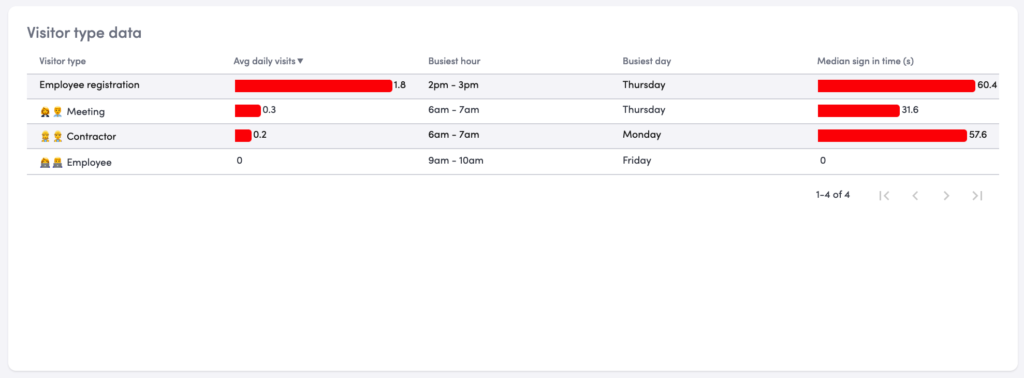
- Visitor type data - How many average daily sign-ins, busiest hour for this particular visitor type, busiest day for this particular visitor type, and the median time it takes visitors to sign-in on your kiosk.
- Visits with legal documents - The number of visitors who have or have not signed a legal document.

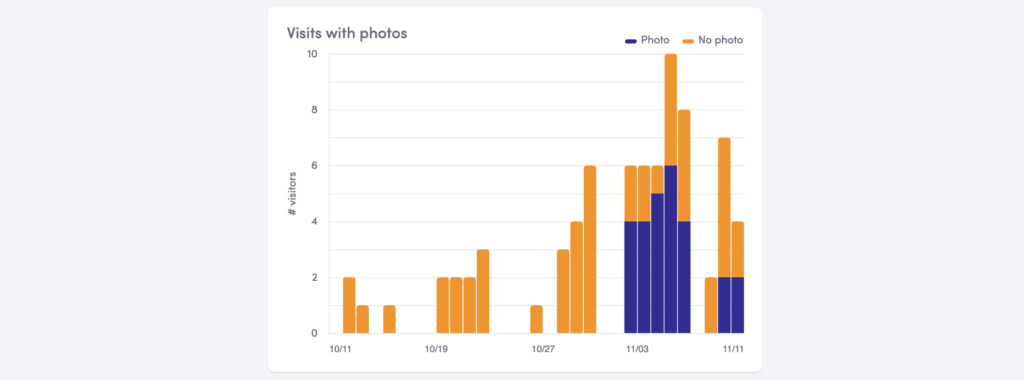
- Visits with photos - The number of visitors who have or have not taken a photo.
- Visits with host - The number of visitors who do and don’t have a host.

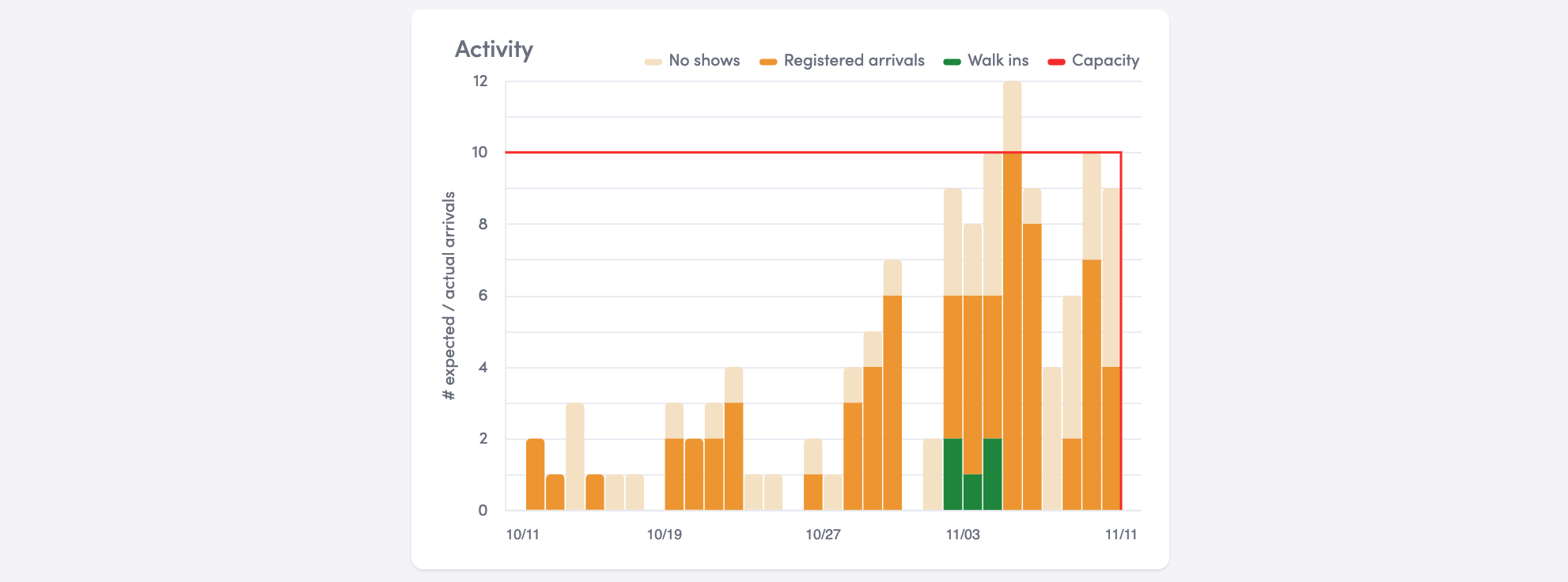
- Activity
- No shows: Number of people who were invited to come in but never signed in/arrived
- Registered arrivals: Number of people who were invited to come in and signed in
- Walk-ins: Number of people who were not invited but visited the office
- Capacity: This can show you visually how many visitors you had in comparison to where the capacity was set.
Global Admins can see combined analytics for all of their locations in the global overview.
Exporting visitor data
If you would like to export your data to do additional analysis or share it with your team, you can do so.
- Export all data as a .csv. Click the gear icon in the top right corner and select “Download as CSVs.” This is a great option if you want to bring all of your data into one sheet and compare multiple metrics.
Read more

Manage emergency notifications and emergency response teams across every location with Envoy Response, and learn how customers are using threat intelligence and incident management.
Envoy’s September 2026 releases help teams manage visitors with less manual work, streamline compliance reporting, and keep access systems in sync.
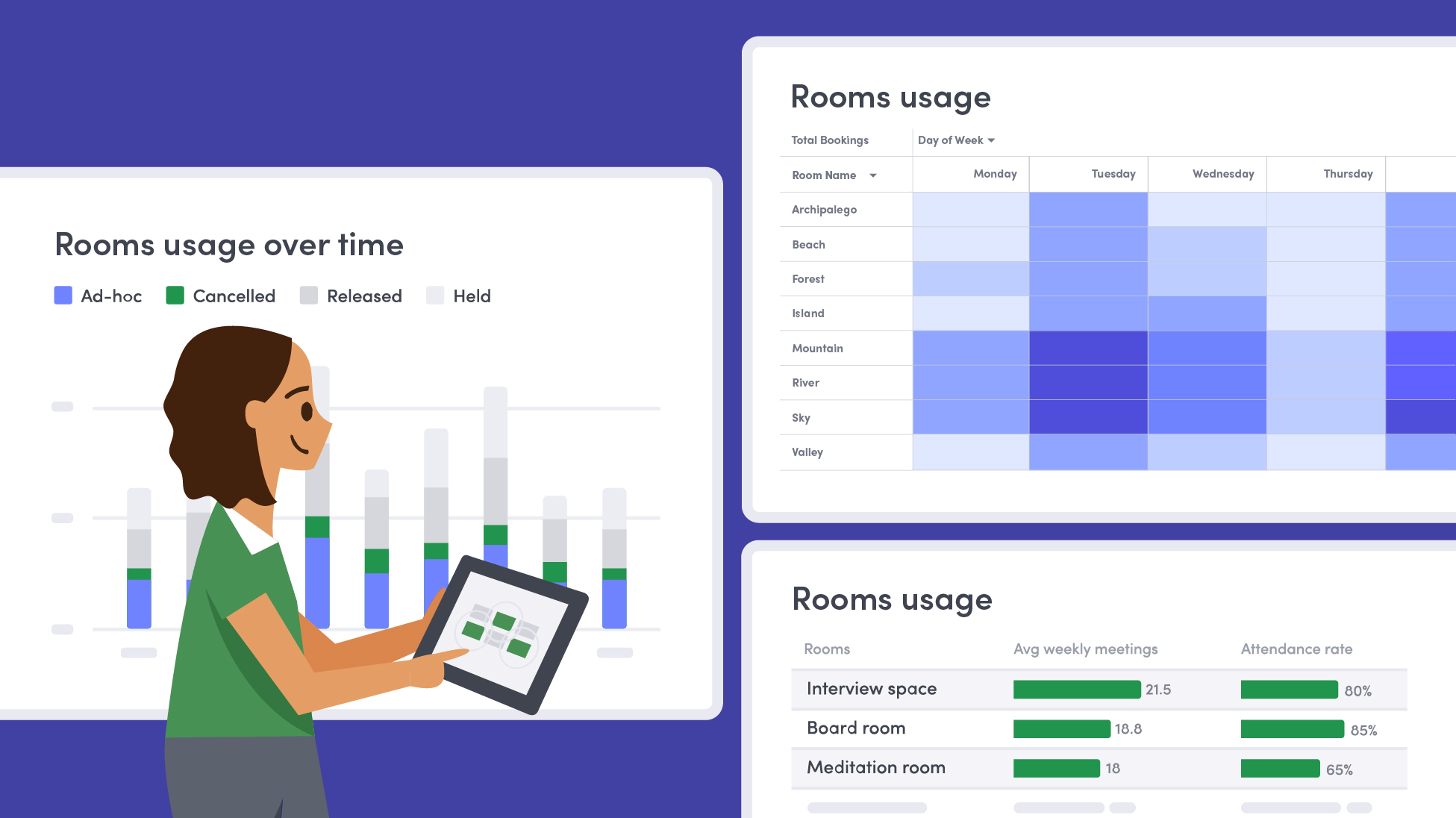
Learn how to measure conference room utilization, occupancy, no-shows, booking density, and more, and use the data to make smarter space decisions.
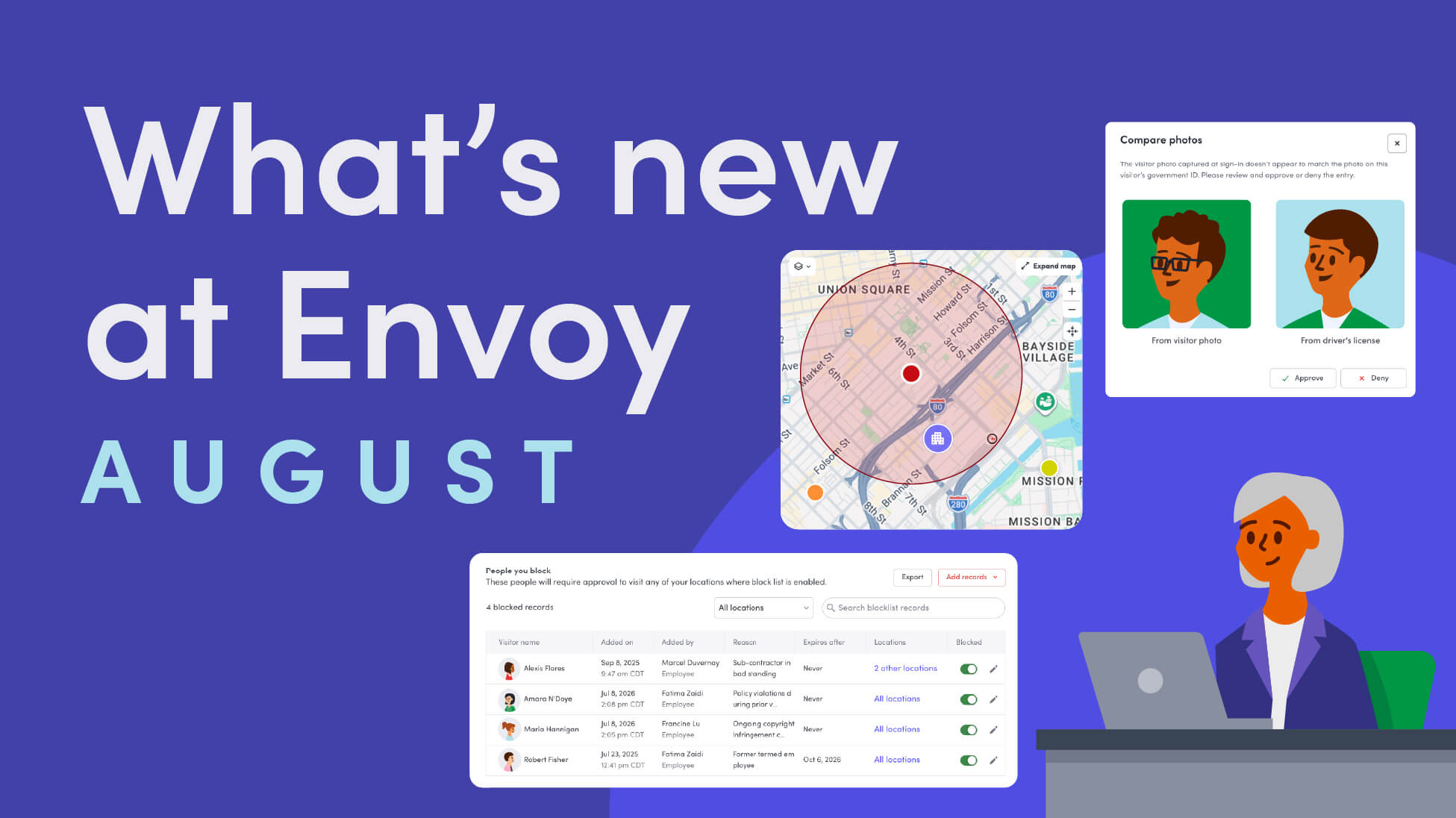
Envoy’s August 2026 releases introduce Envoy Response for emergency management, bringing emergency response into the same platform you already use for visitor and workplace management.

Envoy's July 2026 releases focus on workplace intelligence features like HRIS directory sync, workplace map file exports, and mailroom management improvements through the Developer API.

Envoy data across 300+ U.S. metros reveals the one morning the World Cup actually emptied the office, and it wasn't when you'd think.