

Workplace emergency management: 3 real-world scenarios and response strategies


Keeping teams informed and safe ahead of, and during, threats and emergencies is one of the most high-stakes responsibilities workplace leaders carry. When emergencies unfold, decisions must be made quickly—often with incomplete information and little to no margin for error.
{{protip-1}}
3 real life scenarios for emergency management
The scenarios below reflect real challenges safety and operations teams face, why it’s so important for proactive alerts to be timely, and how teams can move from reactive guesswork to confident action.
Scenario 1: I oversee emergency communications across multiple locations in different regions. How can I alert only the impacted employees where a severe weather event is developing? In the past I’ve mass notified people who didn't actually need an alert, and it caused confusion.
Solution: You want to build trust with your team that you’re only sending out emergency notifications when they’re necessary, or you risk unnecessary panic or alarm fatigue. A best practice is to target your emergency notifications by setting a geographic radius around the affected location so that only impacted people get alerts. You also want to communicate clearly so that a severe, imminent weather event is taken seriously for those who will need to follow urgent protocols.

{{protip-2}}
Scenario 2: I oversee facilities where we have specific safety, security, and compliance protocols. When there’s a chemical spill, I need to send an emergency communication ASAP to the affected areas.
Solution: If different floors within one building are impacted differently, requiring unique instructions and exit routes, you need to be able to communicate those specifics. You need to target your alert to the exact area where employees need to lock down equipment, secure materials, or evacuate. You’ll also need to conduct roll calls and respond to employees who need help. Ideally, you’ll not only send out an alert over SMS, push, and email, you’ll take over screens with emergency messages so that employees and visitors alike can take immediate action.

{{protip-3}}
Scenario 3: I’m responsible for emergency response communications but I have to manually monitor threats across locations.
Solution: In an emergency—whether a fast-moving storm or an active threat—employees and visitors need guidance immediately. Proactively define a specific alert radius for each location to stay informed on environmental threats to make quicker, safe decisions. Reduce the burden of manual monitoring through National Weather Service data. Instantly broadcast critical updates to teams to minimize response latency and ensure personnel safety.
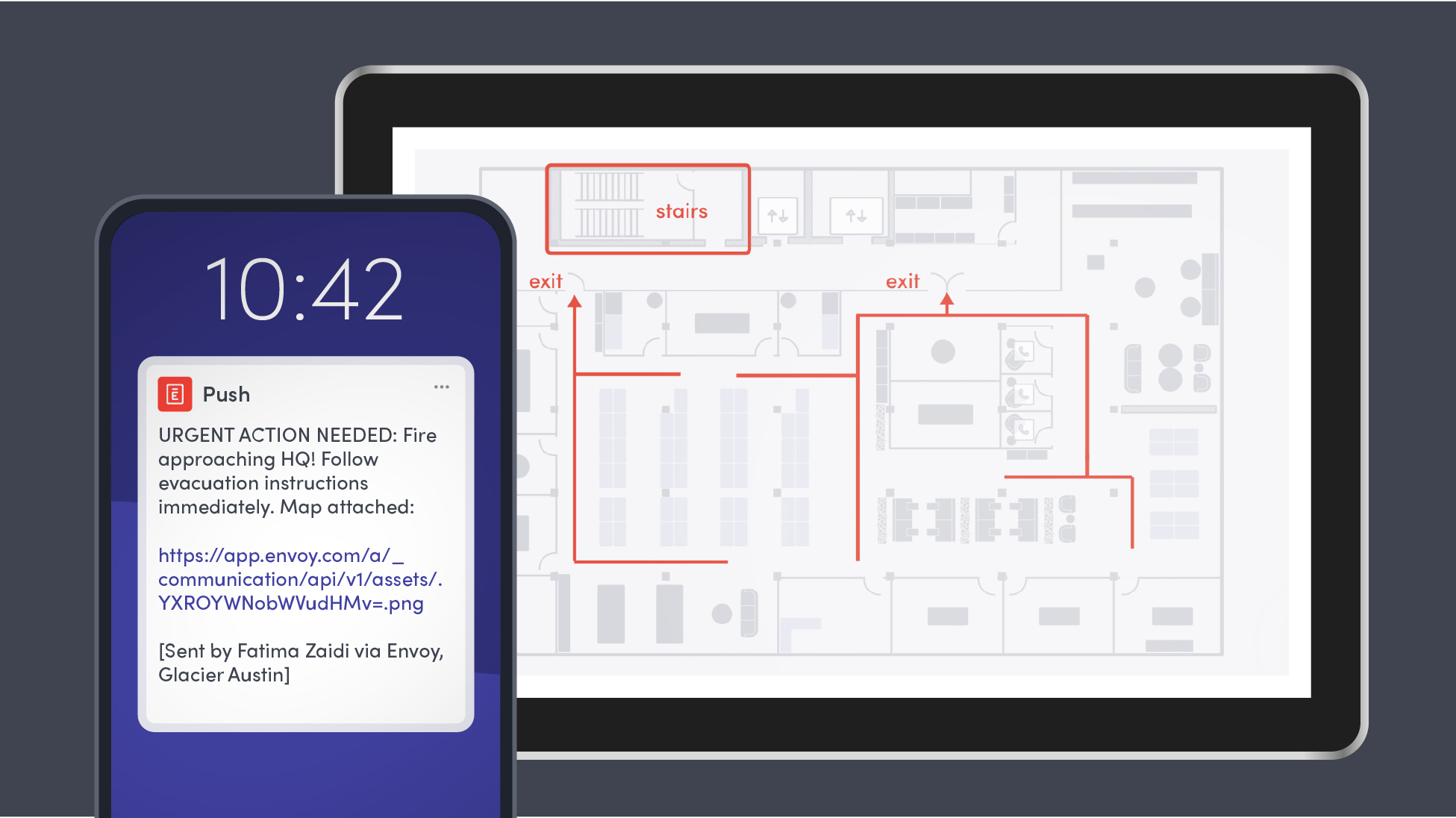
How to develop an incident management plan in Envoy
For proactive workplace safety planning, critical incident management must include targeted emergency communications. With Envoy as your risk management platform, you have the workplace intelligence you need to address physical threats.
Here’s how you can use emergency notifications in Envoy to respond quickly when every second counts:
- Instant threat detection: Automatically detect qualifying weather threats the moment they occur using National Weather Service data.
- Surface active threats instantly: Real-time visibility on your location-specific dashboards gives you oversight across your workplaces.
- Trigger automated notifications by geography: By setting predefined geographic boundaries for weather threats, you don’t need to constantly monitor conditions from other sources.
- Pre-set severity-based notifications: Configure alerts that automatically notify appointed staff based on threat severity and proximity to each location.
- Trust in real-time occupancy intelligence: Deliver notifications only to people onsite at impacted locations, using real-time occupancy data for employees and visitors.
- Send omnichannel alerts: Broadcast safety instructions across all channels, including SMS, email, Slack, Teams, Envoy mobile app push notifications, and Envoy-enabled screens.
- Critical message takeover on Screens: Instantly take over your digital signage with Envoy Screens to display emergency instructions where people can see them.
- Stay accountable with digital roll calls: Conduct onsite roll calls directly within the Envoy app to ensure safety protocols are followed.
- Prioritize help requests: Monitor and respond to “need help” responses to support targeted safety and incident response.
- Send timely updates: Keep people informed throughout the situation as conditions change or new information becomes available.
- Stay compliant: Meet OSHA, SB 553, and other regulatory requirements with automatic logs and audit trails of every message and response.
- Maintain a preparedness culture: Use Drill Mode to conduct scheduled drills to reinstill trust and practice expected response behaviors thus preparing the team for critical events. *It is recommended to run a drill at least once a year.
Emergency notifications built into Envoy’s platform can help you reduce response time, alert fatigue, and manual oversight across multi-site operations. Check out Envoy’s workplace preparedness safety guide to stay prepared and safe.
What are the essential elements of effective emergency communication?
Before diving into real-world scenarios, it’s worth grounding in what makes emergency communications work when it matters most. Effective emergency communications are messages that:
- Reach the people who need to act or be aware
- Are delivered immediately when conditions warrant action
- Are supported by trusted insights
- Deliver clear instructions across affected locations
When any of these fail, safety, compliance, and operational continuity are put at risk.
Emergency communications sent in Envoy should stay around 160 characters
Follow the standard 160-character SMS limit so emergency communications are digestible and don’t get fragmented. By delivering a single, cohesive message, your teams will receive critical information immediately, leading to faster response times and safer onsite outcomes.
Envoy Screens helps you get the right message to the right people, right away
Share updates, alerts, and key information at every location with Envoy’s digital signage solution. Especially for employees who lack computer, phone, or internet access while they're working, you can push instant safety alerts anywhere you have a screen. From your sign-in kiosk or iPad to frontline screens and mobile devices, Screens support your real-time emergency response.
Read more

In this guide, we’ll break down how cloud digital signage works, how it compares with on-premise signage, cost factors, and what to look for in a solution.

Learn how to support ITAR compliance with visitor screening, access approvals, onsite controls, and records that document each visit.

Compare leading mass notification vendors, their best-fit use cases, and key tradeoffs. Learn what to evaluate before choosing a system.
New Envoy research reveals where physical security gaps emerge and whether organizations can prove their controls are working.
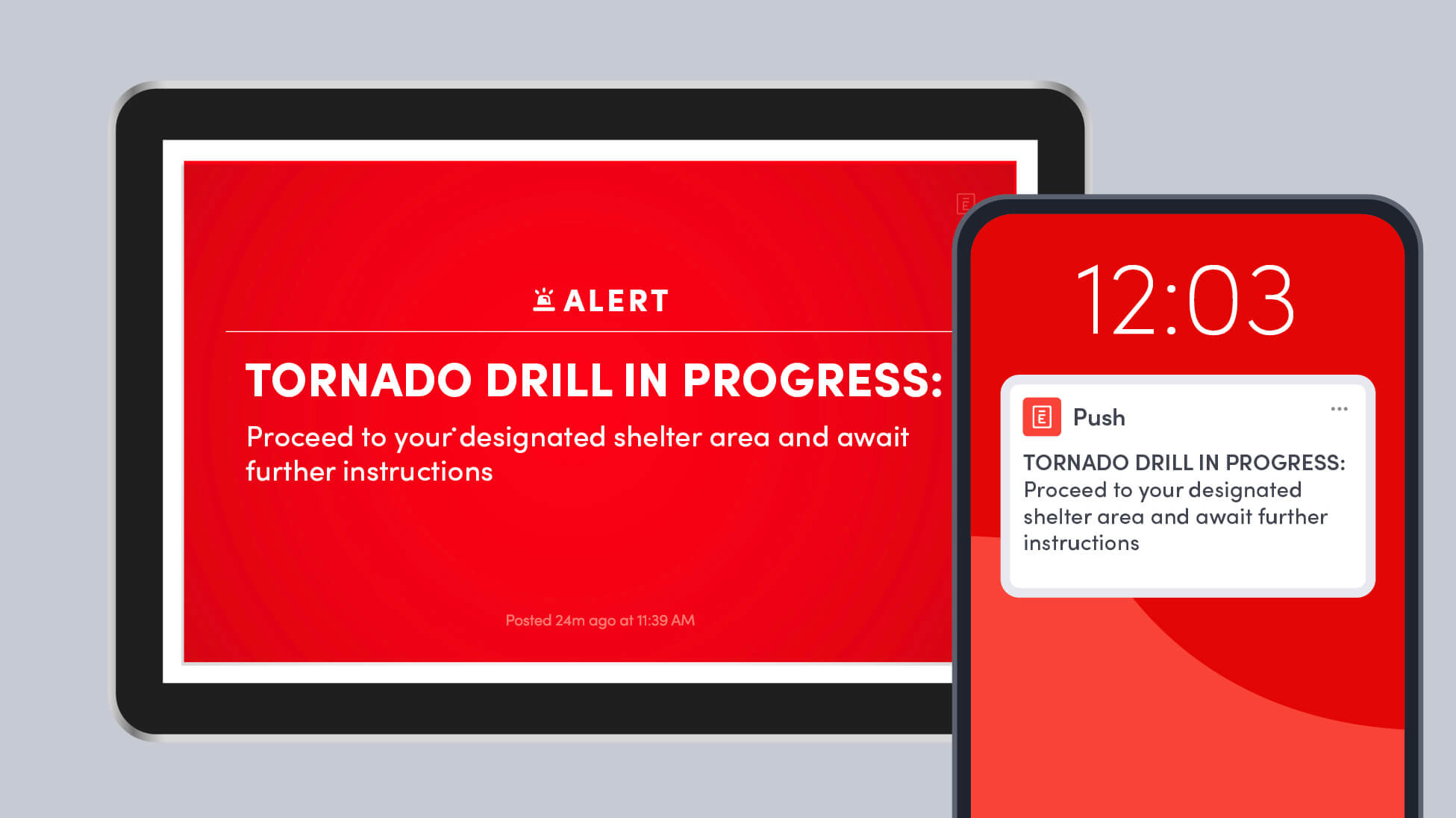
Learn how to run a workplace tornado drill, choose safer shelter areas, account for everyone onsite, and improve your emergency response plan.
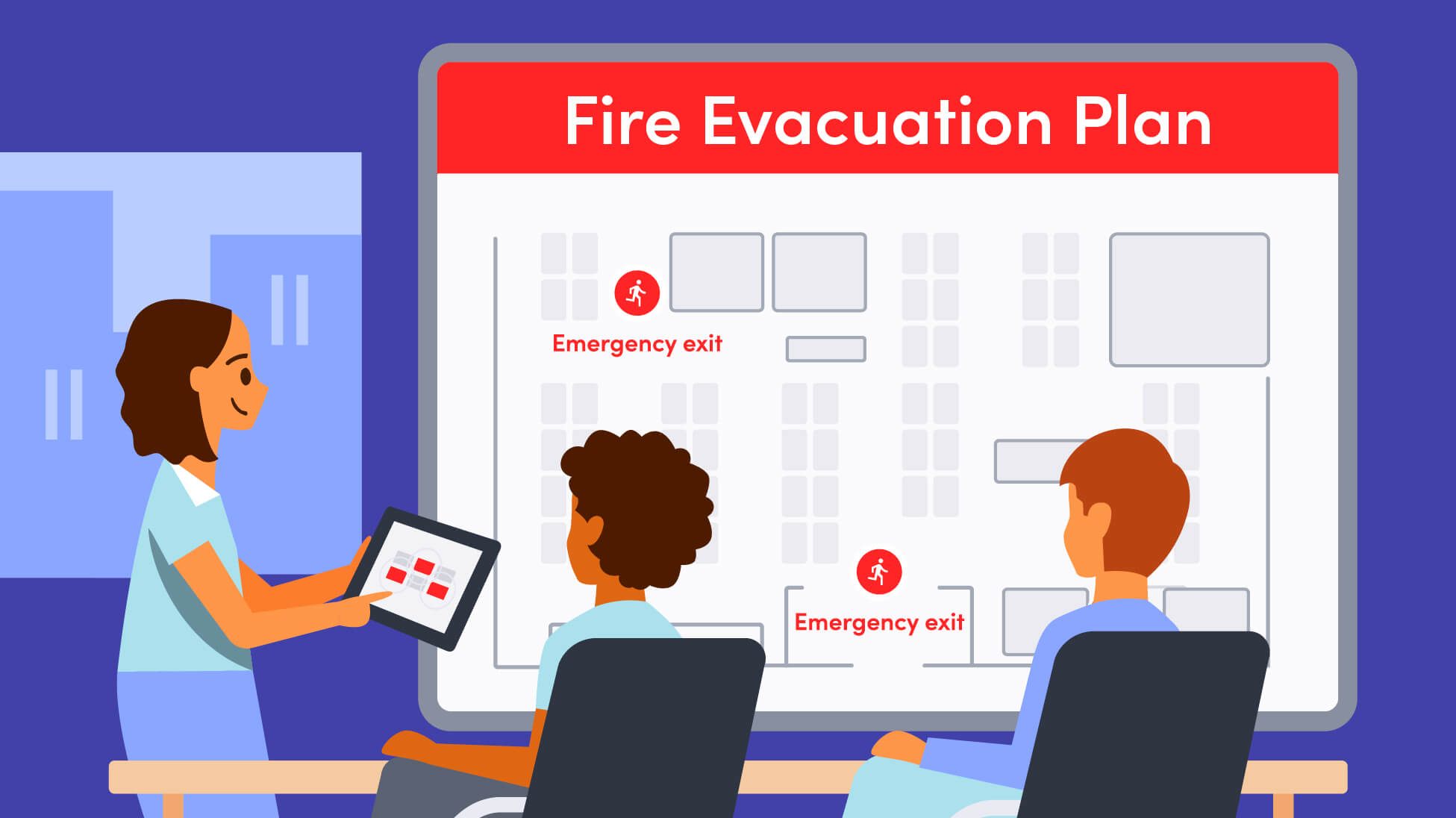
A strong fire evacuation plan goes beyond exit routes. Here’s how to plan for alerts, muster points, accountability, response roles, accessibility, and everyone who may be onsite.