

Digital signage for healthcare
Share real-time updates, safety alerts, and important information across your hospital or care facilities from one intuitive dashboard.

Trusted digital signage solutions for healthcare and hospitals









The gaps in today’s healthcare communication
In healthcare facilities, timing is critical. But scattered communication slows things down, making it harder for patients and staff to stay on the same page.

Patients and visitors struggle to navigate healthcare facilities
Large environments are tough to move through. Without clear and reliable signage, appointments run late and staff lose time redirecting traffic.
Staff rely on fragmented communication systems
Critical updates are scattered across emails, pagers, whiteboards, and paper signs—pulling teams away from their jobs to chase the latest details.
Safety alerts don’t reach people fast enough
Alerts should appear where they’ll be seen—waiting rooms, hallways, lobbies, staff areas—so people know what to do right away during a critical event.
Outdated signage is costly and slow to update
Printed signs quickly go out of date and take time to replace. Legacy displays require manual updates or IT support, adding cost and slowing down communication.
Modern digital signage for healthcare
Envoy gives hospitals and care facilities a simple way to share real-time updates, reduce confusion, and keep staff and patients aligned across every site.

Share key updates instantly
Push new announcements to any screen the moment something changes. No printing. No waiting. No outdated messages lingering on the walls.

Improve patient experience
Give patients clear directions, wait times, and helpful updates right when they need them—so there’s less confusion, smoother visits, and better flow.

Keep staff aligned
Keep teams informed by sharing staffing notices, shift details, schedule changes, and other internal updates in high-traffic employee areas.

Centralize control
Manage screens across every site from a single dashboard. Update facilities individually or all at once—even across your entire healthcare system.
Where Envoy adds value in healthcare

Emergency room status updates
Share real-time wait times, capacity changes, and triage updates so patients know what to expect before they reach the desk.

Digital signage without AV support
With Envoy, frontline staff can publish updates to pharmacy digital signage, medical digital signage, retirement home digital signage in seconds. There’s no complex hardware to install and no specialized equipment to manage.
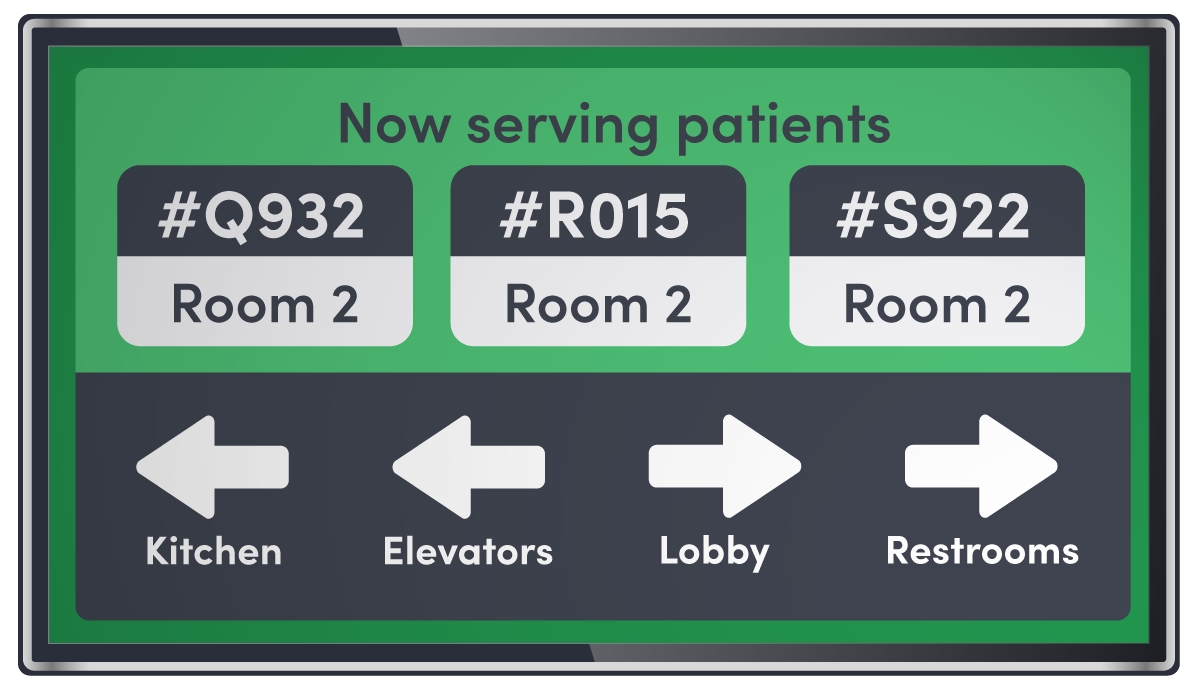
Patient education
Display helpful reminders, wellness tips, visit-specific instructions, and facility information to keep patients informed while they wait.
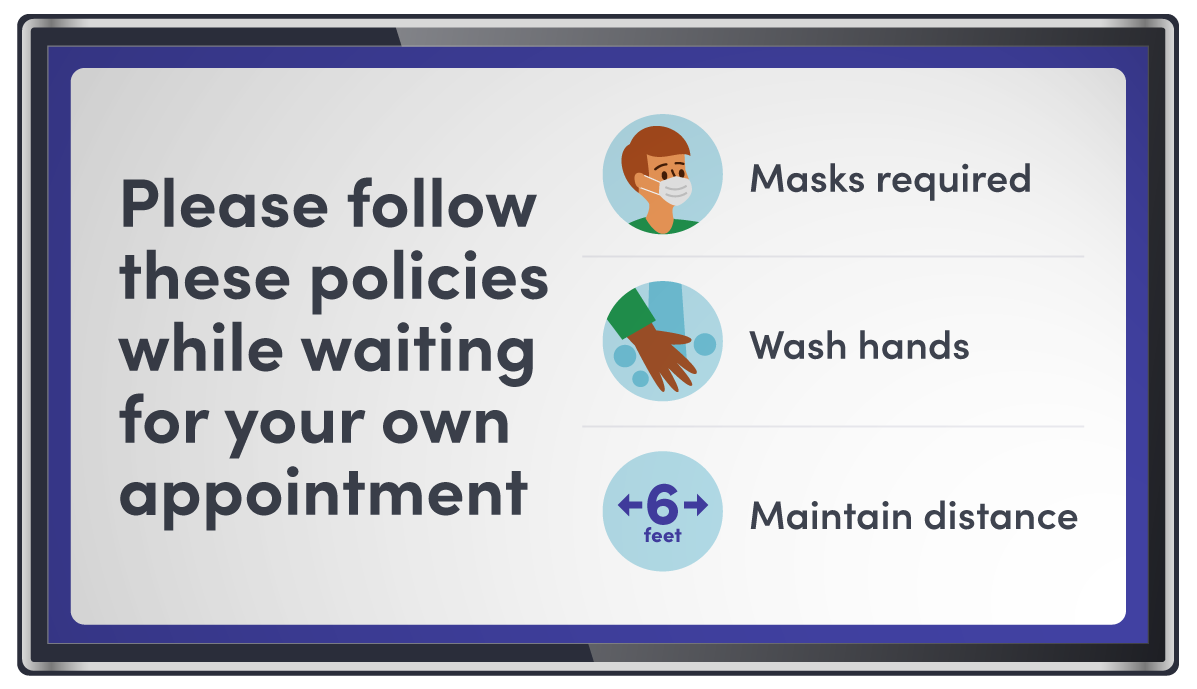
Infection control messaging
Promote hand hygiene, mask guidelines, and policy changes instantly across every screen to support safer environments.
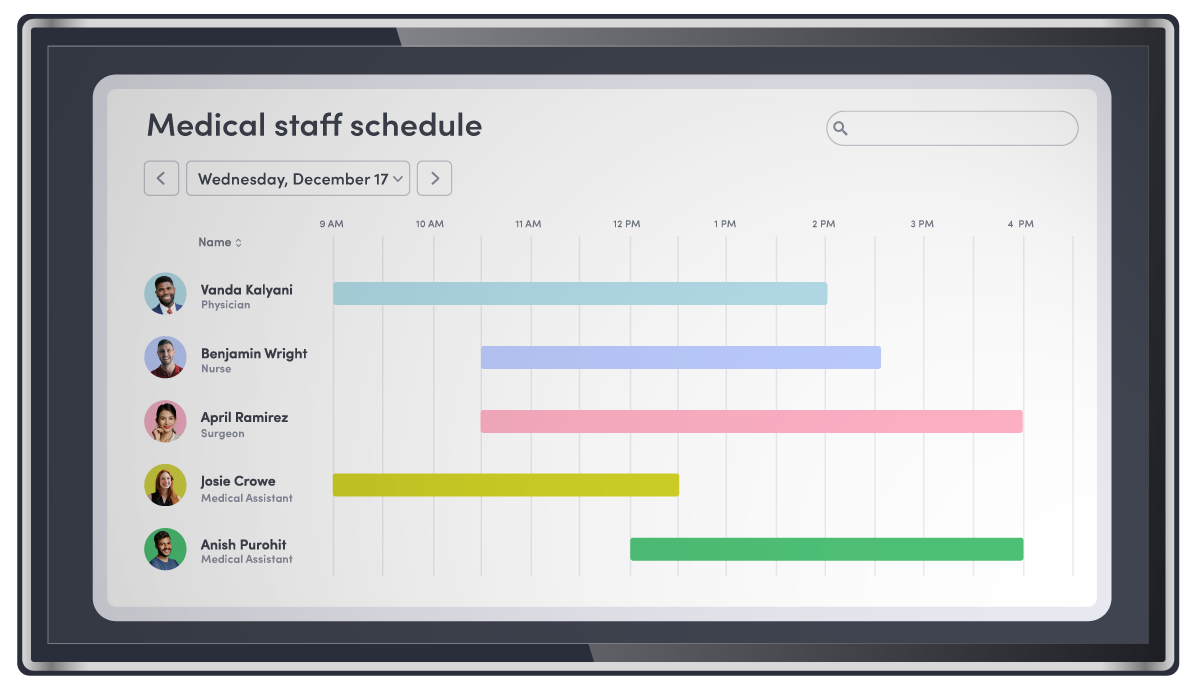
Staff communication
Broadcast shift updates, staffing needs, and internal notices to the right teams without relying on emails or bulletin boards.

Trusted by healthcare teams

NATHAN MCBRIDE
CIO & SVP, Innovation Architects at AMAG Pharmaceuticals

Pair digital signage with the rest of your workplace tools
Envoy Response
Bring threat intelligence, employee safety monitoring, and incident management into a single system.
Learn about Envoy Response
Visitors
Streamline check-ins and keep patient areas running smoothly with clear instructions delivered the moment someone arrives.
Learn about Envoy VisitorsStill have questions?
We can help.
Hospital digital signage is a modern way to share real-time information across your facilities using networked displays instead of printed signs or static screens. It’s also referred to as healthcare communication displays, patient communication screens, or hospital digital signage software.
Digital signage solutions for healthcare give patients clear directions, current wait times, and helpful updates so they feel informed and supported during their visit. It can also be used as internal staff communication tools, helping teams stay coordinated so patients experience fewer delays and smoother handoffs.
Yes. Admins can manage displays across locations from one dashboard. Upload images, videos, or public URLs, organize them into playlists, and schedule content to play on the right screens at the right times—keeping messaging consistent across every facility. More on this here.
Envoy is built with privacy and security in mind. It’s not designed for PHI, but workflows can be set up to safely share updates and coordinate staff without handling sensitive patient data. Learn more here.
Yes. Pair Envoy Screens with Emergency Notifications to broadcast alerts and instructions immediately. For more on this, visit our help center.
Envoy Screens works with most commercial displays, so you can usually use the hardware you already have. Interactive features like Maps require touch-enabled devices, while standard screens are great for playlists, images, and videos. For more on this, visit our help center.
Digital signage software is the interface that controls what content appears on screens throughout a healthcare facility, using existing display hardware. Hospitals and clinics use it to manage and update messages in real time—such as safety alerts, patient instructions, and operational updates—across lobbies, waiting areas, and staff zones.
Envoy allows healthcare teams to share real-time updates, wayfinding, and safety protocols on screens throughout the facility. This helps patients and visitors get the right information quickly, even if they miss emails or phone notifications.
Yes. Envoy Screens integrates Envoy Response to display time-sensitive alerts like evacuation instructions, lockdowns, or safety updates directly on screens. This ensures staff, patients, and visitors see critical information instantly.
Envoy Screens can display compliance reminders, hygiene protocols, and regulatory updates, helping facilities stay aligned with OSHA, Joint Commission Standards, and other healthcare regulations. Screens provide a consistent, visible way to reinforce policies across departments.
Healthcare administrators, facility managers, and safety teams gain an easy way to communicate with staff and visitors. Patients and visitors benefit from clearer directions, timely updates, and reduced confusion during their time in the facility.
Yes. Envoy Screens works alongside visitor management, desk and room reservations, and emergency notifications, creating a connected system for staff communication, operational coordination, and safety alerts across the facility.